Servestack
FeaturesStudioSolutionsRestaurantsPricingIntegrationsCompareResourcesFree toolsAbout
Log inBook a demo

Servestack

Get connected with Servestack on social.
Don't miss our launches and case studies.
FeaturesStudioPricingLocationsCase studiesBlogSolutionsFree toolsDemo restaurantRefer a restaurantPartnersAboutContactPrivacyTerms
© 2026 Servestack Inc. Built in Boston, MA. All rights reserved.
Back to top
Home/Studio/Post ideas/Instagram post ideas
Post ideas

25 restaurant Instagram post ideas

A full month of posts you can make from the menu and photos you already have.

Make these postsSee Servestack Studio
Updated September 29, 202625 ideasBy the Servestack team
Made for Boston Pizza

Running out of things to post is rarely about a lack of ideas. It's that on a Tuesday at 3pm, between the lunch close-out and the dinner prep list, nobody wants to invent something clever. So the account goes quiet for two weeks, then gets a blurry photo and "come see us!"

The fix is a short list of post types that work for any restaurant and repeat well. Your menu already holds most of them: a dish, a price, a special, a new item, the hours. Add a few clips from service and the people who cook, and you have enough to post four or five times a week without repeating yourself.

Below are 25 ideas, each with what to shoot or show, when to post it and a caption starter where it helps. Next to each one is the Studio tool or template that makes it from your own photos and menu. The examples on this page were made for Sunnyside Cafe and Boston Pizza, two Servestack restaurants.

The list

25 ideas you can post

  1. 1

    The dish of the week

    Pick one dish and give it the whole frame: no hands, no table clutter, the plate filling the post. Post it Monday so it sets the tone for the week. Caption starter: "This week we can't stop making..."

    Make it with Dish spotlight design →
  2. 2

    A price card for your top seller

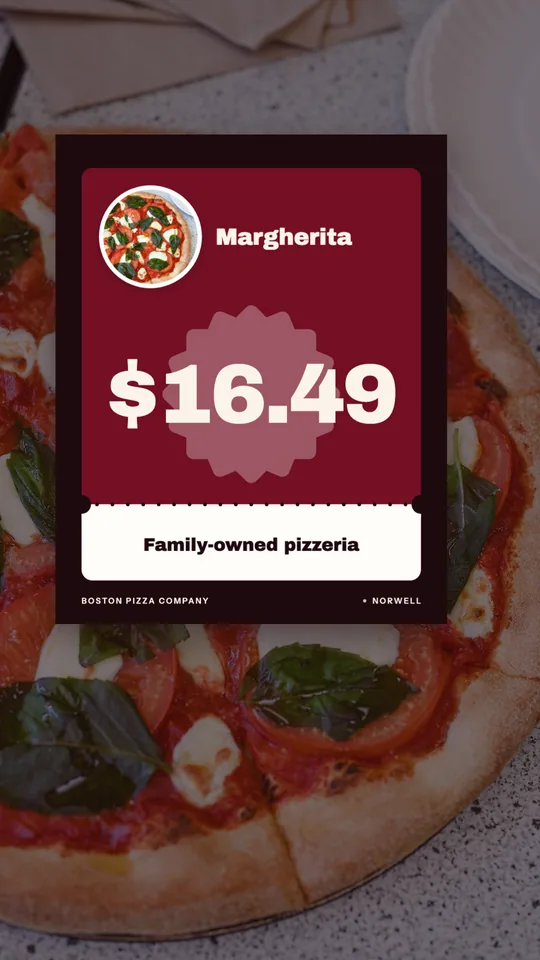
    Show the dish, its name and its price, nothing else. People scrolling at lunch want to know what it costs before they decide, so answer it for them. Post it the day before a slow shift.

    Make it with Instagram post maker →
  3. 3

    Today's special, posted before the rush

    A special only works if people see it in time. Post it by 10:30am for lunch or 3:30pm for dinner, with the dish, the price and "today only" or "until it's gone." Share the same design to your Story right after.

    Make it with Daily special maker →
  4. 4

    New on the menu

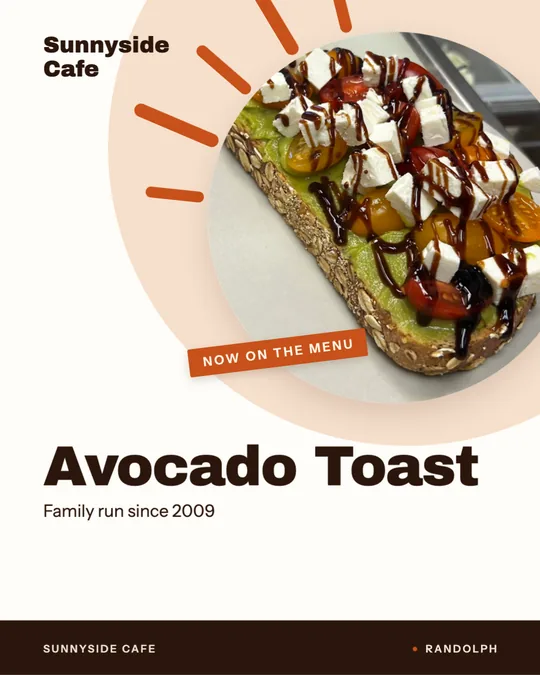
    When something new lands, announce it on the day it's available, not the week before. Show the dish close and name it the way the menu does. Caption starter: "New today, and it's staying."

    Make it with New item drop video →
  5. 5

    A 10-second dish video from one photo

    You don't need to film to post video. A dish video takes one good photo and adds movement and the dish name on screen. Use it for the dishes you want people to notice in the feed.

    Make it with Dish story video →
  6. 6

    The order-online reminder

    A plain post that says where to order and how. Post it late afternoon on the nights you want more pickup orders, and pin a version to your profile. Caption starter: "Skip the wait, order ahead at..."

    Make it with Order online video →
  7. 7

    A limited-time deal

    Only post a deal you'd be happy to run again: a combo, a lunch price, a weeknight bundle. Put the end date in the design so it doesn't live forever. Keep the words to what it is, what it costs and when it ends.

    Make it with Offer flash video →
  8. 8

    A Reel from tonight's service

    Prop your phone somewhere safe and film 20 seconds of plates hitting the pass, a pan flaring, a ticket rail filling up. Trim it into a short Reel the next morning. Real service footage does the job that a staged shot can't.

    Make it with Reel maker →
  9. 9

    One ingredient, up close

    Pick the ingredient you're proud of: the fresh mozzarella, the local eggs, the bread you bake. Shoot it raw, then show the dish it goes into. Caption starter: "This is why it tastes like that."

    Make it with Food poster maker →
  10. 10

    The whole menu on one board

    Once a month, post a clean menu board with your core dishes and prices. It's the post people screenshot and send to the group chat when deciding where to eat. Save it to a Story highlight called "Menu."

    Make it with Menu poster maker →
  11. 11

    Meet the person who makes it

    A photo or short clip of the cook behind a dish, with their first name and what they make. Ask before you post and let them pick the shot. Caption starter: "If you've had our... you've had Maria's work."

    Make it with Reel maker →
  12. 12

    Hours and holiday closures

    Any time your hours change, post it in the feed and your Story and put a sign in the window. Keep it readable at a glance: days, times, and the date it starts. Post it at least three days ahead.

    Make it with Window sign design →
  13. 13

    The same post on Google

    Whatever you post for a special or a new dish, send a version to your Google Business Profile too. People searching for somewhere to eat nearby see it right next to your hours and directions.

    Make it with Google Business post maker →
  14. 14

    A fresh look for an old photo

    Dig out a dish photo you liked from last year and give it a new layout, framing and captions. Same food, new post. It's a good move for dishes that never changed but haven't been posted in months.

    Make it with Food photo makeover →
  15. 15

    Chef's pick

    Once a week, let the kitchen pick the dish to order. It gives regulars a reason to try something new and gives the kitchen a voice on the account. Caption starter: "If the chef were ordering tonight..."

    Make it with Instagram post maker →
  16. 16

    A close-up that makes people hungry

    Go in tight: the crust, the melt, the crispy edge. A slow push into the dish from a photo you already have can do this without re-shooting. This one is AI video, so it uses credits.

    Make it with Close-Up Dive AI video →
  17. 17

    The finishing touch

    The moment of basil, herbs or sugar landing on the dish is the most watchable second in a kitchen. If you didn't film it, a falling-garnish video can add that motion to your real dish photo (uses credits).

    Make it with Falling Garnish AI video →
  18. 18

    First light, doors open

    A morning post for cafes and breakfast spots: the first plate of the day in window light, posted as you unlock the door. Caption starter: "Doors are open, the coffee's on."

    Make it with Light Reveal AI video →
  19. 19

    Answer the question you hear most

    Parking, gluten-free options, whether you take reservations, if the patio is open. Write the question and the answer as one short line on a poster or card. It saves your staff from answering it again on the phone.

    Make it with Food poster maker →
  20. 20

    This or that

    Post two dishes side by side in your Story and add Instagram's poll sticker: "Which one tonight?" Share the result the next day with the winning dish as a feed post. It's an easy way to get people talking back.

    Make it with Instagram post maker →
  21. 21

    Catering and big orders

    If you take trays, office lunches or party orders, say so plainly and often. One post a month with what you offer, how much notice you need and how to ask is enough. Caption starter: "Feeding a crowd? We'll handle it."

    Make it with Ad maker →
  22. 22

    A local tie-in

    The high school game, the town fair, the first snow day. Tie a special to something happening in your town and post it the morning of. Keep it about your food and your neighbors, not the event's logo.

    Make it with Daily special maker →
  23. 23

    How we make it, in three shots

    A carousel of three photos: the raw ingredients, the dish mid-cook, the finished plate. It shows care without a word of bragging. Post it for a dish that takes real work, like a slow braise or a hand-stretched pie.

    Make it with Instagram post maker →
  24. 24

    Share a real guest's post

    When a guest tags you with a good photo, ask if you can share it, then repost it to your Story with a thank-you. Only share what guests actually posted, and never edit their words.

  25. 25

    The weekly roundup

    Sunday evening, post what's coming this week: the specials, any events, the hours if they change. It gives regulars a reason to plan a visit and gives you a checklist for the week's posts.

    Make it with Menu poster maker →
Real examples

What these look like

Made in Studio for Servestack restaurants, from their own photos and menus.

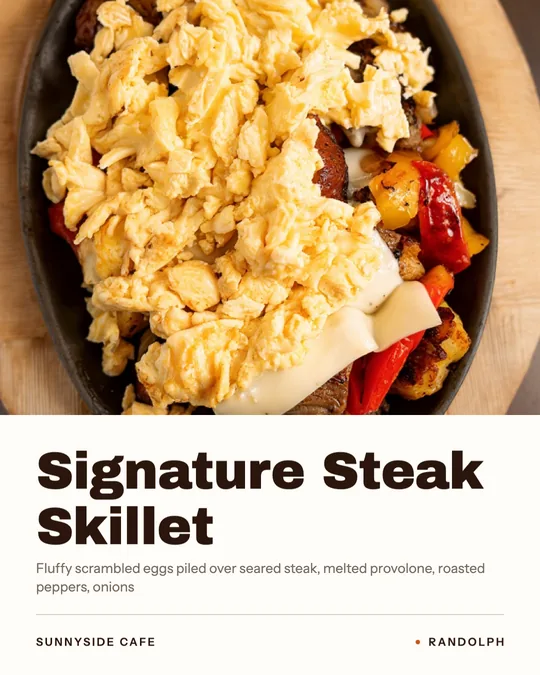
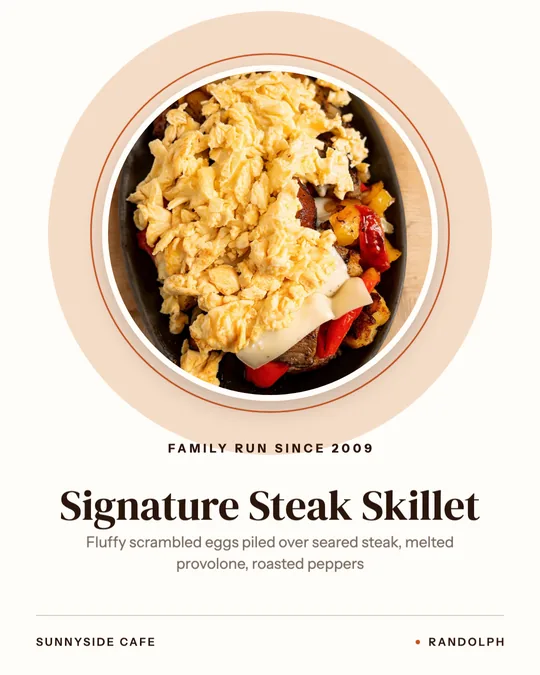
Chef's pick, made for Sunnyside Cafe
Chef's pick · Sunnyside Cafe
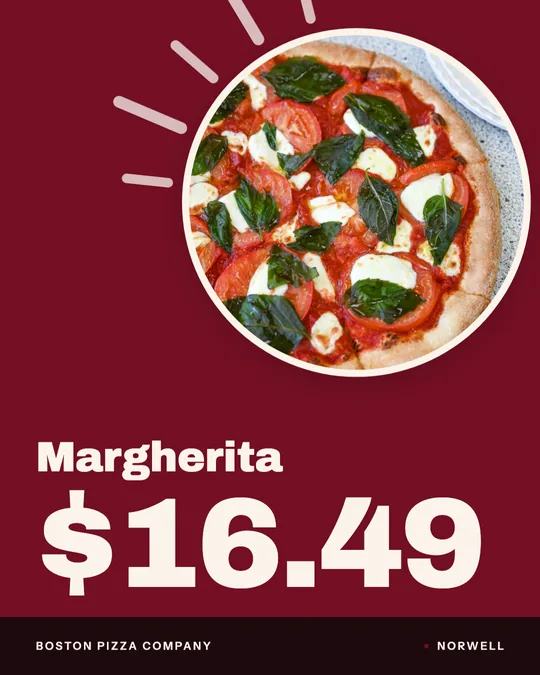
Price card, made for Boston Pizza
Price card · Boston Pizza
Daily special, made for Boston Pizza
Daily special · Boston Pizza
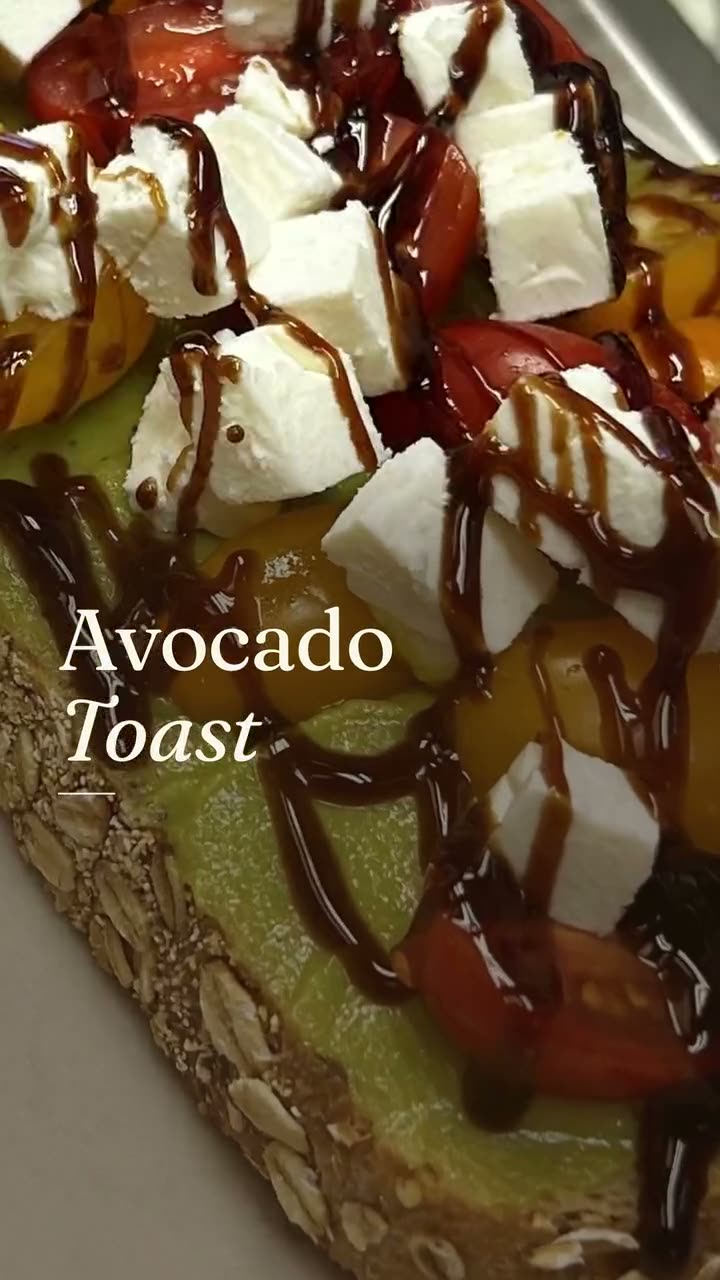
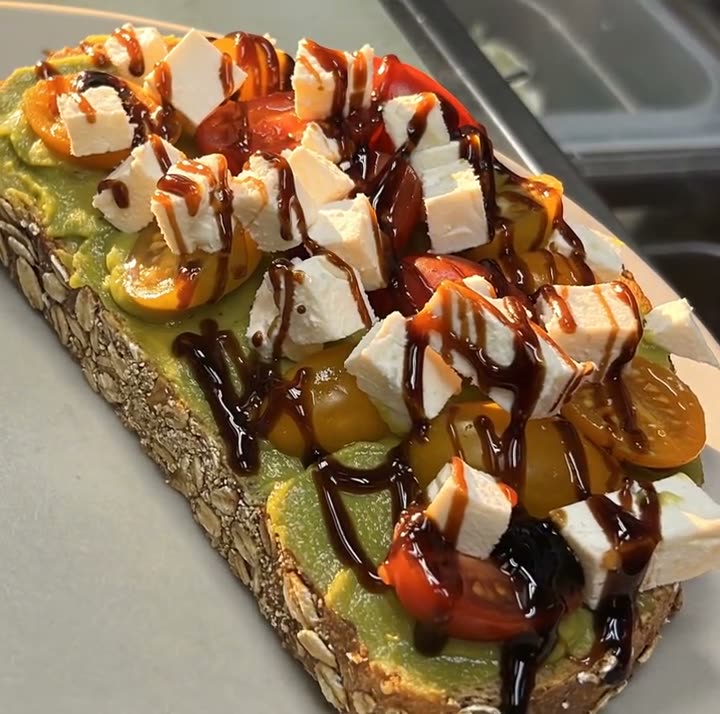
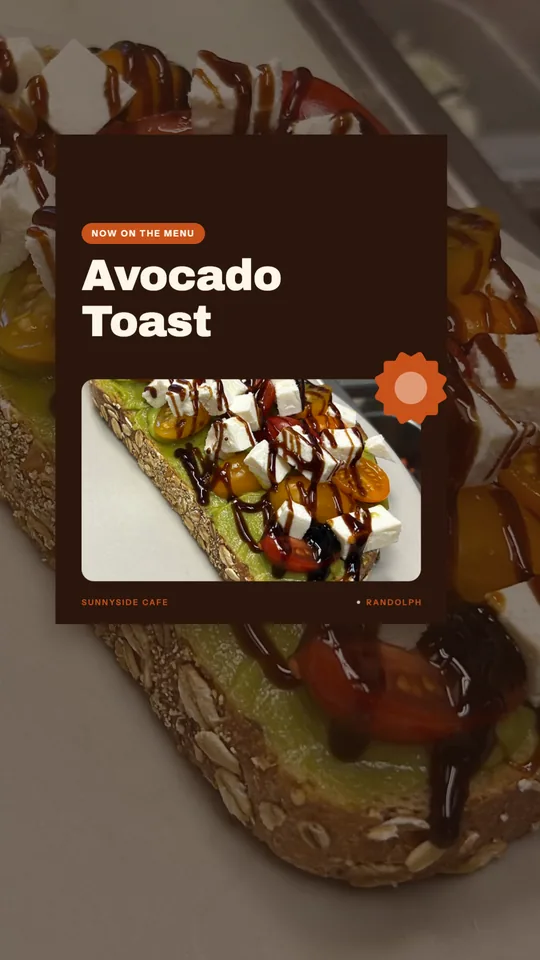
New on the menu, made for Sunnyside Cafe
New on the menu · Sunnyside Cafe
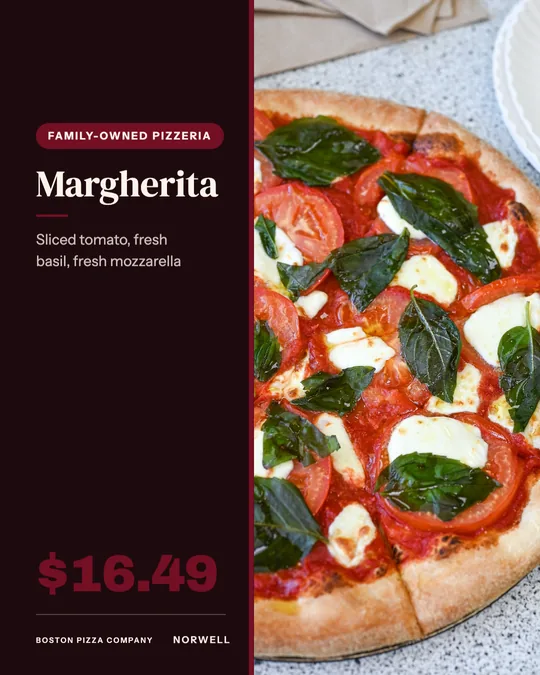
Big-price deal card, made for Boston Pizza
Big-price deal card · Boston Pizza
Window sign, made for Sunnyside Cafe
Window sign · Sunnyside Cafe
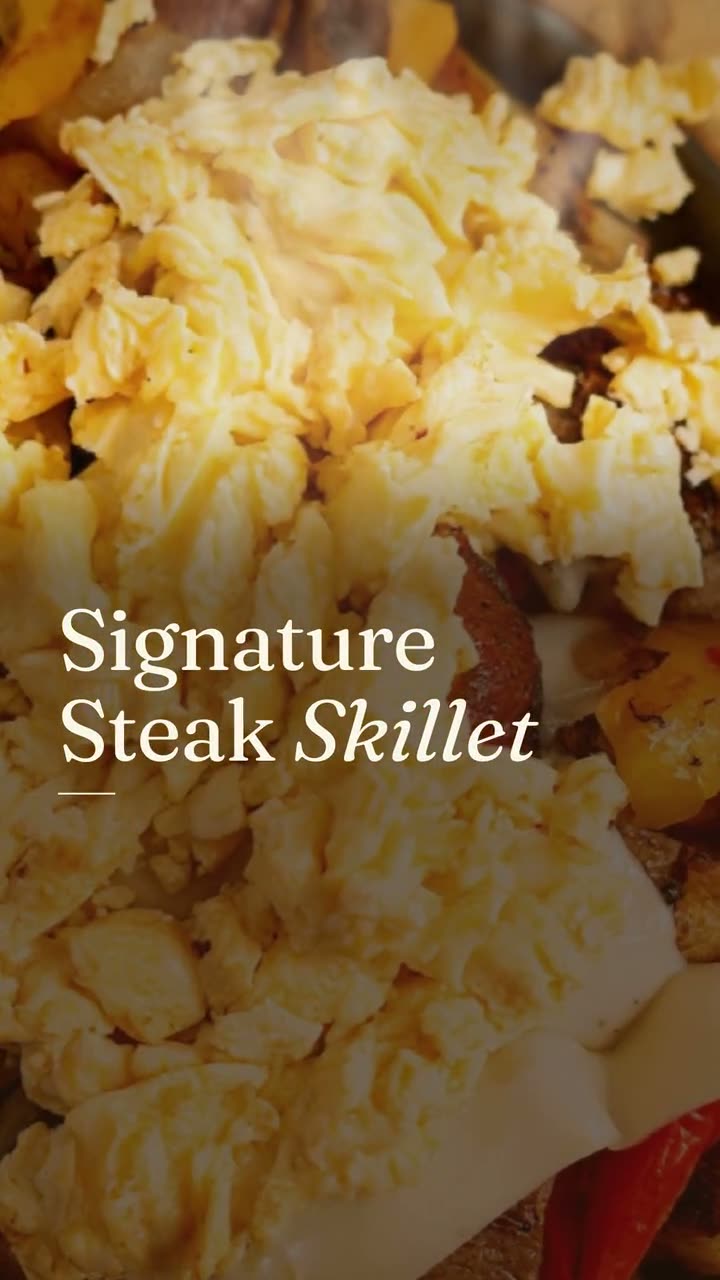
Dish story — Editorial · Boston Pizza
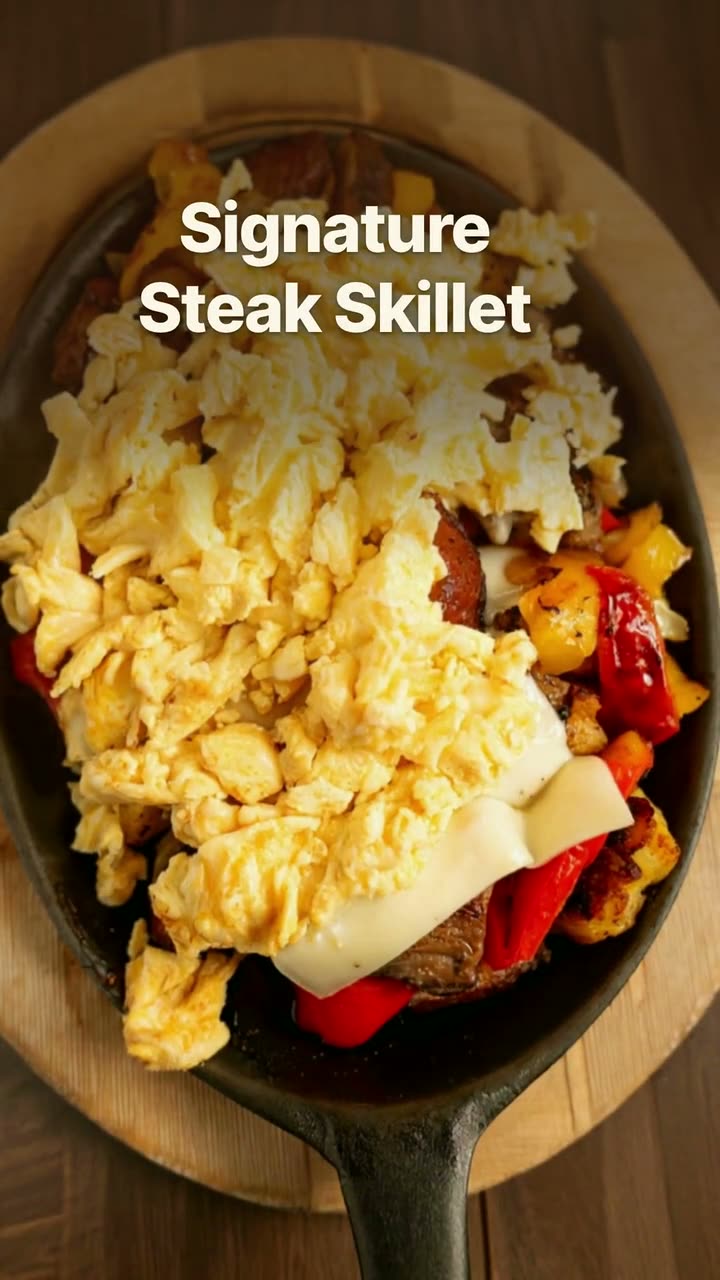
Clip reel from your phone videos · Sunnyside Cafe

Shown with permission: Sunnyside Cafe (Randolph, MA) and Boston Pizza (Norwell, MA).

A weekly mix that won't run dry

You don't need 25 new ideas every month. You need a rhythm that rotates through them. Here's one that works for most restaurants posting four to five times a week:

  • Monday: dish of the week or chef's pick (feed), then the same design to your Story.
  • Tuesday or Wednesday: a price card or deal for your slowest night.
  • Thursday: a dish video or a close-up, so the feed has motion.
  • Friday: a Reel from last weekend's service, posted before the dinner rush.
  • Weekend: an order-online Story in the late afternoon, plus any hours changes.
  • Once a month: the menu board, a staff post and a catering reminder.

What to put in the caption

Captions can be short. "The short rib melt is back. $14, weekends only. Order ahead at the link in our bio." says everything a hungry person needs.

  • The dish name exactly as it appears on your menu, so people can order it.
  • The price, or at least "under $15" if you'd rather not list it.
  • When it's available: today only, weekends, until Sunday.
  • How to get it: dine in, order online, call ahead.
  • One line of personality at most. The photo is doing the selling.

Make a week of posts in one sitting

The accounts that post steadily usually make everything at once. In Studio, your menu is already loaded, so each post starts with the right dish, name and price. Pick five layouts, check the words, and schedule them to Instagram, Facebook, Google and TikTok for the week ahead.

Template designs, dish videos and Reels from your clips use no credits. The AI videos and AI designs mentioned above use credits from the 600 included each month with the $49 plan.

FAQs

Frequently asked
questions

How often should a restaurant post on Instagram?
Three to five times a week is a pace most restaurants can keep up. Consistency matters more than volume, so pick a rhythm you can hold for months.
What should a restaurant post on Instagram when nothing is new?
Post your core dishes again with a fresh layout, a price card, a staff post or an order-online reminder. Regulars don't mind seeing a favorite dish twice, and new followers haven't seen it at all.
Are these ideas the same for Facebook and TikTok?
Most of them work anywhere. Feed posts go to Facebook as-is, and the Reel and video ideas fit TikTok's 9:16 format.
Should I post prices on Instagram?
Usually yes. A price answers the first question most people have, and a dish with a price is easier to act on than one without.
Do I need a professional photographer for these posts?
No. Clear phone photos in good light are enough for nearly every idea here. Studio builds the layout around the photos you already have.
What time of day should I post restaurant content?
Post before people decide where to eat: mid-morning for lunch and mid-afternoon for dinner. Specials in particular need to be up before the rush, not during it.
Keep exploring

More from Servestack Studio

Related tools See all

Instagram post makerYour menu and your photos in, a week of on-brand Instagram posts out.Daily special makerToday's special, posted before the lunch rush, without anyone stopping to design it.Food photo to videoOne photo of your real dish in, a short moving shot out. The food stays exactly what you serve.

Templates to try See all

Dish spotlight designGive one dish the whole post, with the menu description that makes people order it.New item drop videoLaunch a new dish with a reveal video and a matching story card, both from your real menu.

By type of restaurant See all

Cafe & coffee shopA reason to stop in, posted before your regulars have finished their first cup.PizzaYour pies, your prices, and a post for every night people decide what's for dinner.

Post ideas See all

Reel ideasShort videos you can film in the gaps of a normal shift, no crew and no tripod required.Thanksgiving post ideasWhat to post from early November through Small Business Saturday, with the dates already worked out.

Make this week's posts from your own menu.

$49/month with 600 credits included. Already on Servestack Starter or Scale? Studio is included.

Start freeAlready have Servestack? Open Studio