Servestack
FeaturesStudioSolutionsRestaurantsPricingIntegrationsCompareResourcesFree toolsAbout
Log inBook a demo

Servestack

Get connected with Servestack on social.
Don't miss our launches and case studies.
FeaturesStudioPricingLocationsCase studiesBlogSolutionsFree toolsDemo restaurantRefer a restaurantPartnersAboutContactPrivacyTerms
© 2026 Servestack Inc. Built in Boston, MA. All rights reserved.
Back to top
Home/Studio/Templates/Light Reveal AI video
AI motion recipe · Uses credits

Light Reveal: cinematic food video from one photo

The light moves across the plate the way it does in a food commercial. The plate is yours.

Use this templateSee Servestack Studio
$49/month600 credits includedCancel anytime
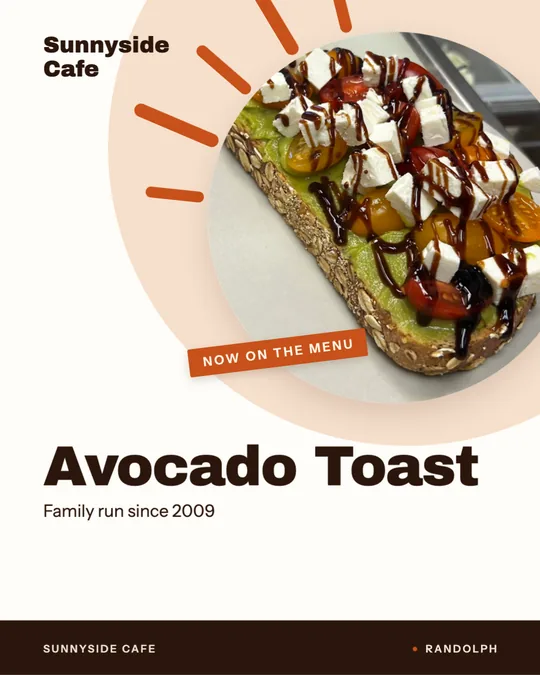
Made for Sunnyside CafeAI
Formats
1:1 square · 9:16 story / Reel
Cost
Uses credits
Best for
Breakfast plates and toasts with drizzles, glazes or glossy toppings · Desserts and pastries where the shine is the point · A calmer, more polished post for a cafe or brunch spot · Turning a good but flat-looking photo into something with mood
Made in
Food photo to video

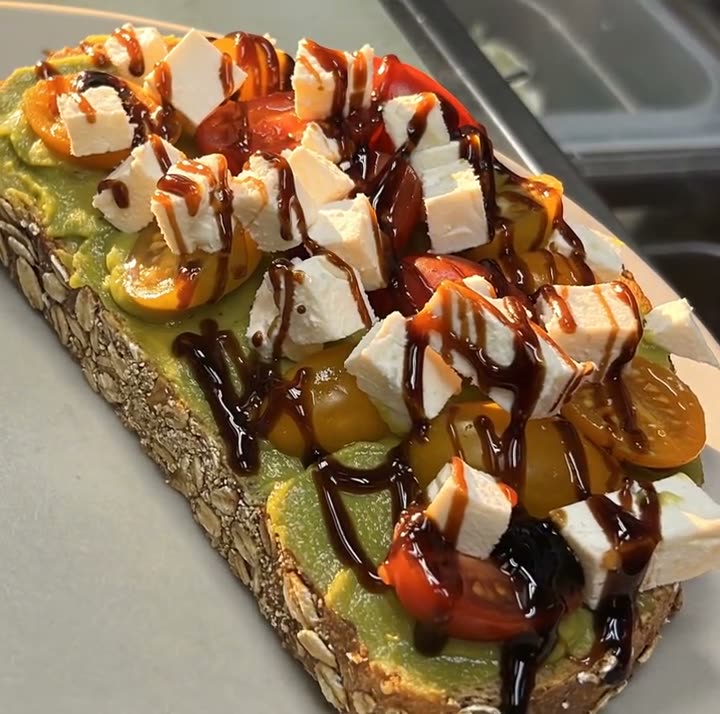
Light Reveal is the quietest of Studio's AI motion recipes, and the one that looks most like a TV food spot. It starts from a single photo of your dish and moves the light across it: highlights slide over the sauce, shadows shift, and the camera drifts gently. Sunnyside Cafe's example is one of its brunch plates, with its dark drizzle catching the light as it moves.

The light is what the AI adds. The dish is not. Every tomato and every crumb in the video is from Sunnyside's own photo, because Studio's AI can move the camera and set the scene but never invents or swaps the food. You see the video before anything posts.

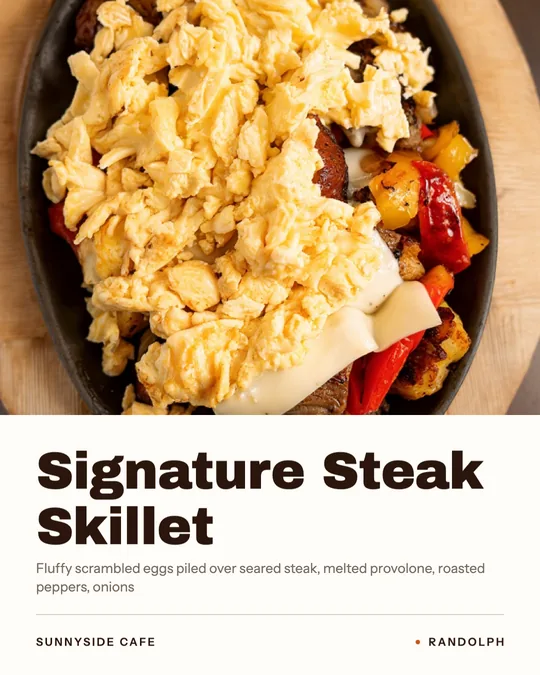
Light Reveal is AI work, so it uses credits from the 600 included each month with the $49 plan. Sunnyside's examples include a five-second 1:1 square clip and a longer 9:16 story cut that opens in the dining room, names the dish in a clean serif and ends on the cafe's name.

Real examples

Light Reveal AI video examples

Rendered in Studio for real Servestack restaurants, from their own photos and menus.

Light Reveal — AI video · Sunnyside CafeAI
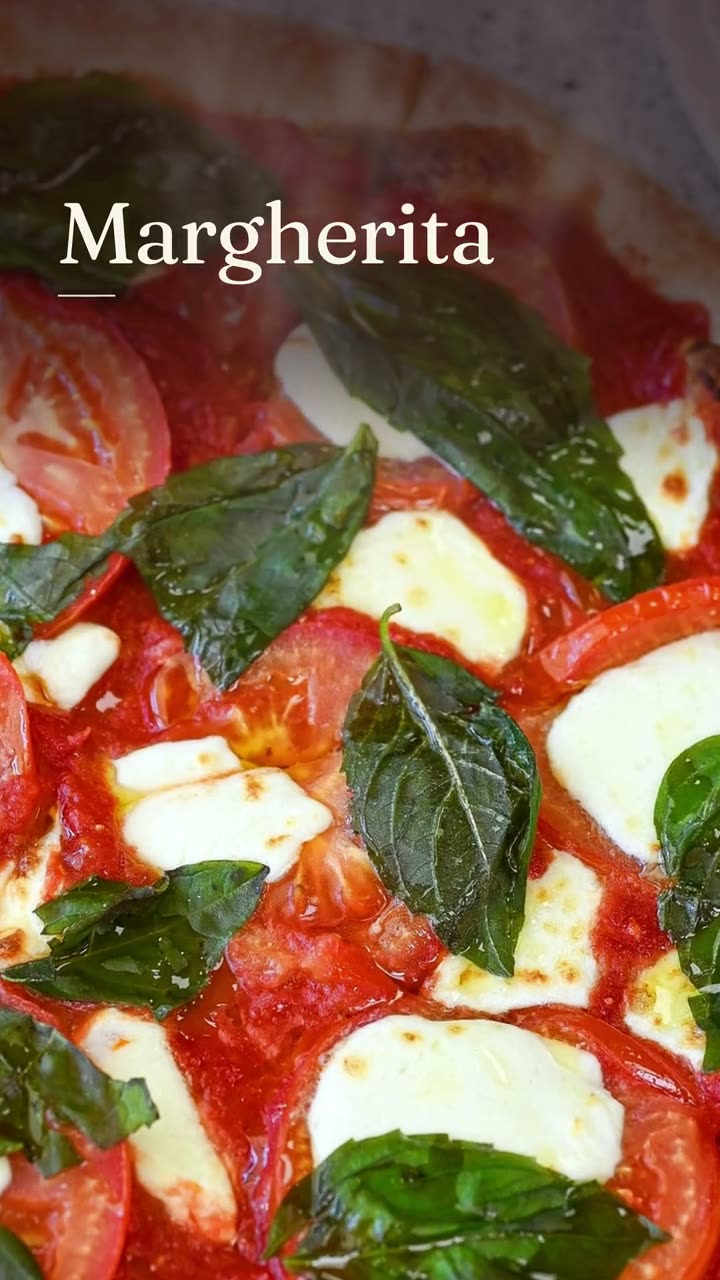
Light Reveal, cut as a dish story · Sunnyside CafeAI

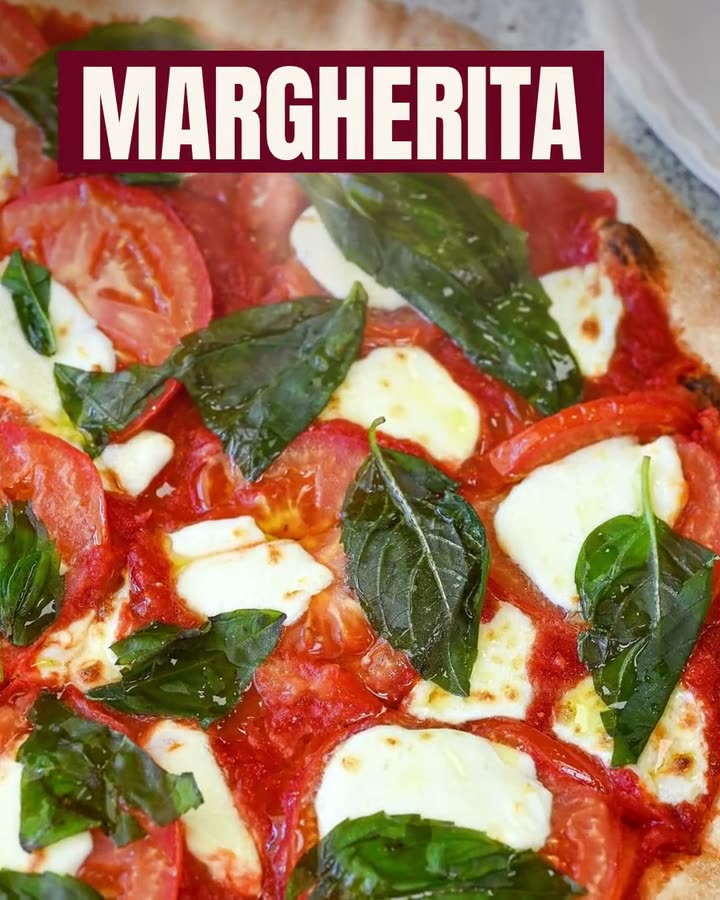
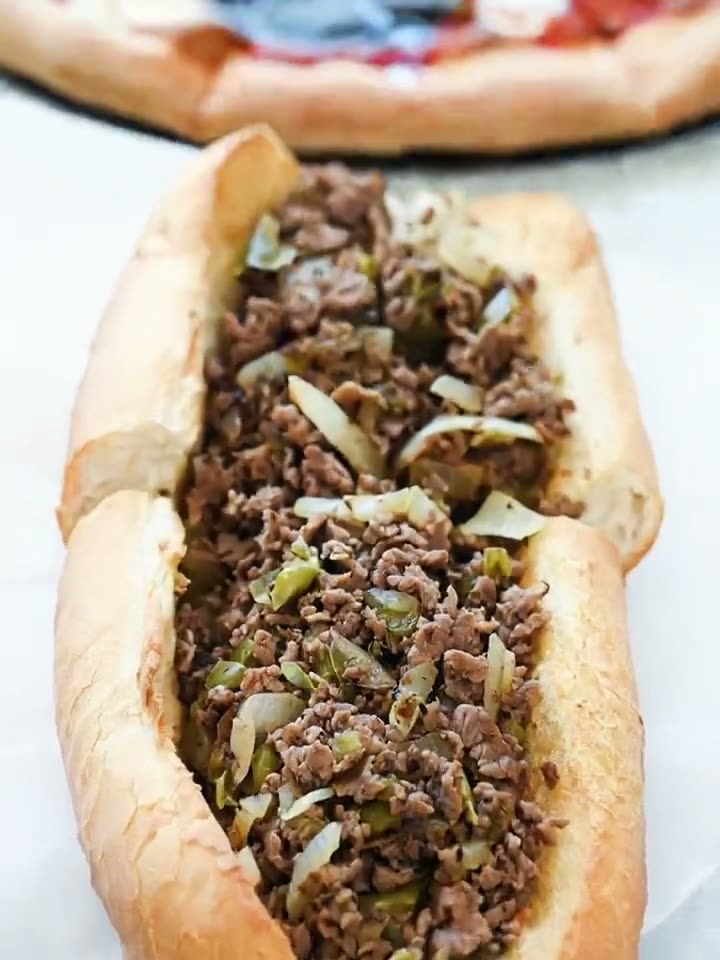
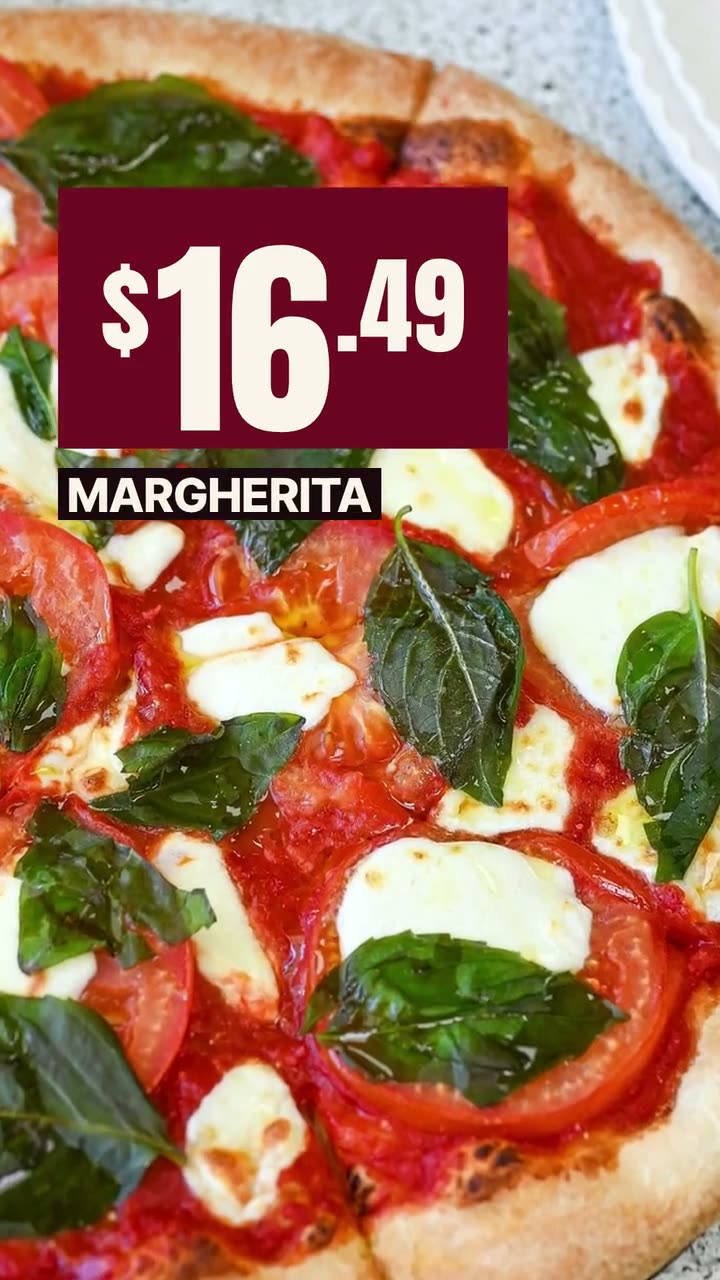
Shown with permission: Sunnyside Cafe (Randolph, MA) and Boston Pizza (Norwell, MA).

How it works

How to use the Light Reveal AI video template

  1. Step 01

    Pick a photo with some shine

    Choose a dish with a glossy or textured surface, like a drizzle, a glaze or melted cheese, shot in soft, even light so the moving light has room to work.

  2. Step 02

    Run Light Reveal

    Choose AI video and the Light Reveal recipe. It uses credits, and you'll see the finished video before deciding what to do with it.

  3. Step 03

    Choose the square or the story

    Use the 1:1 clip for the feed and Facebook, or the 9:16 story cut for Stories and Reels. Post it now or schedule it.

Which dishes suit Light Reveal

Light Reveal rewards surfaces that react to light. Anything glossy, drizzled or glazed looks good as the highlight moves across it: a balsamic or honey drizzle, a fruit tart, a glazed donut, a pan sauce on steak, a latte with a clean pour. Fresh vegetables with a little moisture on them catch the light well too.

Because the motion is slow and soft, it also suits restaurants whose brand is calm rather than loud: cafes, bakeries, brunch places, wine bars. If you want punch and speed for a pizza or burger post, Close-Up Dive or Falling Garnish usually fits better.

Photo tips for a light reveal

  • Start with soft, even light, like a window on a cloudy day. The recipe adds the drama, so the photo shouldn't already have harsh shadows.
  • Avoid flash. A flash hotspot stays put while the rest of the light moves, and it looks odd.
  • Shoot at a low three-quarter angle, so the surface of the dish faces the light and shows its shine.
  • Wipe the plate rim. Moving light finds every smudge and drip.
  • Keep the background plain and a little darker than the dish, so the light pulls the eye to the food.

Square clip vs story cut

The square clip is the effect on its own: about five seconds, 1:1, with no words on screen. It sits well in the Instagram grid and on Facebook, where square posts fill the frame without cropping. Write the dish name in your caption.

The 9:16 story cut runs just under ten seconds and is edited like a dish story. Sunnyside's version opens on its dining room, names the dish, shows the light moving over it and ends on the cafe's name. It's the version to use for Stories, Reels and TikTok, and it works as a short brand spot, not only a dish post.

FAQs

Frequently asked
questions

What moves in a Light Reveal video?
The light and the camera. Highlights and shadows move across the dish and the camera drifts gently, while the food stays as it is in your photo.
Does Light Reveal use credits?
Yes. It's AI video, so it uses credits from the 600 included every month with the $49 plan. More credits are available whenever you need them.
What photo works best for Light Reveal?
A dish with a glossy or drizzled surface, shot in soft window light without flash, at a low angle. Plain backgrounds help.
Is Light Reveal good for a cafe or bakery?
Yes. The slow, soft motion suits brunch plates, pastries and desserts, which is why Sunnyside Cafe used it.
What sizes does Light Reveal come in?
Sunnyside's examples are a 1:1 square clip for the feed and a 9:16 story cut for Stories and Reels.
Can I use Light Reveal as a restaurant promo video?
Yes. The 9:16 story cut opens on the dining room and ends on the restaurant's name, so it works as a short promo as well as a dish post.
Keep exploring

More from Servestack Studio

Related tools See all

Food photo to videoOne photo of your real dish in, a short moving shot out. The food stays exactly what you serve.Ad makerThe creative for your next restaurant ad, made from your own food and your real offer.Food photo makeoverThe photos and clips you already have, reframed and relaid out. The food stays exactly as you served it.

Templates to try See all

Close-Up Dive AI videoStart on the whole plate, end close enough to see every bit of the filling.Falling Garnish AI videoLeaves drift down, the light shifts, and the dish in the middle stays exactly yours.Dish spotlight designGive one dish the whole post, with the menu description that makes people order it.

By type of restaurant See all

Cafe & coffee shopA reason to stop in, posted before your regulars have finished their first cup.BakeryTell the neighborhood what came out of the oven this morning, before it's gone.

Post ideas See all

Instagram post ideasA full month of posts you can make from the menu and photos you already have.

Use the Light Reveal AI video template with your own dish.

$49/month with 600 credits included. Already on Servestack Starter or Scale? Studio is included.

Start freeAlready have Servestack? Open Studio