New layouts for old photos
A photo that looked plain on its own gets a proper layout, with the dish name and price set around it.
The photos and clips you already have, reframed and relaid out. The food stays exactly as you served it.
Search for AI food photography and you'll find tools that promise to make your food look better. Often that means making it look different: glossier sauce, a taller burger, herbs that aren't in the recipe, or a plate generated from scratch. It looks great in the feed and falls apart the moment the real dish reaches the table.
Studio's Makeover takes a more honest line. Bring a photo or clip you already have, even an old one that never worked as a post, and Studio gives it a new layout, new framing and new captions. The food in it is the food you photographed. Nothing is added to the plate, nothing is swapped, and nothing is "enhanced" into something you don't serve.
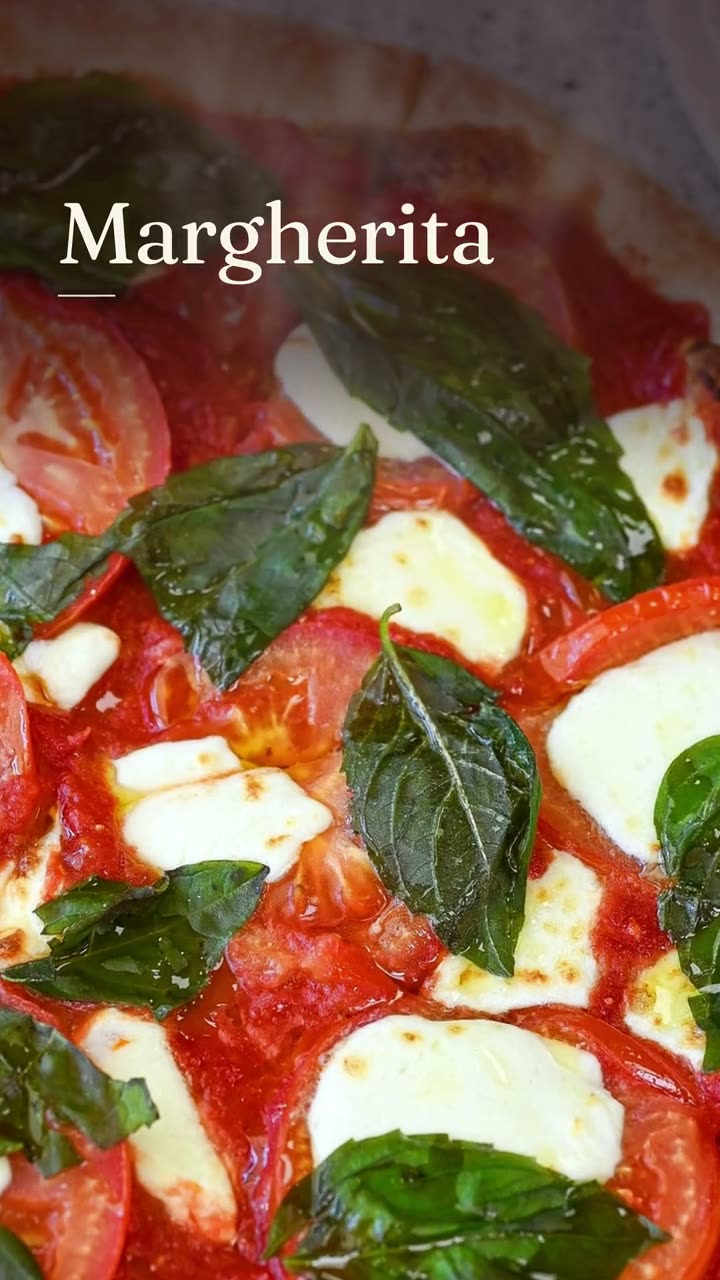
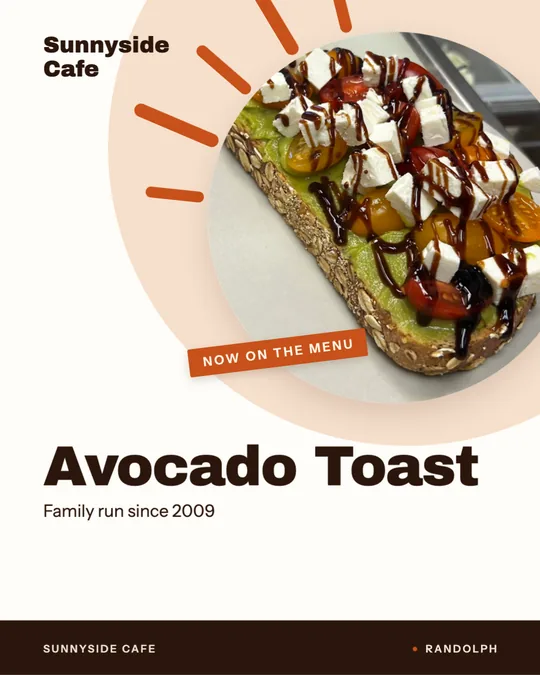
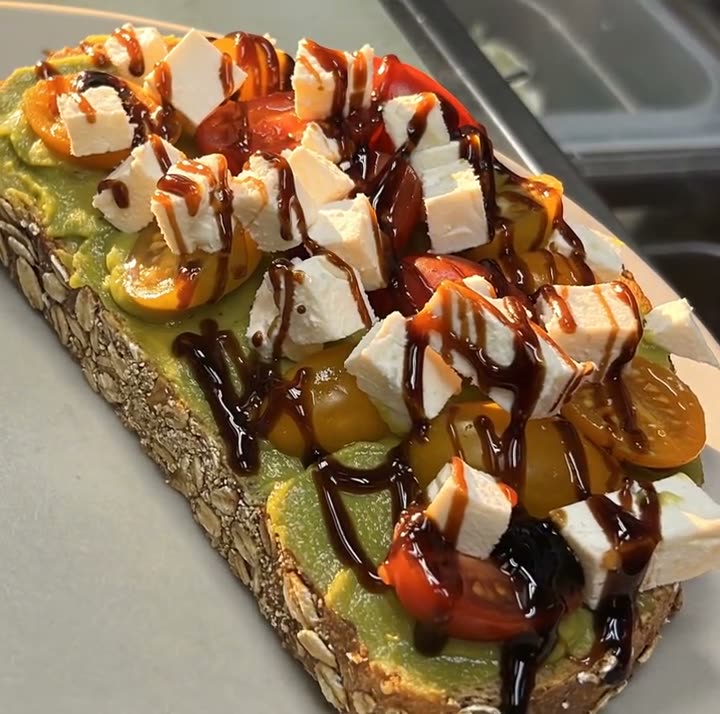
The examples on this page show that kind of change: real dishes from Boston Pizza in Norwell and Sunnyside Cafe in Randolph, each set in different layouts and looks from everyday photos and phone clips.
Each one was made in Studio for a real Servestack restaurant, from its own photos and menu.
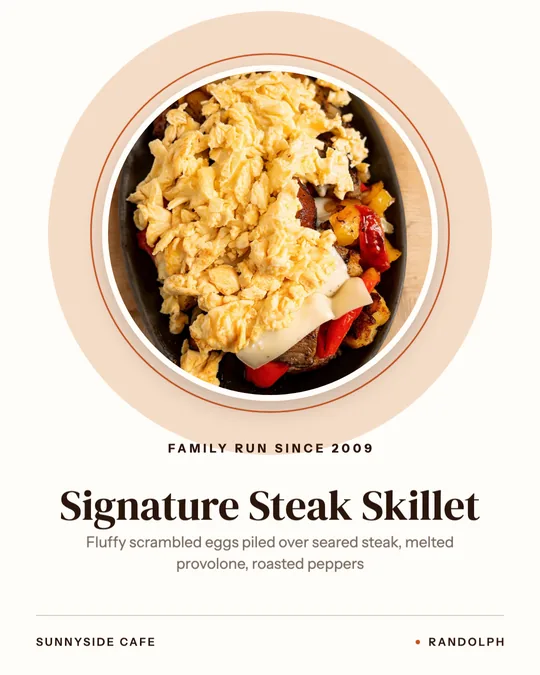
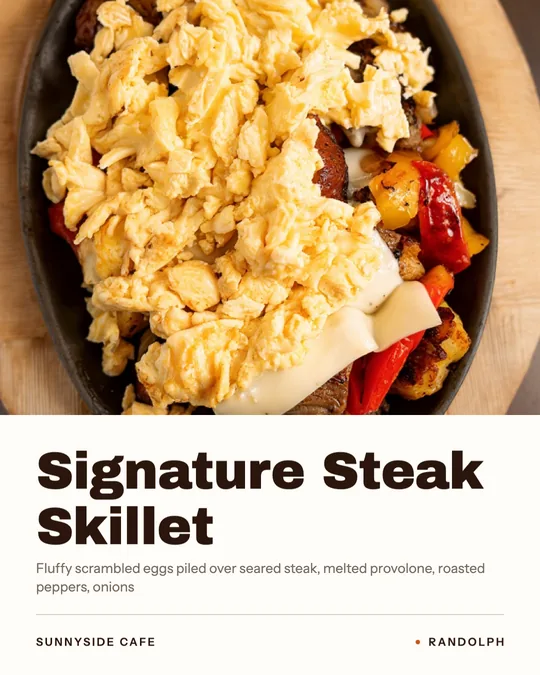
Shown with permission: Sunnyside Cafe (Randolph, MA) and Boston Pizza (Norwell, MA).
Upload a dish photo or phone clip you already have, including the ones sitting unused in your camera roll.
Studio gives it a new layout, framing and captions, with the dish name and price from your menu. The food itself isn't touched.
Change any words or the look, then post to Instagram, Facebook, Google Business Profile or TikTok, or download it.
A photo that looked plain on its own gets a proper layout, with the dish name and price set around it.
The shot is reframed so the dish sits where it should in the new layout, instead of lost in the corner of a wide phone photo.
A phone clip you posted months ago gets new on-screen words and a new look, so it can go out again without feeling like a repeat.
The same dish can come out editorial, native or poster, so one good photo can carry more than one post.
Studio never generates a dish, adds ingredients or swaps your plate for a better-looking one. Your photo is the source, and it stays the source.
There's no setting that stretches the cheese pull or makes the steak look redder. A Makeover changes how the photo is presented, not what the food looks like.
The words on a Makeover come from your menu, so the name and price are right and there's no invented description.
Makeover is part of the Studio plan: $49/month with 600 credits included every month for AI work.
There's a line between presenting food well and misrepresenting it. Framing, layout and words are presentation. Changing the food is not. Studio stays on the presentation side of that line.
Makeover works best on photos that are honest but badly presented: shot too wide, cropped awkwardly or posted without any words. It isn't a fix for a dish that looked wrong on the day. If the pizza was underbaked or the plate was a mess, a new layout won't save it.
In that case, take a new photo on the next service. Shoot near a window, get the whole plate in frame and wipe the lens first. Then bring it back to Studio and let it do the layout.
 Food photo to videoOne photo of your real dish in, a short moving shot out. The food stays exactly what you serve.
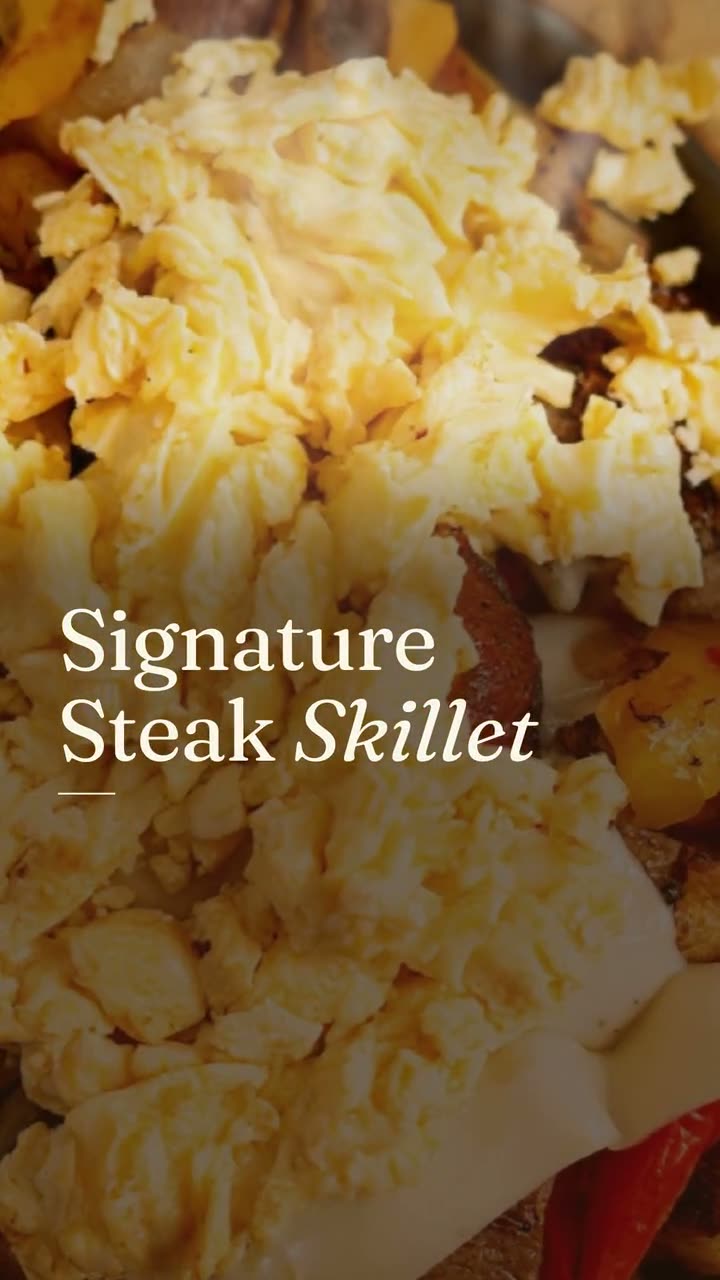 Instagram post makerYour menu and your photos in, a week of on-brand Instagram posts out.
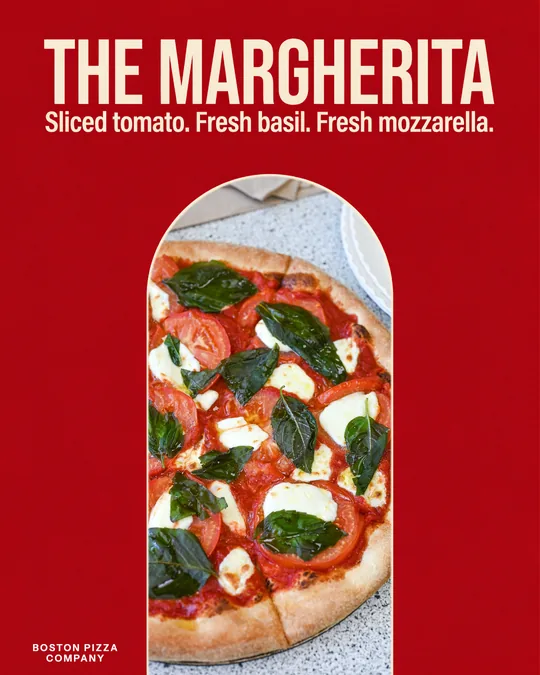 Food poster makerOne dish, one line in your own words, set like a poster you'd hang in the window.
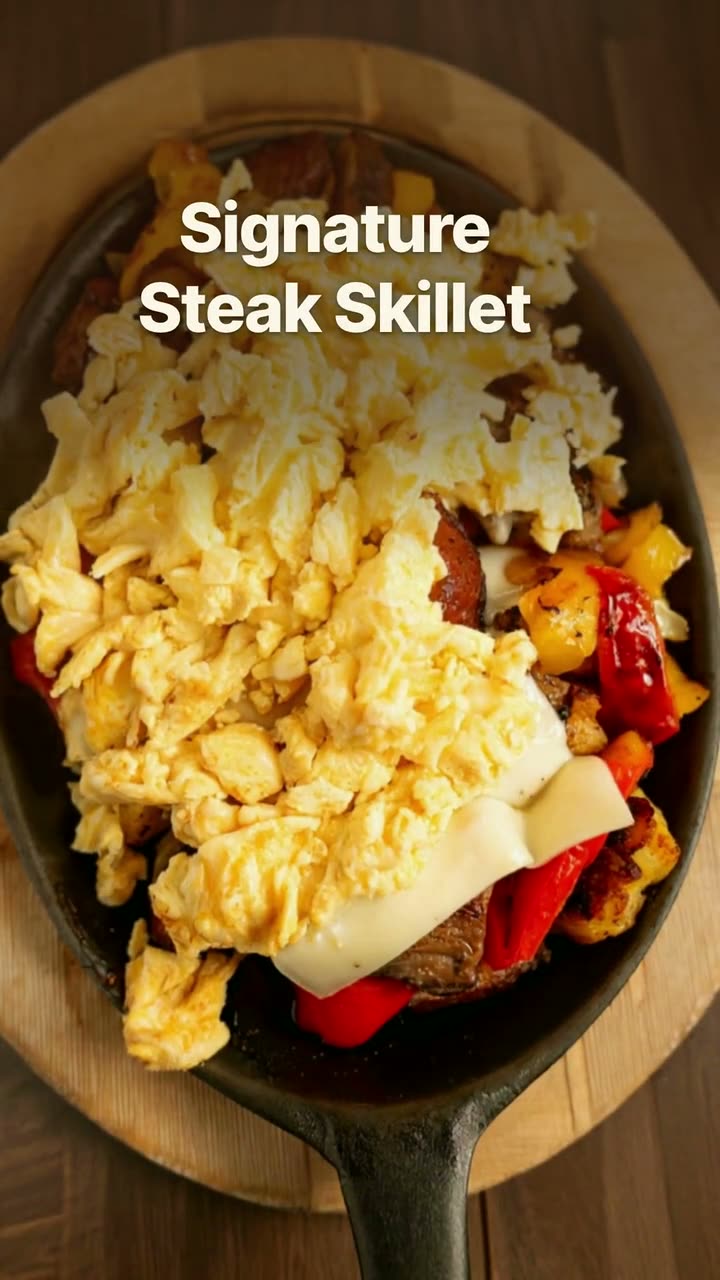 Reel makerThe clips on your phone and the dishes on your menu, turned into Reels you'd actually post.
$49/month with 600 credits included. Already on Servestack Starter or Scale? Studio is included.