Servestack Studio
Restaurant social media templates
Video templates, design templates and AI motion recipes, each shown with a real restaurant's render.
$49/month600 credits includedCancel anytime
A template is only as good as what goes in it. Stock-photo templates look fine in the gallery and fall apart once you drop in your own photo and a real price. Every template here was built around restaurant content: one dish photo, a dish name, a short description and a price, pulled straight from your menu.
They come in three kinds. Video templates turn one dish photo into a short, finished video with your menu words on screen. Design templates make still posts and print signs. AI motion recipes add camera movement and light to your real dish photo, and those use credits. Everything else here uses none.
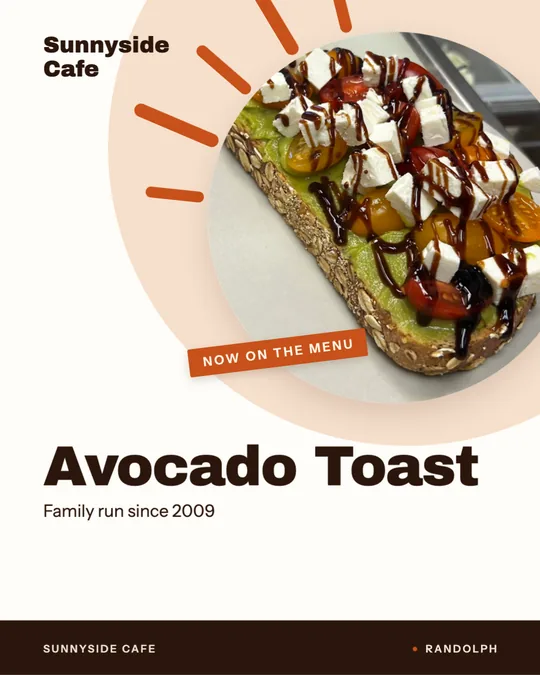
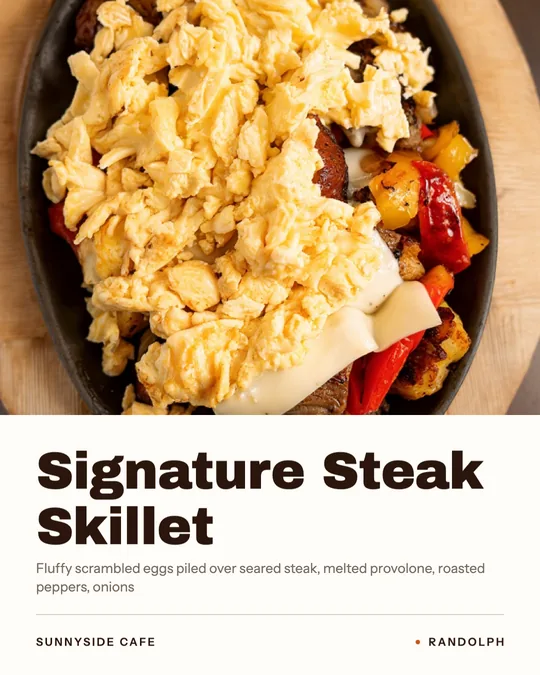
Every example below was made for Sunnyside Cafe or Boston Pizza from their own photos. Open a template to see its looks, formats and what it's best for.
Templates
Video templates
One dish photo and your menu words become a short, finished video. No credits.
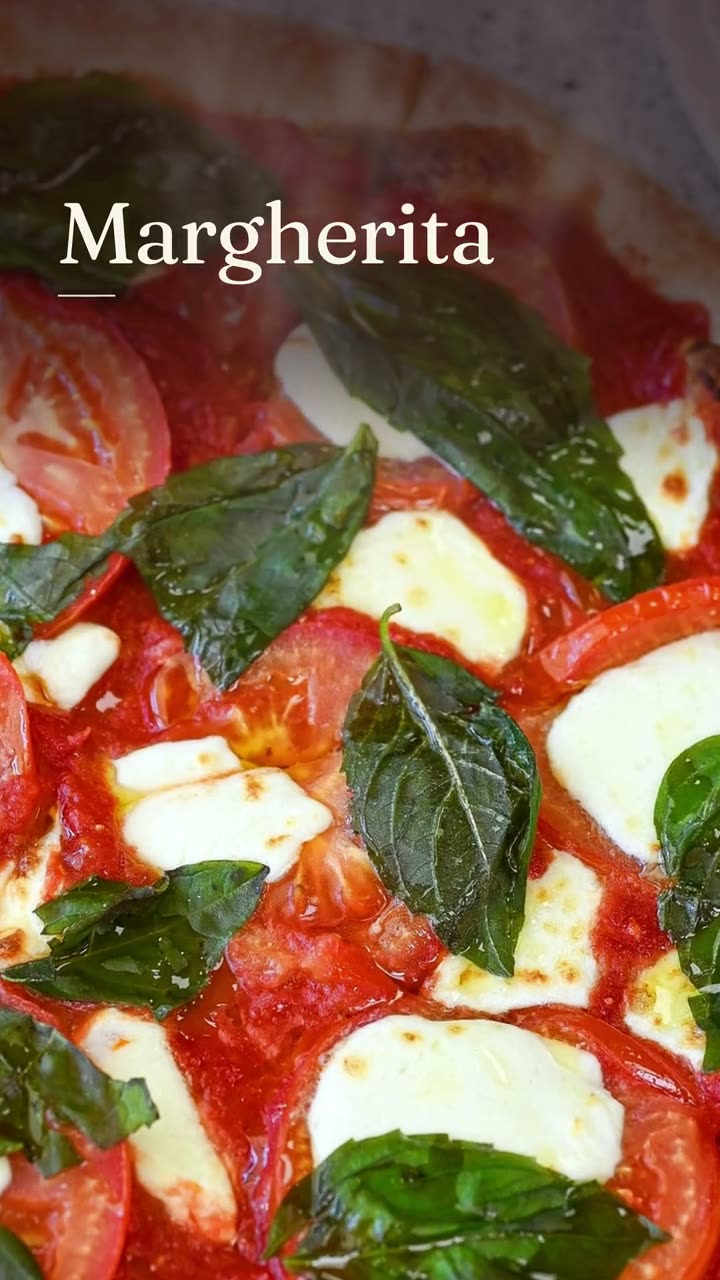 Dish story videoOne photo of one dish, turned into a short video with its menu words on screen.
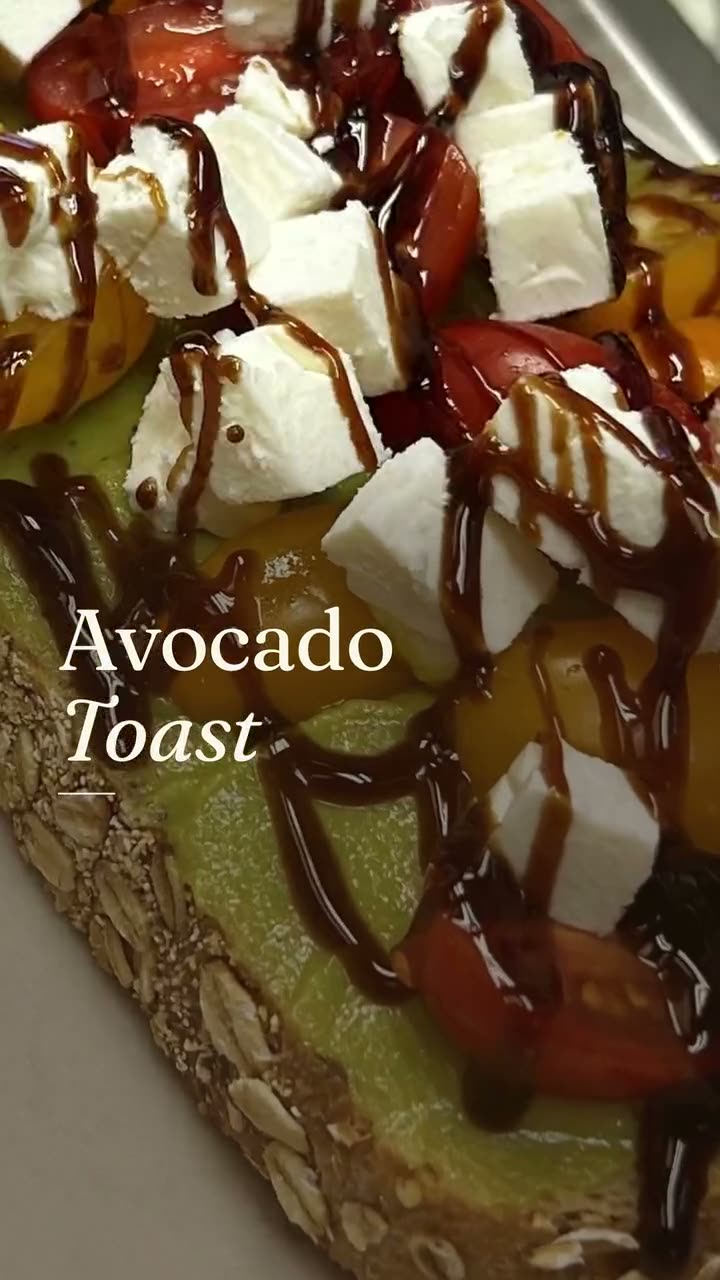 New item drop videoLaunch a new dish with a reveal video and a matching story card, both from your real menu.
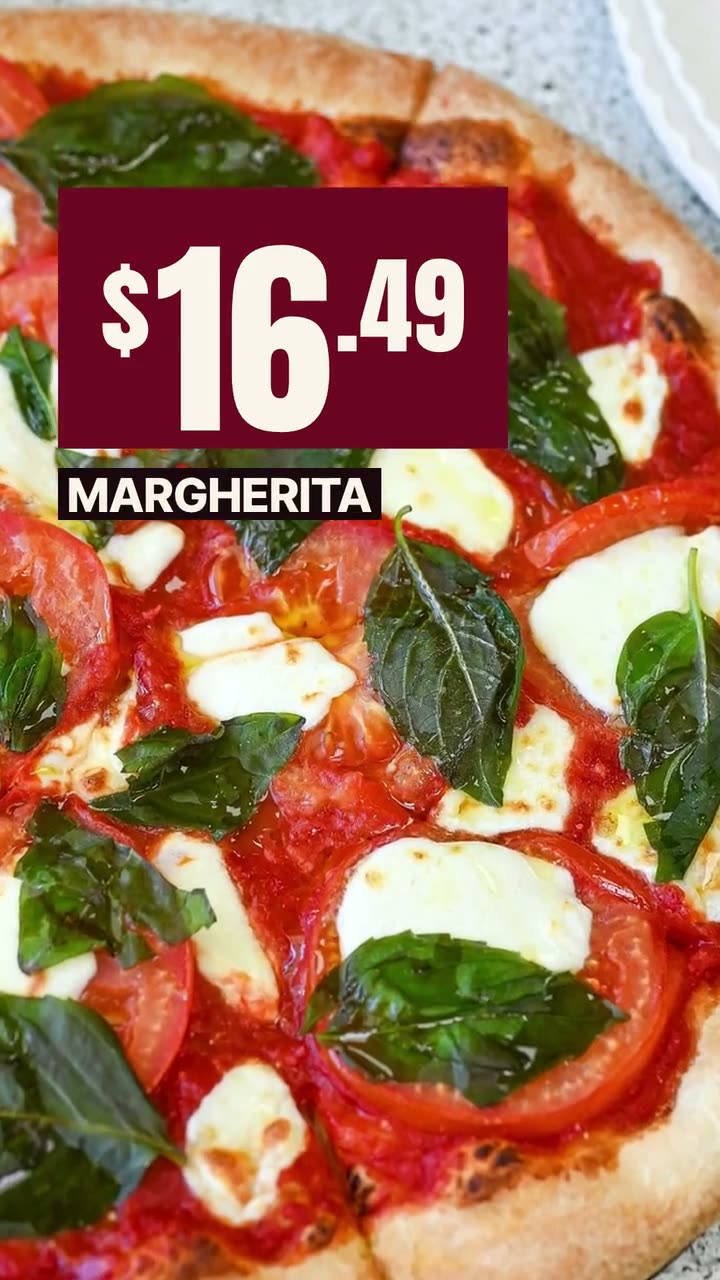 Offer flash videoPut the price where people see it first, on a dish they can actually order.
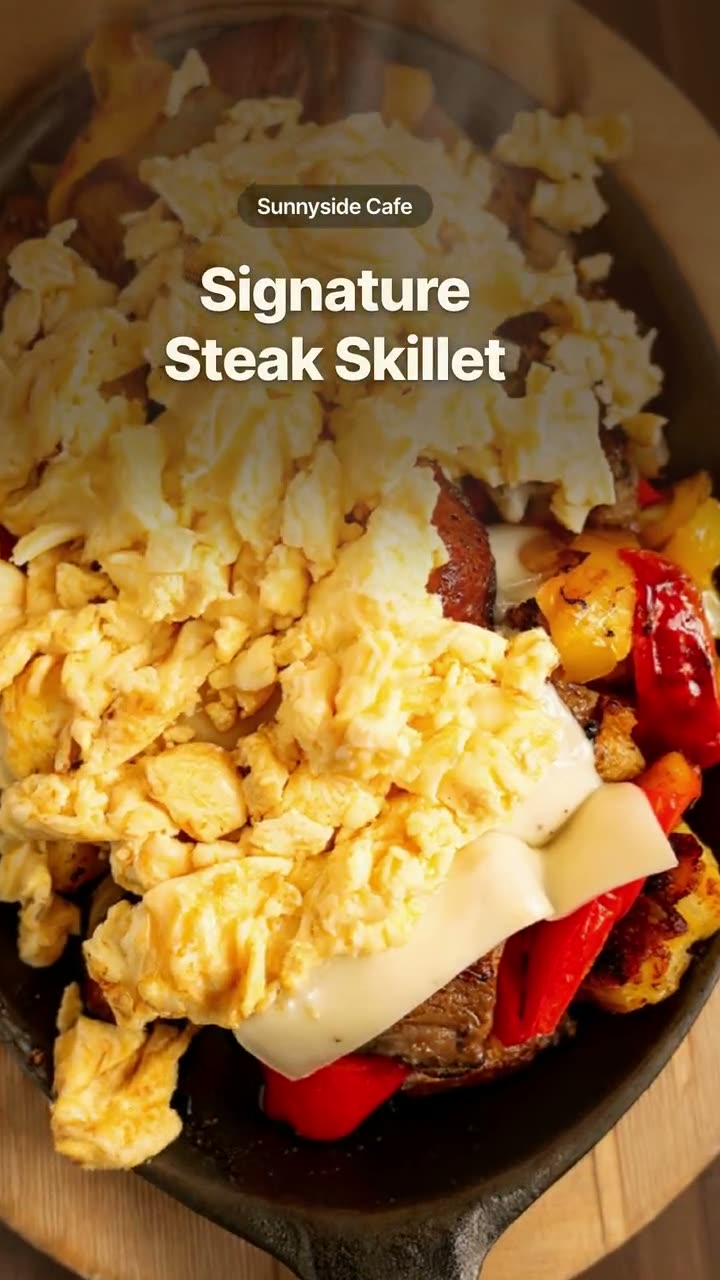 Order online videoRemind people they can order from you, in every size the platforms want.
Design templates
Still posts and print signs set from your menu. No credits.
AI motion recipes
Camera and light movement added to your real dish photo. Uses credits.
 Falling Garnish AI videoLeaves drift down, the light shifts, and the dish in the middle stays exactly yours.
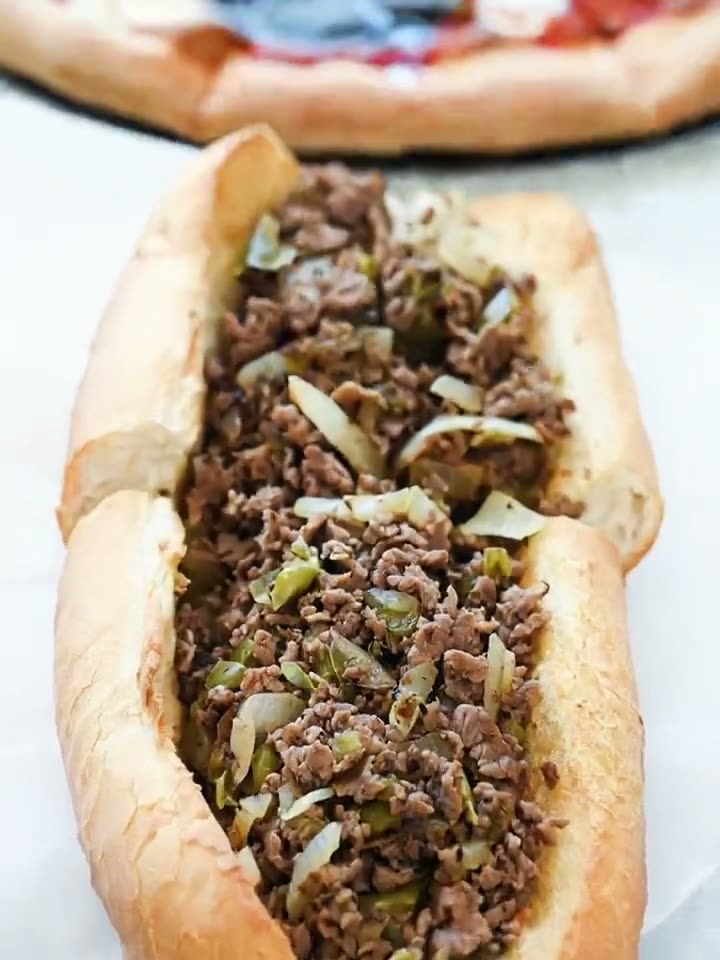 Close-Up Dive AI videoStart on the whole plate, end close enough to see every bit of the filling.
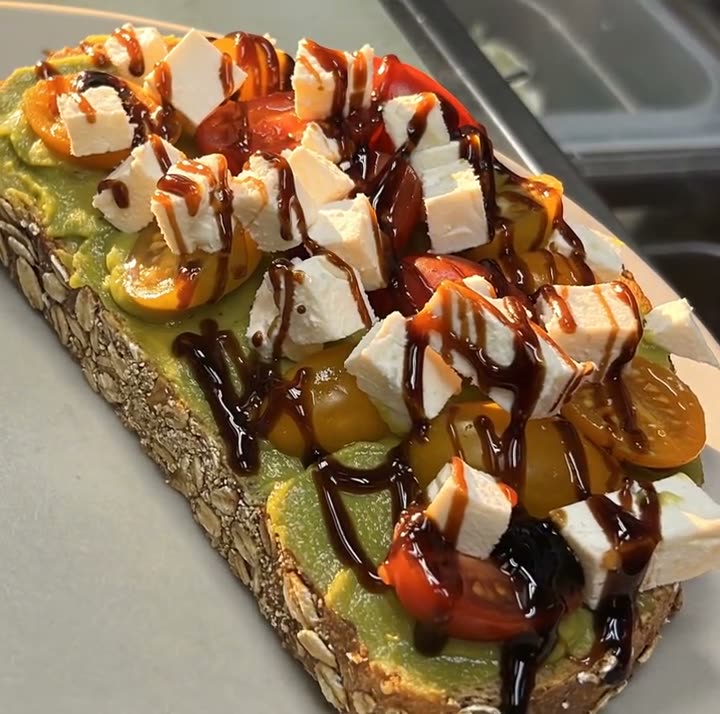 Light Reveal AI videoThe light moves across the plate the way it does in a food commercial. The plate is yours.
More templates inside the tools
These live on their tool's page, alongside the examples.
- Daily special (design + video) No credits
- Menu board No credits
- Price card No credits
- Deal card No credits
- Ingredient build video No credits
- Reel from your clips No credits
- Your words, lettered Uses credits
- Masthead Float and Ingredient Halo AI designs Uses credits
FAQsFrequently asked
Frequently asked
questions
Are these templates free?
Video and design templates use no credits and are included with the $49/month Studio plan. AI motion recipes and AI designs use credits; 600 credits are included every month.
What sizes do the templates come in?
Most come in 9:16 for Stories and Reels, 4:5 for feed posts, and 1:1 square. AI poster designs are 2:3.
Can I change the words on a template?
Yes. Words start from your menu, and you can edit them and adjust the look before anything is posted or downloaded.
Do templates use stock food photos?
No. Every template uses your own dish photo. AI can move the camera or light the scene, but never invents or swaps the food.
Make this week's posts from your own menu.
$49/month with 600 credits included. Already on Servestack Starter or Scale? Studio is included.