Servestack
FeaturesStudioSolutionsRestaurantsPricingIntegrationsCompareResourcesFree toolsAbout
Log inBook a demo

Servestack

Get connected with Servestack on social.
Don't miss our launches and case studies.
FeaturesStudioPricingLocationsCase studiesBlogSolutionsFree toolsDemo restaurantRefer a restaurantPartnersAboutContactPrivacyTerms
© 2026 Servestack Inc. Built in Boston, MA. All rights reserved.
Back to top
Home/Studio
Servestack Studio

Your restaurant's AI marketing studio.

Everything a restaurant needs to market itself, in one place. Add your menu and photos, pick what to make, and post it — designs, dish videos and Reels made from your real food.

Start freeAlready have Servestack? Open Studio
$49/month600 credits includedCancel anytime
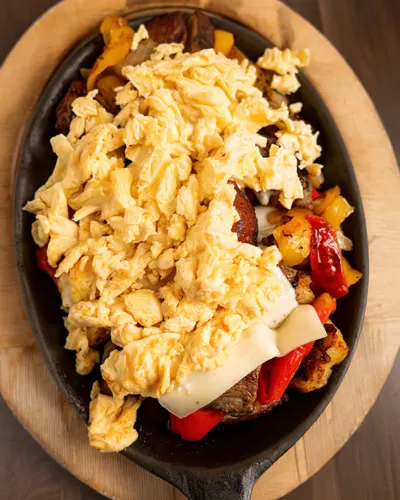
Made for Sunnyside Cafe
AI videoMade for Boston Pizza

One login instead of a designer, an editor, a copywriter and a scheduler.

  • Designs
  • Dish videos
  • Reels
  • AI video
  • Ad copy
  • Makeovers
  • Social scheduling
How it works

Three steps from menu to posted.

Step 01

Add your menu & photos

Import your menu once and upload the photos and phone clips you already have. Studio learns your dishes, prices and look.

Step 02

Pick what to make

A poster for tonight's special, a dish video, a Reel from your clips, an AI video — tap one and Studio builds it from your own food.

Step 03

Post or schedule

Send it to Instagram, Facebook, Google and TikTok now, or line up the whole week. Download anything for print.

What you can make

Everything your restaurant posts, made in one place.

Each example below was made in Studio for a real Servestack restaurant, from their own photos and menu.
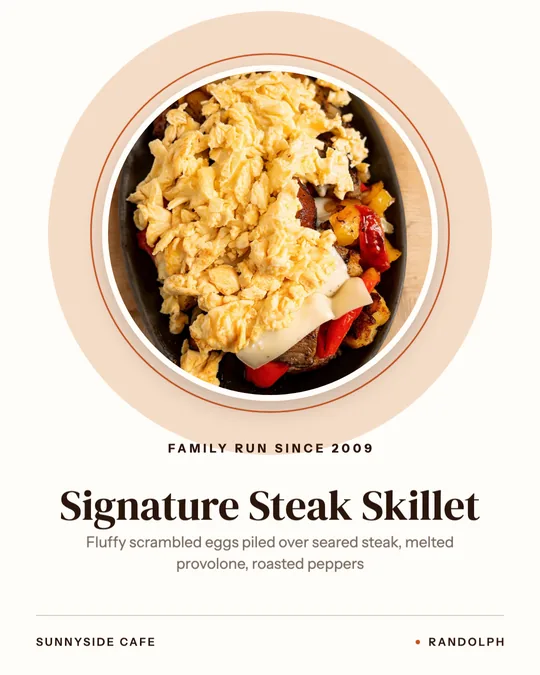
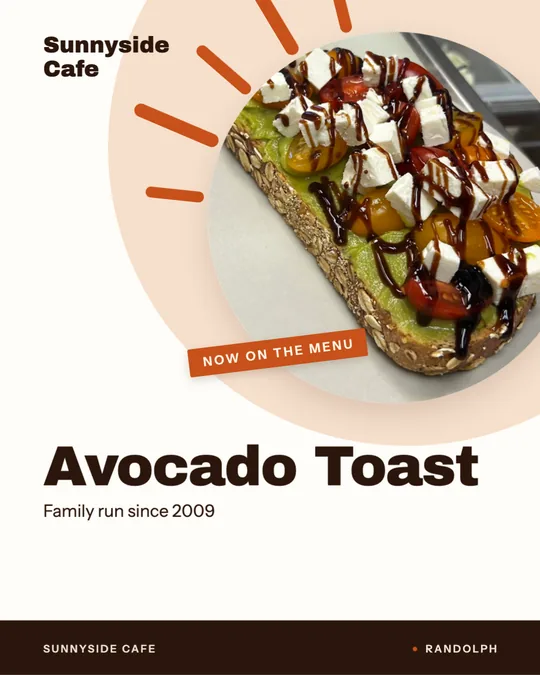
Chef's pick poster, made for Sunnyside CafeNo credits

Designs

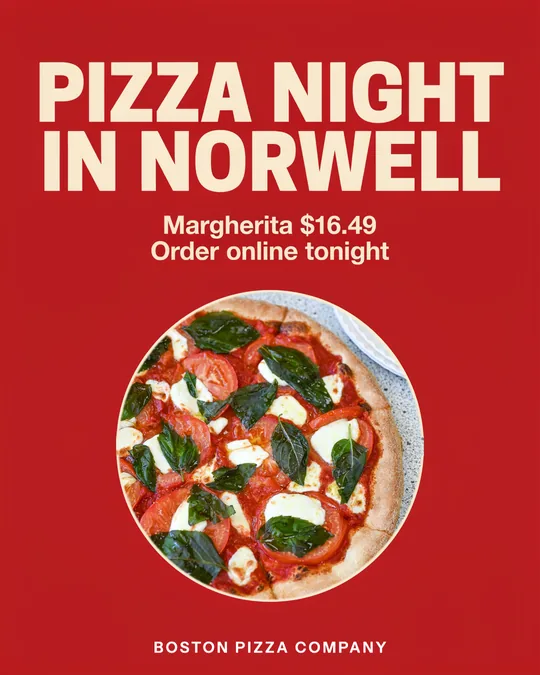
Posters, menu boards, price cards and window signs, set from your menu. Post them or print them.

No credits

Dish videos

One photo and your menu words become a finished Reel in about a minute.

No credits

Reels from your clips

Drop in the phone clips from service. Studio trims them into a finished Reel with your dish names on screen.

Uses credits

AI video from your photo

Your real dish photo, brought to life. The camera moves; the dish on the plate stays yours.
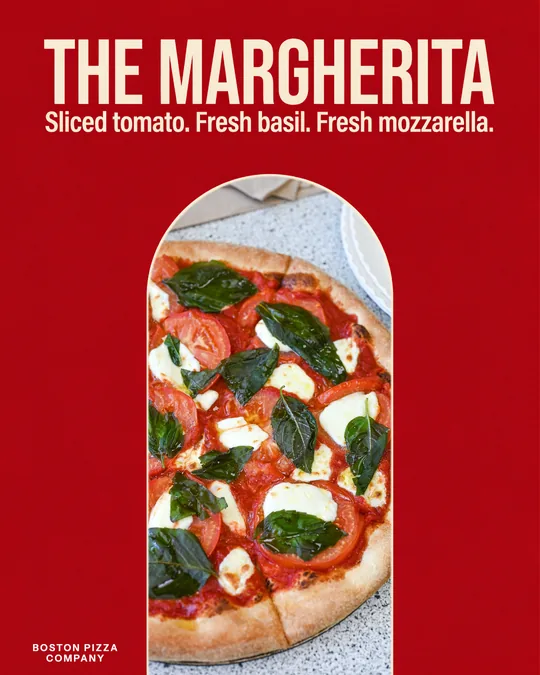
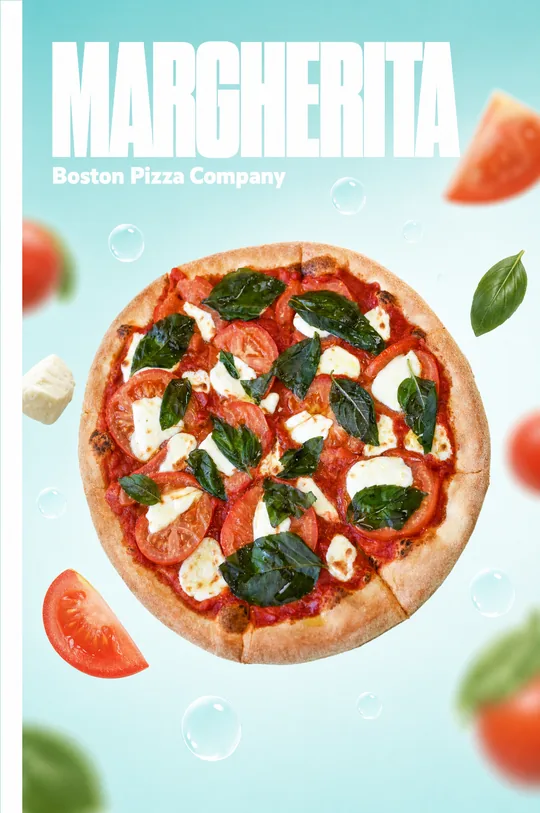
Your words, lettered, made for Boston PizzaUses credits

Your own ad words

Type the line you want to say. Studio letters it into a finished ad around your dish.

Makeover
Your photo

Makeover

Bring a photo or clip you already have. Studio gives it a new layout, framing and captions — same food, fresh look.

The real-food promise

We never fake your food.

Guests can tell when a photo isn't real, and so can you. Studio is built so that what people see online is exactly what arrives at their table.

  • Your food, never fake foodEvery dish comes from your own photos. AI can move the camera or set the scene; it never invents or swaps the food on the plate.
  • Every word from your menuDish names, prices and descriptions are pulled from your menu, so a poster never promises something your kitchen doesn't make.
  • Nothing posts without youYou see every design and video before it goes out, and you choose when and where it posts.
Social posting

Post it now, or schedule the whole week.

Connect Instagram, Facebook, your Google Business Profile and TikTok once. Every design and video can go out right away or be lined up on a calendar — each sized right for the platform it lands on.

  • Connect Instagram, Facebook, Google & TikTok
  • Schedule posts days or weeks ahead
  • Right size for Reels, Stories, feed and Google
  • Download anything for print or your own site

Connected accounts

Instagram
Facebook
Google
TikTok

This week

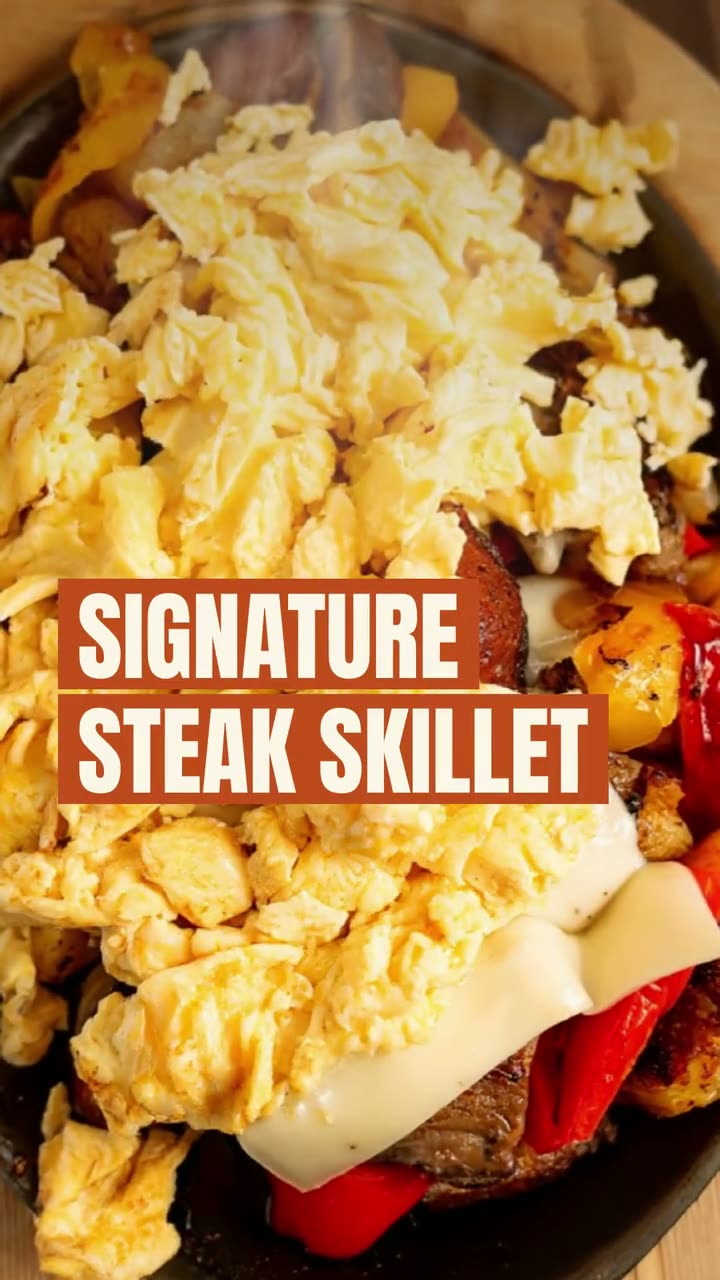
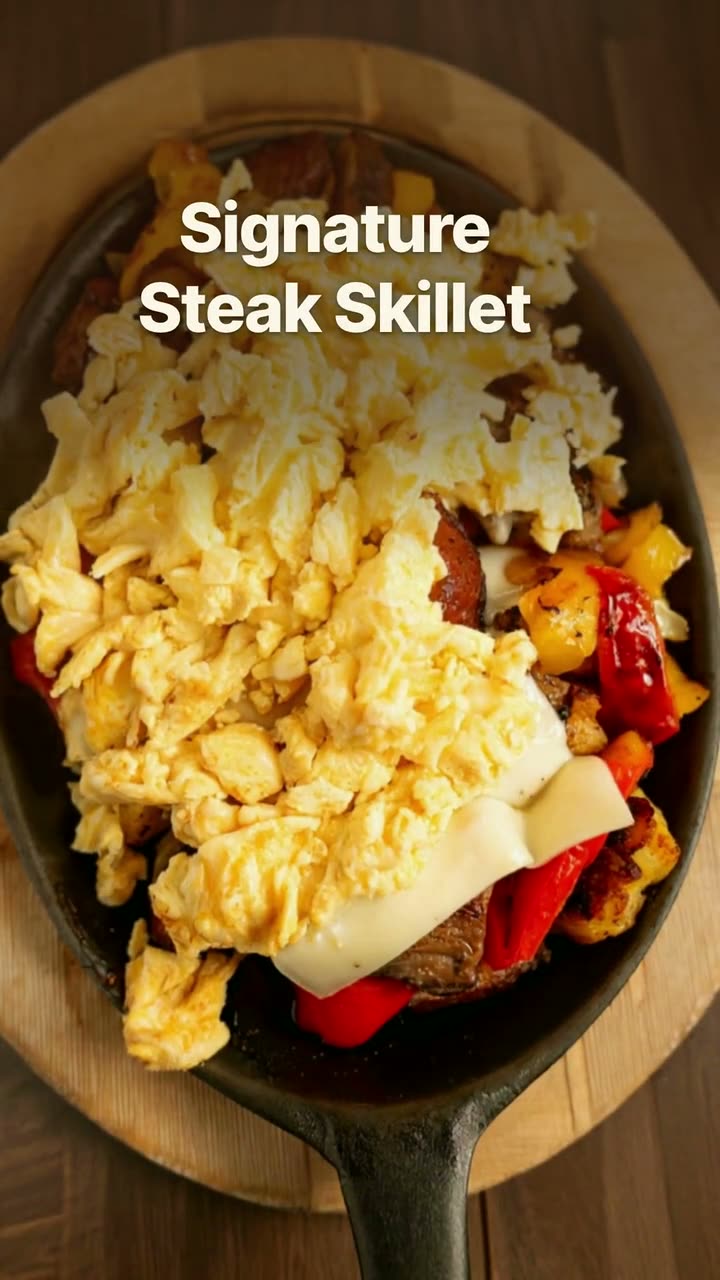
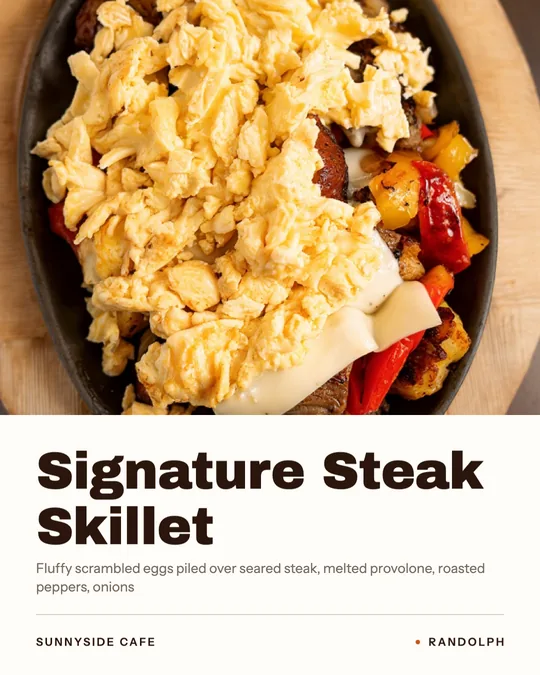
  • Tue11:30Signature Steak SkilletDish video
  • Thu4:00Margherita — AI close-upAI video
  • Sat9:00Order onlineGoogle post
Credits, simply

One plan. Credits for the AI work.

600

credits every month, included

Your $49/month plan comes with 600 credits, refilled every month. Credits pay for the AI work: AI video and AI designs.

Most things don't use credits

Template designs, dish videos and Reels from your clips are included with your plan.

  • Designs & posters No credits
  • Dish videos & Reels No credits
  • AI video & AI designs Credits

Buy more anytime

Busy month? Top up credits right inside Studio — no plan change, no call. Cancel your plan anytime.

Real examples

Made in Studio for real restaurants.

Sunnyside Cafe in Randolph and Boston Pizza in Norwell use Servestack, and agreed to let us show their work. Their photos, their menus, their food.
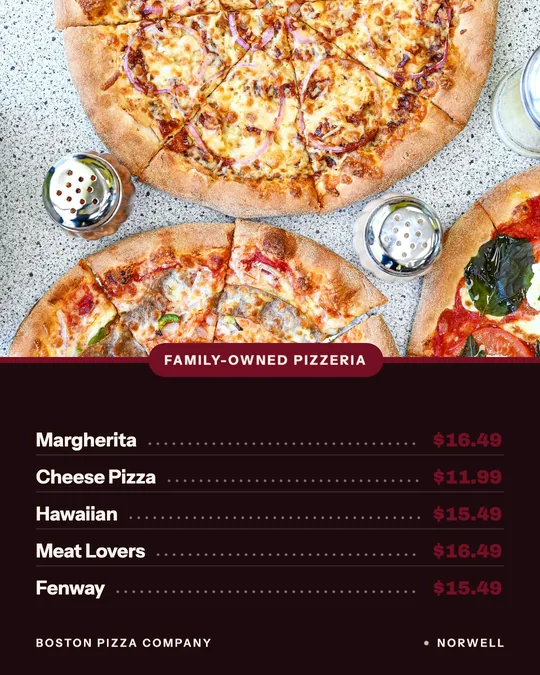
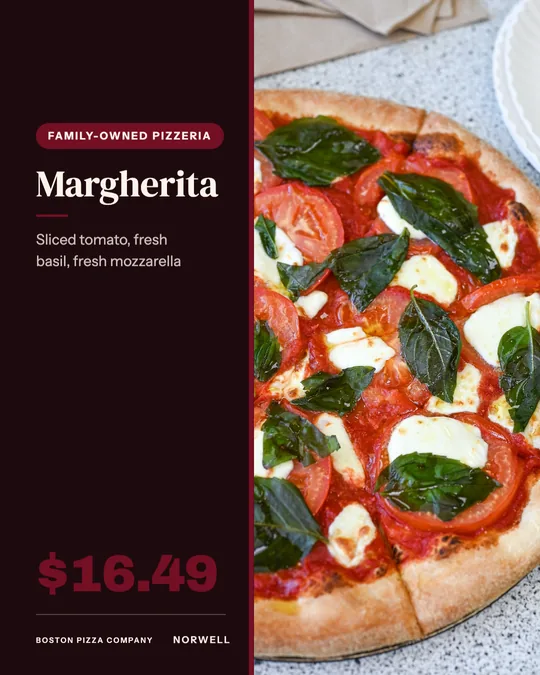
Made for Boston Pizza
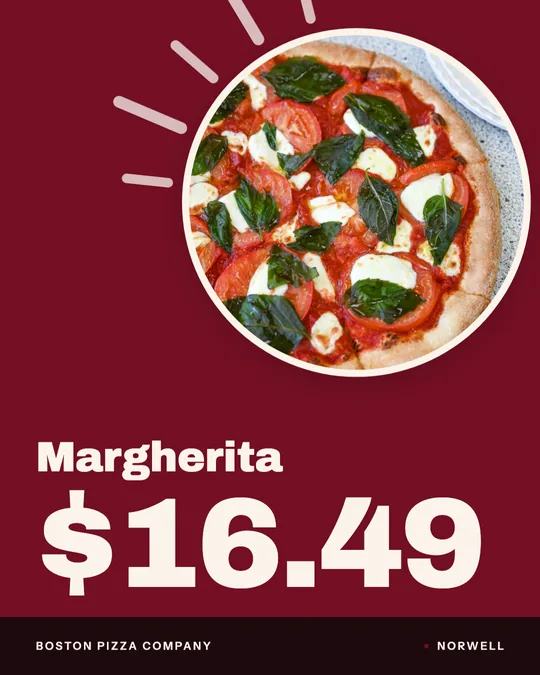
Menu board, made for Boston Pizza
Made for Boston Pizza
Made for Sunnyside CafeAI
Daily special card, made for Boston Pizza
Made for Boston Pizza
AI masthead design, made for Boston Pizza
Made for Boston PizzaAI
Made for Sunnyside Cafe
Price card, made for Boston Pizza
Made for Boston Pizza
Made for Sunnyside Cafe
Made for Boston Pizza
Window sign, made for Sunnyside Cafe
Made for Sunnyside Cafe
Your words, lettered, made for Boston Pizza
Made for Boston PizzaAI
Pricing

$49 a month. Everything included.

StudioAI marketing studioNew
$49/ month
Start freeHave Servestack? Open Studio

What's included

Everything your restaurant needs to market itself, in one place. 600 credits land every month; buy more whenever you need them. Cancel anytime. On Starter or Scale? Studio is already included in your plan.
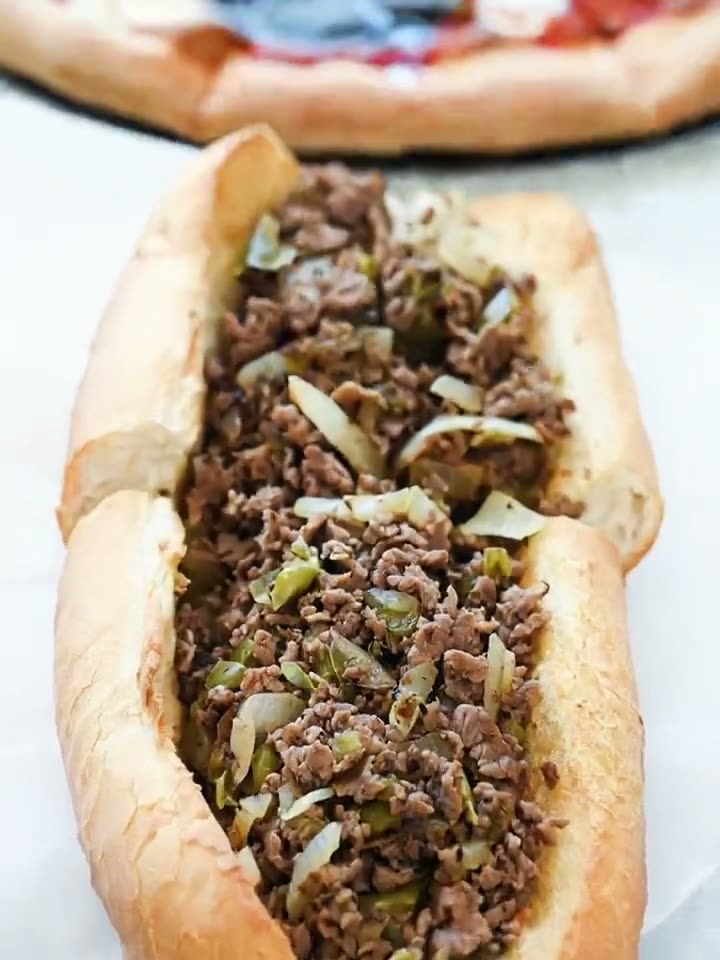
  • 600 credits every month, included
  • Designs, dish videos & Reels from your menu and photos
  • AI video from your real dish photos
  • Your own ad words, lettered into a finished ad
  • Makeover for photos and clips you already have
  • Post or schedule to Instagram, Facebook, Google & TikTok
  • Buy more credits anytime — cancel anytime
Explore Studio

Find the tool for this week's post

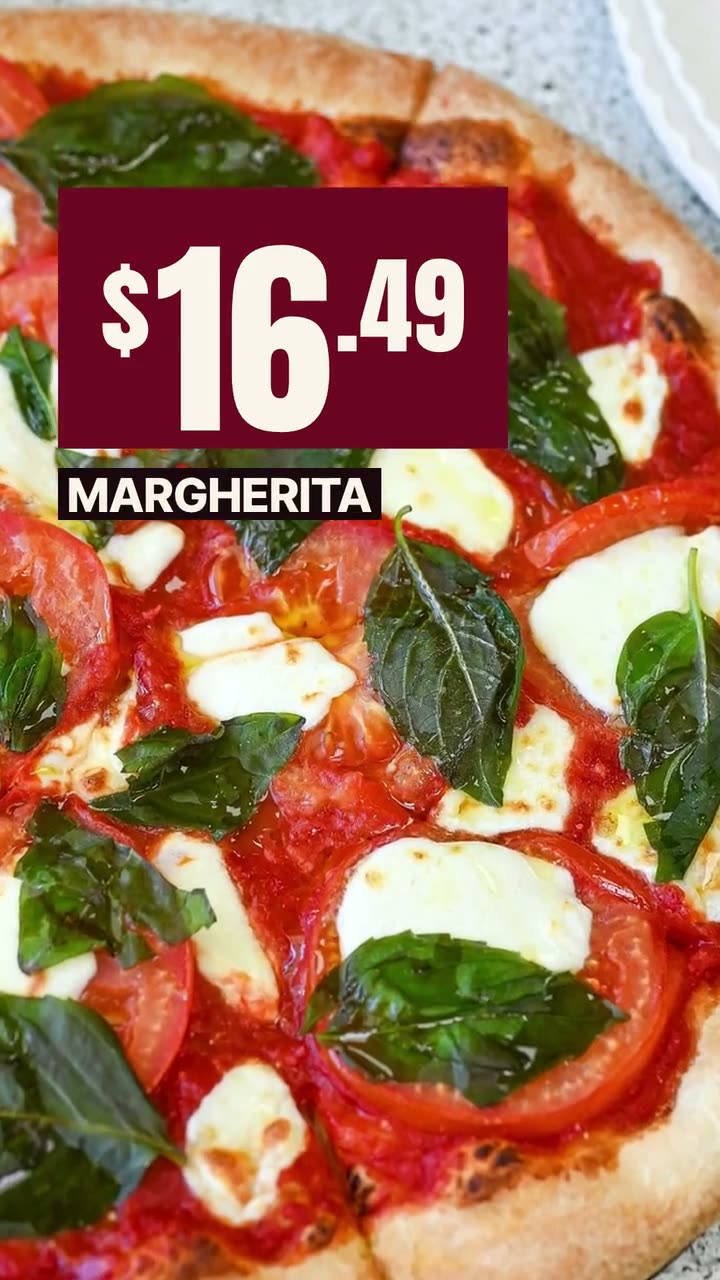
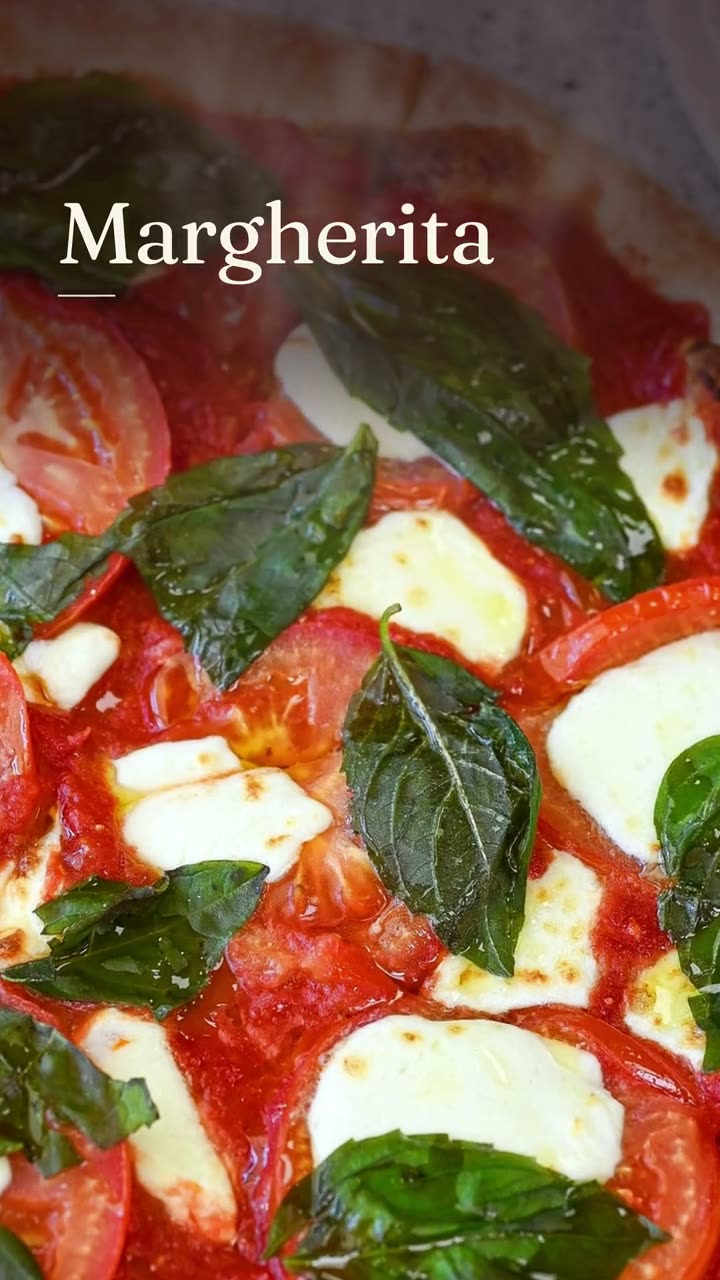
AI marketing tools for restaurantsOne studio, nine jobs: every tool starts from your real menu and your own photos.Restaurant social media templatesVideo templates, design templates and AI motion recipes, each shown with a real restaurant's render.Social media posts for every kind of restaurantWhat a pizzeria should post isn't what a bakery should post. Pick your kind of place.Restaurant post ideas, evergreen and seasonalConcrete things to post, when to post them, and the Studio tool that makes each one.Restaurant social media post examplesEvery post, video and poster here was made in Studio for a real restaurant, from its own photos and menu.
  • Instagram post maker
  • Food photo to video
  • Reel maker
  • Menu poster maker
  • Food poster maker
  • Daily special maker
  • Google Business post maker
  • Ad maker
  • Food photo makeover
FAQs

Frequently asked
questions

What is Servestack Studio?
Studio is an AI marketing studio for restaurants. You add your menu and photos once, then make designs, dish videos, Reels, AI videos and ad copy, and post or schedule them to Instagram, Facebook, Google and TikTok — all in one place.
How much does Studio cost?
$49 per month with 600 credits included every month. You can buy more credits anytime and cancel anytime.
What are credits used for?
Credits pay for AI work — AI video from your photos and AI designs. Template designs, dish videos and Reels from your own clips don't use credits.
Will Studio make fake food photos?
No. Every dish comes from your own photos, and every name, price and description comes from your menu. AI can move the camera or set the scene, but it never invents or swaps the food.
Which social accounts can I post to?
Instagram, Facebook, your Google Business Profile and TikTok. Post right away or schedule ahead; you can also download anything for print.
I already use Servestack. Do I need to pay for Studio?
No. Studio is included with the full Servestack plans (Starter and Scale). Open it from your dashboard at app.servestack.ai/studio.
Do I need a designer or video editor?
No. Pick what you want to make and Studio builds it from your menu and photos. You can tweak the words and look before anything goes out.

Make this week's posts from your own menu.

Start with your menu and a few photos. $49/month, 600 credits included, cancel anytime.
Start freeAlready have Servestack? Open Studio