Takeout menus
The full menu on one sheet, folded to fit a bag. Cover on the front, contact details on the back.
Your current menu in, a print-ready 14 x 8.5 in roll-fold tri-fold out, with every price checked.
A tri-fold is the menu that goes home with people: in the takeout bag, on the fridge, in the drawer by the phone. It's also the menu that's most often out of date, because changing one price means reopening a design file nobody can find.
The tri-fold menu maker in Servestack Studio builds a 14 x 8.5 in roll-fold menu from the menu you already have. Import it as a PDF or a photo, confirm what Studio reads, pick a style and, if you like, add cover art. Studio flows your sections across the six panels and gives you a print-ready PDF with bleed.
Before you download, every price on the tri-fold is checked against your confirmed menu.
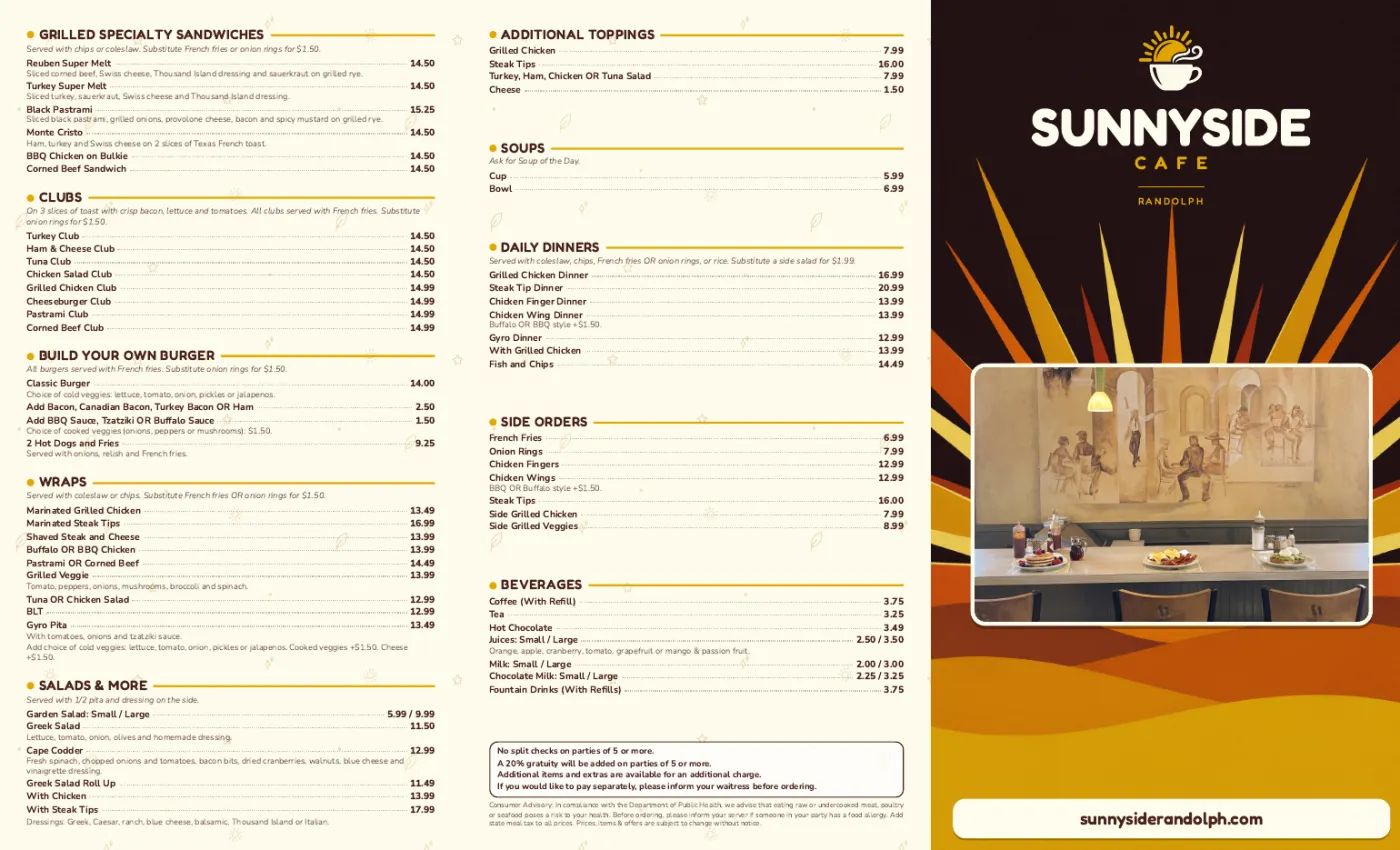
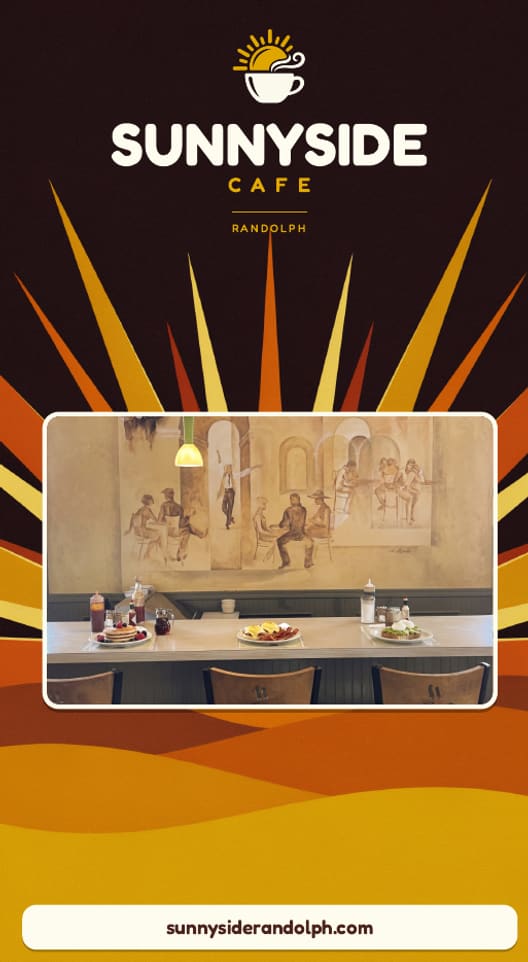
Sunnyside Cafe's tri-fold menu proof: cover and back on the outside, breakfast and lunch on the inside.
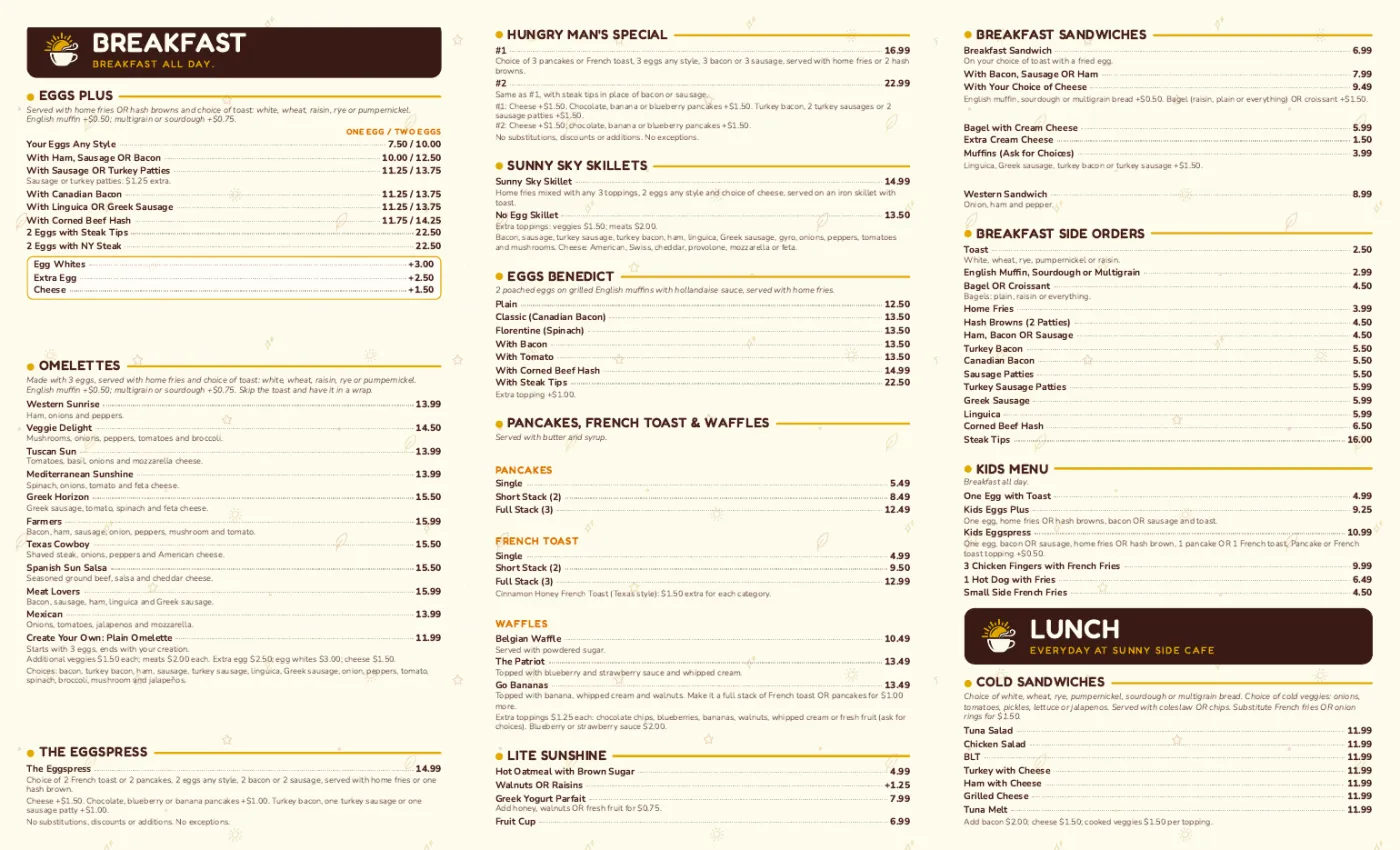
Shown with permission: Sunnyside Cafe (Randolph, MA).
Upload your current menu as a PDF or a photo. Confirm the sections, items and prices Studio reads.
Choose a style for the panels and add optional cover art. Studio lays your sections across the outside and inside of the tri-fold.
Every price is checked against your menu, then you get a 14 x 8.5 in PDF with bleed, set up for a roll fold. Send it to any print shop.
The full menu on one sheet, folded to fit a bag. Cover on the front, contact details on the back.
A stack by the register for guests who want to read before they order.
Platters and party trays in their own tri-fold, from the same confirmed items and prices.
Studio reads the menu you have, from a PDF or a photo. You confirm it once.
The finished tri-fold is checked against your confirmed menu before you can download it.
14 x 8.5 in, roll fold, bleed included: the file a print shop expects.
A print design uses about 30 credits, plus optional cover art. 600 credits are included every month with the $49 plan.
A 14 x 8.5 in sheet folds into three panels on each side. On the outside: the cover, the back panel and the flap that tucks in. On the inside: three panels that open together, which is where most of the menu goes.
Studio places your sections so the most-ordered parts of the menu sit on the inside spread, where people look first when they open it.
 Print menus & signageImport the menu you have, confirm it, pick a style and download a print-ready PDF. Every price is checked against your menu before you download.
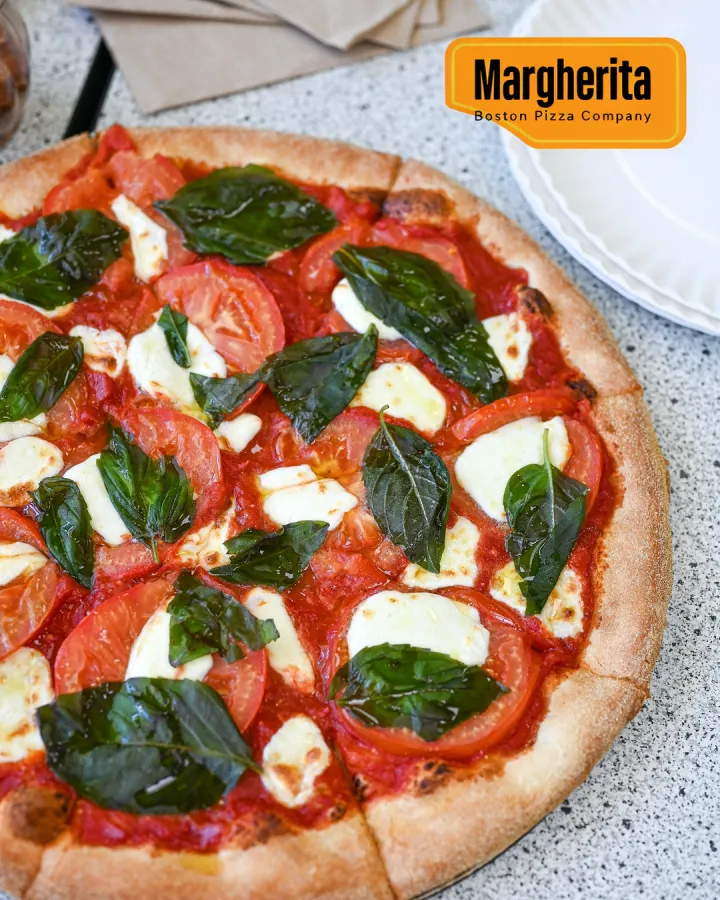 Text on food photoThe dish name, price or offer from your menu, laid out in the real empty space of your photo. The food stays exactly as photographed.Printable menu makerA one- or two-page 8.5 x 11 in menu from the menu you already have, with every price checked.Table tent maker4 x 6 in table tents for this week's special or new dish, made from your menu, every price checked.Restaurant flyer makerAn 8.5 x 11 in flyer for your opening, catering or deal, made from your menu with every price checked.Menu poster maker (18 x 24)An 18 x 24 in poster of your menu or best dishes for the wall or window, with every price checked.
$49/month with 600 credits included. Already on Servestack Starter or Scale? Studio is included.