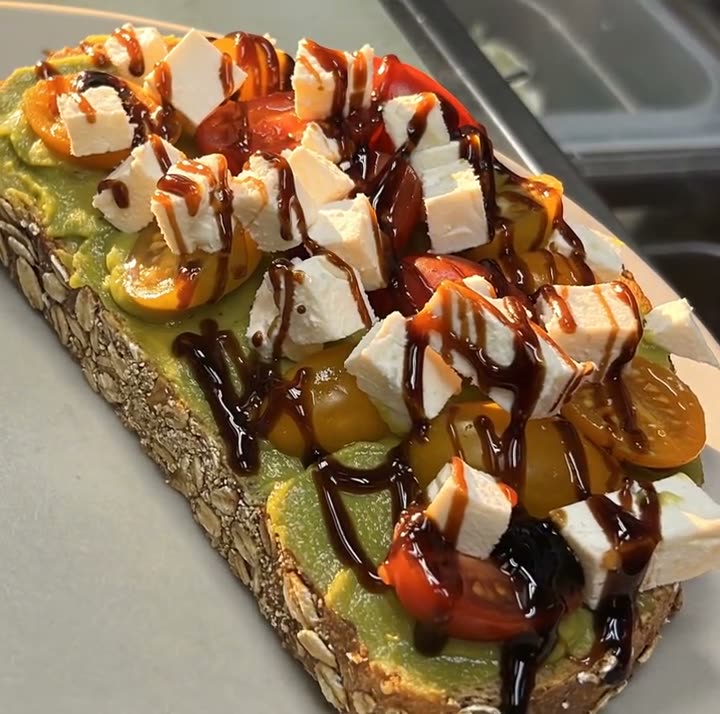
One- and two-page menus
8.5 x 11 in menus for the table, the window or the bag.
Upload the menu you have. AI reads it, Studio designs it, and every price is checked before you download.
Most AI menu generators invent a menu for you: dish names, descriptions, even prices. A restaurant doesn't need that. You already have a menu; what you need is for it to look good and be right.
The AI menu generator in Servestack Studio starts from your real menu. Upload a PDF or a photo of the one you use now, and AI reads every section, dish, description and price. You confirm or fix what it read, pick a format and a style, and Studio designs the menu for you: a one- or two-page menu, a trifold, a table tent, a flyer or a poster.
It never adds dishes you don't serve or changes a price. Before you download, every price on the design is checked against the menu you confirmed.
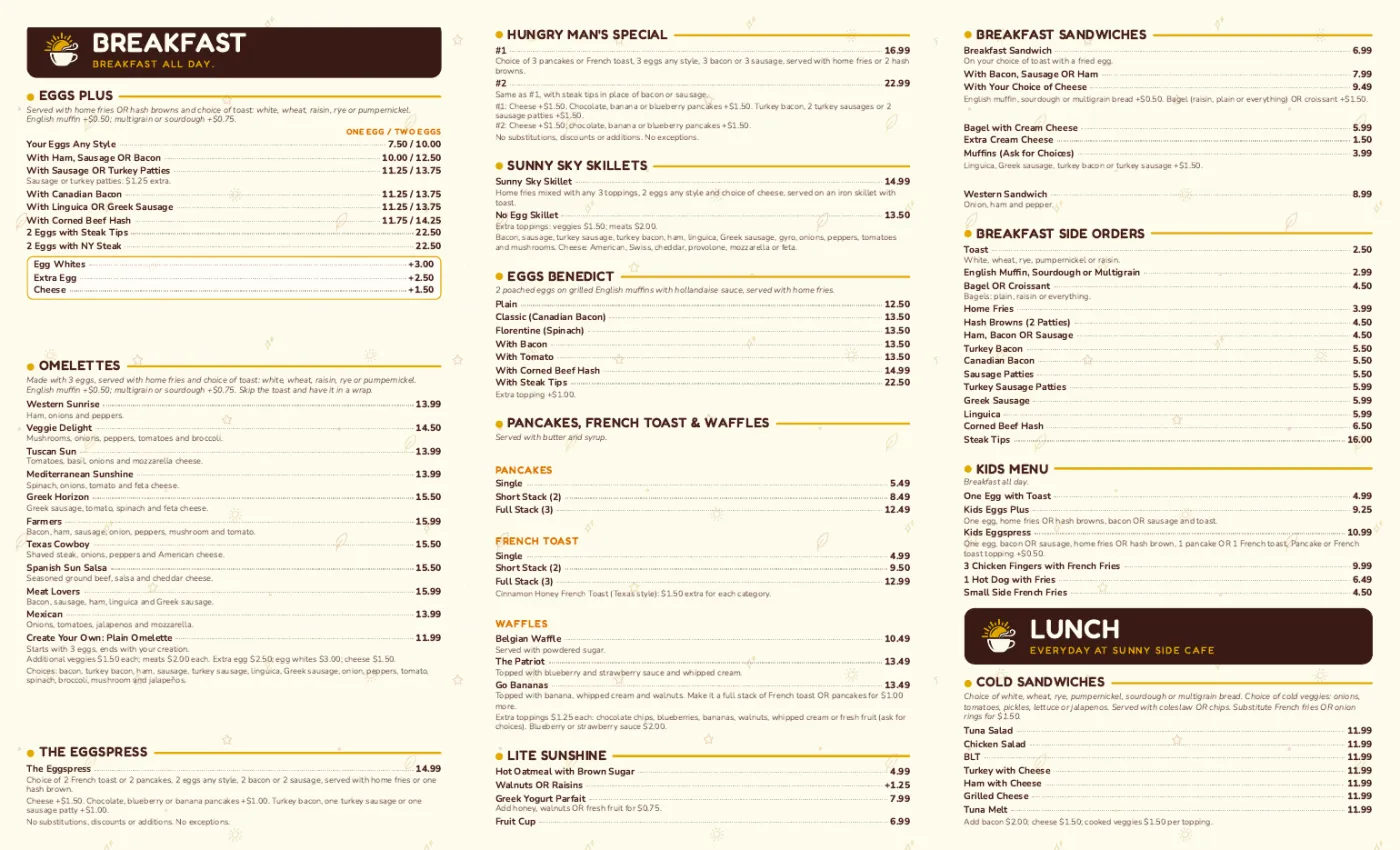
Sunnyside Cafe's menu, read from the cafe's existing menu and laid out as a 14 x 8.5 in tri-fold.
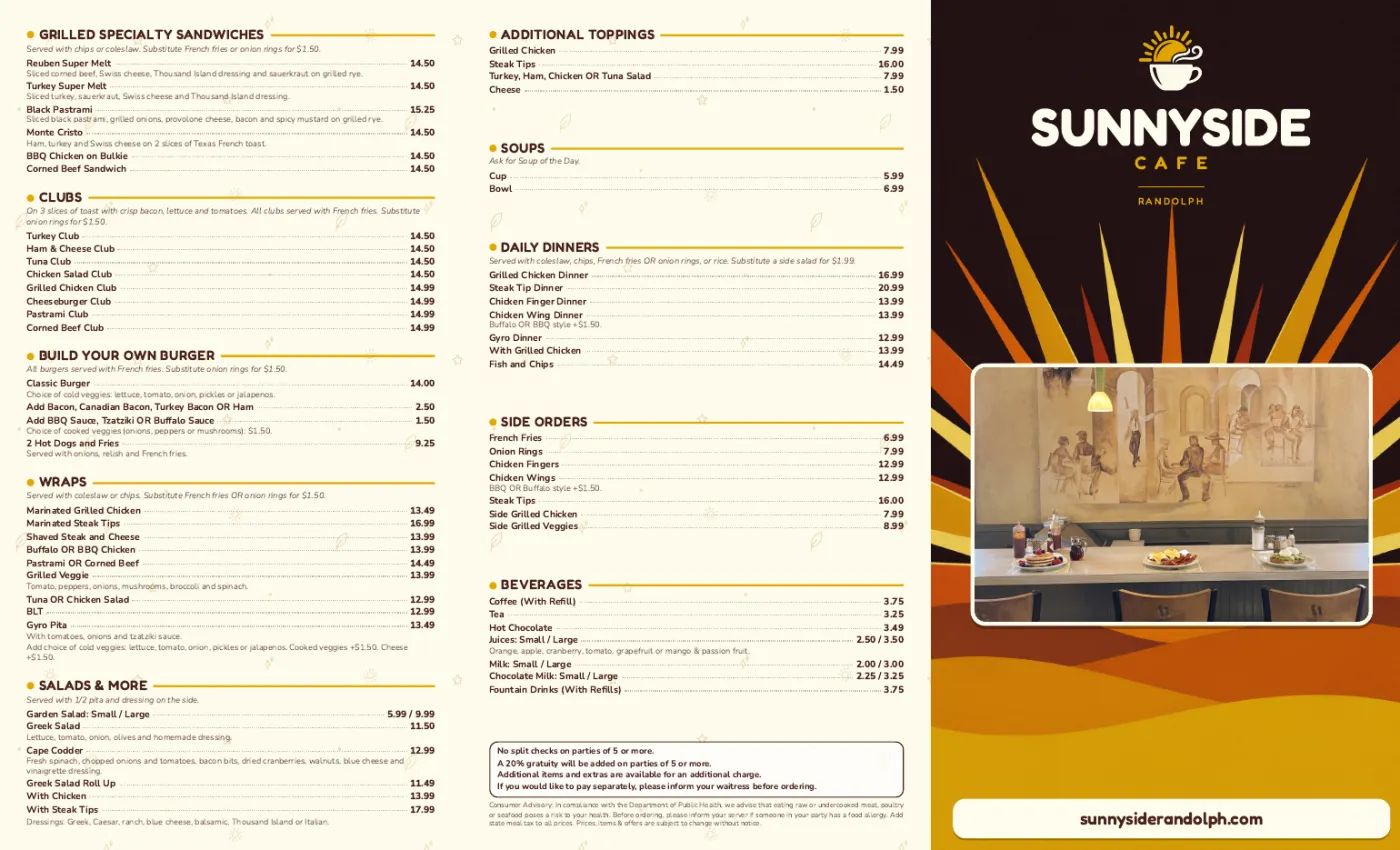
Shown with permission: Sunnyside Cafe (Randolph, MA).
Add your current menu as a PDF or a photo. AI reads the sections, dishes, descriptions and prices.
Fix anything the AI misread, then choose a format and a style. Add optional AI cover art if you want an illustrated cover.
Studio checks every price against your confirmed menu, then gives you a print-ready PDF with bleed.
8.5 x 11 in menus for the table, the window or the bag.
A 14 x 8.5 in roll-fold takeout menu, laid out across six panels.
The same confirmed menu as a 4 x 6 in table tent, an 8.5 x 11 in flyer or an 18 x 24 in poster.
The AI's job is to read the menu you have, accurately. It doesn't invent dishes, descriptions or prices.
The finished design is read back and every price compared with your confirmed menu before download.
Confirm the menu once and use it for the trifold, the table tent, the flyer and your social posts.
A print design uses about 30 credits, plus optional cover art. 600 credits are included every month with the $49 plan.
Menu design software gives you a blank layout and expects you to type the menu in and move every box yourself. An AI menu generator does the typing and the layout for you. Studio's version reads your current menu and designs it, so a menu that used to take an afternoon in a design program takes a few minutes and a check.
If you'd rather build a simple text menu by hand, the free menu maker on servestack.ai does that in your browser at no cost.
 Print menus & signageImport the menu you have, confirm it, pick a style and download a print-ready PDF. Every price is checked against your menu before you download.
 Text on food photoThe dish name, price or offer from your menu, laid out in the real empty space of your photo. The food stays exactly as photographed.Tri-fold menu makerYour current menu in, a print-ready 14 x 8.5 in roll-fold tri-fold out, with every price checked.Printable menu makerA one- or two-page 8.5 x 11 in menu from the menu you already have, with every price checked.Table tent maker4 x 6 in table tents for this week's special or new dish, made from your menu, every price checked.Restaurant flyer makerAn 8.5 x 11 in flyer for your opening, catering or deal, made from your menu with every price checked.
$49/month with 600 credits included. Already on Servestack Starter or Scale? Studio is included.