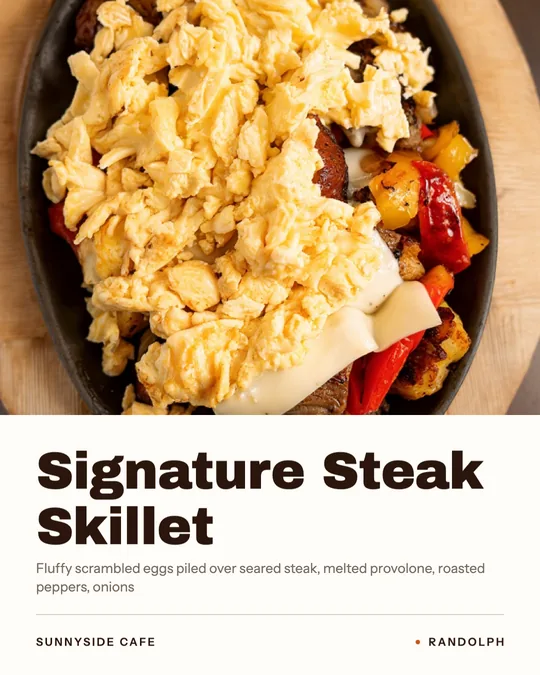
Real empty space
Studio looks for the empty parts of your photo and puts the words there, so the text never covers the food.
The dish name, price or offer from your menu, laid out in the real empty space of your photo. The food stays exactly as photographed.
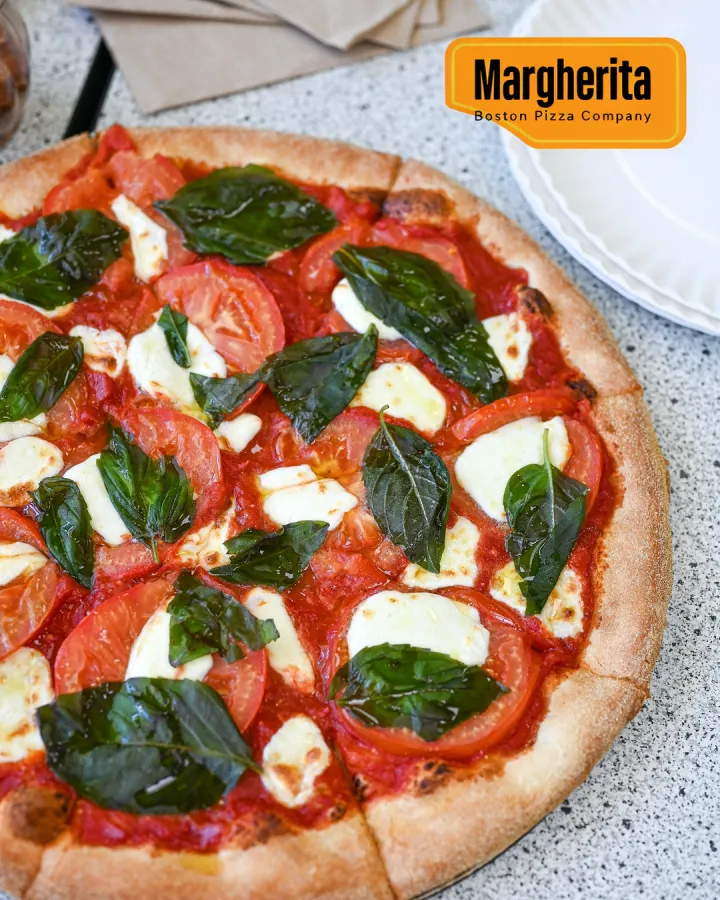
Putting words on a food photo sounds simple until you try. The text lands on the best part of the dish, the font fights the photo, or an AI tool "helps" by repainting the plate while it adds your headline.
Text on food photo in Servestack Studio finds the real empty space in your photo, the tablecloth, the corner, the space above the plate, and designs your words there with layouts a designer would use. The words come from your menu: the dish name, the price, or an offer you've set up.
The food is never redrawn. And before you get the image, every word on it is checked against what you asked for, so a misspelled dish name or a wrong price never makes it out.
The restaurant's original photo on the left, the finished image on the right. Only the words were added.
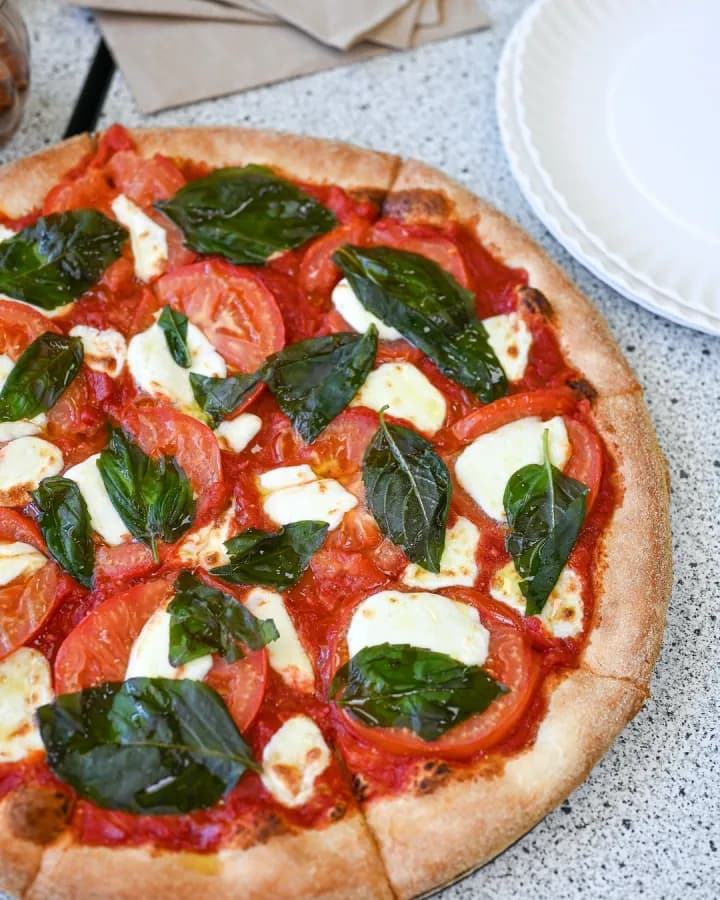
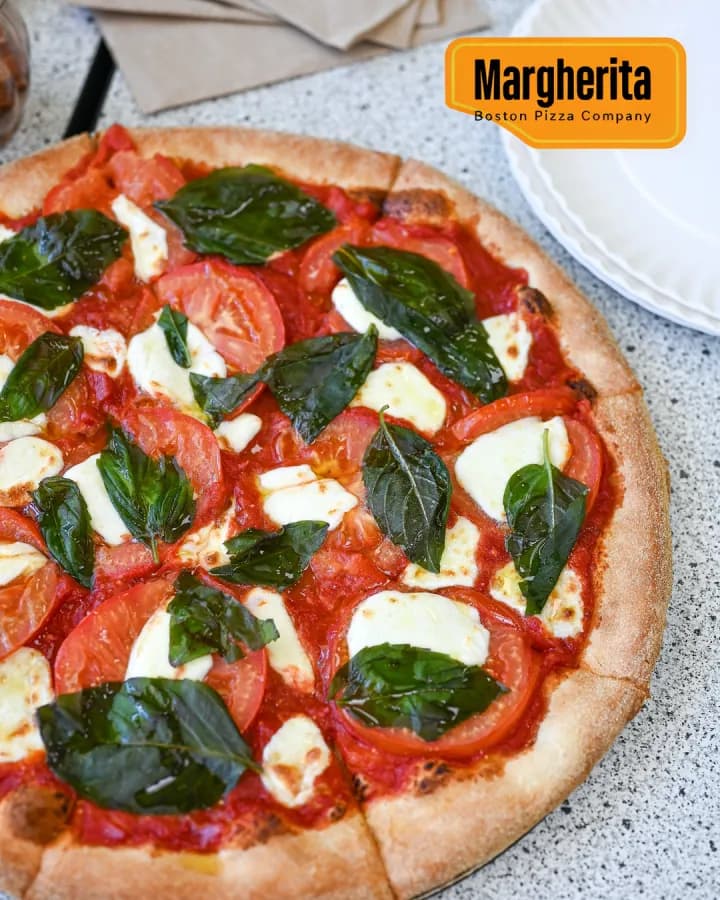
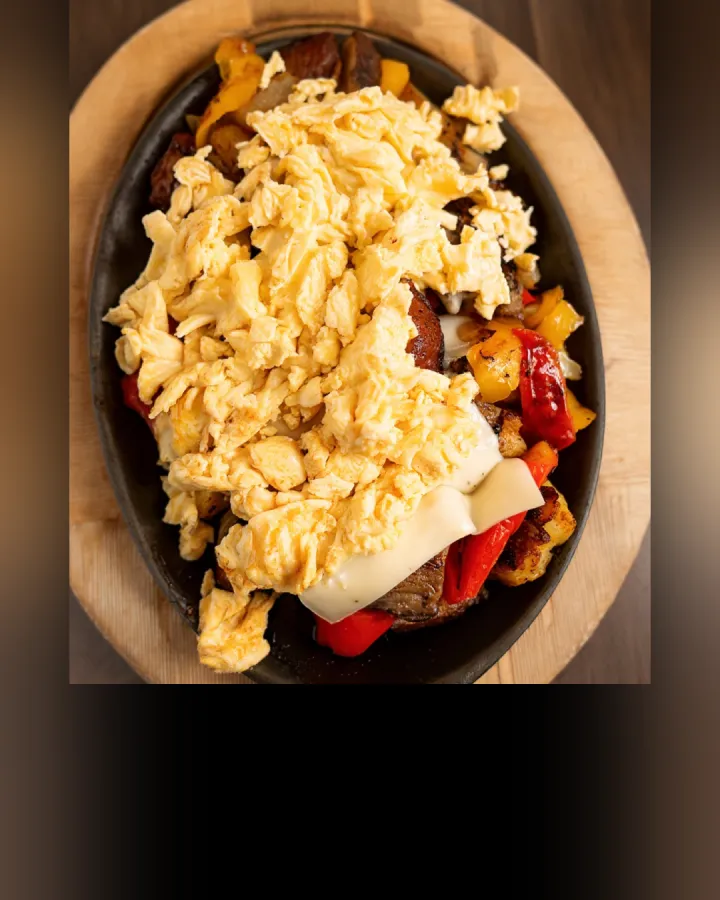
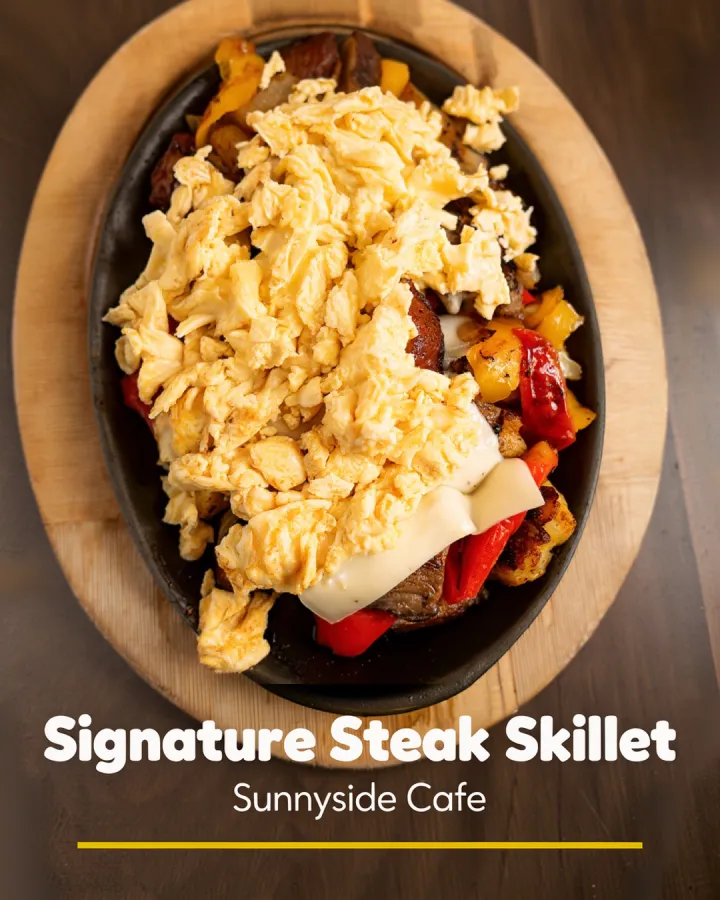
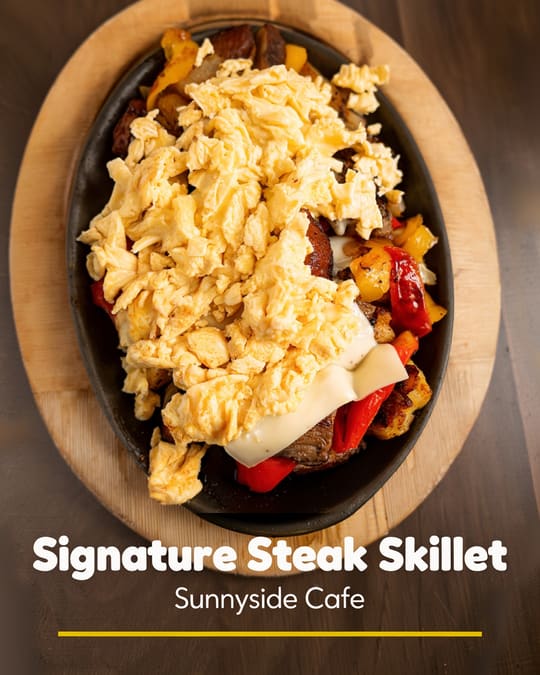
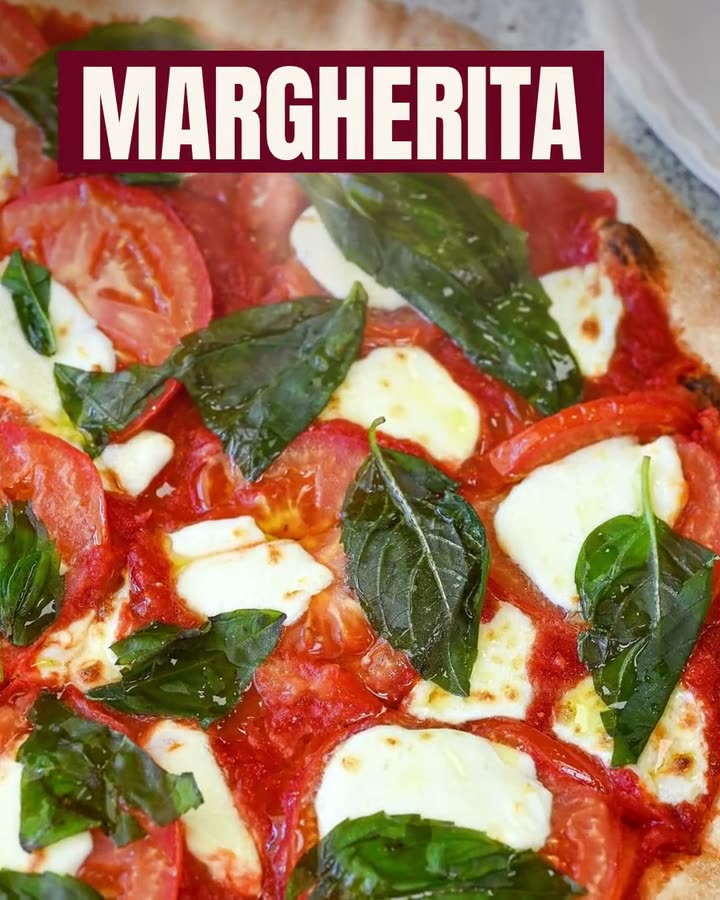
Examples made in Studio for Boston Pizza (Norwell, MA) and Sunnyside Cafe (Randolph, MA), shown with permission.
Dish names designed onto the restaurants' own photos, and headlines lettered around the plate.
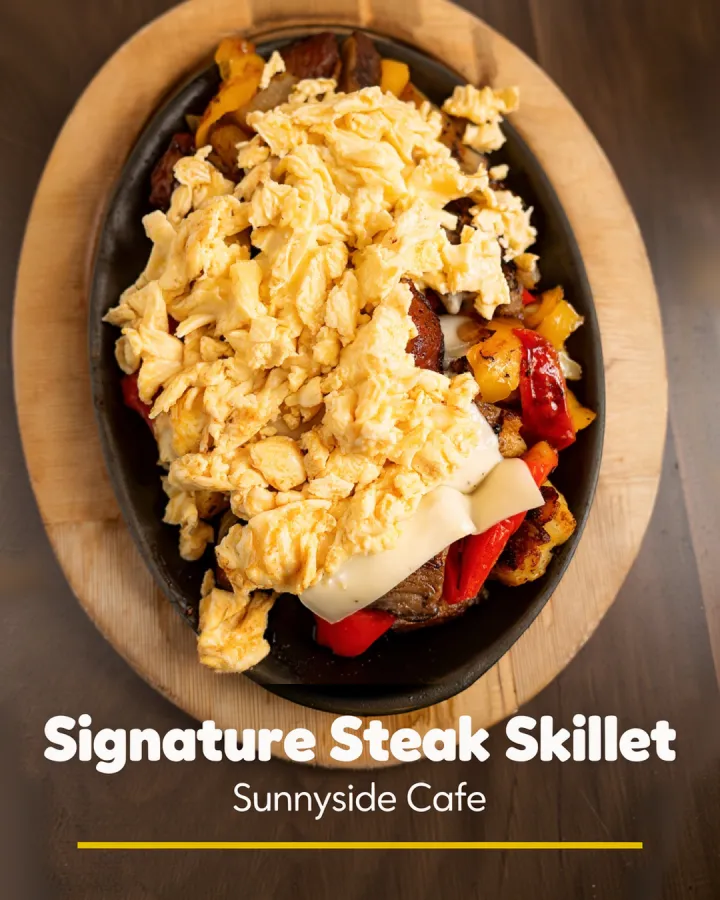
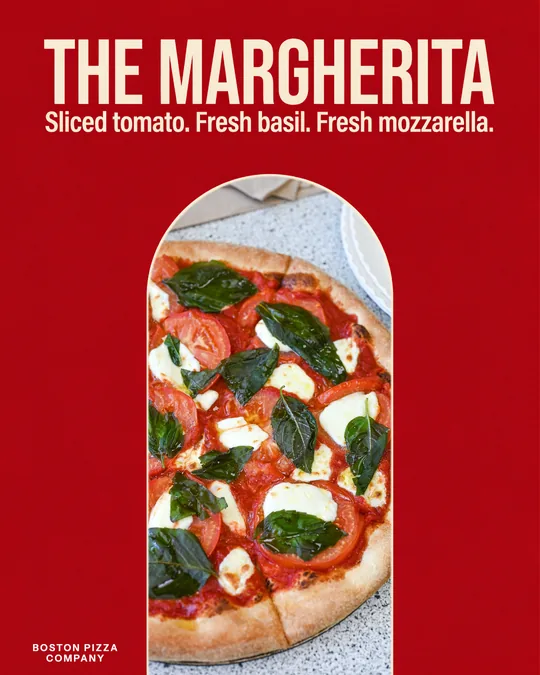
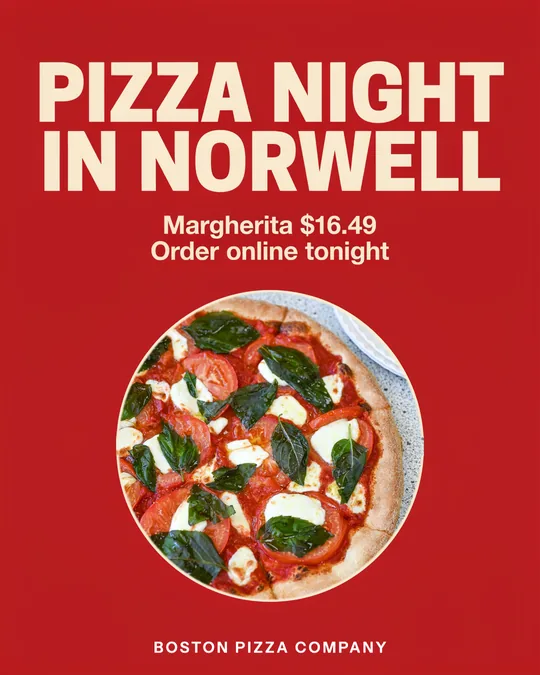
Examples made in Studio for Sunnyside Cafe (Randolph, MA) and Boston Pizza (Norwell, MA), shown with permission.
Choose a photo from your library. Studio links it to the dish on your menu, so the name and price are ready.
Use the dish name, add the price, or pick an offer. You can edit the line, but it starts from your menu.
Studio lays the words into the photo's empty space, checks every word, and gives you the finished image to post or print.
Studio looks for the empty parts of your photo and puts the words there, so the text never covers the food.
Titles, labels and price tags set with type and spacing that look designed, not stamped on.
Dish names, prices and offers come from your menu, so the photo and the menu always agree.
Only the words are added. The dish, the plate and the table are untouched.
Each finished image is read back and compared with the words you chose. If a letter is off, it's caught before you see the result.
Prices and offers come from your menu, not from a model's guess.
Many AI image tools add text by regenerating the whole image, which means the food gets redrawn too: the cheese melts differently, the basil moves, the portion grows. Studio keeps your photo as it is and designs only the words into it.
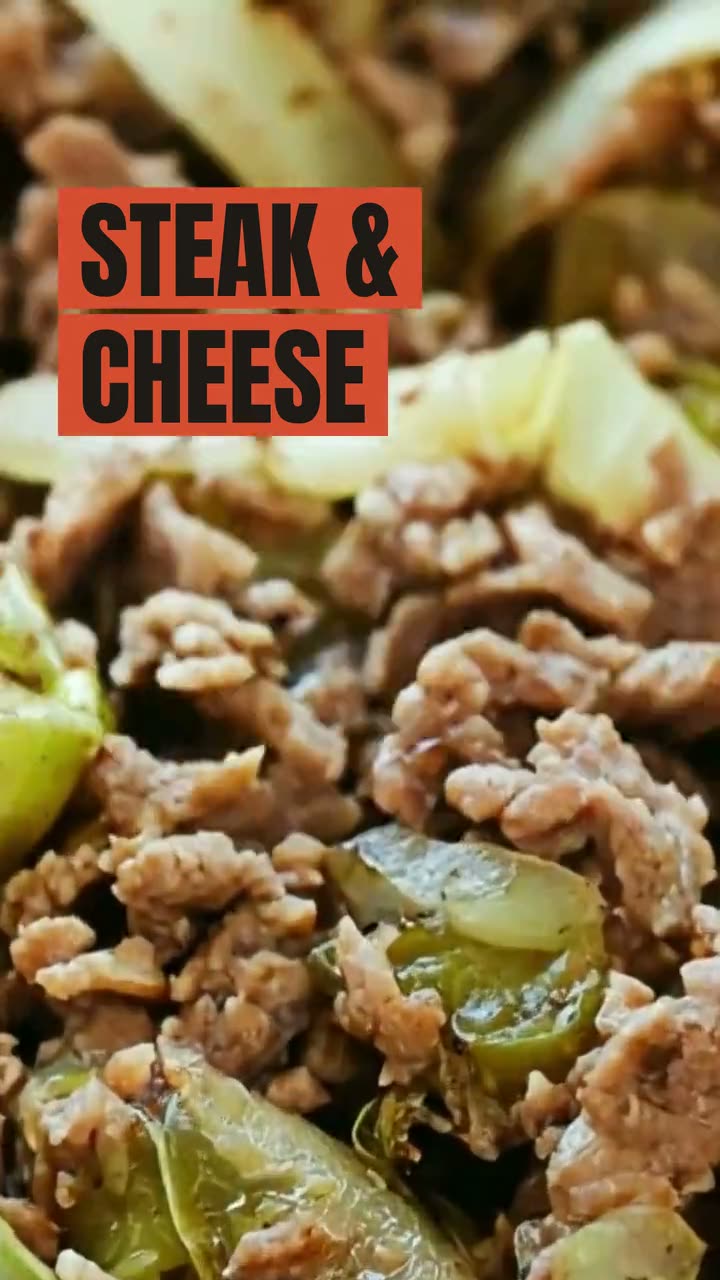 Ad StudioPick an ad style, drop in a photo of your dish, and get a finished image or video ad. Nothing is generated from a text prompt. Your food is the hero.
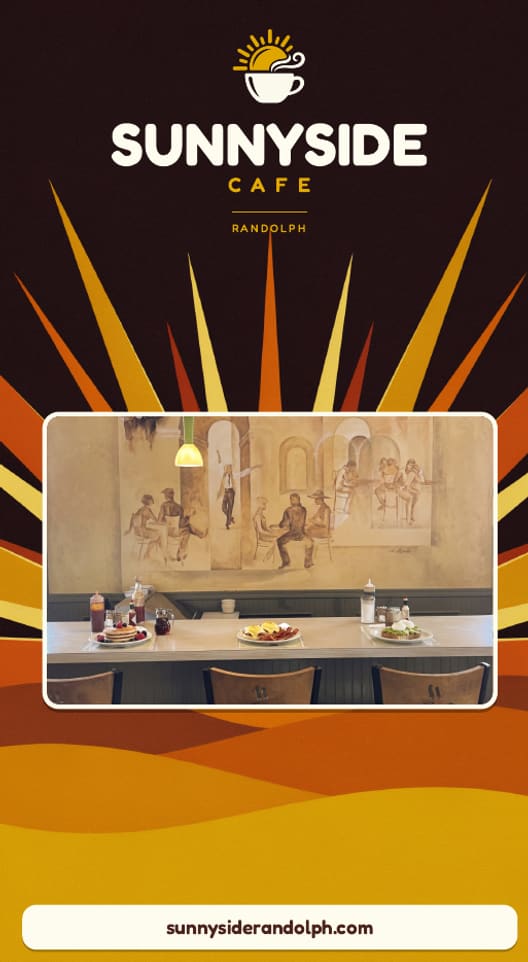 Print menus & signageImport the menu you have, confirm it, pick a style and download a print-ready PDF. Every price is checked against your menu before you download.
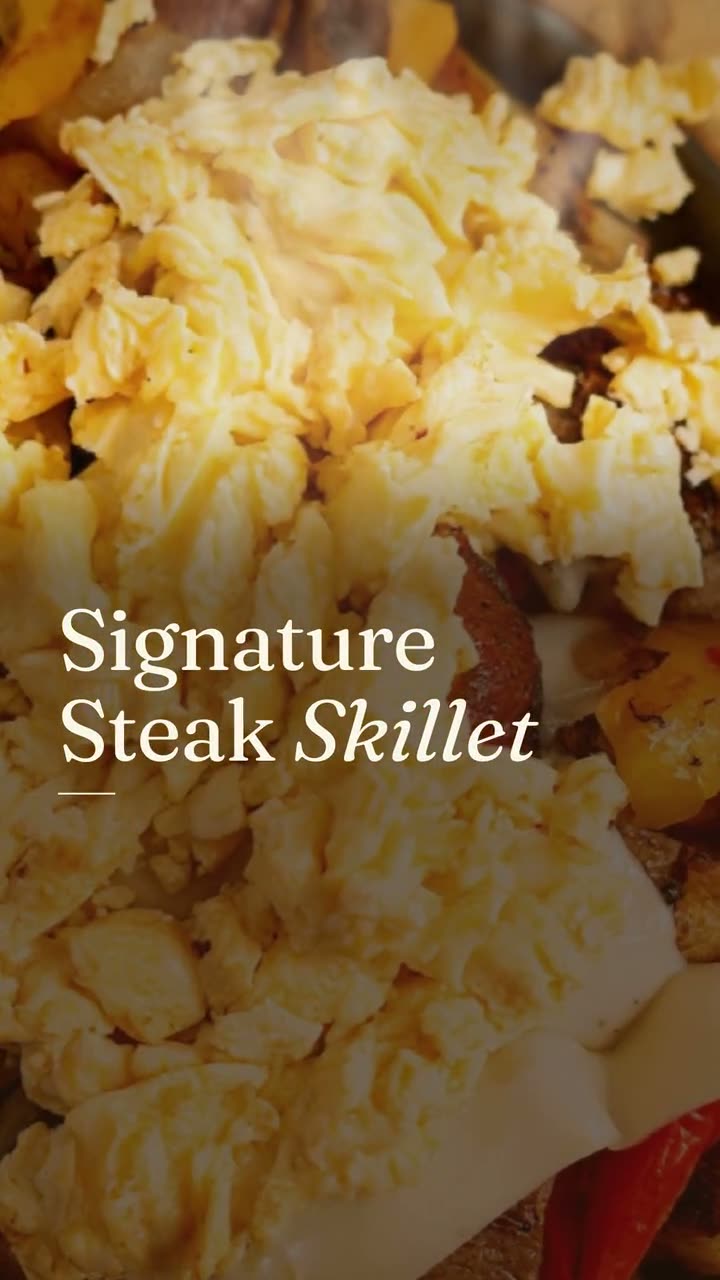 Studio pricingOne plan: $49 a month or $490 a year, with 600 credits every month. Here's exactly what things cost.
 Add text to food photoYour dish name, price or offer designed into the empty space of your photo. The food stays exactly as photographed.Food poster makerOne dish, one line in your own words, set like a poster you'd hang in the window.
 Food photo makeoverThe photos and clips you already have, reframed and relaid out. The food stays exactly as you served it.Instagram post makerYour menu and your photos in, a week of on-brand Instagram posts out.
$49/month with 600 credits included. On the full Servestack plan? Studio is included.