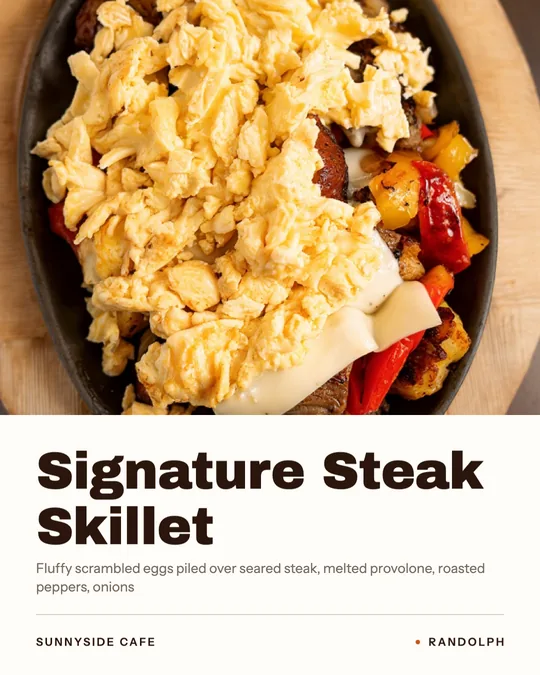
Dish name titles
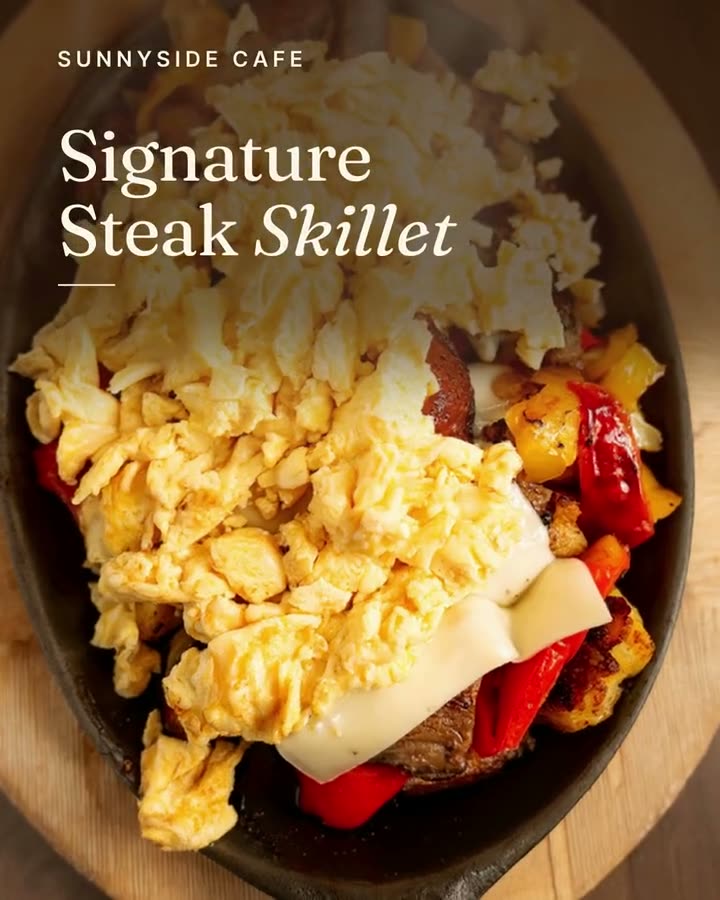
The dish name and restaurant name, set like a magazine title.
Your dish name, price or offer designed into the empty space of your photo. The food stays exactly as photographed.
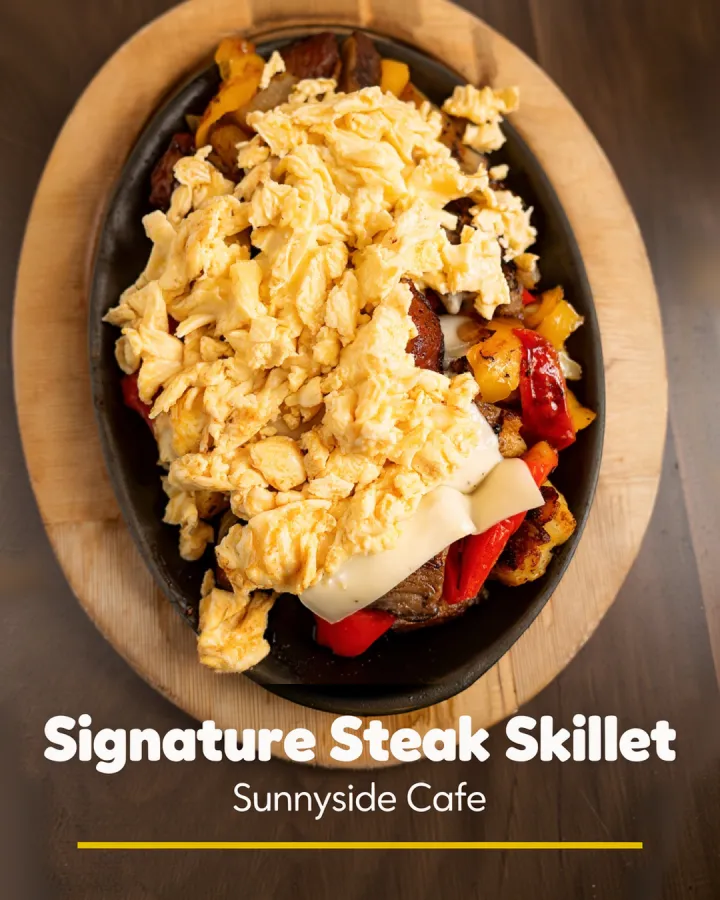
You have a great photo of the dish and you need its name on it, maybe the price too, for a post, a Google update or a sign. Most tools either stamp the text over the food or regenerate the whole picture and change the dish while they're at it.
Servestack Studio finds the real empty space in your photo and designs your words there, with designer layouts. The words come from your menu, the food stays exactly as photographed, and every word is checked before you get the image.
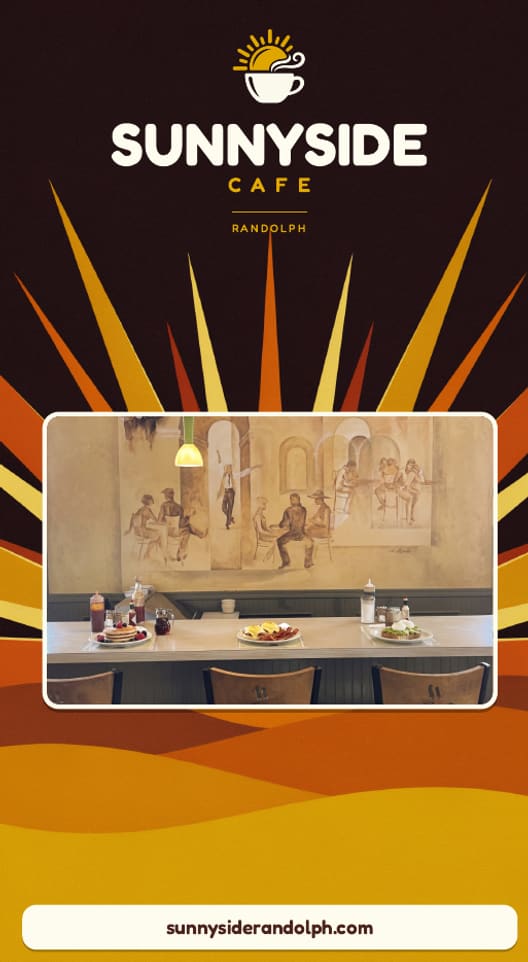
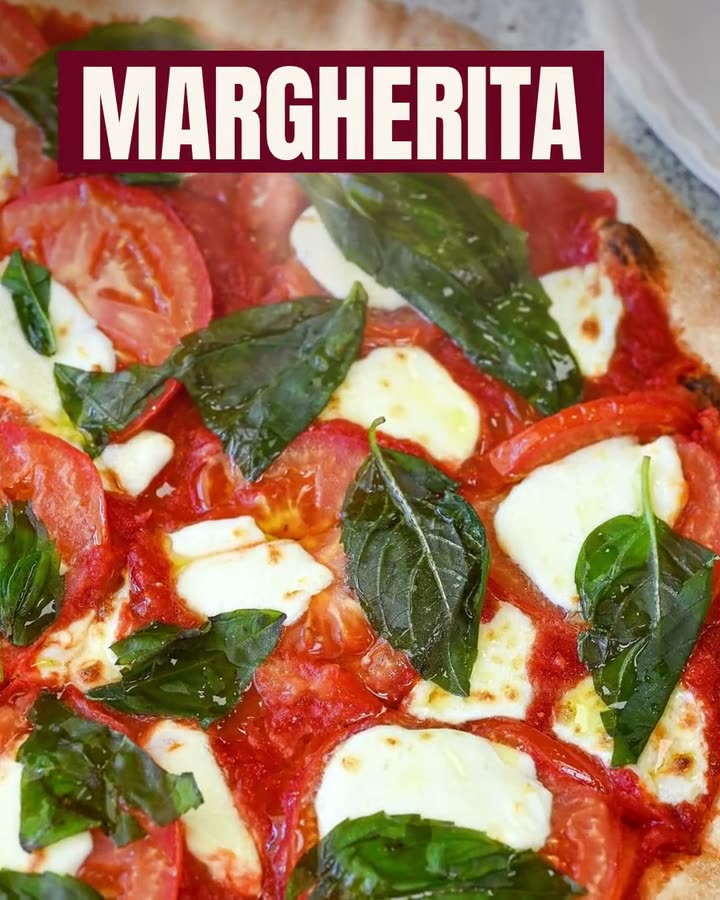
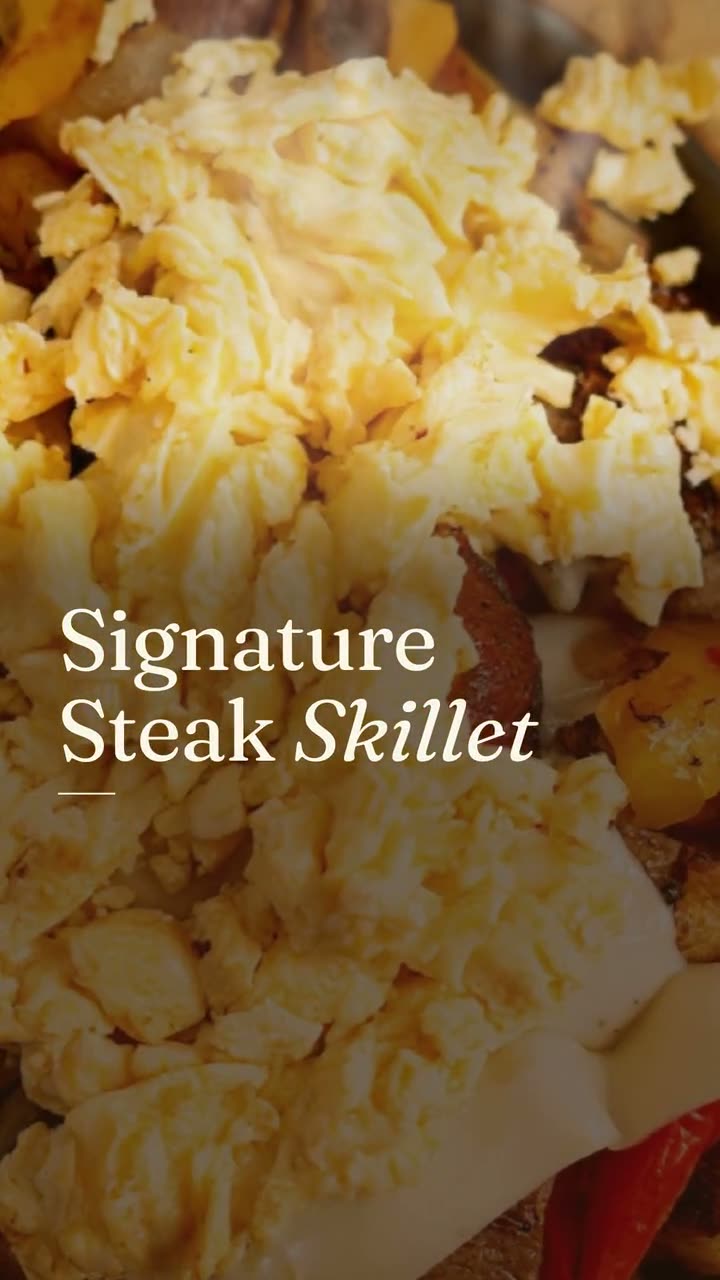
The restaurants' own photos, then the same photos with the dish name designed in. The food is unchanged.
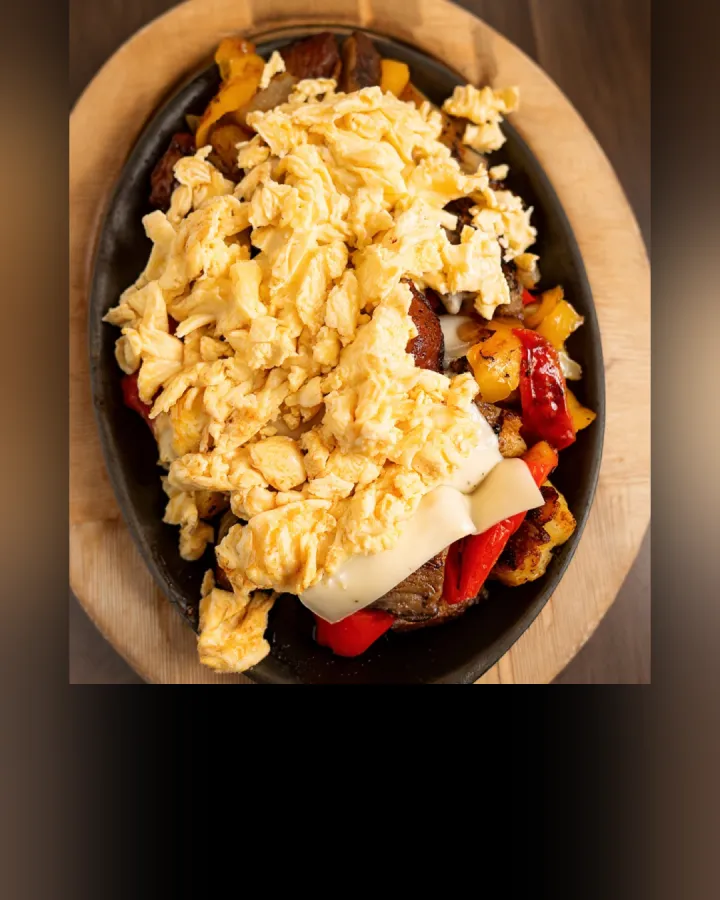
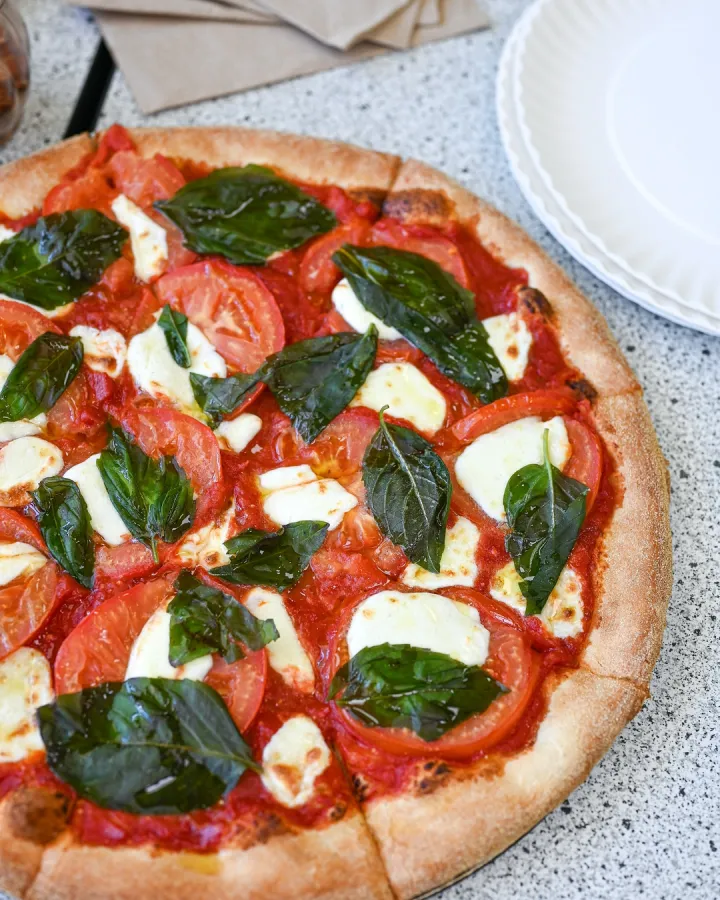
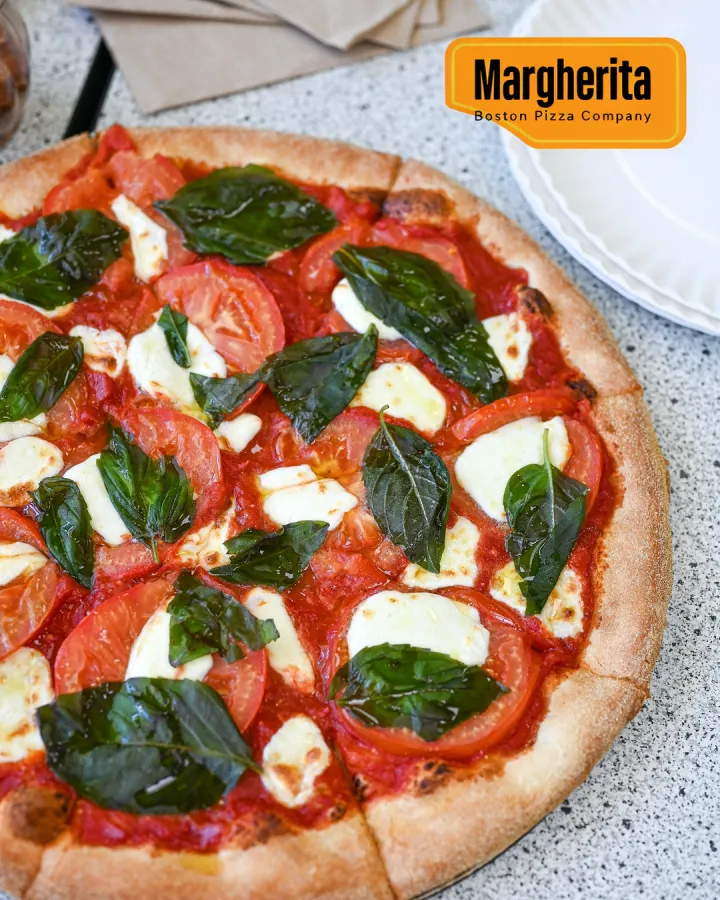
Shown with permission: Sunnyside Cafe (Randolph, MA) and Boston Pizza (Norwell, MA).
Pick a dish photo from your library or upload one.
The dish name, the price or an offer from your menu. Edit the line if you like.
Studio designs the words into the empty space, checks every word, and gives you the image to post or print.
The dish name and restaurant name, set like a magazine title.
A clean label or tag with the dish and its menu price.
This week's deal on the photo of the dish it's for.
Only words are added. The dish is never redrawn.
Text goes where the photo is empty, not on the food.
The finished image is checked against the words you chose before you get it.
Uses credits from the 600 included every month with the $49 plan. The cost is shown before you confirm.
Text on food photoThe dish name, price or offer from your menu, laid out in the real empty space of your photo. The food stays exactly as photographed.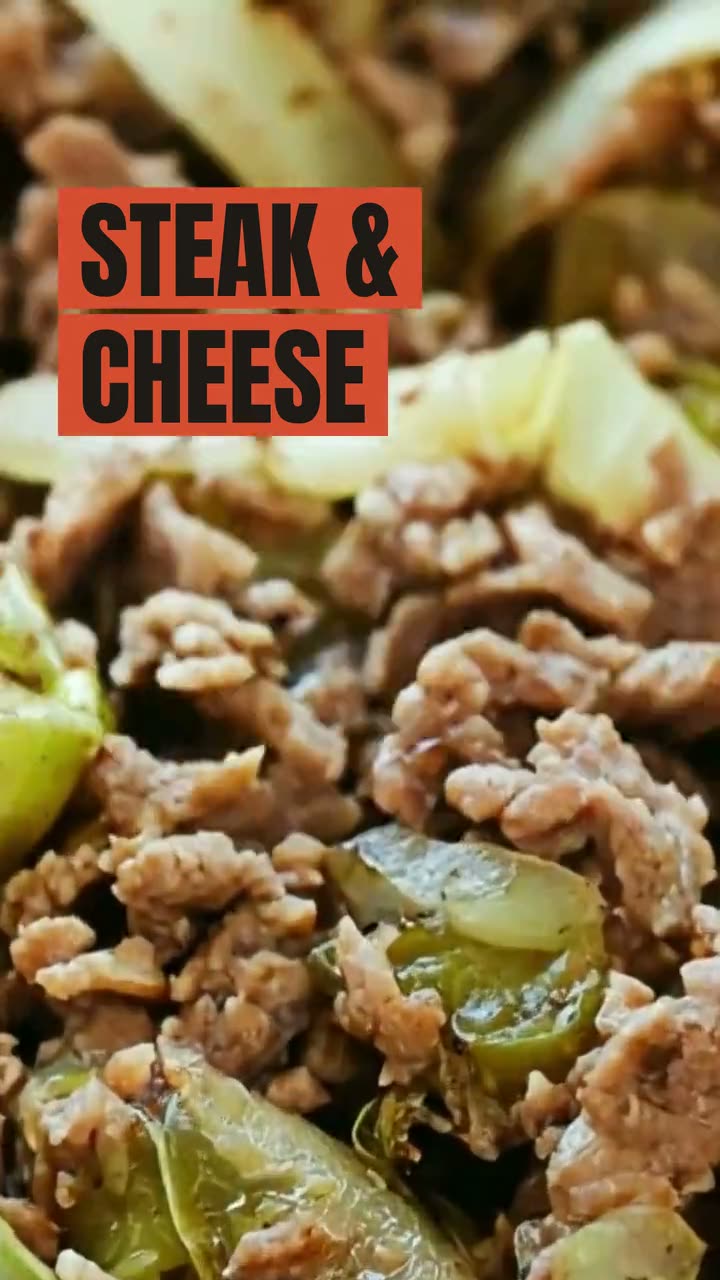 Ad StudioPick an ad style, drop in a photo of your dish, and get a finished image or video ad. Nothing is generated from a text prompt. Your food is the hero.
 Print menus & signageImport the menu you have, confirm it, pick a style and download a print-ready PDF. Every price is checked against your menu before you download.
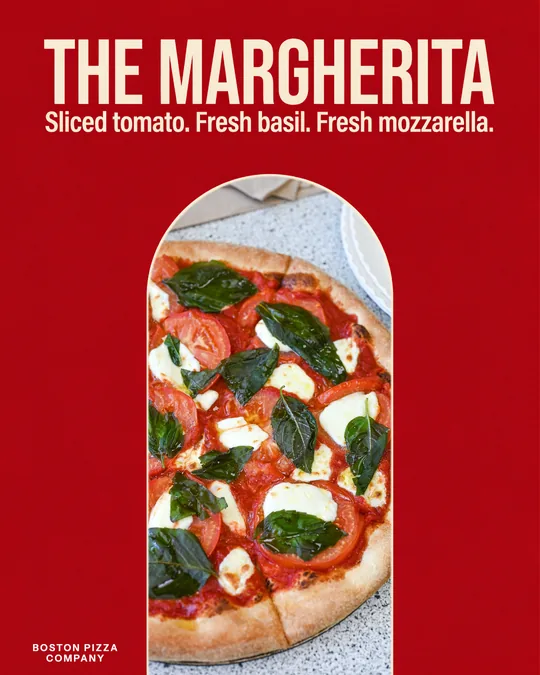 Food poster makerOne dish, one line in your own words, set like a poster you'd hang in the window.
 Food photo makeoverThe photos and clips you already have, reframed and relaid out. The food stays exactly as you served it.
 Instagram post makerYour menu and your photos in, a week of on-brand Instagram posts out.
 Google Business post makerA fresh post on your Google profile every week, made from the food people will actually be served.
$49/month with 600 credits included. Already on Servestack Starter or Scale? Studio is included.