Order-online Google cuts
Short videos made for Google in two shapes, 4:5 and 1:1, that show a real dish and point people to your online ordering.
A fresh post on your Google profile every week, made from the food people will actually be served.
Your Google Business Profile is often the first place a hungry person sees your restaurant, and for many owners it's the most neglected. The hours are right and the reviews are there, but the latest post is a blurry photo from last spring. Posts are the part of the profile you control week to week, and they're where you show what's on the menu right now.
Studio makes Google Business Profile posts from your menu and your own dish photos, and posts them directly to your profile once it's connected. There are order-online video cuts made for Google in 4:5 and 1:1, plus the same template designs you'd use on Instagram: specials, price cards and dish spotlights.
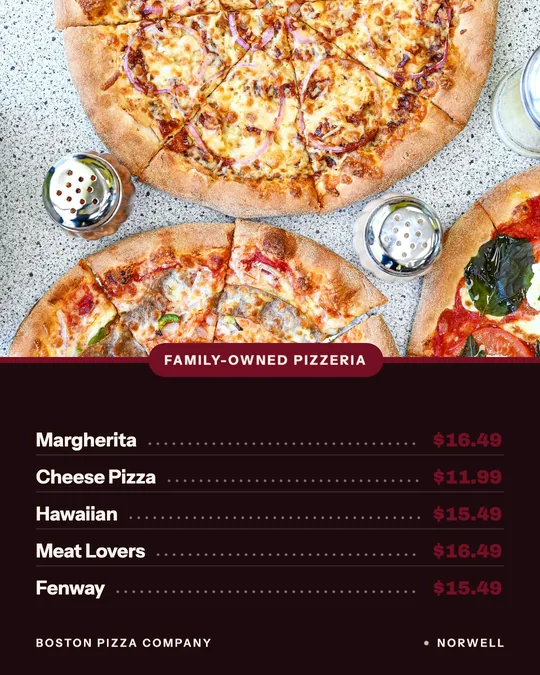
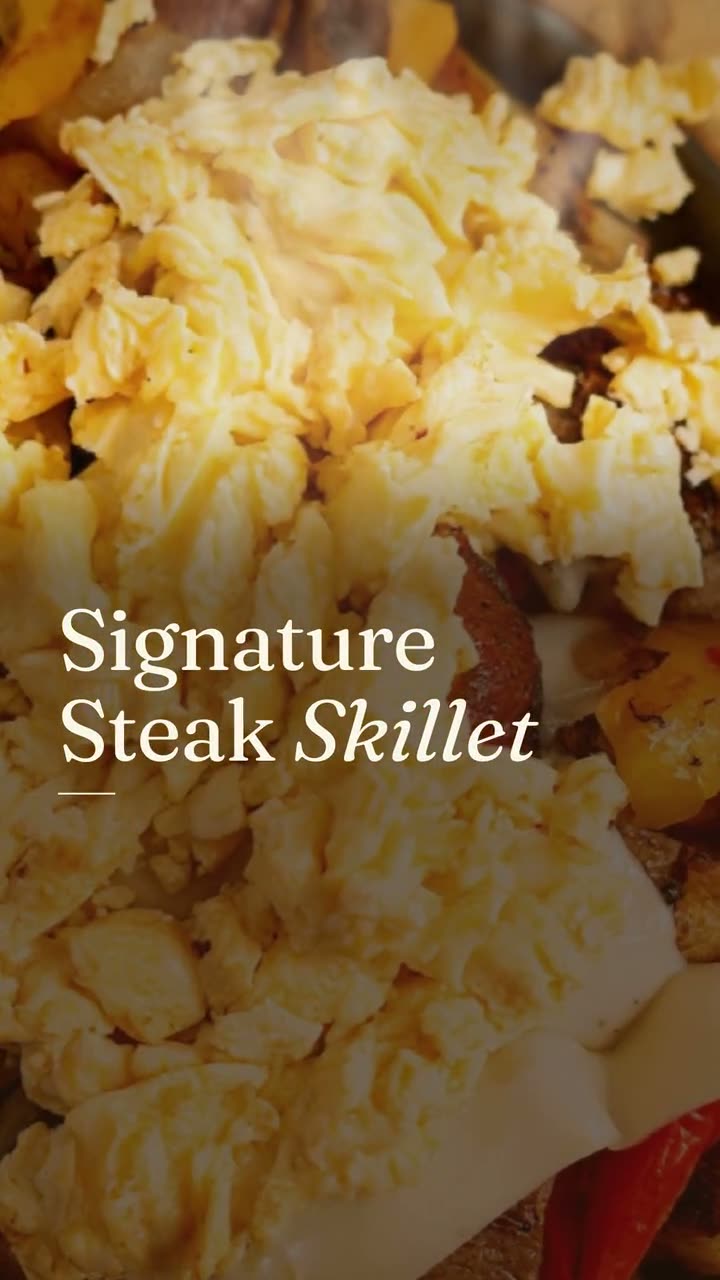
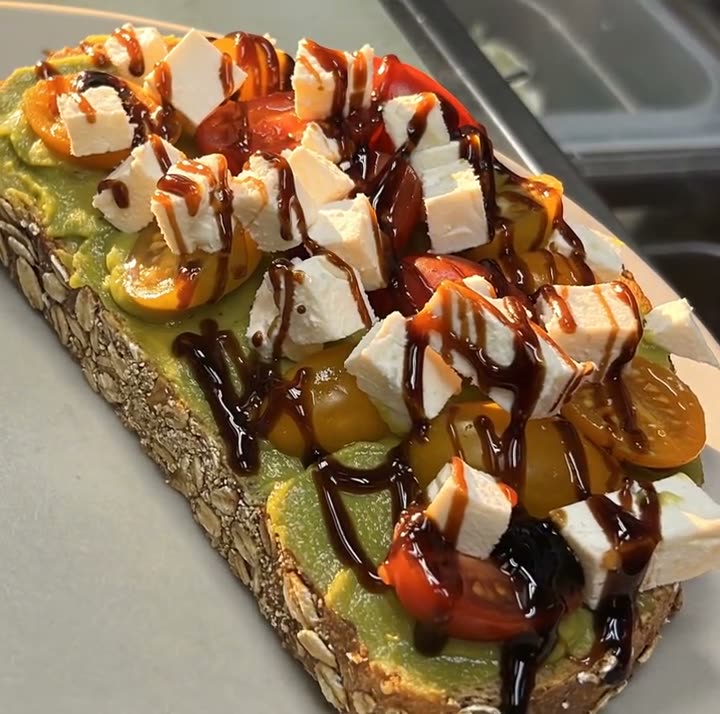
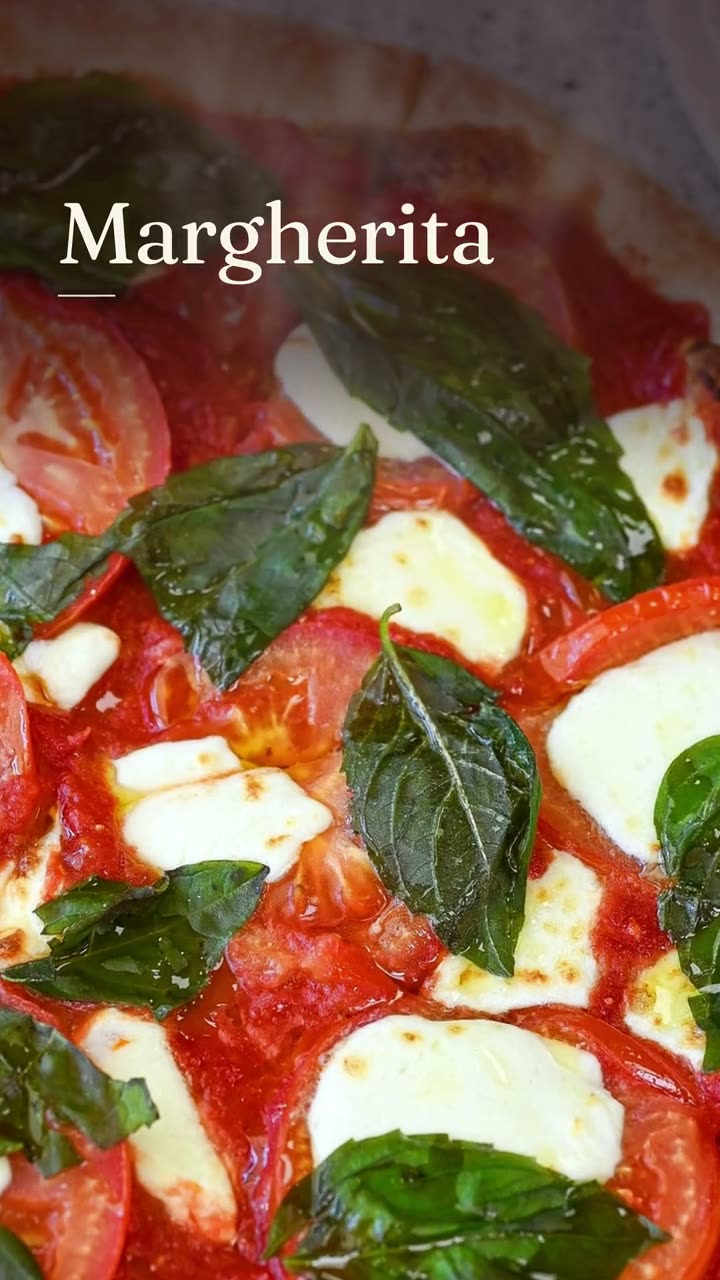
The two Google cuts on this page were made for Sunnyside Cafe in Randolph and Boston Pizza in Norwell. The other examples came from the same restaurants' menus and photos.
Each one was made in Studio for a real Servestack restaurant, from its own photos and menu.
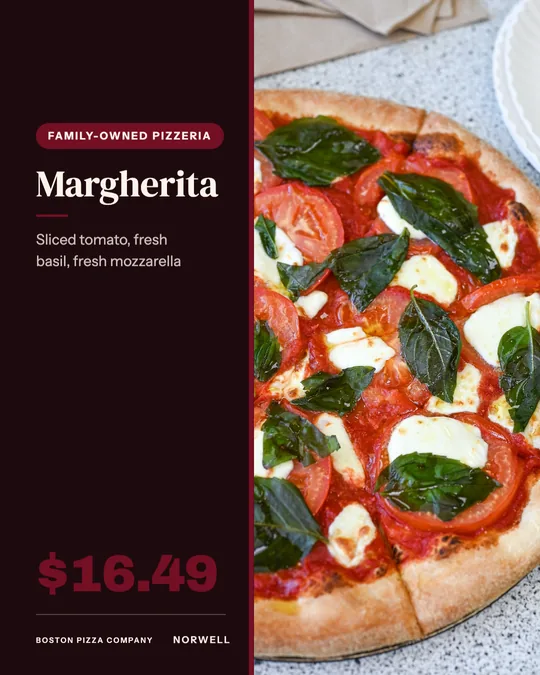
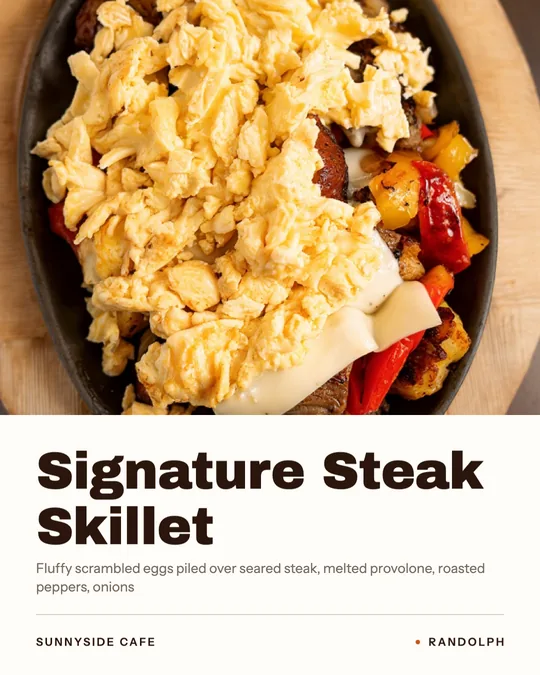
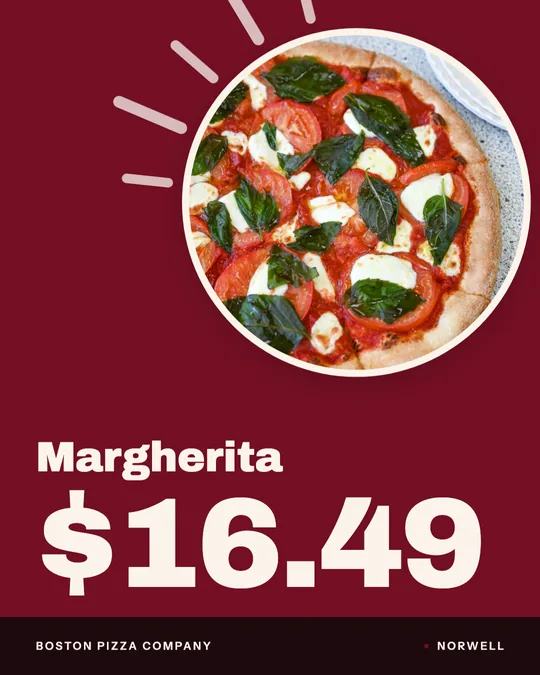
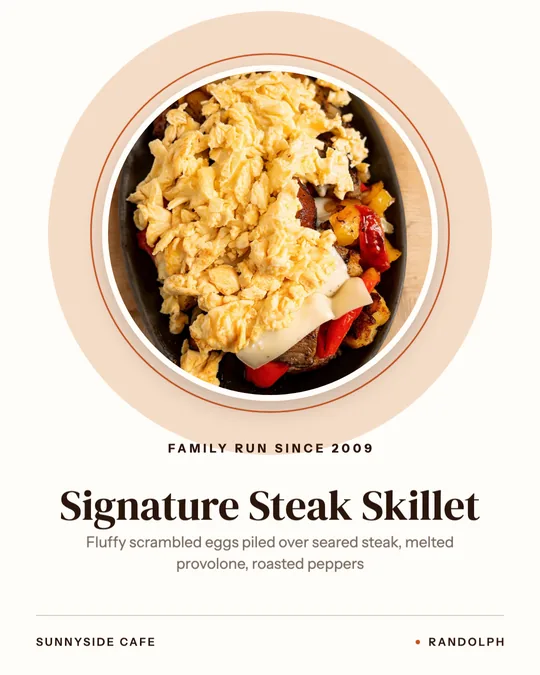
Shown with permission: Sunnyside Cafe (Randolph, MA) and Boston Pizza (Norwell, MA).
Link your profile once in Studio, along with Instagram, Facebook and TikTok if you use them.
Choose an order-online Google cut in 4:5 or 1:1, or a design like a daily special or dish spotlight. The dish name and price come from your menu.
Read it over, adjust the words, then post to your profile now or schedule it days or weeks ahead.
Short videos made for Google in two shapes, 4:5 and 1:1, that show a real dish and point people to your online ordering.
Daily special and deal designs, so the profile shows what's on this week instead of what was on the day you set it up.
One best seller with its name and menu description. A steady post for the weeks when nothing new is happening.
One dish and its price, for people comparing a few places on Google and wanting to know what dinner will cost.
Connect your profile once and post or schedule from Studio. No saving files to your phone and re-uploading them in another app.
Google Business posts should show clear photos of real food, and that's all Studio uses. Every post starts from your own photo of your own dish.
When someone sees a price on Google and then orders, it should match. Studio pulls every price from your menu.
Google Business cuts and template designs use no credits on the $49/month plan.
Studio makes Google Business posts in two shapes: 4:5, a slightly tall rectangle, and 1:1 square. Whichever you use, keep the dish in the center and the words away from the edges, so nothing important is lost if the image is shown small or trimmed in a preview.
The text of a Google post can run up to 1,500 characters, but a restaurant rarely needs that much. Two or three sentences do the job: what the dish or offer is, when it's available and how to get it. Put the most important words first, since the start of the post is what people see first.
Aim for a new post every week. It keeps the profile looking current and gives people who find you on Google something recent to look at.
People searching Google for a place to eat are close to deciding. They want to see what they'll get. A clear photo of your actual dish answers that. A stock image or an over-styled AI plate raises a question you don't want them asking.
That's also why Studio never generates or swaps food. The photo you'd proudly show a regular is the one that goes on your profile.
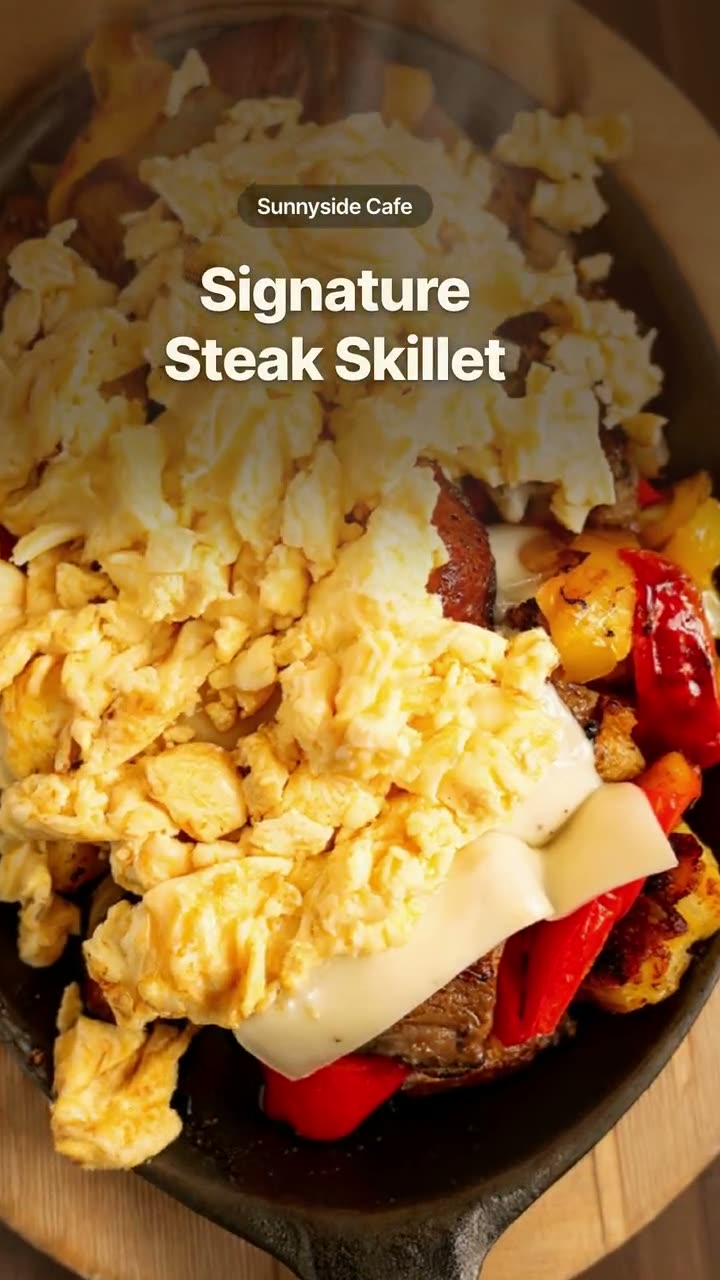 Order online videoRemind people they can order from you, in every size the platforms want.
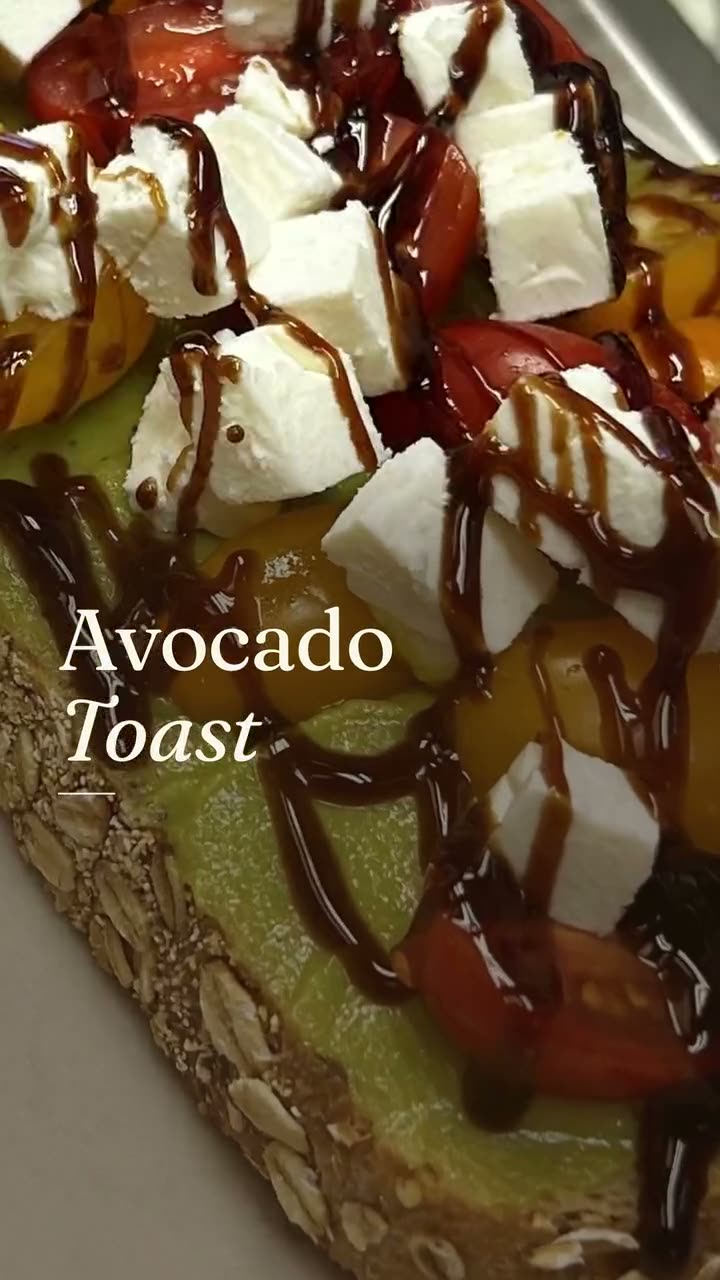 New item drop videoLaunch a new dish with a reveal video and a matching story card, both from your real menu.Dish spotlight designGive one dish the whole post, with the menu description that makes people order it.
$49/month with 600 credits included. Already on Servestack Starter or Scale? Studio is included.