Menu boards
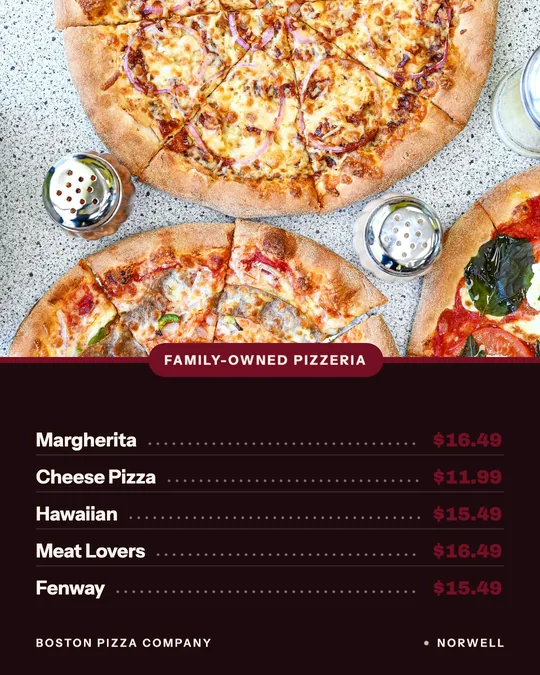
A short board of best sellers with their prices, for a post or a printed sheet by the register. Think a pizza shop's top pies or a cafe's breakfast list.
Your menu prices on a board, a card or a window sign, without retyping a single one.
A menu poster has one job: tell someone what you sell and what it costs before they've decided to come in. It's the board by the counter, the card in the window, the post a regular sees on their lunch break. When the price on the poster doesn't match the price at the register, that job falls apart.
Studio makes menu posters from the menu you've already added, so the names and prices arrive filled in. Pick a menu board for a handful of best sellers, a price card for one dish, a window sign for the street or a deal card for a combo. Each one uses your own dish photo, comes out sized for social and downloads for print.
If you need a full, printable sit-down menu with every section, Servestack's free menu maker at /tools/menu-maker is built for that. This page is for the shorter pieces: boards, cards and signs that sell a few items at a time.
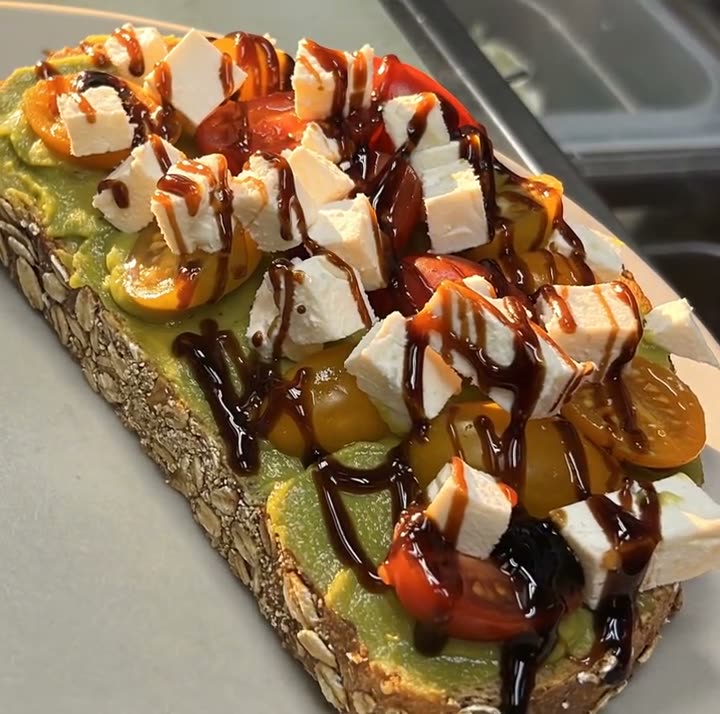
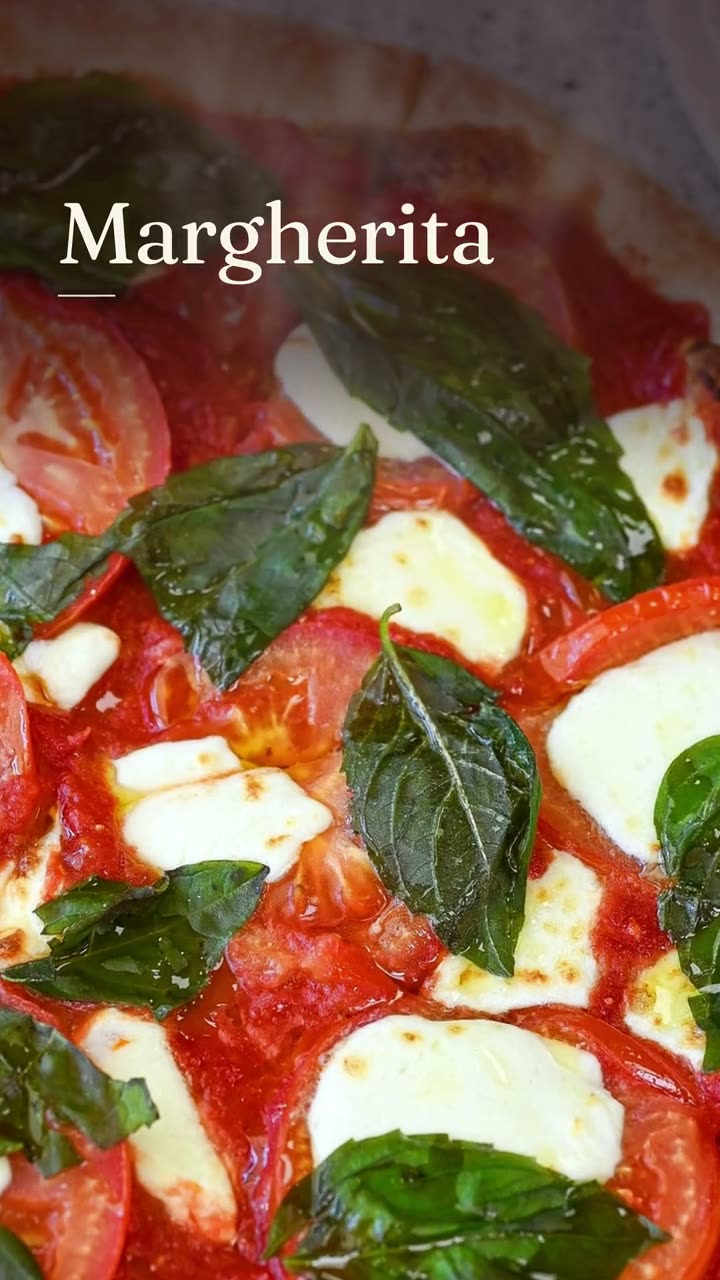
Each one was made in Studio for a real Servestack restaurant, from its own photos and menu.
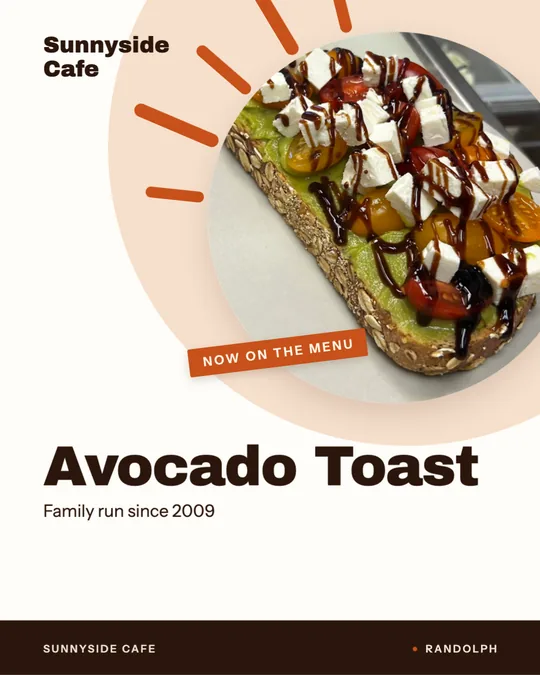
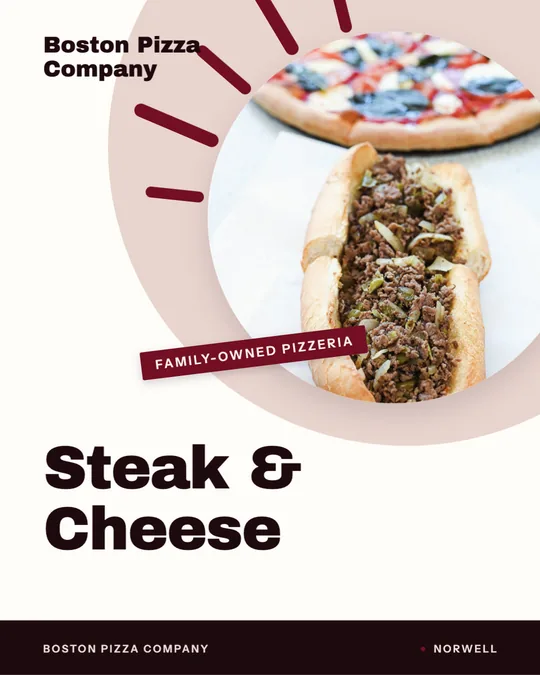
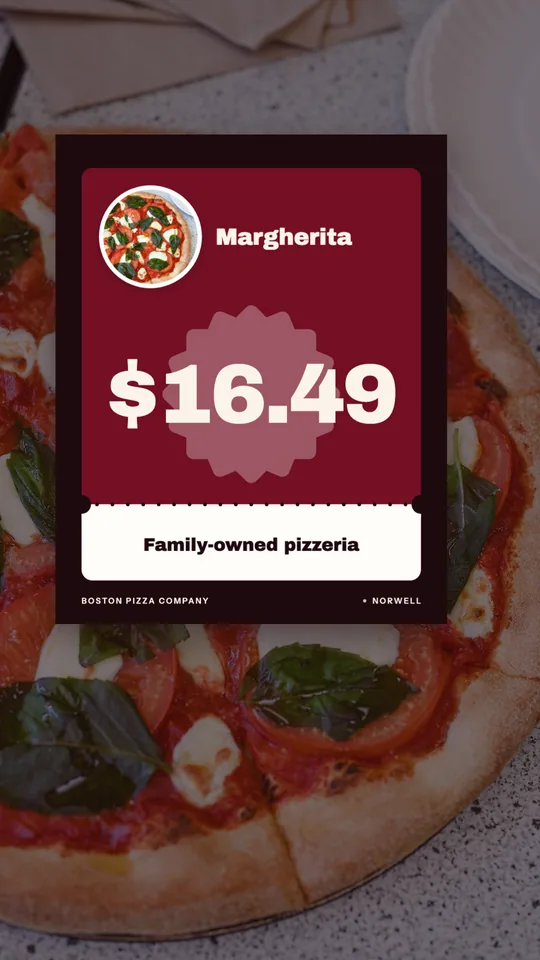
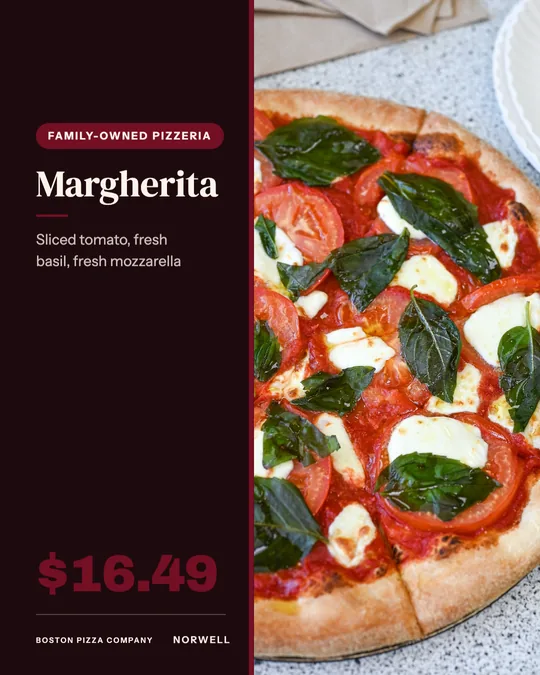
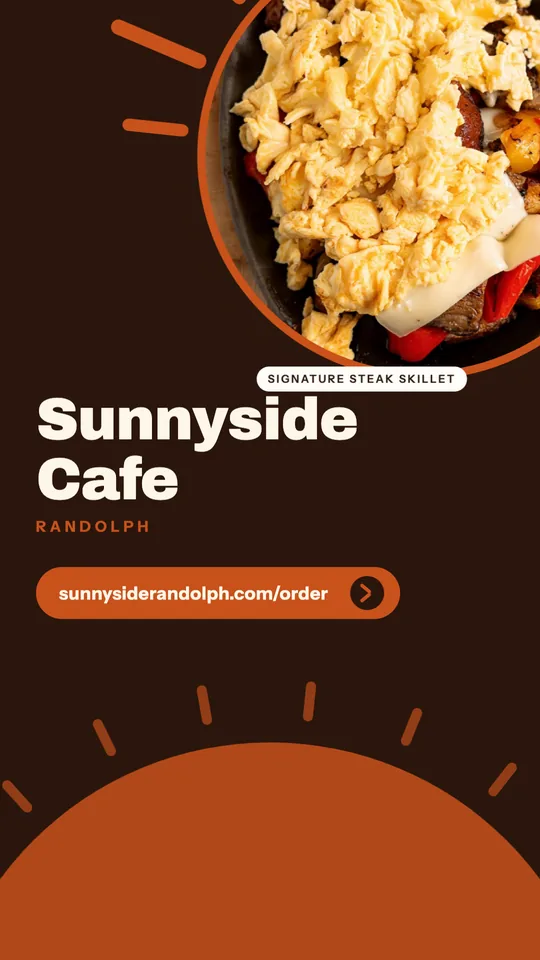
Shown with permission: Sunnyside Cafe (Randolph, MA) and Boston Pizza (Norwell, MA).
Import your menu with names, descriptions and prices, and upload your dish photos. Studio matches each photo to its dish.
Choose a menu board, price card, window sign or deal card and the dishes to feature. Names and prices fill in from the menu.
Post it to Instagram, Facebook or Google Business Profile, schedule it, or download it to print for the counter or the window.
A short board of best sellers with their prices, for a post or a printed sheet by the register. Think a pizza shop's top pies or a cafe's breakfast list.
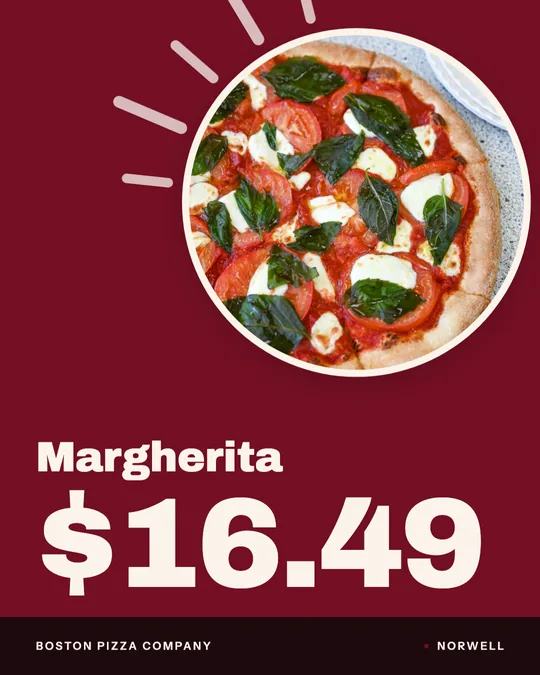
One dish, its name and its price, big enough to read at a glance. It's the simplest menu poster there is, and often the one that sells.
A sign for the glass facing the sidewalk: what's good and what it costs. Print it for the door, or post the same design online.
A combo or bundle with the price as the headline, sized for Stories. Useful for lunch deals and family meals.
You never type a price into a poster. It comes from the menu you added, so the board, the card and the register all agree.
Each design uses your own photo of the dish, not clip art of a generic burger or a stock coffee cup.
The same price card works as a feed post, a Story and a printout. Make it once and put it wherever guests look.
Menu boards, price cards, window signs and deal cards are template designs and use no credits on the $49/month plan.
A window sign and an Instagram post do the same work in different places. The sign catches people walking by; the post catches people scrolling at their desk. Using the same design for both helps people recognize you: the price card they saw at noon is the one taped to your door at six.
Print what changes least and post what changes most. A board of your staples can stay up for a season. A deal card for this week's lunch combo belongs in Stories, where it can disappear when the deal does.
Menu prices move more often than they used to. When you update a price in your menu, the next board or card you make picks it up, so you're not digging through old design files to find every place the old number lives.
Make a habit of it: change the price, remake the window sign and the counter board the same day, and swap the printouts before the next service.
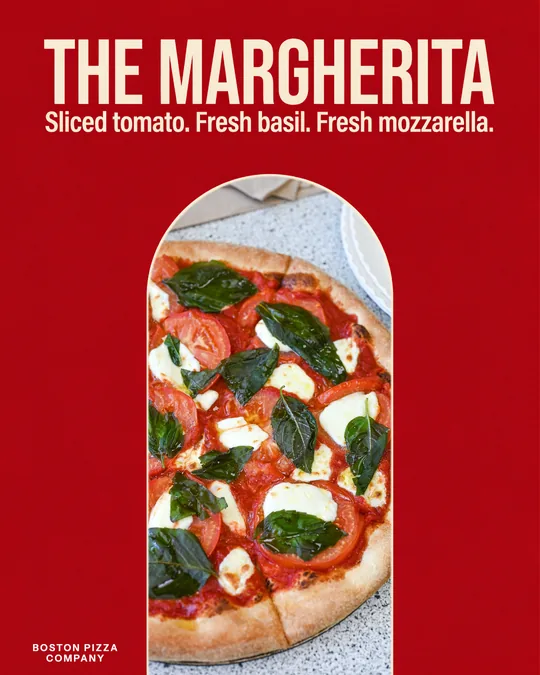 Food poster makerOne dish, one line in your own words, set like a poster you'd hang in the window.Daily special makerToday's special, posted before the lunch rush, without anyone stopping to design it.
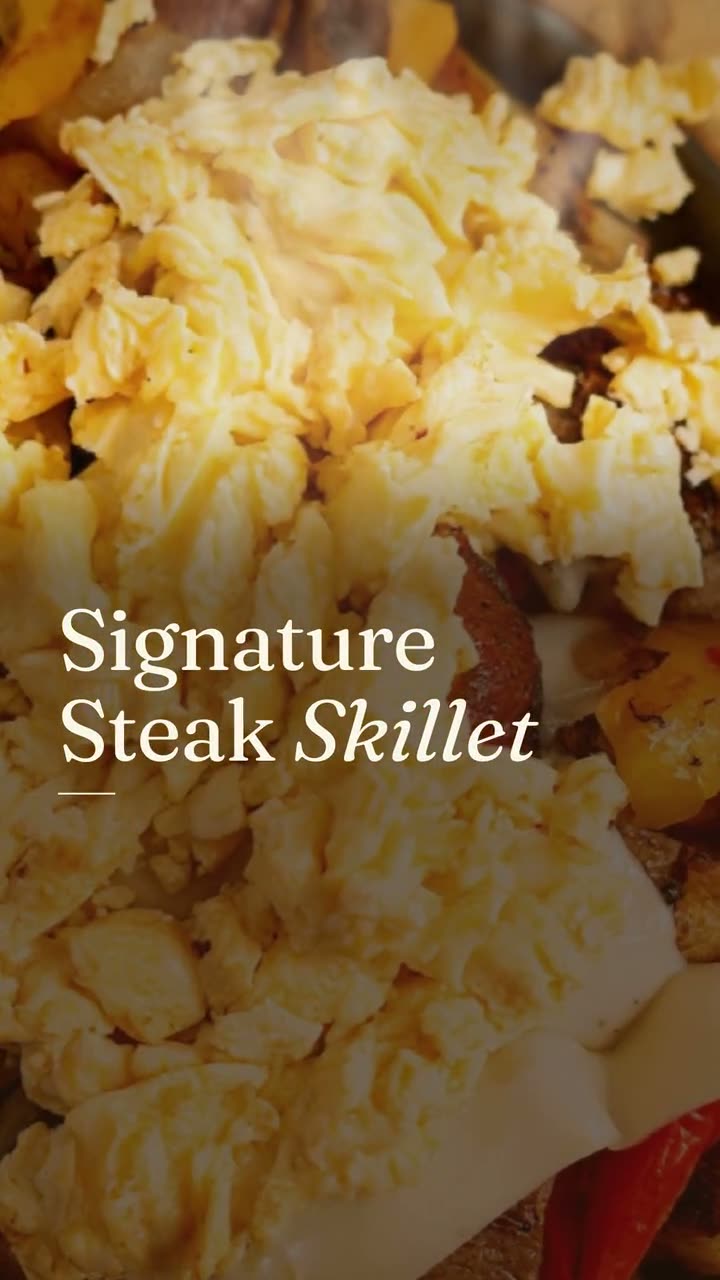 Instagram post makerYour menu and your photos in, a week of on-brand Instagram posts out.
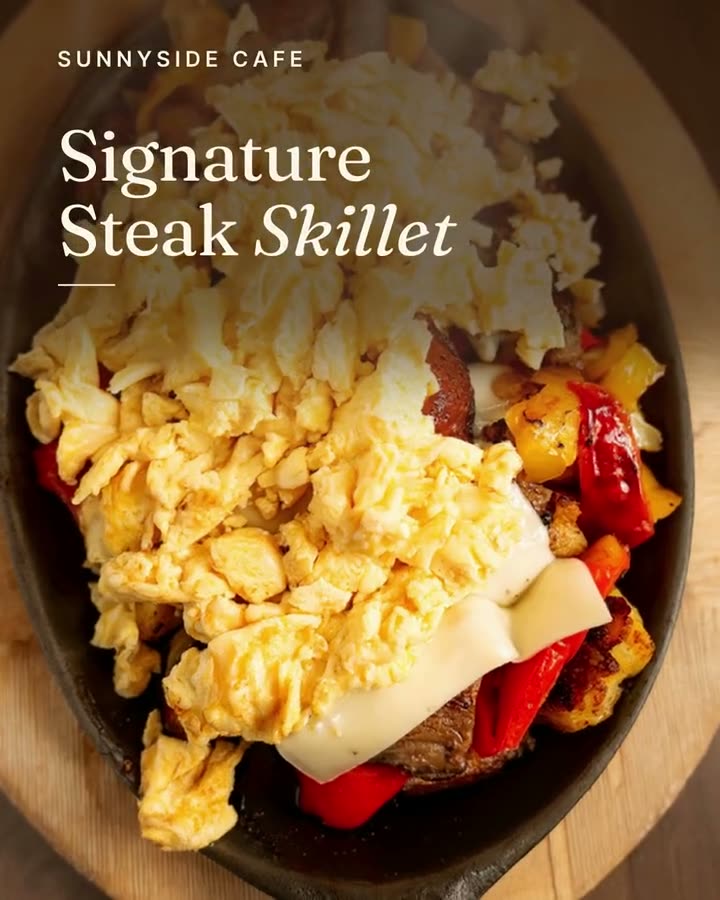 Google Business post makerA fresh post on your Google profile every week, made from the food people will actually be served.Window sign designOne design for the glass out front and the feed, so walkers and scrollers see the same dish.
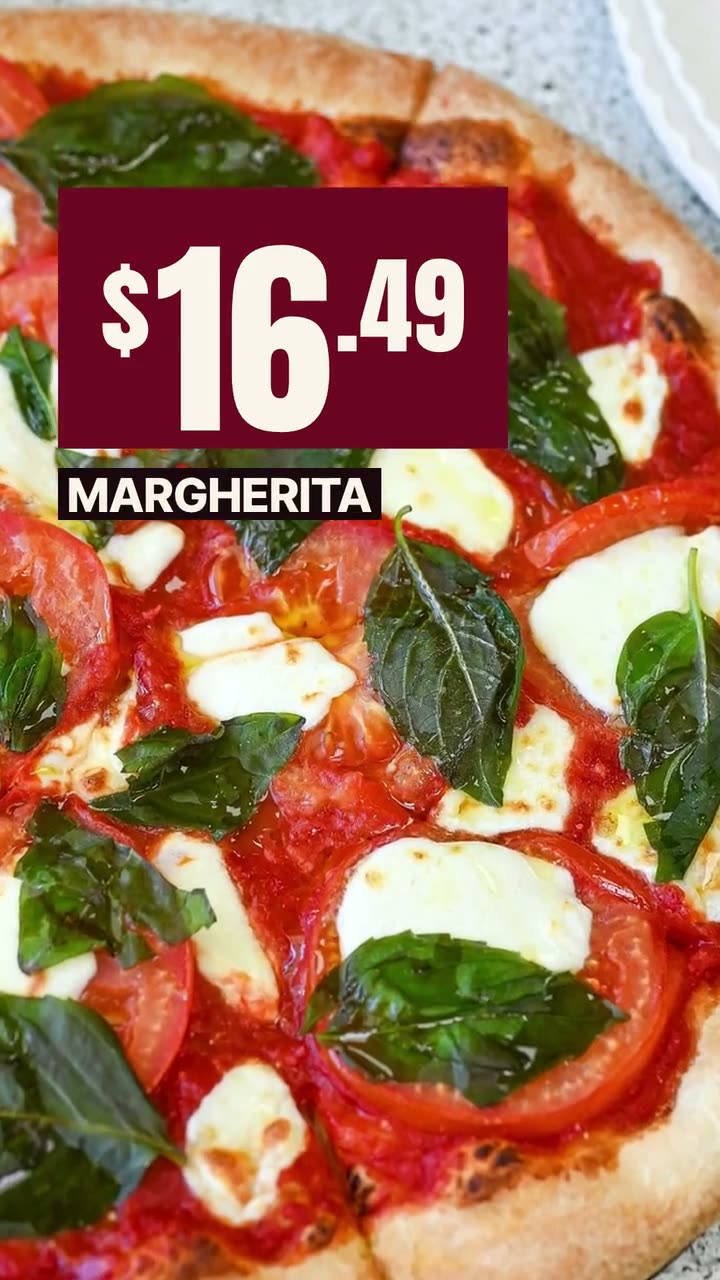 Offer flash videoPut the price where people see it first, on a dish they can actually order.
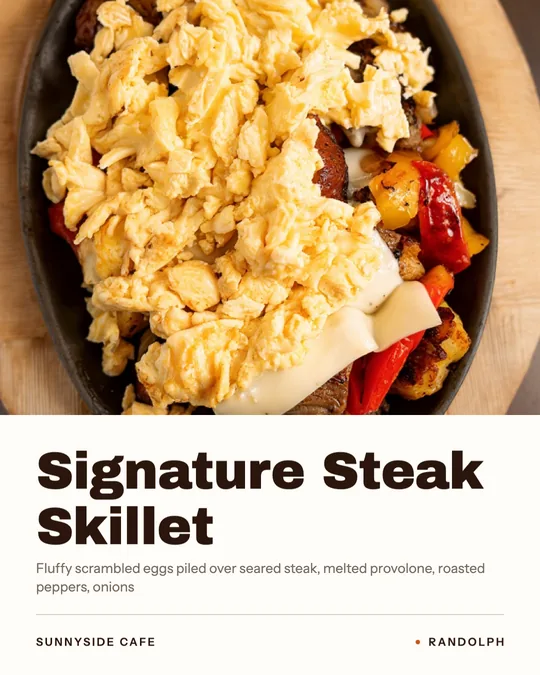 Dish spotlight designGive one dish the whole post, with the menu description that makes people order it.
$49/month with 600 credits included. Already on Servestack Starter or Scale? Studio is included.