Offer flash video (poster look)
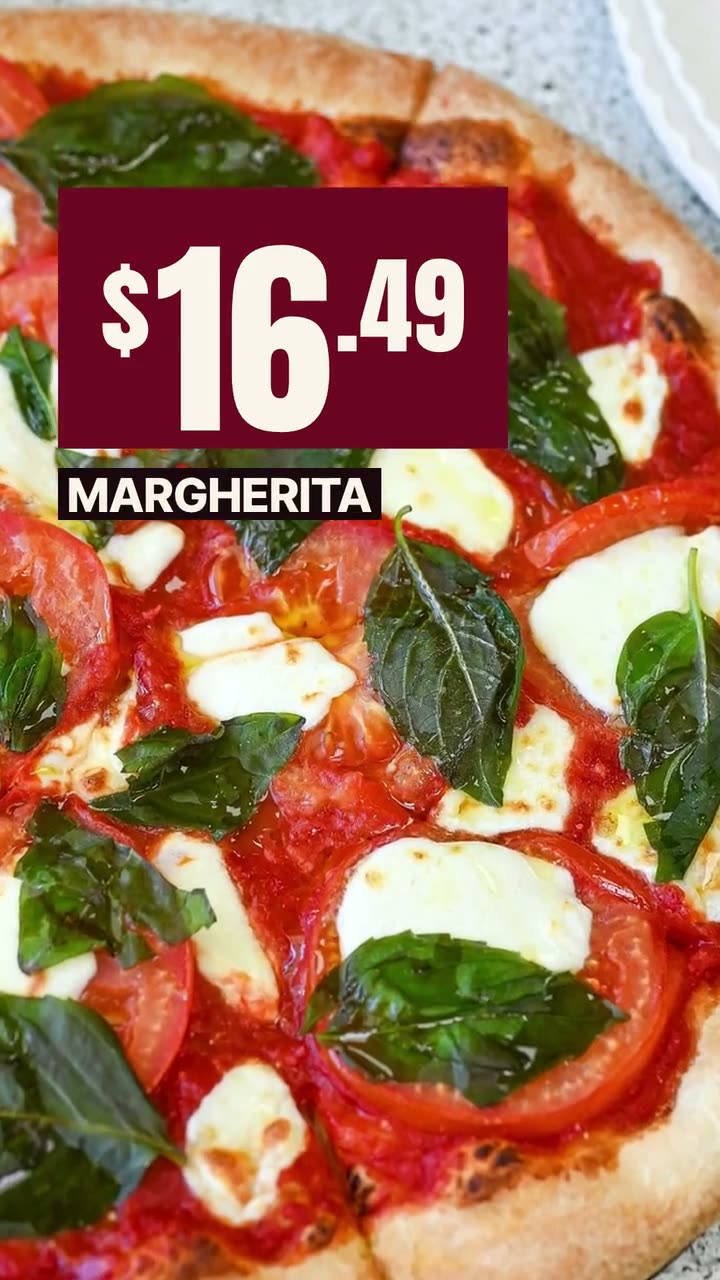
The price lands in a bold box over a full-screen shot of the dish, with the name underneath. Movement catches the eye in Stories, and the price is readable in the first second.
Put the price where people see it first, on a dish they can actually order.
A deal post has one job: make the price impossible to miss. Most restaurant promotions bury it under a logo, three fonts and a paragraph of terms. The Offer Flash template does the opposite. It opens on the dish, drops the price in large type, names the item and stops. Boston Pizza's version is just a Margherita and $16.49, and you know everything you need in a second.
The price comes from your menu in Studio, not from someone typing it into a design app. That's the part that saves you trouble at the counter: the number on the poster is the number on the register. If the offer has terms, like a day of the week or a pickup-only rule, add them in the words before it goes out.
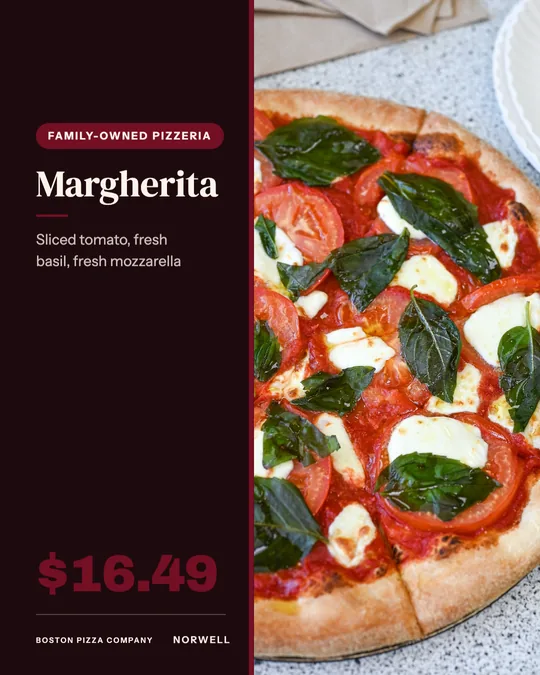
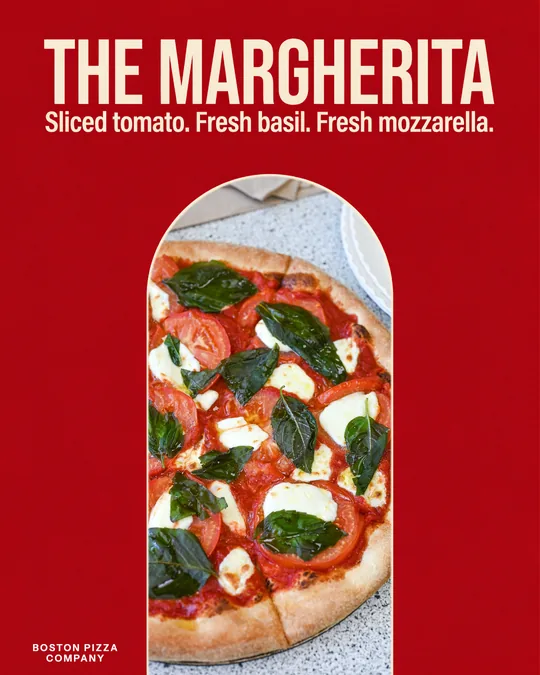
Alongside the video, two still designs use the same idea: the big-price deal card for Stories and the price card for the feed or a printed sign. All three are template work and use no credits.
The price lands in a bold box over a full-screen shot of the dish, with the name underneath. Movement catches the eye in Stories, and the price is readable in the first second.
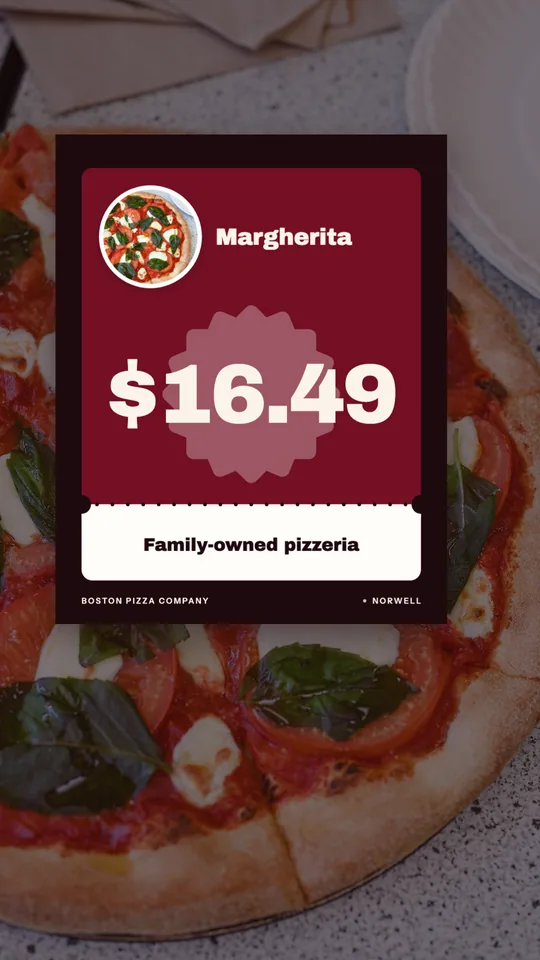
A still 9:16 design: a small card with the dish, its name and an oversized price, laid over the photo. Made for Stories and the Story highlight people check before ordering.
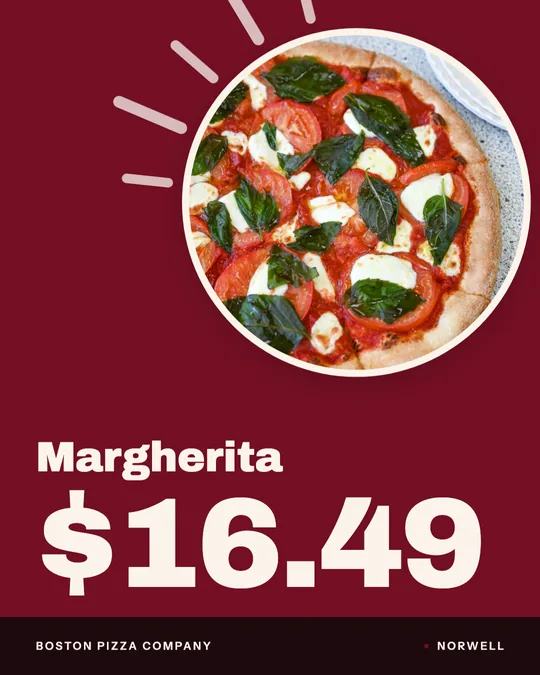
A 4:5 feed design with the dish in a circle and the name and price stacked in large type. The calmest of the three, for the feed and for print.
Rendered in Studio for real Servestack restaurants, from their own photos and menus.
Shown with permission: Sunnyside Cafe (Randolph, MA) and Boston Pizza (Norwell, MA).
Make sure the dish and the price you're promoting are right on your Studio menu. If it's a special price, update it there so every design and your ordering agree.
Render the Offer Flash video for Stories and Reels, then make the deal card or price card for the same dish so you have a still version for the feed or the window.
Schedule the video for when people decide what to eat, a couple of hours before the rush, and keep the still up for the length of the offer.
The fastest way to kill a deal post is to put four deals on it. Nobody reads a price list while scrolling. Give each offer its own post, and pick a single dish to carry it, ideally the one people already order. A Margherita at a clear price is easier to act on than "20% off select items".
If your offer is a bundle, lead with the total and name what's in it in plain words, like "2 large pizzas + wings". People compare that number to what they'd spend elsewhere, so show the number, not the math.
For a price-led post, the dish should look generous. Shoot it whole: the full pie, the whole sub, the loaded plate. Get close enough that the food fills the screen, because the Offer Flash layout puts the price over the photo and needs food behind it, not table.
Avoid photos with a busy background or other dishes in the frame. The eye should go price, dish, name, in that order.
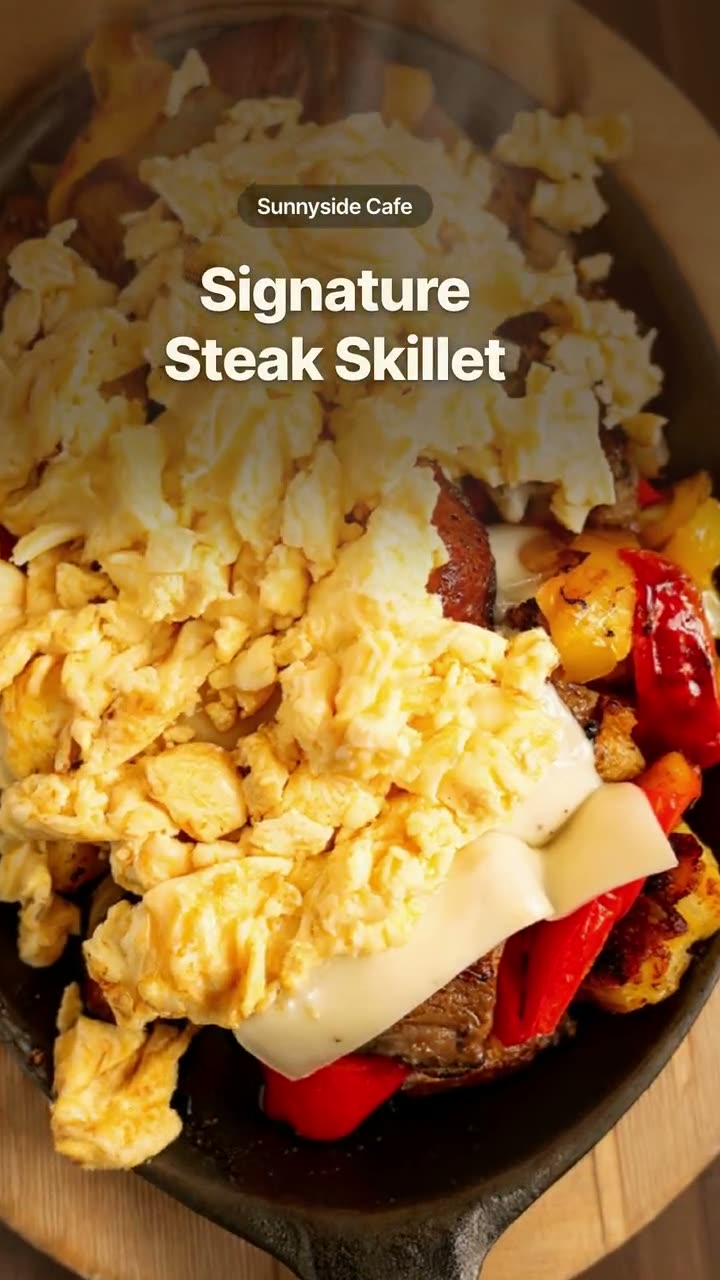 Order online videoRemind people they can order from you, in every size the platforms want.
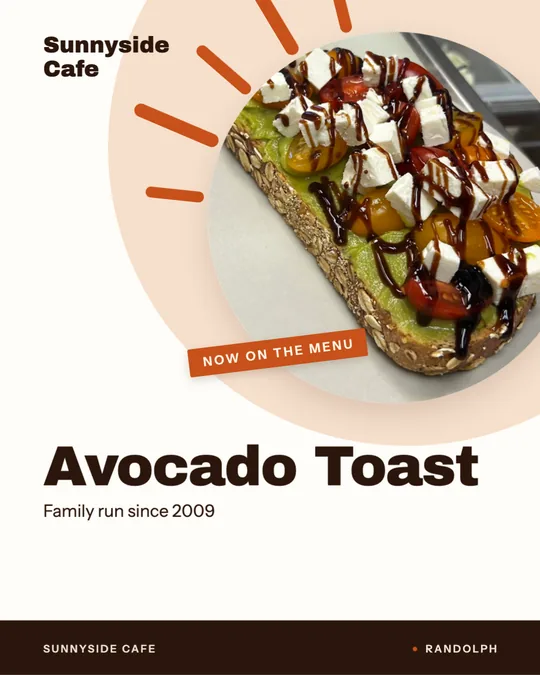 Window sign designOne design for the glass out front and the feed, so walkers and scrollers see the same dish.
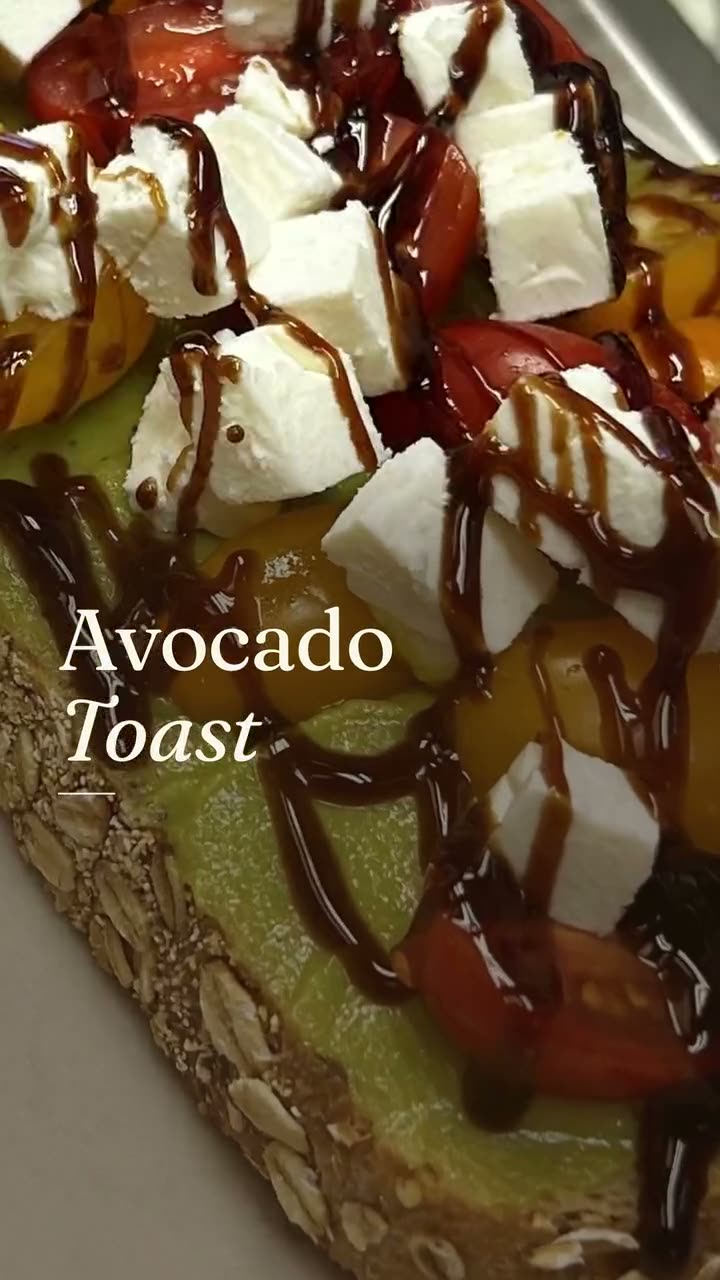 New item drop videoLaunch a new dish with a reveal video and a matching story card, both from your real menu.
$49/month with 600 credits included. Already on Servestack Starter or Scale? Studio is included.