Servestack
FeaturesStudioSolutionsRestaurantsPricingIntegrationsCompareResourcesFree toolsAbout
Log inBook a demo

Servestack

Get connected with Servestack on social.
Don't miss our launches and case studies.
FeaturesStudioPricingLocationsCase studiesBlogSolutionsFree toolsDemo restaurantRefer a restaurantPartnersAboutContactPrivacyTerms
© 2026 Servestack Inc. Built in Boston, MA. All rights reserved.
Back to top
Home/Studio/By restaurant/Burger
Servestack Studio for restaurants

Burger social media posts

Get the burger on screen while it still looks the way it did at the pass.

Start freeSee Servestack Studio
$49/month600 credits includedCancel anytime
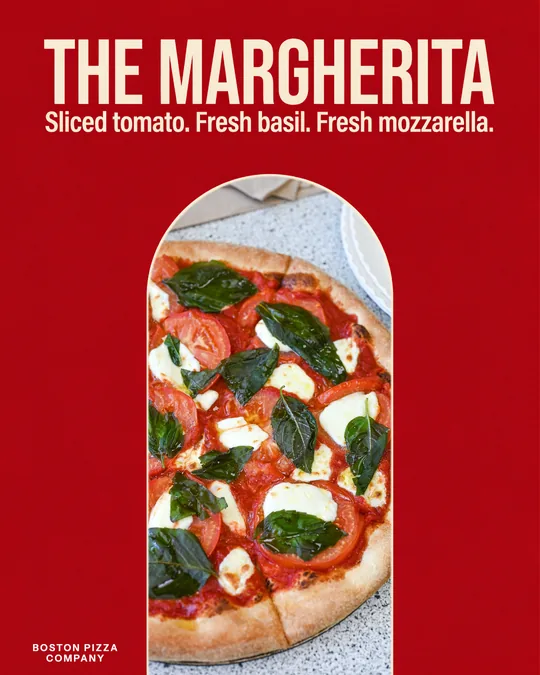
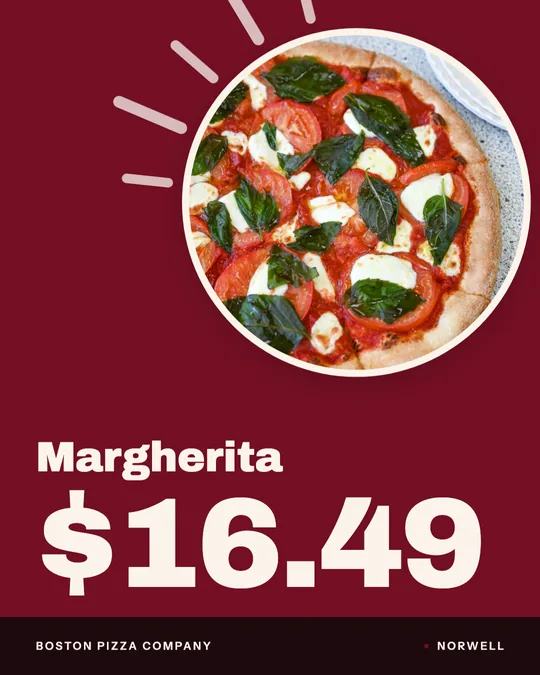
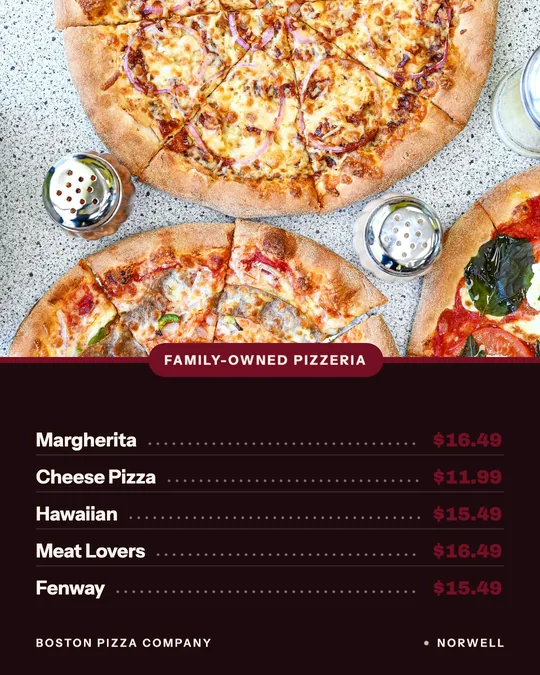
Price card, made for Boston Pizza
Made for Boston Pizza

A burger has about two minutes of looking its best. The cheese is melting, the bun is shiny, the stack is tall, and then it starts to slump. That's why so many burger accounts post the same dark, flat photo from the pass, or nothing at all. The food is great. The window to shoot it is short, and nobody has time to turn the photo into a post during a lunch rush.

Studio takes the second half off your plate. Get a good photo or a short clip when you can, add your menu once, and the combo price card, the burger-of-the-month launch or the late-night deal comes out with the real names and prices already on it. You can post it right away or schedule the week.

We don't have a burger client yet. The examples here were made for two other restaurants that use Studio, to show the layouts. Your posts would use your own burgers.

11 ideas

What to post: burger ideas

Each idea links to the Studio tool or template that makes it.

  1. 1

    The stack build

    Bun, patty, cheese, pickles, sauce, top bun. Showing a burger go together layer by layer tells people exactly what they're getting, which matters most for a loaded specialty burger. The ingredient build video does it from your photo with no credits.

    Make it with Ad maker →
  2. 2

    Cut in half

    Slice your best burger down the middle and shoot the cross-section: the pink center, the cheese, the layers. Then let the Close-Up Dive motion push in on it. It's a credits recipe, so use it on the burger you're known for.

    Make it with Close-Up Dive AI video →
  3. 3

    The smash on the flat-top

    Film the press and the sizzle from the side of the grill, phone steady, for five seconds. The motion is what makes people stop scrolling. Upload it and Studio cuts a Reel with the burger's name on screen.

    Make it with Reel maker →
  4. 4

    Burger of the month

    A monthly special gives you a built-in launch every four weeks. Post the new one as a new item drop on day one, then a reminder in the last week: "only a few days left."

    Make it with New item drop video →
  5. 5

    The combo price card

    Burger, fries and a drink, and what the combo saves over ordering each one. A price card with your menu prices makes the deal obvious in one look, and you can print the same card for the counter.

    Make it with Menu poster maker →
  6. 6

    Weekday lunch special

    Burger places live on lunch. Post the day's lunch special before 11, with the price and the hours it runs. One daily special design, a new burger each day, and you're done in a couple of minutes.

    Make it with Daily special maker →
  7. 7

    Late-night or happy hour deal

    If you run a deal after 9 or during happy hour, post it as a short offer video in the early evening, when people are making plans. Big price, short line of text, done.

    Make it with Offer flash video →
  8. 8

    A line in your own words

    Write a short line that sounds like your place, like "Two patties. Grab extra napkins." Studio letters it like a poster around your real burger photo. This uses credits and works well as a pinned post or a printed poster.

    Make it with Food poster maker →
  9. 9

    The sauce story

    If your house sauce is the thing people ask about, give it a post. A short dish story can say what goes on the burger and why people order it again, without giving away the recipe.

    Make it with Dish story video →
  10. 10

    Order ahead for pickup

    A lot of burger orders are lunch breaks with no time to wait. An order-online Story before noon tells people they can order ahead and grab it on the way.

    Make it with Order online video →
  11. 11

    Your burger on Google

    When someone searches your name, your Google Business Profile is the first thing they see. Keep a recent post there with your current special and a photo of the burger you want them to order.

    Make it with Google Business post maker →
Layouts

Layouts you can use

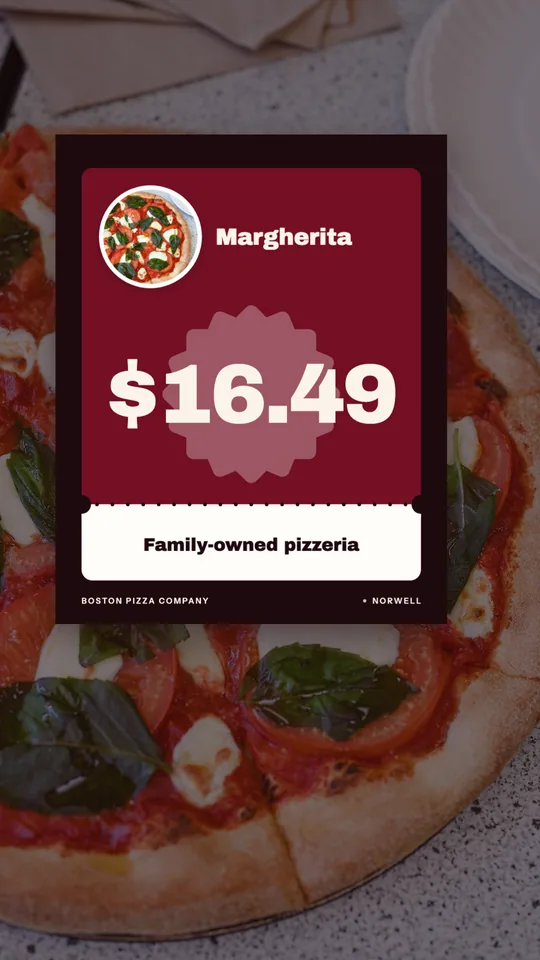
Price card, made for Boston Pizza
Price card · Boston Pizza
Offer flash — Poster · Boston Pizza
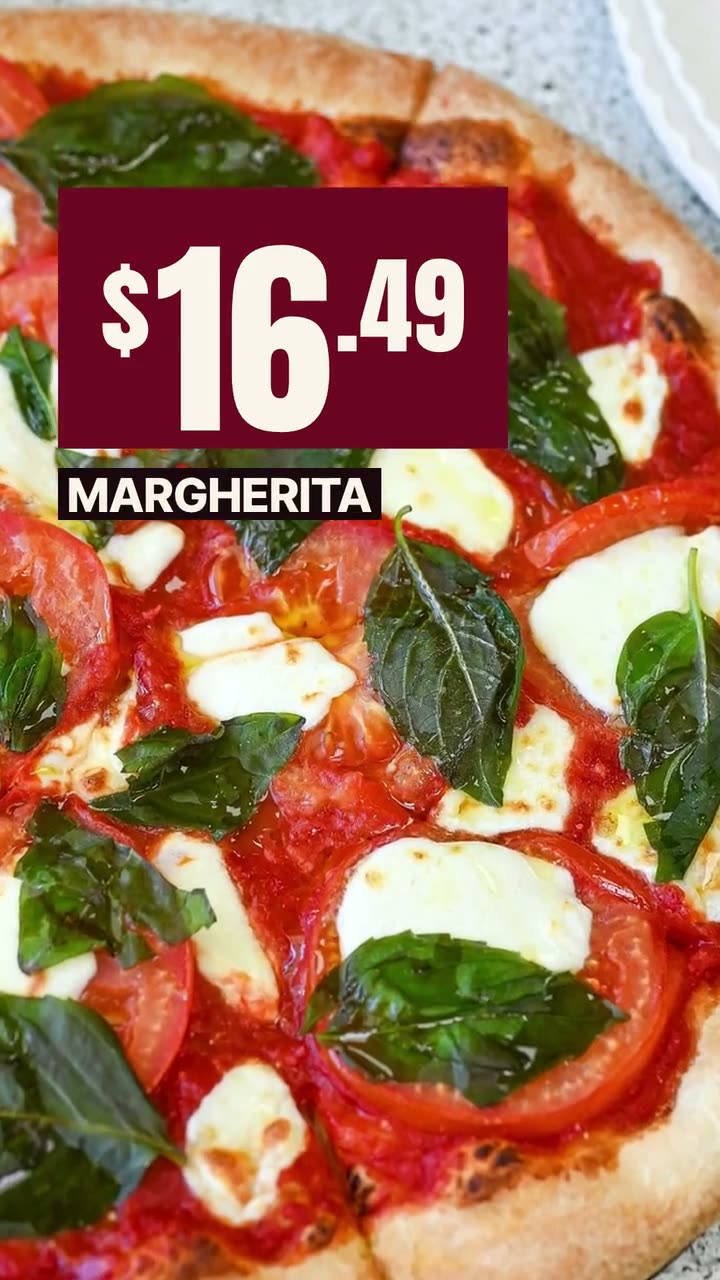
Big-price deal card, made for Boston Pizza
Big-price deal card · Boston Pizza
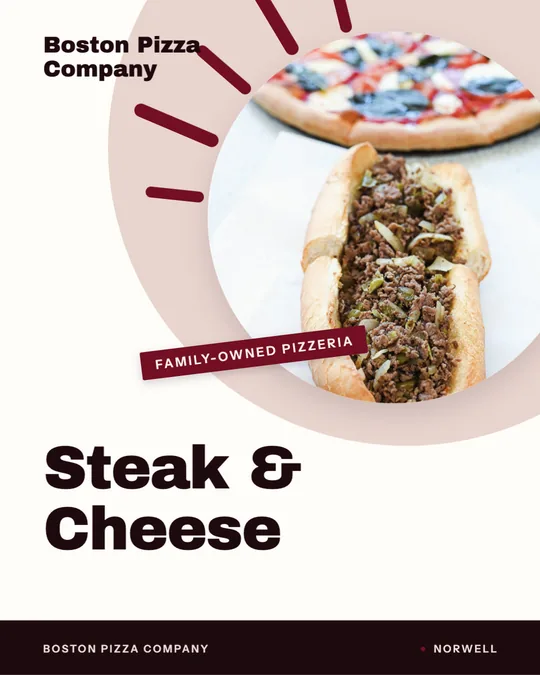
Ingredient build — Poster · Boston Pizza
Close-Up Dive — AI video · Boston PizzaAI
Dish reveal — Native captions · Boston Pizza
Window sign, made for Boston Pizza
Window sign · Boston Pizza
Your words, lettered — Rounded, made for Boston Pizza
Your words, lettered — Rounded · Boston PizzaAI
Dish story — Editorial · Sunnyside Cafe

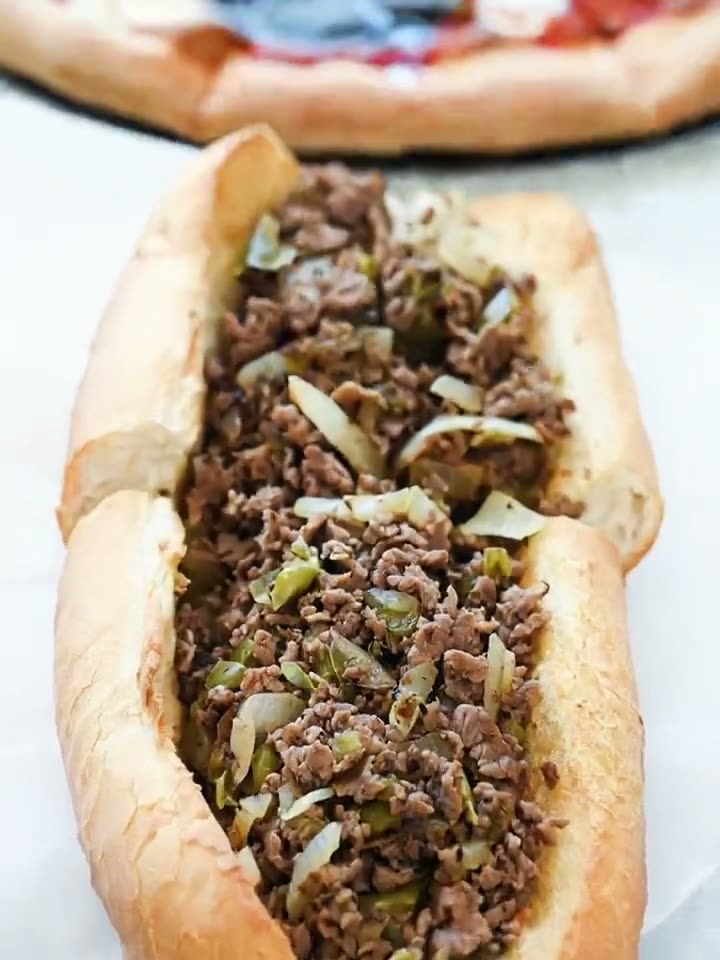
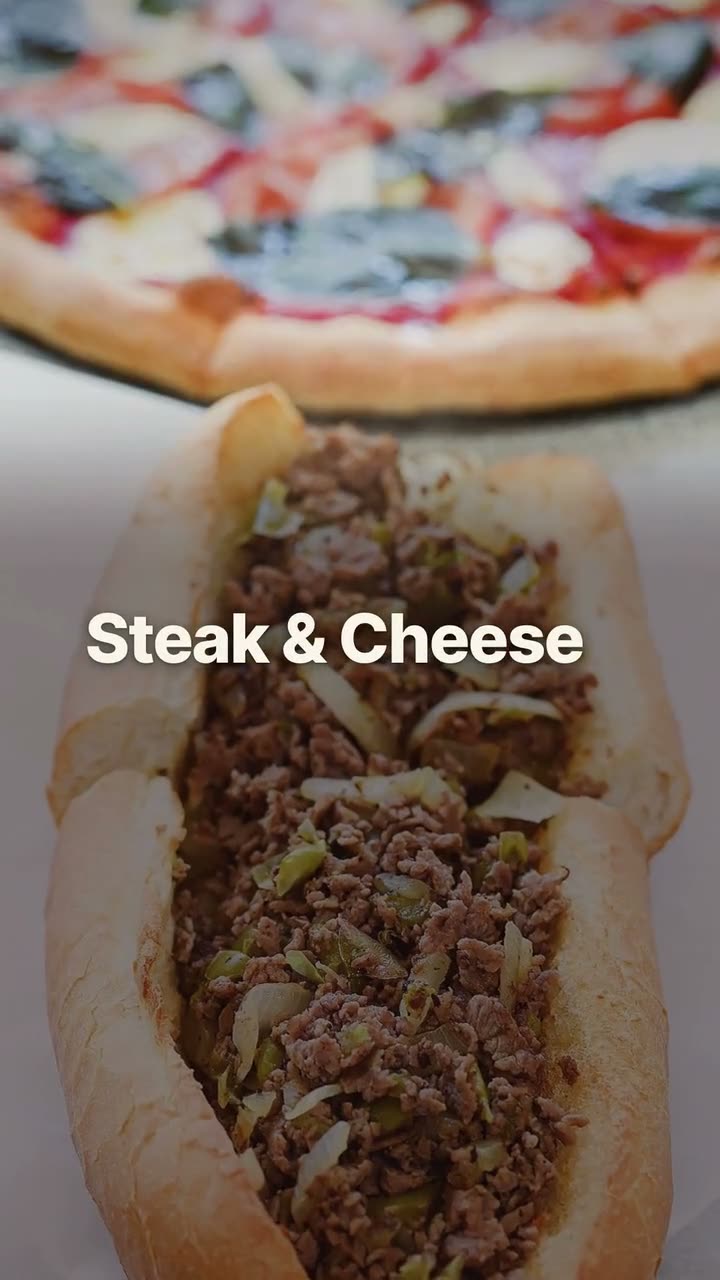
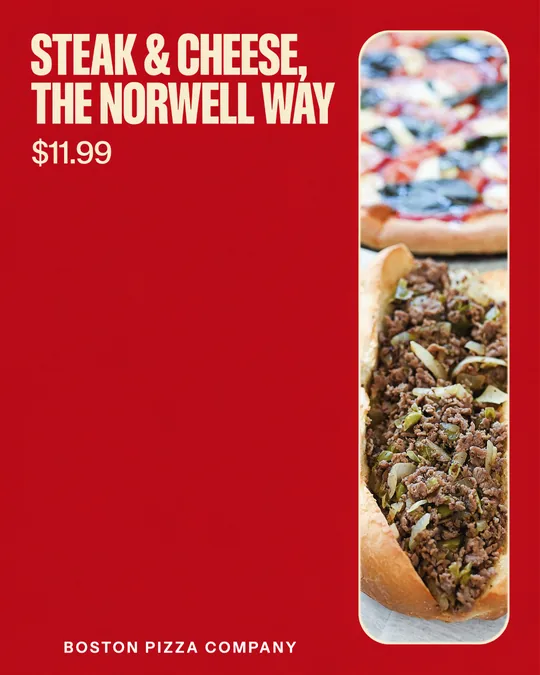
These examples were made in Studio for Boston Pizza and Sunnyside Cafe, not a burger restaurant. They're here to show the layouts; your posts would use your own photos and menu.

How to shoot a burger that holds up on screen

Plate one burger just for the photo during a slow hour, by the brightest window. You'll get a week of posts out of five minutes.

  • Shoot from the side at bun height, not from above. From the top, every burger is a brown circle.
  • Shoot within a minute of plating, before the cheese sets and the stack settles.
  • Put the fries and drink in the back of the frame for combo posts, a little out of focus.
  • Cut one open for the cross-section. It's often the photo that sells it.
  • Grab short clips at the grill: the smash, the flip, the cheese going on.

A rhythm built on lunch and game days

Burger traffic tends to follow lunch hours, Friday nights and big games, so post ahead of each. The lunch special goes up in the morning, the weekend deal on Thursday or Friday afternoon, and game-day posts the day before.

Around that, a burger of the month gives you a fresh launch every four weeks and a reason to post a reminder near the end. Make the month's posts in one sitting, schedule them, and let the calendar handle the rest.

Also running online ordering? See Servestack for burgers & american restaurants.

FAQs

Frequently asked
questions

Are the examples on this page from a burger restaurant?
No. They were made for Boston Pizza and Sunnyside Cafe to show the layouts, since those are the clients whose work we can show. Your posts would use your own photos and menu.
What should a burger restaurant post on social media?
Post your burgers from the side, your combo prices, your specials and short clips from the grill. A clear photo and a price does more than a clever caption.
Will Studio make my burgers look fake?
No. Every post uses your own photo of your own burger. AI can move the camera or light the scene, but it never invents or swaps the food.
Can I show combo prices in a post?
Yes. Price cards and deal cards pull the names and prices from your menu, so a combo post shows the right numbers. Change a price once and the next post picks it up.
Can I post burger videos to TikTok?
Yes. Connect TikTok along with Instagram, Facebook and Google Business Profile, and post the same 9:16 video to each. Post now or schedule it.
How often should I run a burger special?
Whatever your kitchen can keep up with. A weekly lunch special plus a monthly burger is a common rhythm, and it gives you something new to post every week.
Keep exploring

More from Servestack Studio

Related tools See all

Food photo to videoOne photo of your real dish in, a short moving shot out. The food stays exactly what you serve.Menu poster makerYour menu prices on a board, a card or a window sign, without retyping a single one.Food poster makerOne dish, one line in your own words, set like a poster you'd hang in the window.

Templates to try See all

Close-Up Dive AI videoStart on the whole plate, end close enough to see every bit of the filling.Offer flash videoPut the price where people see it first, on a dish they can actually order.

By type of restaurant See all

PizzaYour pies, your prices, and a post for every night people decide what's for dinner.Mexican & taqueriaTaco Tuesday every week, the big dates on the calendar, and your real food in every post.

Post ideas See all

Super Bowl post ideasPre-orders, game-day hours and a Valentine's twist, planned out for Sunday, February 14.Reel ideasShort videos you can film in the gaps of a normal shift, no crew and no tripod required.

Make this week's posts from your own menu.

$49/month with 600 credits included. Already on Servestack Starter or Scale? Studio is included.

Start freeAlready have Servestack? Open Studio