Reels from your phone clips
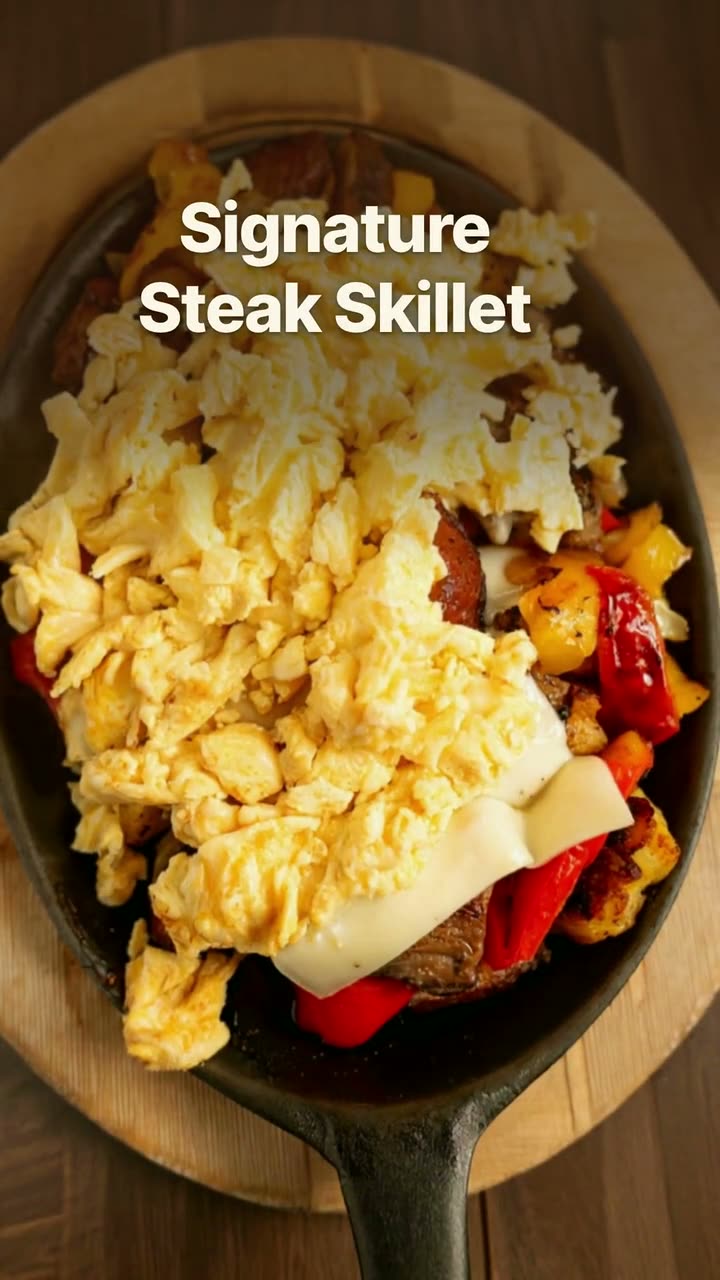
The footage from a busy service, trimmed into one Reel with dish names on screen. Nothing staged, nothing generated.
The clips on your phone and the dishes on your menu, turned into Reels you'd actually post.
Every restaurant phone already holds a month of Reels: a pizza sliding out of the oven, eggs hitting the flat-top, a server carrying four plates through a full room. What's missing is the hour it takes to trim those clips, put the dish names on screen and export something that doesn't look like a home movie.
Studio's reel maker does that hour for you. Upload the clips you shot during service and it cuts them into a Reel with your dish names on screen, in a native look that reads like a local creator's post or a cleaner editorial look. No clips? A dish-story video turns one photo of a dish into a short Reel, with its name and price pulled from your menu.
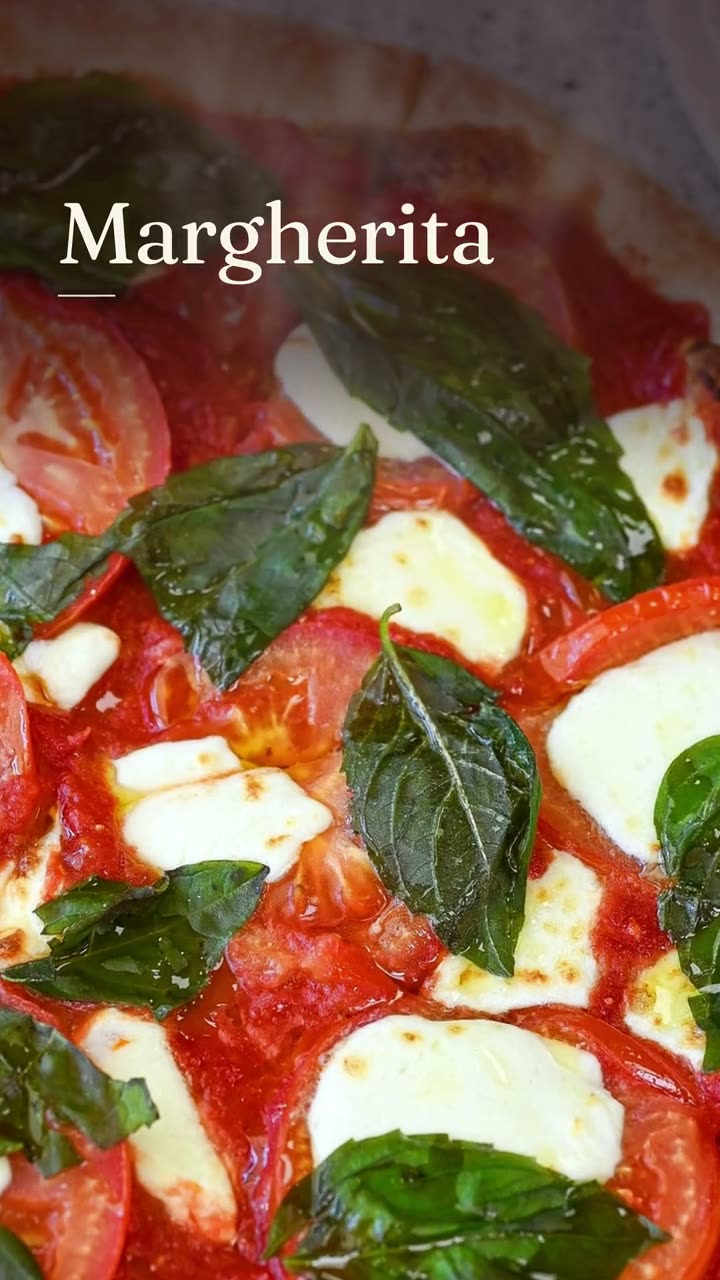
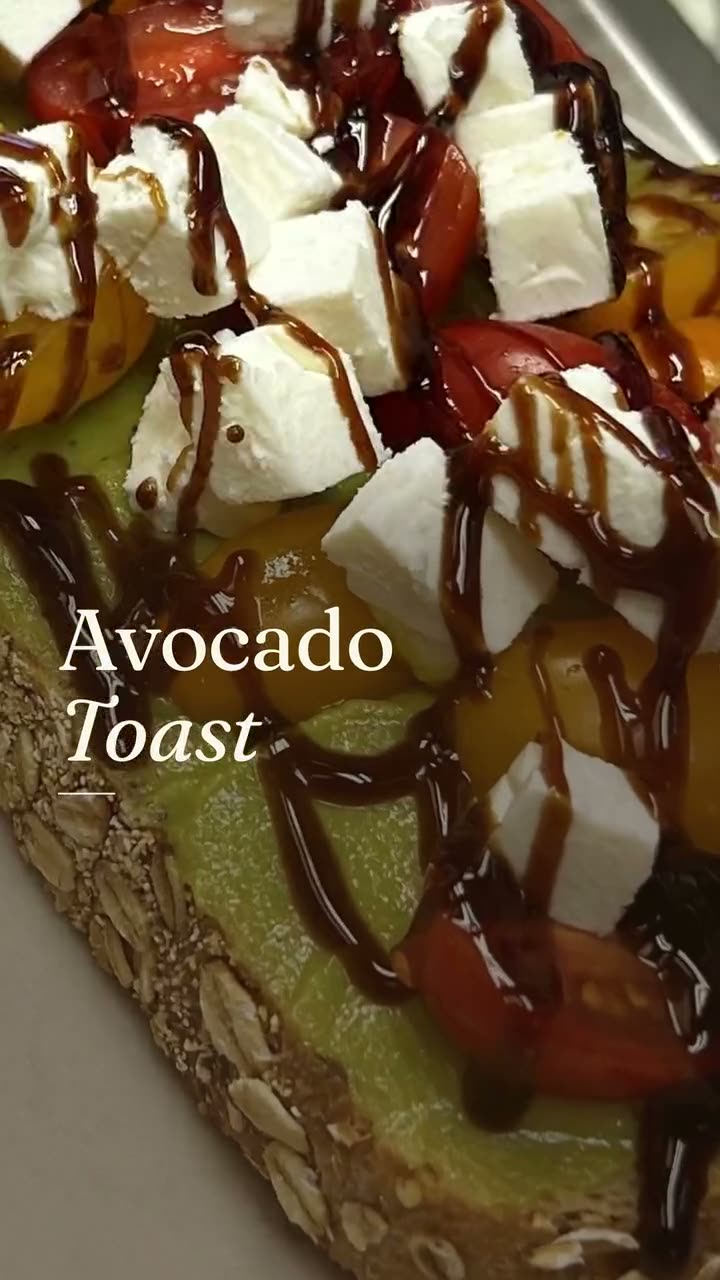
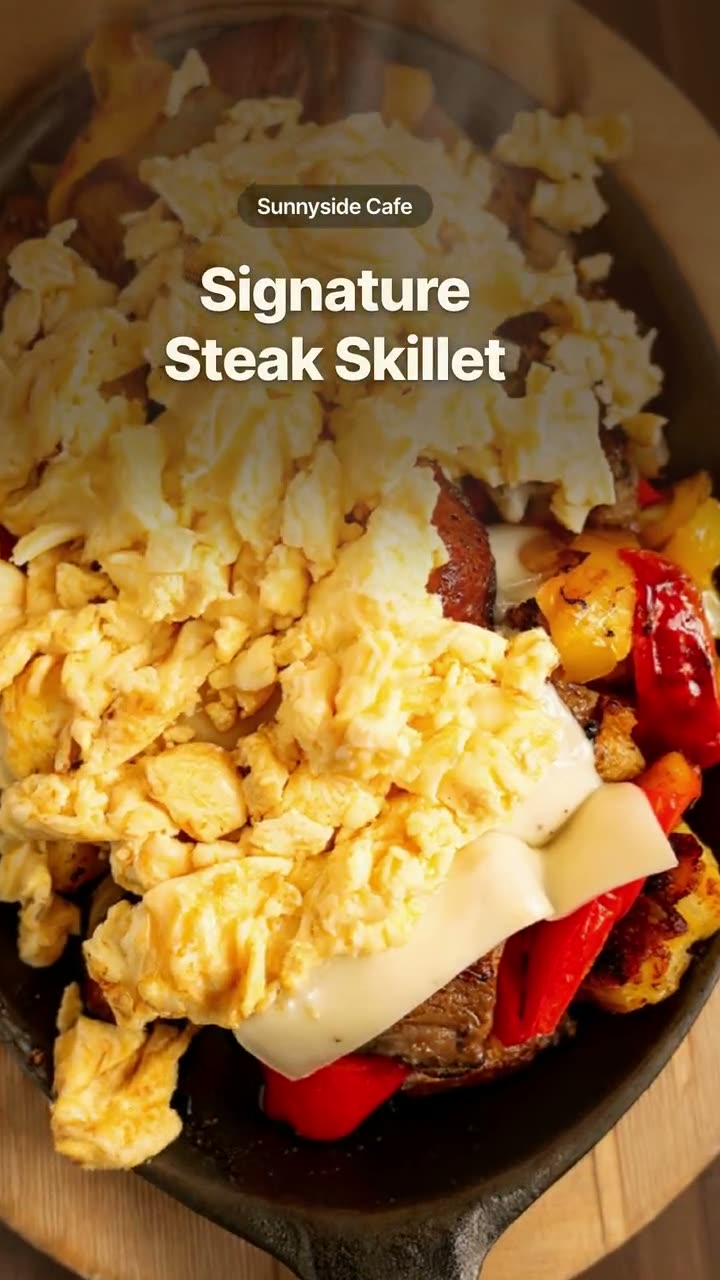
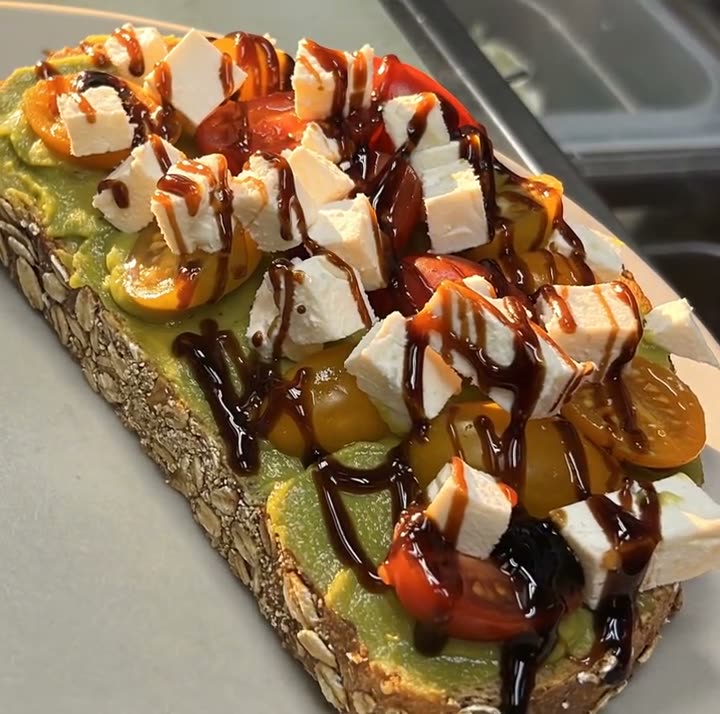
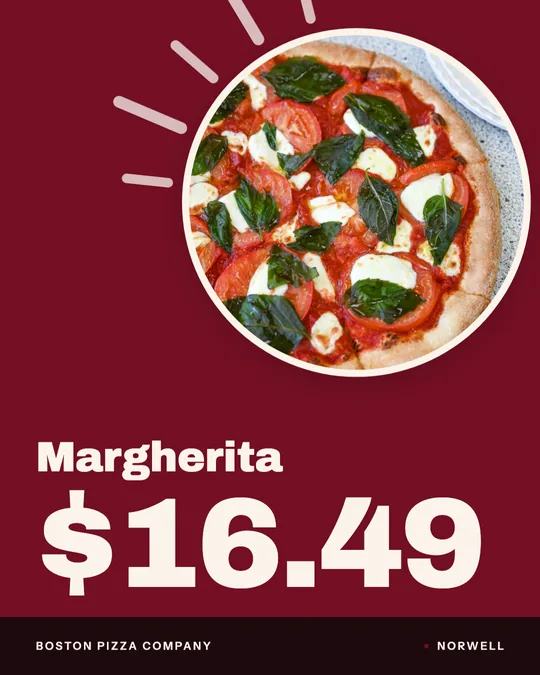
The Reels here were made for Sunnyside Cafe in Randolph and Boston Pizza in Norwell from their own footage and photos. None of them used credits.
Each one was made in Studio for a real Servestack restaurant, from its own photos and menu.
Shown with permission: Sunnyside Cafe (Randolph, MA) and Boston Pizza (Norwell, MA).
Add the phone videos you shot during service, or choose one dish photo from your library. Studio already knows which dish is which from your menu.
Native puts creator-style captions over the footage. Editorial is cleaner and more polished. Dish stories also come in a bold poster look.
Watch the Reel, change any words, then post it to Instagram, TikTok or Facebook now, or schedule it for the next busy night.
The footage from a busy service, trimmed into one Reel with dish names on screen. Nothing staged, nothing generated.
No video? One photo of a dish becomes a short vertical story with its name and description from your menu. It takes about a minute.
A reveal-style Reel for the day a dish joins the menu, so regulars hear about it before someone hands them a menu.
The same dish story in 4:5 or 1:1 for when you want it in the grid or on Facebook, not only in Reels.
Your Reel is your kitchen, your dining room and your plates. There's no stock footage of somebody else's pasta to explain away.
Native reads like a post from a local food account. Editorial reads like a magazine. Poster is big and bold, made to be read at a glance.
Clip Reels and dish stories use no credits, so there's no reason to save them for special occasions. One a week is an easy habit.
Reels from your own clips and dish-story videos use no credits. They're part of the $49/month plan.
Most restaurant Reels templates hand you a timing track and placeholder clips of someone else's food. You still have to shoot, swap and retype everything. Studio's Reels start from what you already have: the clips on your phone and the dishes on your menu. The template part is the look and the timing. The content is yours from the start.
That matters because people share Reels of places they recognize. Your actual dining room and your actual plates give a regular something to tag a friend in. A generic slice of pizza doesn't.
Shoot on the busy nights, make the Reels on a slow afternoon, and schedule them to go out over the following week.
 Food photo to videoOne photo of your real dish in, a short moving shot out. The food stays exactly what you serve.
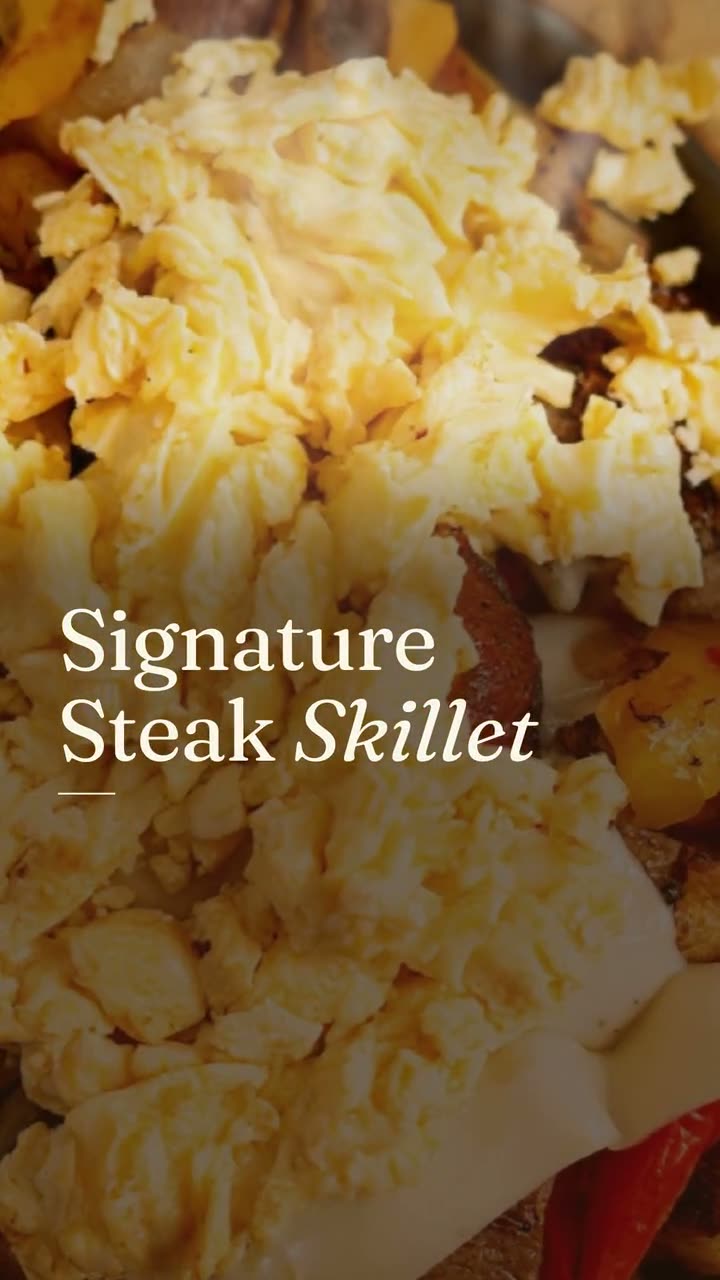 Instagram post makerYour menu and your photos in, a week of on-brand Instagram posts out.
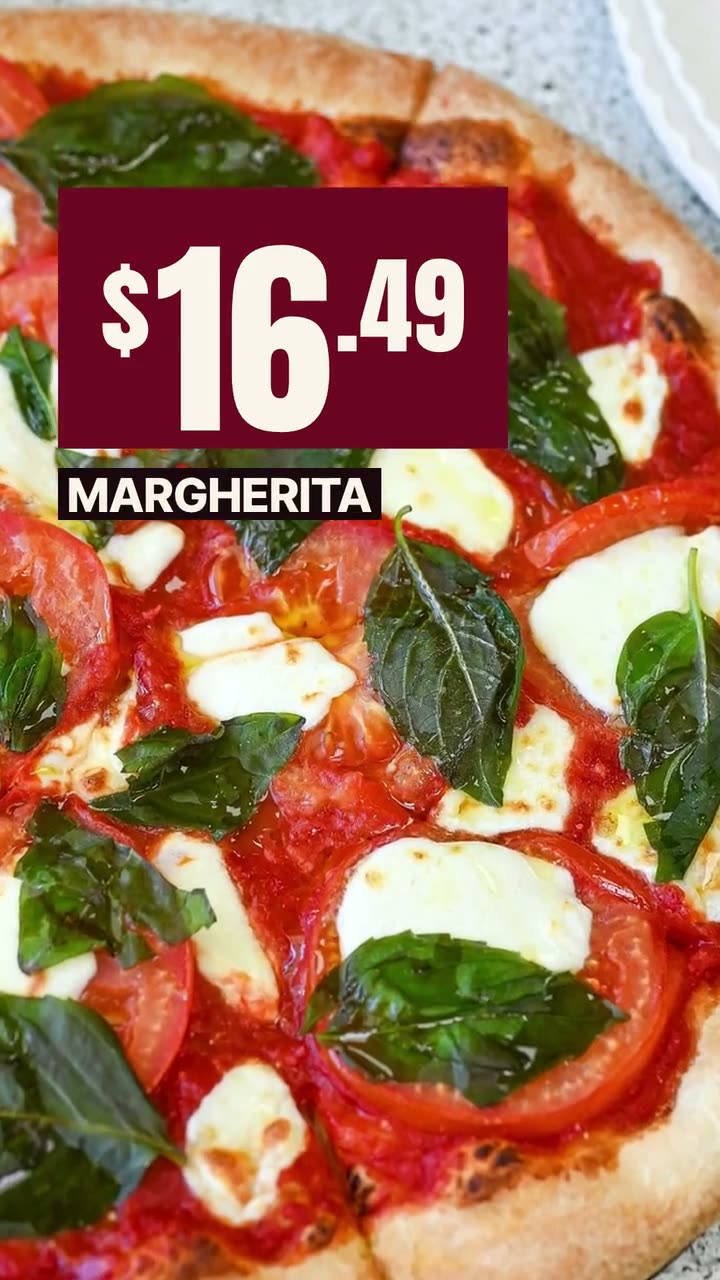 Ad makerThe creative for your next restaurant ad, made from your own food and your real offer.
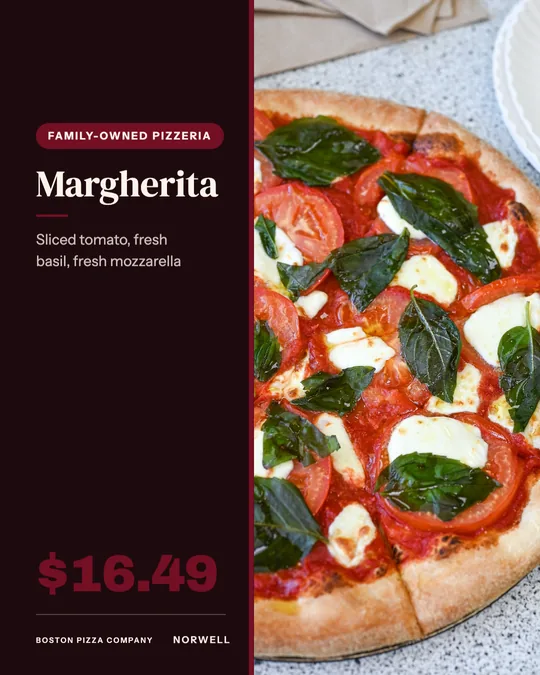 Daily special makerToday's special, posted before the lunch rush, without anyone stopping to design it.
$49/month with 600 credits included. Already on Servestack Starter or Scale? Studio is included.