Editorial
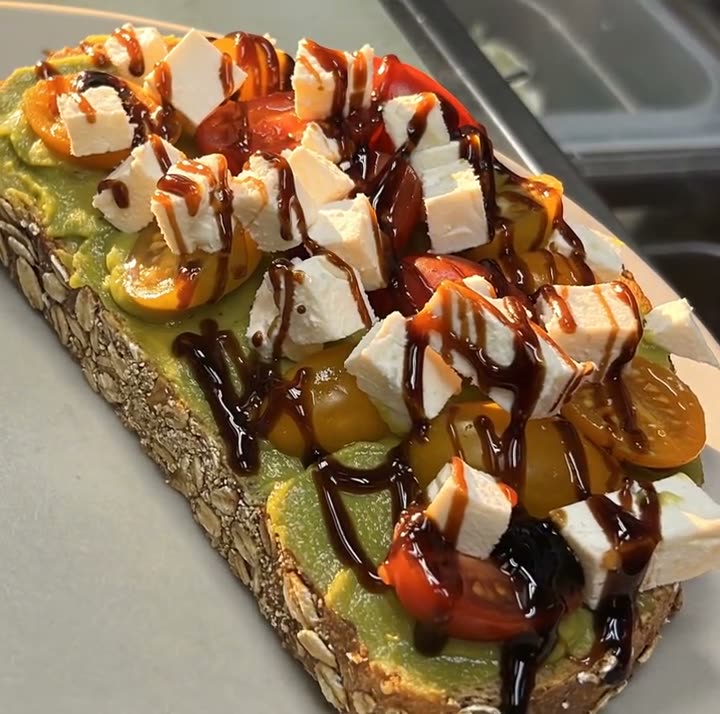
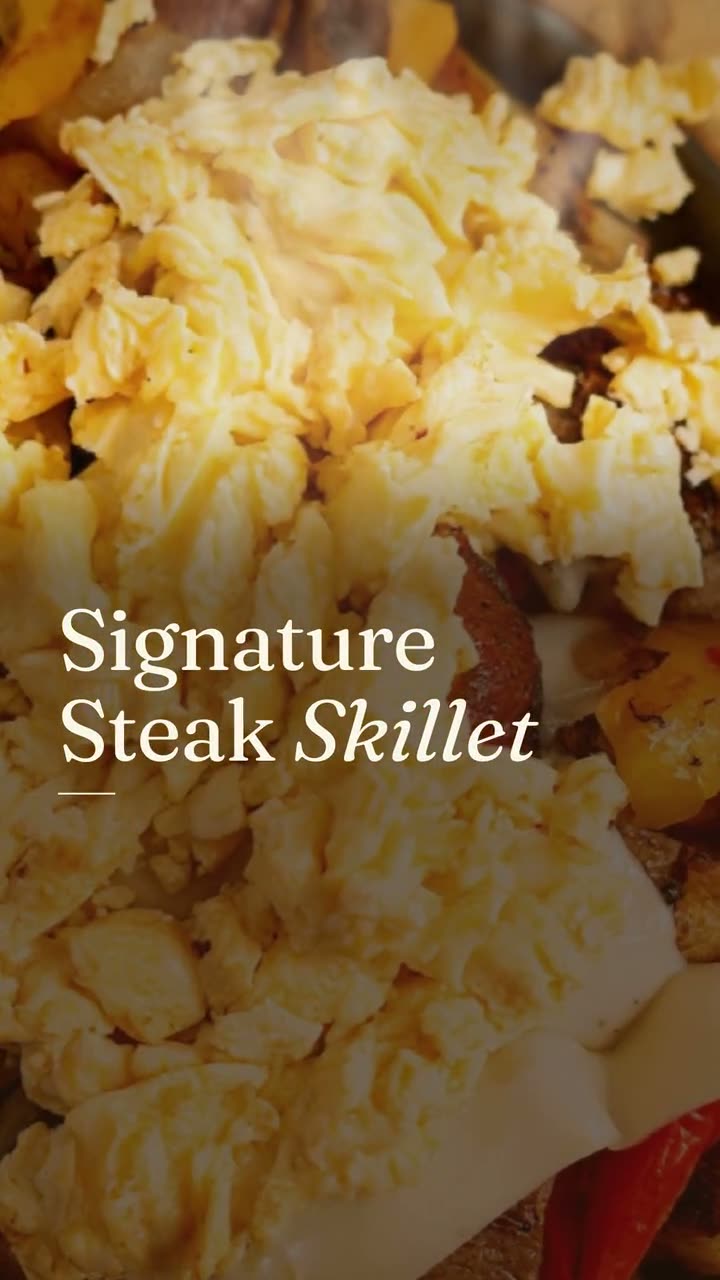
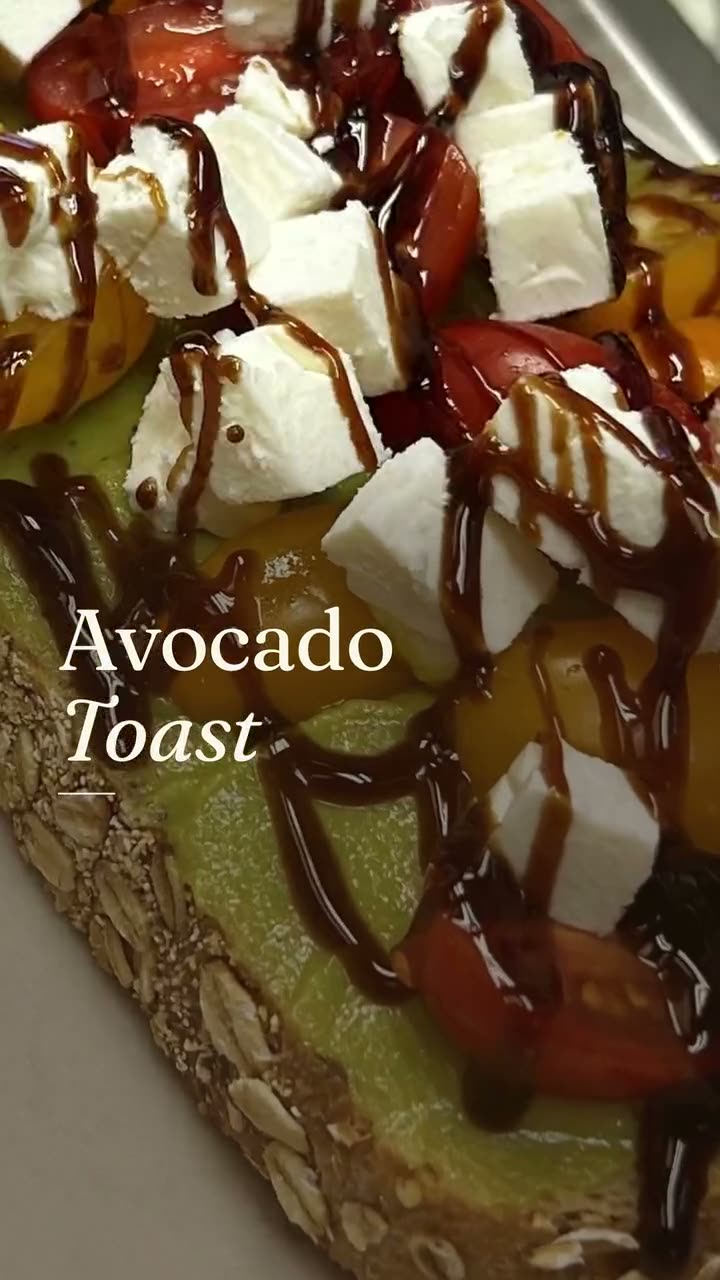
The photo sits in a frame on a dark background with a thin serif caption, like a page from a food magazine. Calm and a little upscale. Good for dishes you want to look considered.
One photo of one dish, turned into a short video with its menu words on screen.
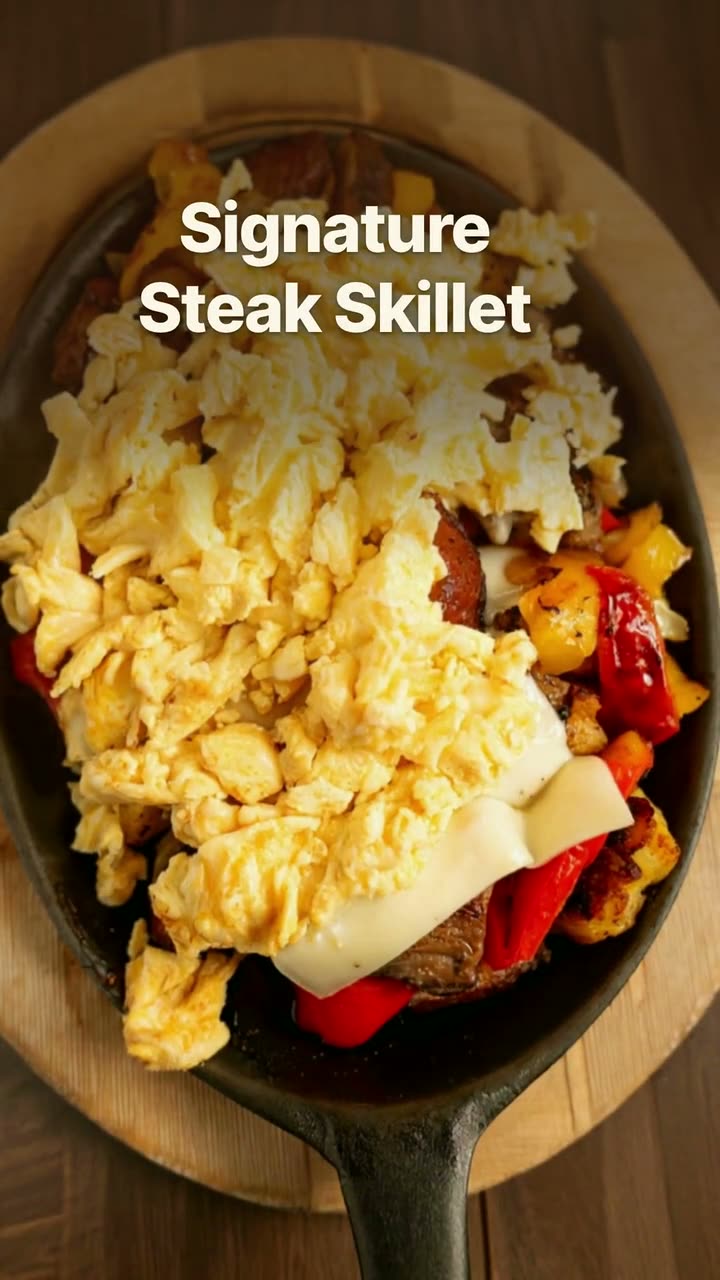
A dish story is the simplest video a restaurant can post: one dish, a few seconds, and the words that make someone hungry. Studio builds it from a single photo you already have. The camera moves across the plate while short phrases from your menu description appear on screen, so a Margherita shows "fresh mozzarella" and a steak skillet shows "roasted peppers".
You don't need footage, an editor or a music plan. Pick the dish, pick a look, and Studio renders the video in about a minute. The dish name and description come from your menu, so what people read in the video is what they'll get at the table.
Every example on this page was made for Sunnyside Cafe in Randolph and Boston Pizza in Norwell from their own photos. Dish story videos use no credits.
The photo sits in a frame on a dark background with a thin serif caption, like a page from a food magazine. Calm and a little upscale. Good for dishes you want to look considered.
The photo fills the screen and the words sit on top in the plain caption style people use on their own phone videos. It looks like a post from a regular, not an ad.
Big, bold, blocky type in a color band above the dish. The loudest of the three. It reads at a glance, which helps in a busy feed.
Rendered in Studio for real Servestack restaurants, from their own photos and menus.
Shown with permission: Sunnyside Cafe (Randolph, MA) and Boston Pizza (Norwell, MA).
Pick a dish from your menu that has a clear photo linked to it. Studio pulls in its name and description, which become the words on screen.
Choose the look and the size: 9:16 for Stories and Reels, or 4:5 for the feed. Edit any phrase that doesn't sound like you before it renders.
Watch the finished video, then post it to Instagram, Facebook or TikTok right away, or drop it on the calendar for a day you'd otherwise post nothing.
The video moves the camera across your photo, so the photo needs room to move in. Shoot or choose a picture where the dish fills most of the frame and is sharp from edge to edge. An overhead shot of a pizza, a close three-quarter angle on a skillet, or a sub on a clean counter all work. A wide shot of a table with six plates does not: the camera has nothing to settle on.
Natural light near a window beats a flash every time. If the only photo you have is from your delivery app listing, it's usually fine, as long as it isn't cropped so tight that the edges of the dish are cut off.
The words on screen come from your menu, so a vague description makes a vague video. "Our famous pizza" gives the template nothing to show. "Fresh mozzarella, basil, San Marzano tomato" gives it three good beats. Before you make the video, read the dish's description and make sure it names real ingredients and how they're cooked.
Keep each phrase short enough to read in a second or two. Two or three words per beat is plenty. Fixing the description once helps everywhere else too, because the same words feed your price cards and specials.
 Reel makerThe clips on your phone and the dishes on your menu, turned into Reels you'd actually post.
 Food photo to videoOne photo of your real dish in, a short moving shot out. The food stays exactly what you serve.
 Instagram post makerYour menu and your photos in, a week of on-brand Instagram posts out.
 New item drop videoLaunch a new dish with a reveal video and a matching story card, both from your real menu.
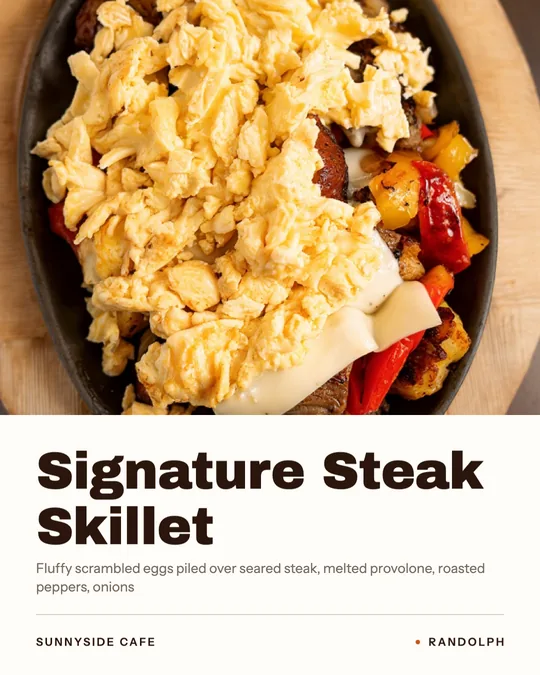 Dish spotlight designGive one dish the whole post, with the menu description that makes people order it.
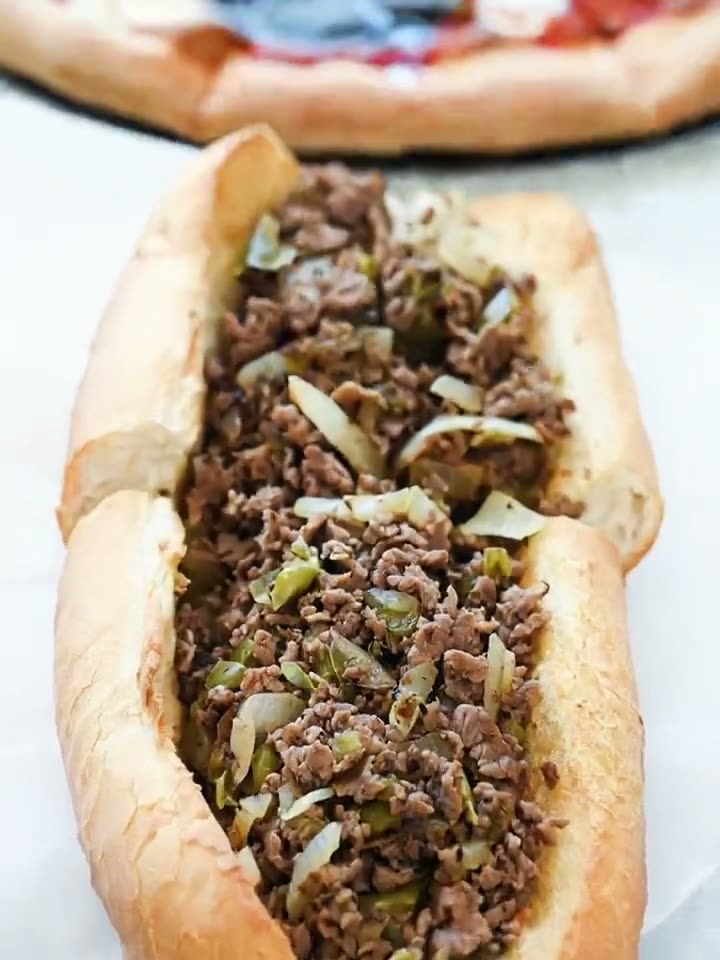 Close-Up Dive AI videoStart on the whole plate, end close enough to see every bit of the filling.
$49/month with 600 credits included. Already on Servestack Starter or Scale? Studio is included.