Servestack
FeaturesStudioSolutionsRestaurantsPricingIntegrationsCompareResourcesFree toolsAbout
Log inBook a demo

Servestack

Get connected with Servestack on social.
Don't miss our launches and case studies.
FeaturesStudioPricingLocationsCase studiesBlogSolutionsFree toolsDemo restaurantRefer a restaurantPartnersAboutContactPrivacyTerms
© 2026 Servestack Inc. Built in Boston, MA. All rights reserved.
Back to top
Home/Studio/By restaurant/Cafe & coffee shop
Servestack Studio for restaurants

Cafe and coffee shop social media post ideas

A reason to stop in, posted before your regulars have finished their first cup.

Start freeSee Servestack Studio
$49/month600 credits includedCancel anytime
Made for Sunnyside CafeAI

A cafe lives on habit. The same people come in at the same time for the same order, and your social feed is how you remind everyone else that you exist. The hard part is that a cafe's day starts early and never really slows down, so posting ends up at the bottom of the list, somewhere after restocking the milk.

Studio makes the posting part short. Add your menu once, including drinks, breakfast and brunch, and upload the photos and phone clips you already have. Then a seasonal drink launch, a weekend brunch special, a Story that says you open at 7, or a Reel of the morning pour comes out with the real names and prices filled in.

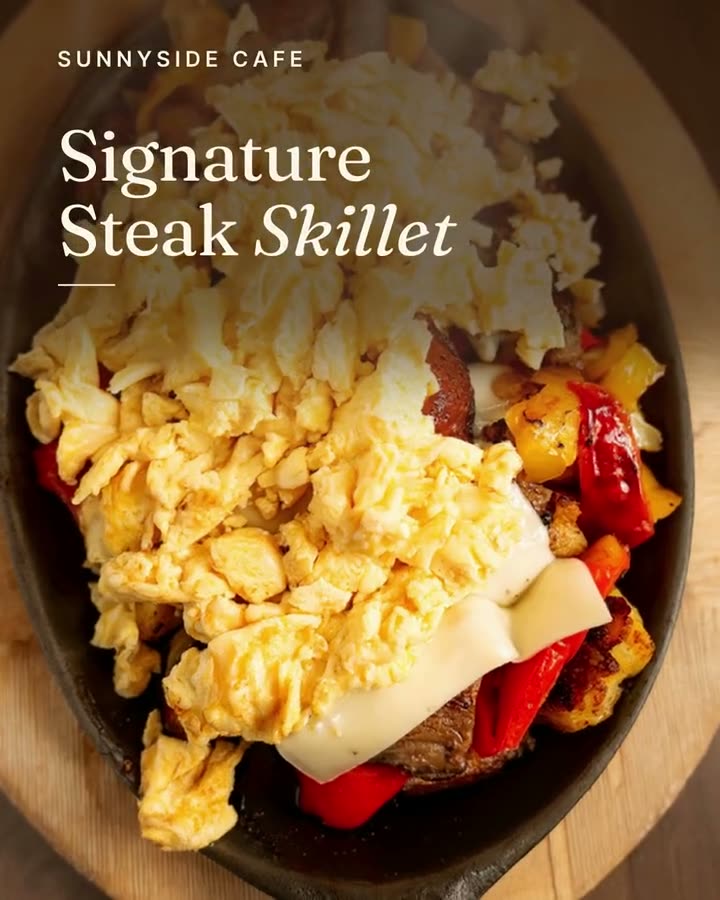
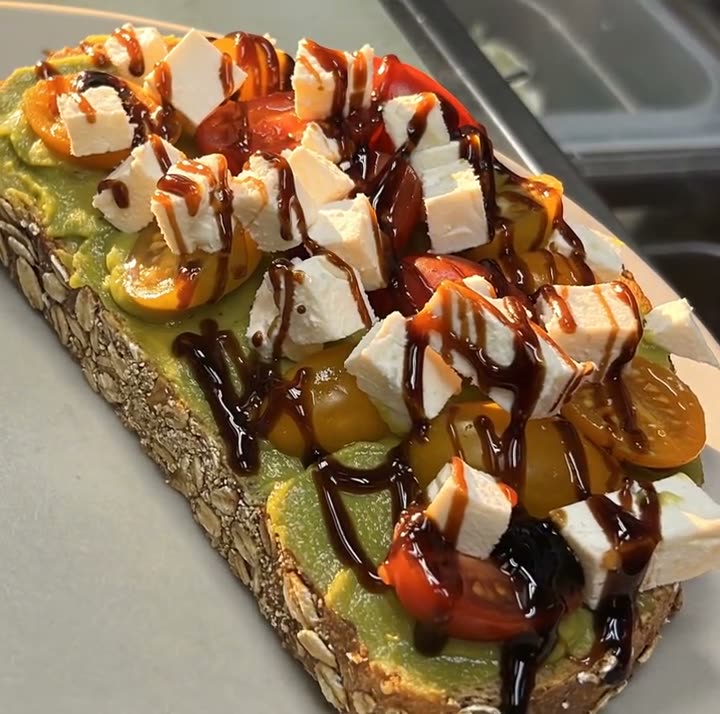
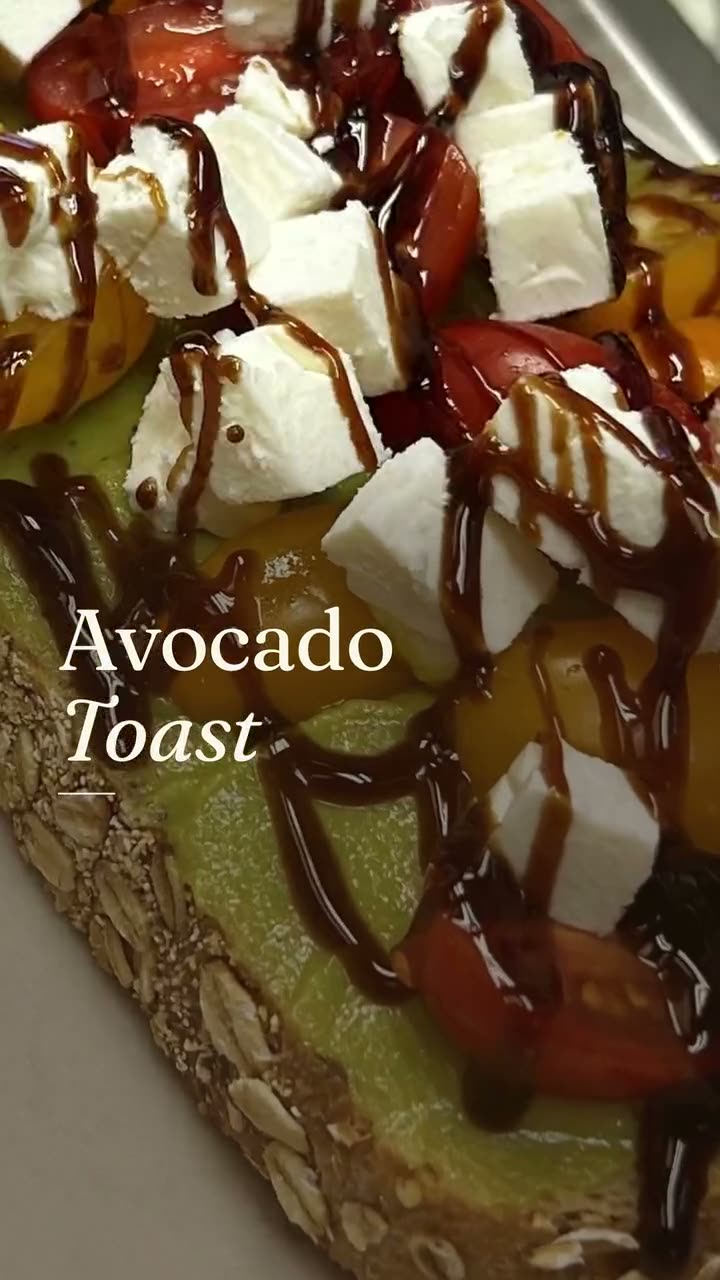
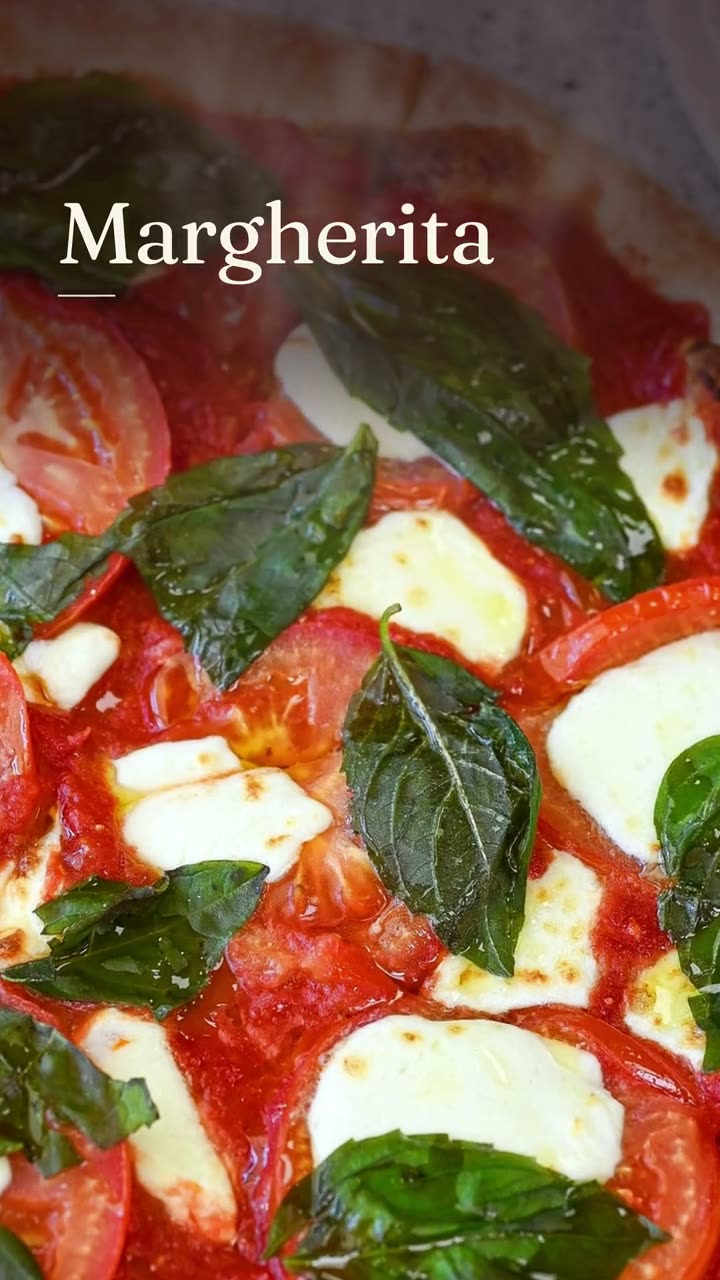
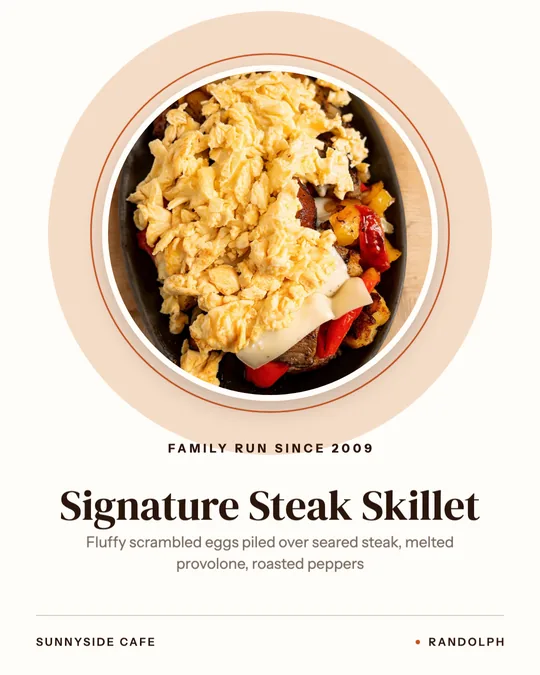
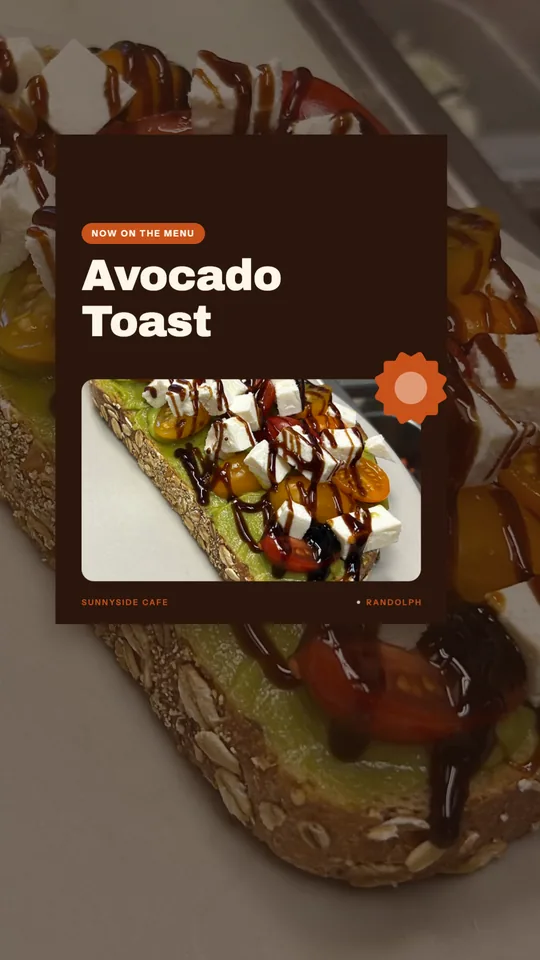
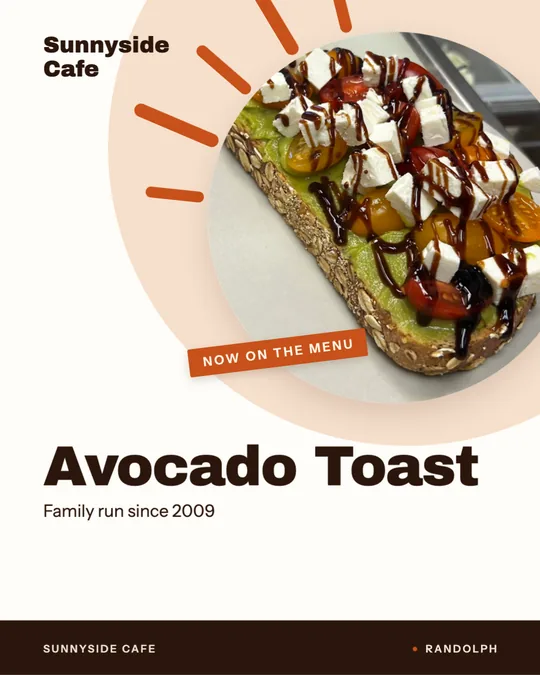
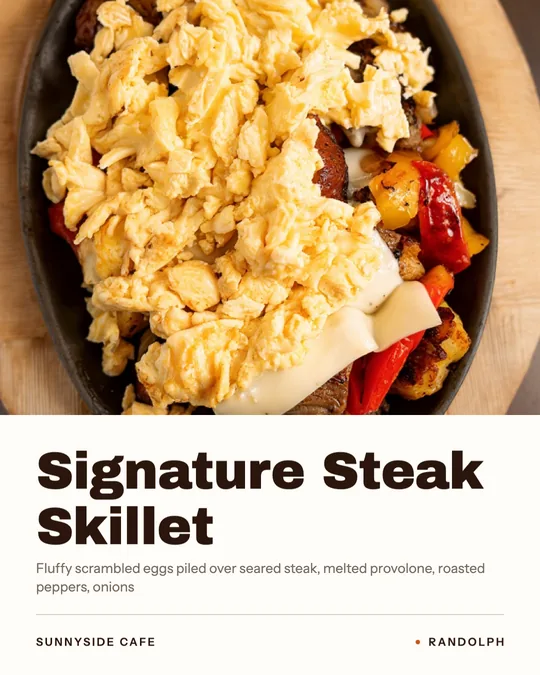
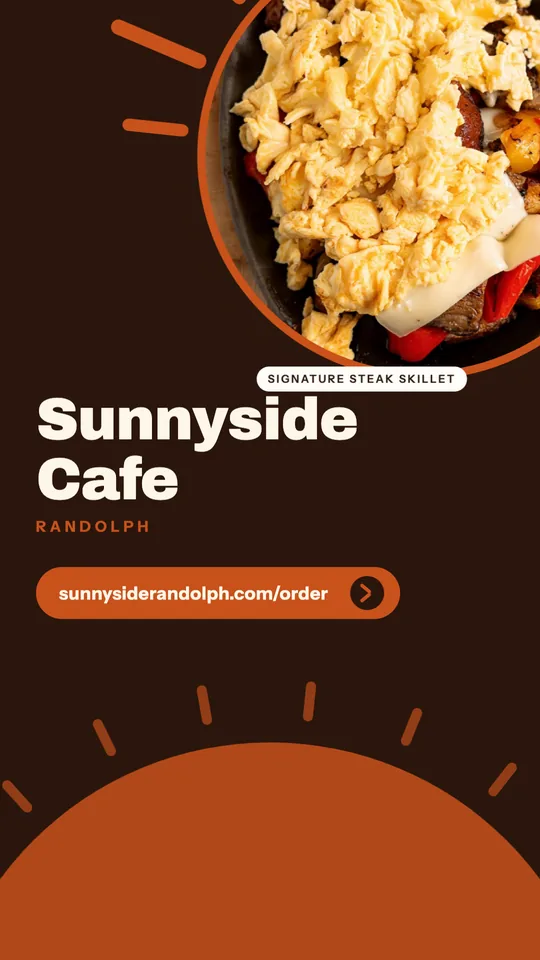
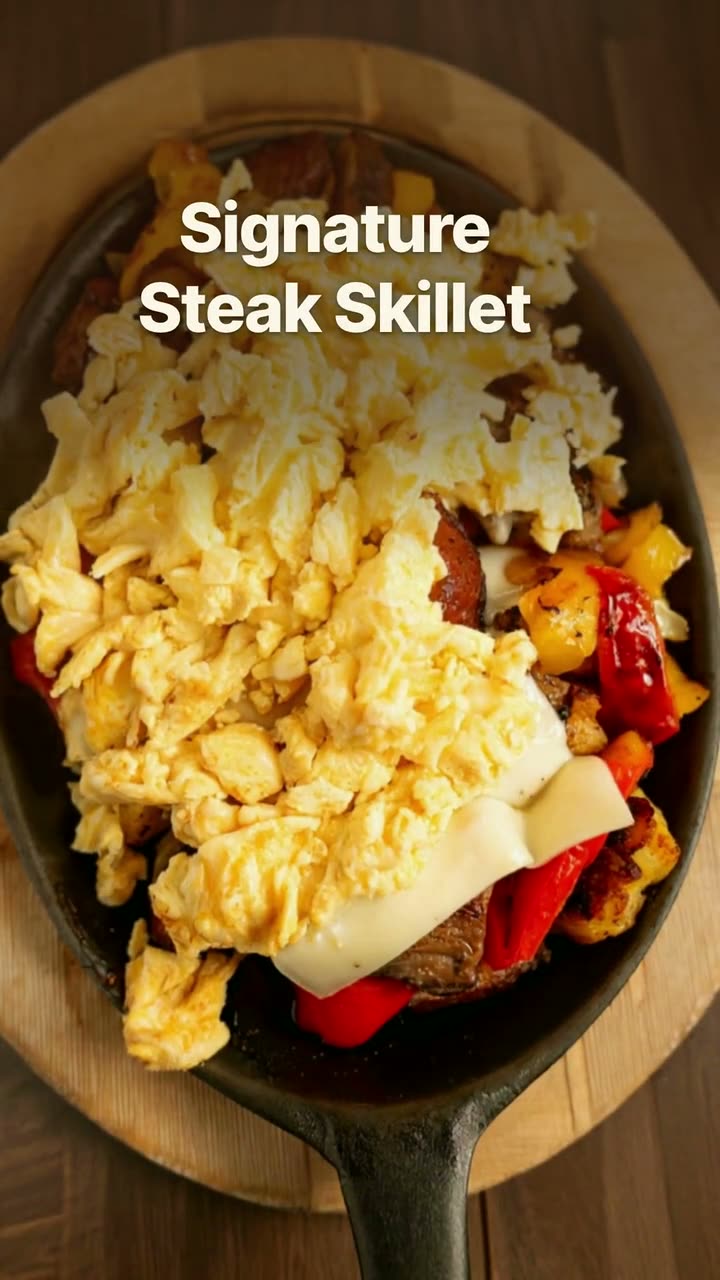
Everything shown here was made in Studio for Sunnyside Cafe in Randolph, MA, from their own photos and menu, including their Signature Steak Skillet. Your posts would use your own cups and plates.

11 ideas

What to post: cafe & coffee shop ideas

Each idea links to the Studio tool or template that makes it.

  1. 1

    The first pour of the day

    Prop your phone by the espresso machine and film the first shot of the morning, or milk going into a latte. Ten seconds of that is a Reel. Studio trims your clip and puts the drink name on screen.

    Make it with Reel maker →
  2. 2

    The seasonal drink launch

    When the fall or summer drink goes on the board, treat it like a launch. Post it on day one as a new item drop, then repeat it a week later for the people who only check Stories on weekends.

    Make it with New item drop video →
  3. 3

    "We open at 7" sidewalk sign

    New neighbors and commuters don't know your hours. A window sign with your opening time and one drink you're known for does double duty: print it for the door, post the same design as a Story.

    Make it with Window sign design →
  4. 4

    Weekend brunch special

    Brunch is when people try somewhere new. Post Saturday's special on Friday evening with the dish, the price and the hours you serve it. Make the design once and swap the dish each weekend.

    Make it with Daily special maker →
  5. 5

    The breakfast plate, in morning light

    Light Reveal takes a still photo of a plate and lets light sweep across it, like the sun coming through the window. Sunnyside Cafe's version is at the top of this page. It uses credits, so pick the plate you want people to remember.

    Make it with Light Reveal AI video →
  6. 6

    Chef's pick of the week

    Pick one plate from the kitchen and give it a whole post: one photo, one line about why it's worth ordering. For a cafe that does more than coffee, this is how people find out you cook.

    Make it with Instagram post maker →
  7. 7

    Coffee and something deal

    A drink plus a breakfast item at one price gives the 8 am crowd an easy yes. Run it as an offer flash on weekday mornings, and change the pairing every couple of weeks so it doesn't go stale.

    Make it with Offer flash video →
  8. 8

    Order ahead, skip the line

    Your busiest hour is when the line scares people off. An order-online Story posted just before that rush tells them they can order ahead and walk straight to pickup.

    Make it with Order online video →
  9. 9

    The regular's order

    Every cafe has a dish or drink the regulars always get. Tell its story in a short video: what it is, what's in it, why people come back for it. The dish story template does it from one photo.

    Make it with Dish story video →
  10. 10

    The drinks board, posted

    Post your drink menu as a clean menu board with sizes and prices, and pin it to your profile. It saves you answering "do you have oat milk?" in the comments, and you can print the same design for the counter.

    Make it with Menu poster maker →
  11. 11

    New hours on Google

    When you add a new drink or change your hours, post it to your Google Business Profile too. That's what people see when they search for coffee nearby and land on your name.

    Make it with Google Business post maker →
Real examples

Made in Studio for a real restaurant

Light Reveal — AI video · Sunnyside CafeAI
Dish story — Editorial · Sunnyside Cafe
Chef's pick, made for Sunnyside Cafe
Chef's pick · Sunnyside Cafe
Clip reel from your phone videos · Sunnyside Cafe
New on the menu, made for Sunnyside Cafe
New on the menu · Sunnyside Cafe
Daily special — Poster · Sunnyside Cafe
Window sign, made for Sunnyside Cafe
Window sign · Sunnyside Cafe
Order online — Native captions · Sunnyside Cafe
Dish spotlight, made for Sunnyside Cafe
Dish spotlight · Sunnyside Cafe
New item drop — Poster · Sunnyside Cafe
Order online, made for Sunnyside Cafe
Order online · Sunnyside Cafe

Made for Sunnyside Cafe (Randolph, MA) in Servestack Studio, from their own photos and menu.

What to shoot in a cafe

Morning window light is a cafe's best friend. Shoot in the first hour after you open and you'll have a week of photos. Studio links each one to the drink or dish on your menu.

  • Drinks from the side at cup height, not from above, so you can see the layers or the foam.
  • A plate on the table by the window, with a coffee at the edge of the frame.
  • Short clips behind the bar: the grinder, the pour, the lid going on.
  • The counter or pastry case first thing in the morning, when it's full.
  • The door or the sign outside, for hours and order-ahead posts.

A morning-first posting rhythm

Cafe customers decide early. A post that goes up at 6:30 or 7 catches people while they're still at home deciding where to stop. A post at noon catches the lunch crowd. A post at 8 pm mostly reaches people who are going to bed.

A workable week: the drinks board or a seasonal drink on Monday, a chef's pick midweek, the brunch special Friday evening and a Reel from the weekend rush on Sunday. Make the week in one sitting and schedule each post for the morning, so nobody has to post from behind the bar.
Also running online ordering? See Servestack for café & coffee restaurants.

FAQs

Frequently asked
questions

What should a coffee shop post on Instagram?
Post your drinks up close, your hours, what's new on the board and short clips from behind the bar. People follow a cafe to know what's good today and when you're open.
What time should a cafe post?
Early. Schedule posts for when people are deciding where to stop, usually before 8 am, and a second one before lunch if you serve food.
Can Studio make a drinks menu for my cafe?
Yes. Your drinks, sizes and prices come from your menu and go on a menu board or price card you can post or print. The free menu maker at /tools/menu-maker also makes a printable menu.
Can I use the phone clips I shoot behind the bar?
Yes. Upload them and Studio cuts a Reel with drink names on screen, no editing app needed. Reels from your own clips use no credits.
Does Studio post to Google as well as Instagram?
Yes. Connect Instagram, Facebook, Google Business Profile and TikTok, then post now or schedule ahead. Each post comes out in the right size for where it's going.
Do I need to post every day?
No. A few good posts a week, on time, do more than daily posts nobody has time to make. Schedule them ahead and let the calendar do the remembering.
Keep exploring

More from Servestack Studio

Related tools See all

Reel makerThe clips on your phone and the dishes on your menu, turned into Reels you'd actually post.Daily special makerToday's special, posted before the lunch rush, without anyone stopping to design it.Google Business post makerA fresh post on your Google profile every week, made from the food people will actually be served.

Templates to try See all

Light Reveal AI videoThe light moves across the plate the way it does in a food commercial. The plate is yours.New item drop videoLaunch a new dish with a reveal video and a matching story card, both from your real menu.

By type of restaurant See all

BakeryTell the neighborhood what came out of the oven this morning, before it's gone.PizzaYour pies, your prices, and a post for every night people decide what's for dinner.

Post ideas See all

Instagram post ideasA full month of posts you can make from the menu and photos you already have.Reel ideasShort videos you can film in the gaps of a normal shift, no crew and no tripod required.

Make this week's posts from your own menu.

$49/month with 600 credits included. Already on Servestack Starter or Scale? Studio is included.

Start freeAlready have Servestack? Open Studio