Daily special posts
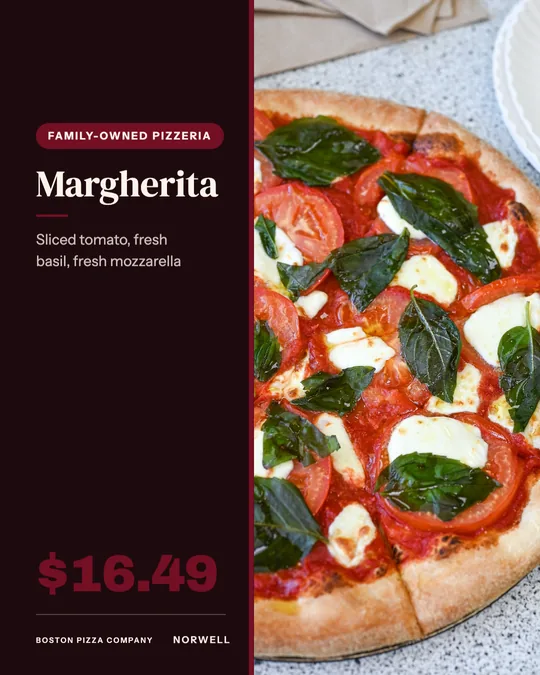
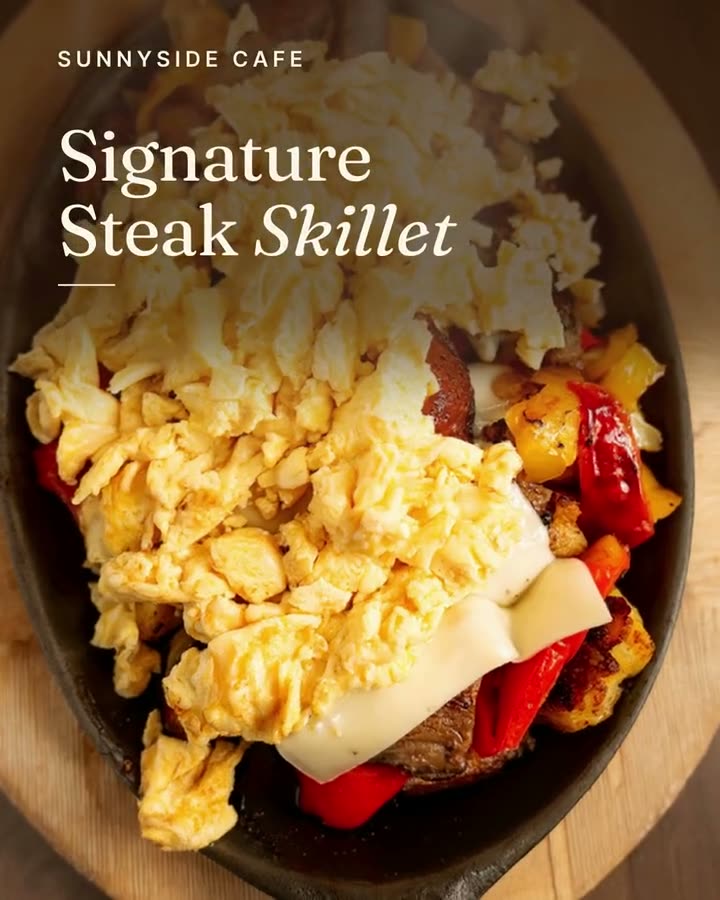
A 4:5 feed post with the dish, its name and its price. Clear enough to read on a phone held at arm's length.
Today's special, posted before the lunch rush, without anyone stopping to design it.
The daily special is the easiest thing a restaurant has to post and the one most often skipped. The chalkboard gets updated at 10:45. The Instagram post was supposed to go up too, but someone had to plate the special, photograph it and type the price, and by then it was noon.
Studio takes the typing and the timing out of it. Pick the dish from your menu and the daily special design fills in its photo, name and price. Want motion? The daily special video template turns the same dish into a short clip for Stories and Reels. Make Monday through Friday in one go and schedule each one to post the morning it runs.
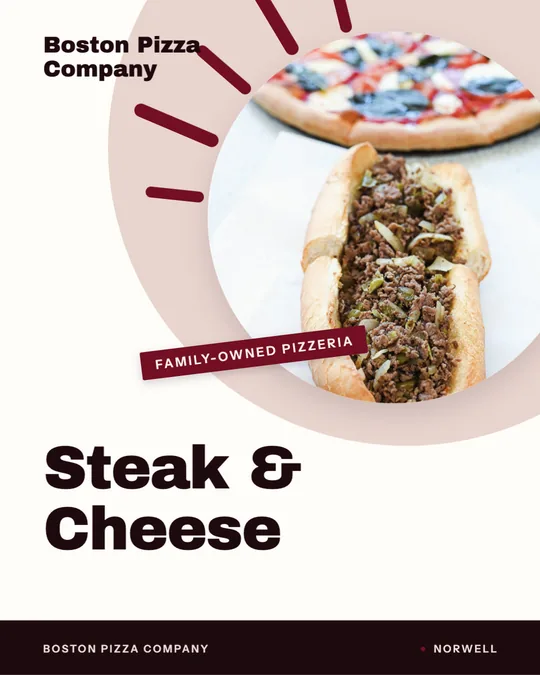
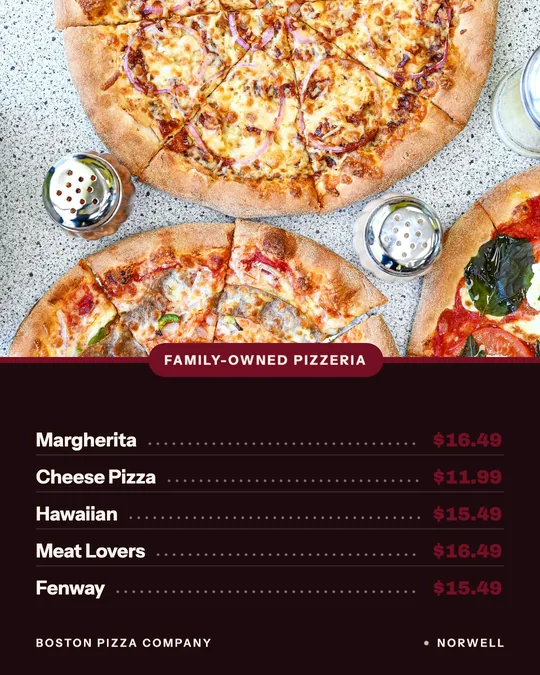
The specials on this page were made for Boston Pizza in Norwell and Sunnyside Cafe in Randolph from their own menus and photos.
Each one was made in Studio for a real Servestack restaurant, from its own photos and menu.
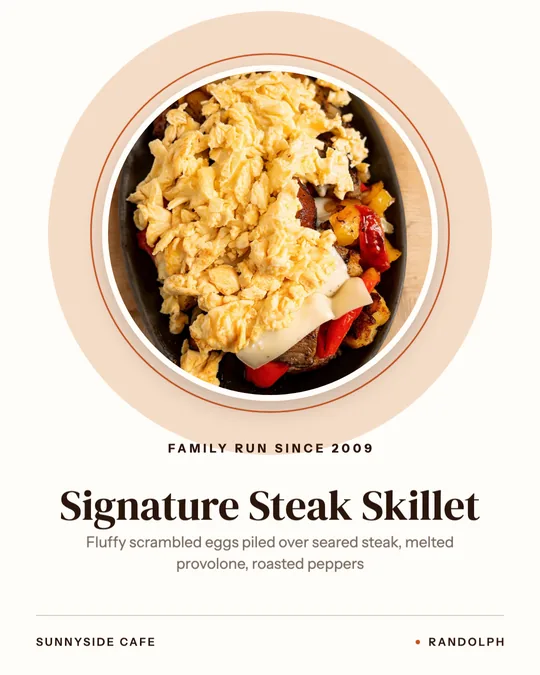
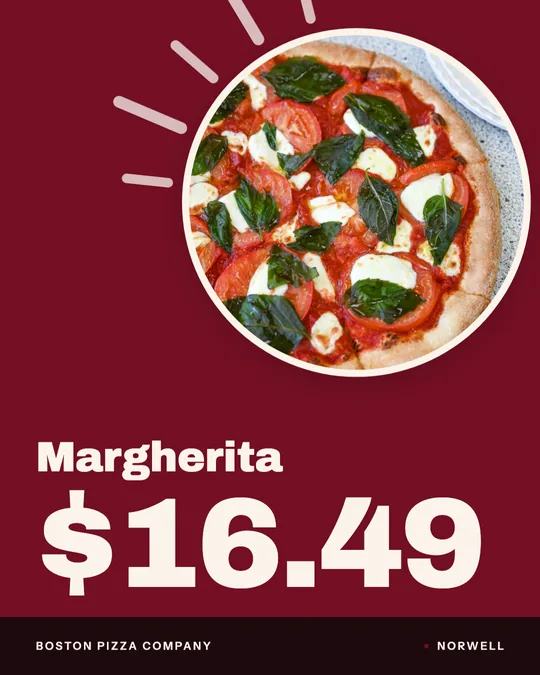
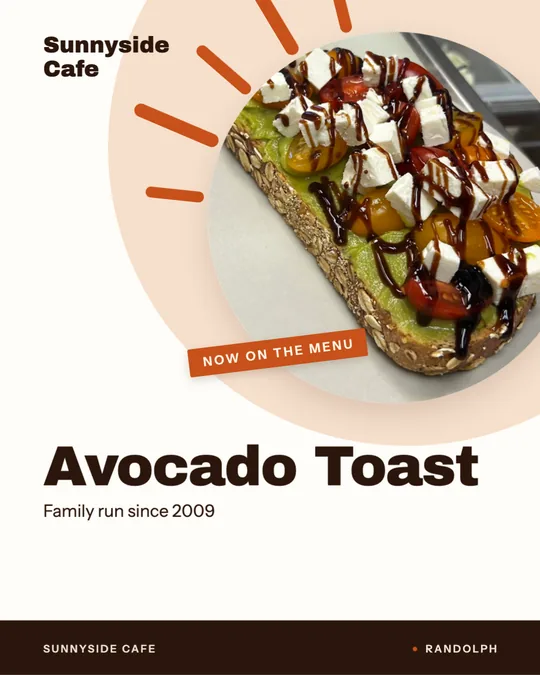
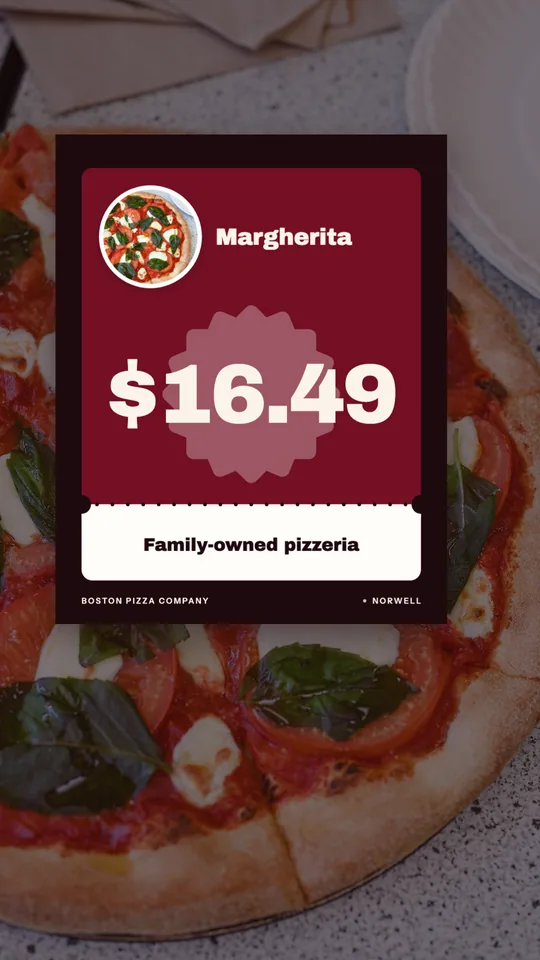
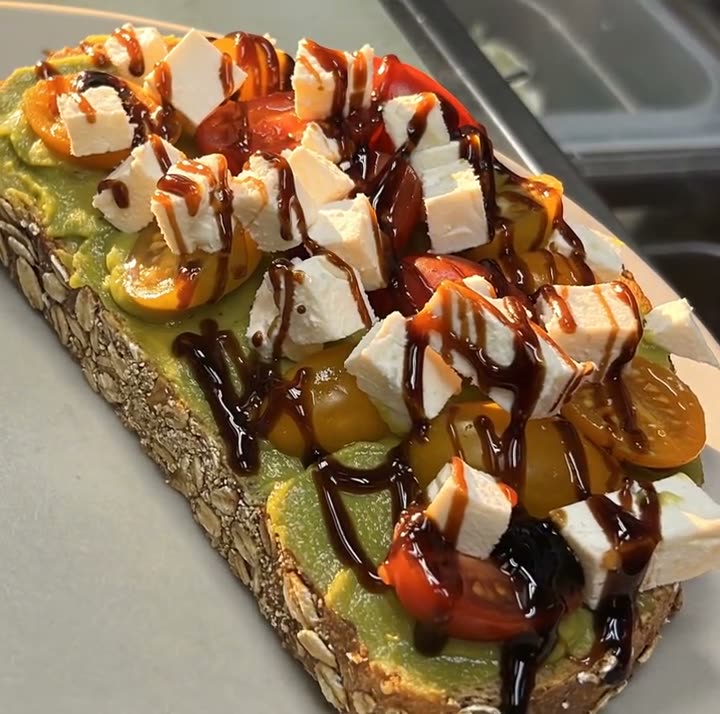
Shown with permission: Sunnyside Cafe (Randolph, MA) and Boston Pizza (Norwell, MA).
Choose the special from your menu. Its photo, name, description and price fill in, and you can change any word.
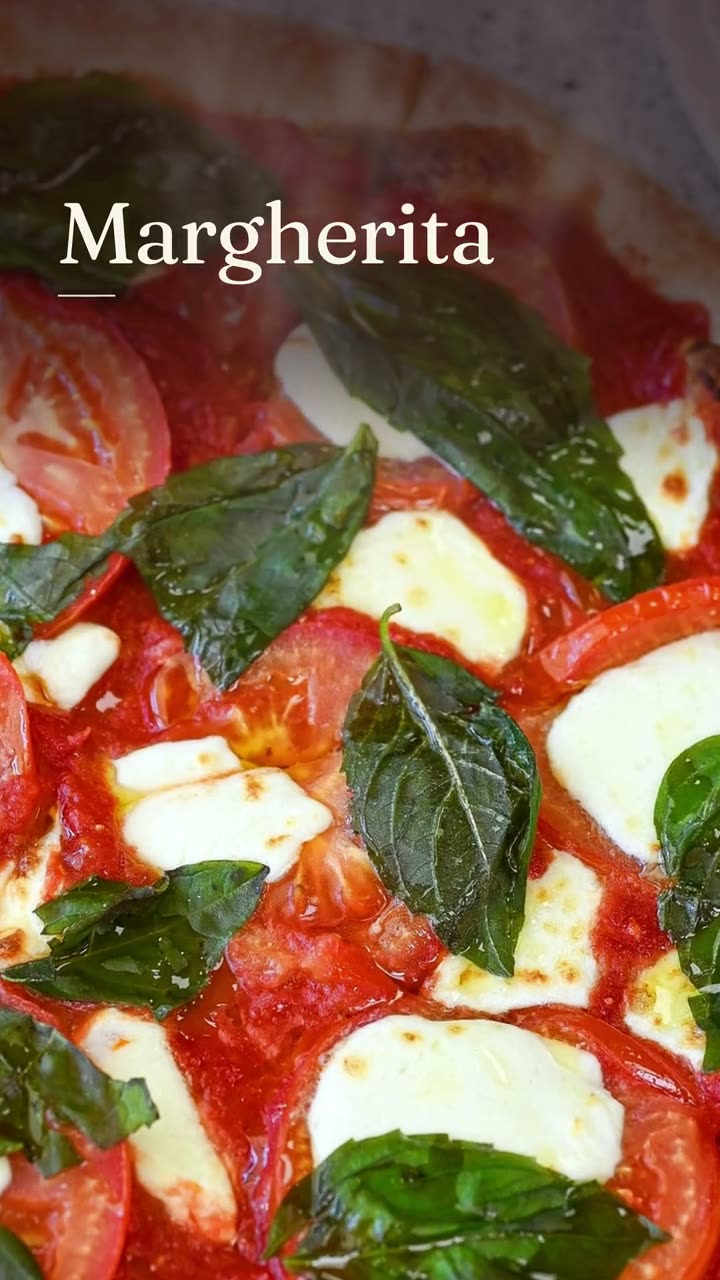
Use the daily special design for a feed post or window sign, or the daily special video for Stories and Reels, in a poster or editorial look.
Set each day's special to post that morning on Instagram, Facebook, Google Business Profile or TikTok. Nothing goes out until you've approved it.
A 4:5 feed post with the dish, its name and its price. Clear enough to read on a phone held at arm's length.
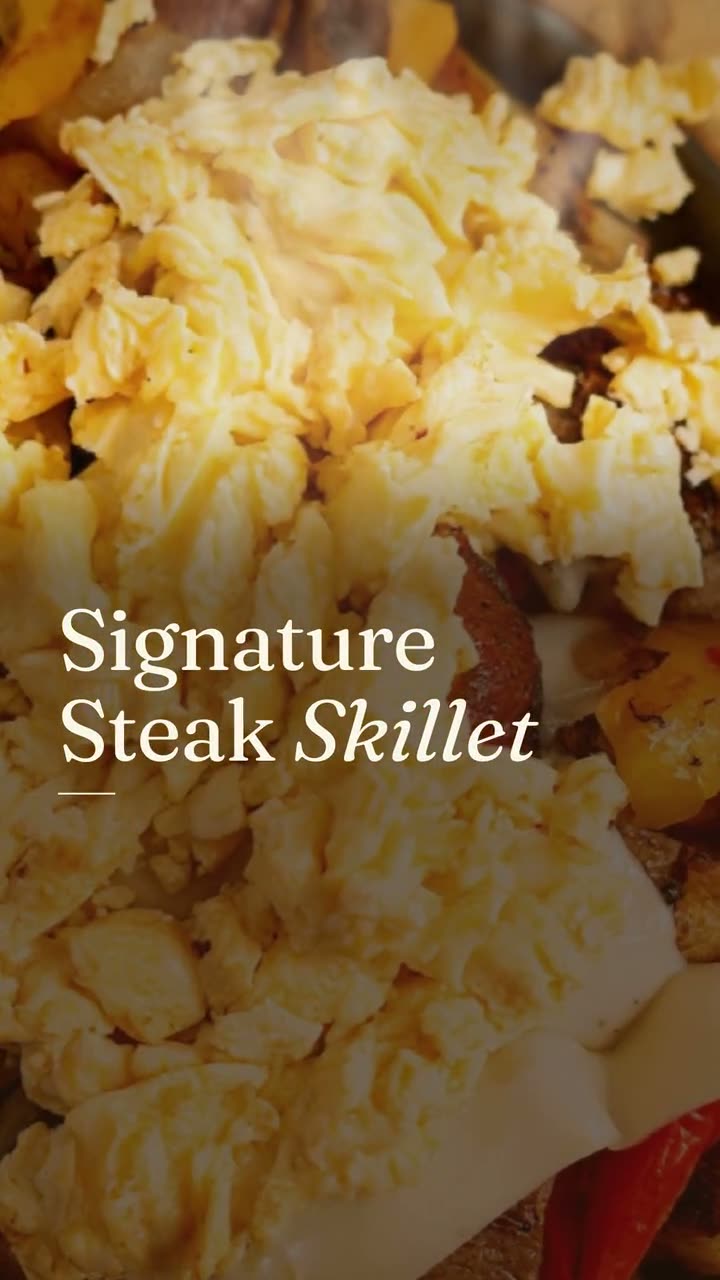
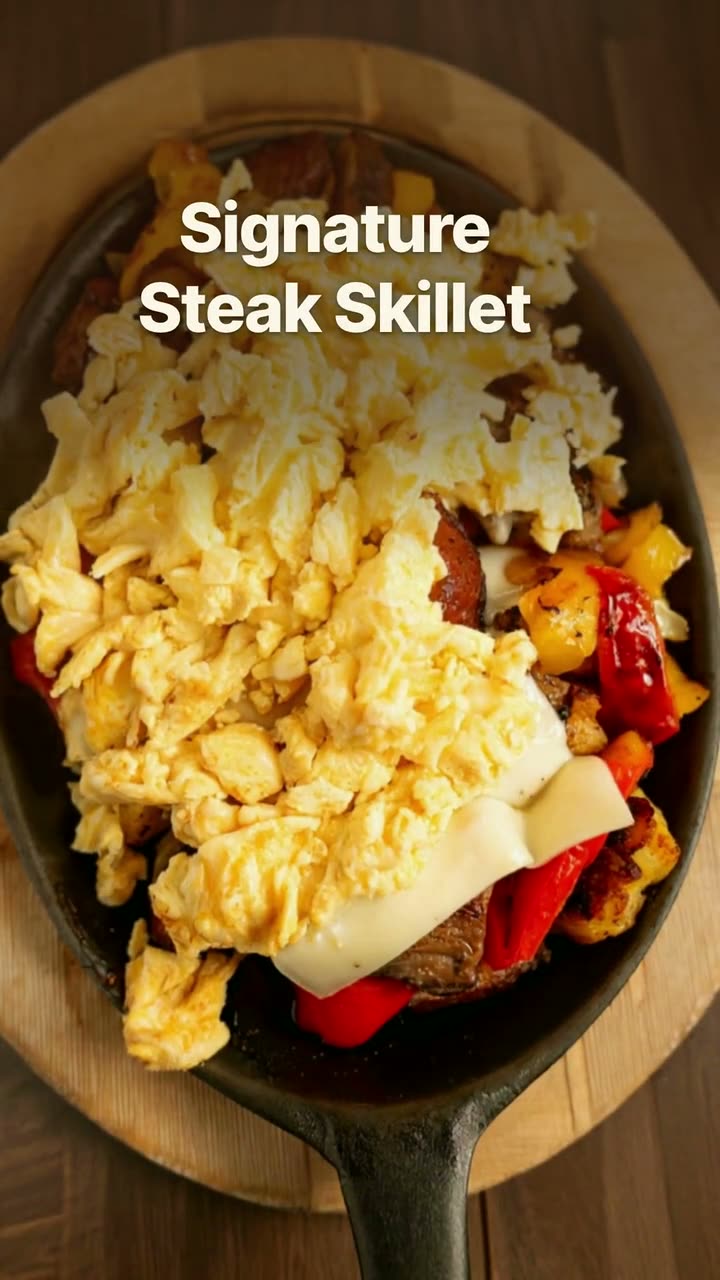
The same special as a short clip, in a bold poster look or a cleaner editorial one. Stories are where specials belong, and motion helps them stand out there.
A 1:1 version of the special for Facebook and Google Business Profile, so the same dish shows up everywhere people check.
Download the day's design and print it for the door, so people walking past see what's on without opening an app.
The special's price comes from your menu, so the post, the chalkboard and the register never disagree.
Make five specials on Sunday night and schedule them. Each one posts on its own day, and nobody has to remember at 11:30.
Every special uses your own photo of the dish, not a stock plate that sort of looks like it.
Daily special designs and the daily special video template use no credits on the $49/month plan.
Leave out everything else. A today's special post gets a second or two of attention on a phone, so it should answer what, how much and when, then stop.
Post a lunch special mid-morning, before people decide where to eat. Post a dinner special mid-afternoon, when people start thinking about the evening. Put a Story up at the same time as the feed post to catch the people who skip the feed.
If the special sells out, say so. A quick "sold out, see you tomorrow" Story tells people the special is worth getting to early.
 Menu poster makerYour menu prices on a board, a card or a window sign, without retyping a single one.
 Instagram post makerYour menu and your photos in, a week of on-brand Instagram posts out.
 Google Business post makerA fresh post on your Google profile every week, made from the food people will actually be served.
 Reel makerThe clips on your phone and the dishes on your menu, turned into Reels you'd actually post.
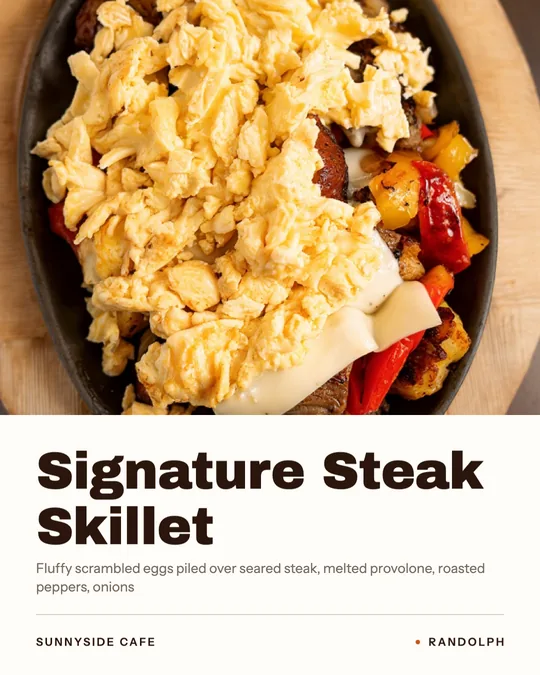 Dish spotlight designGive one dish the whole post, with the menu description that makes people order it.
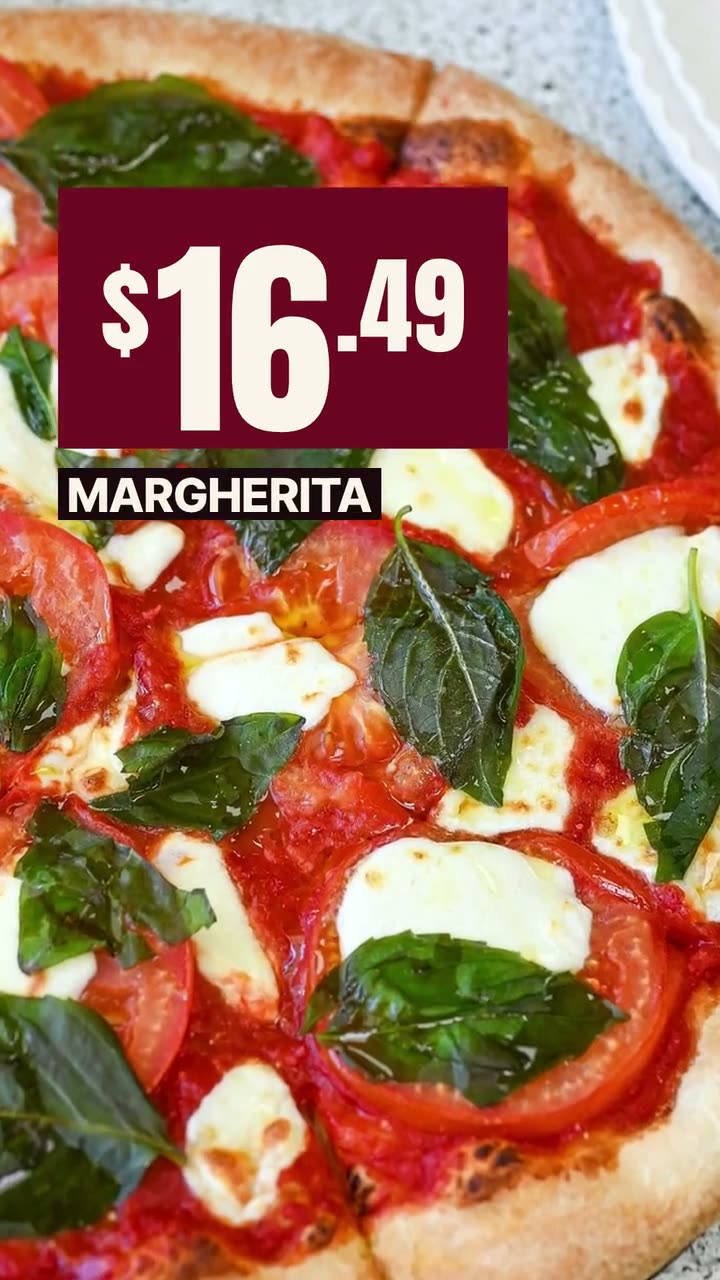 Offer flash videoPut the price where people see it first, on a dish they can actually order.Window sign designOne design for the glass out front and the feed, so walkers and scrollers see the same dish.
$49/month with 600 credits included. Already on Servestack Starter or Scale? Studio is included.