Ask in plain words
No forms or menus to learn. Say what you need and when, and the assistant works out which design or video fits.
Tell the Studio assistant what you need, add a photo, and it makes the designs and videos for you. It asks before using credits.
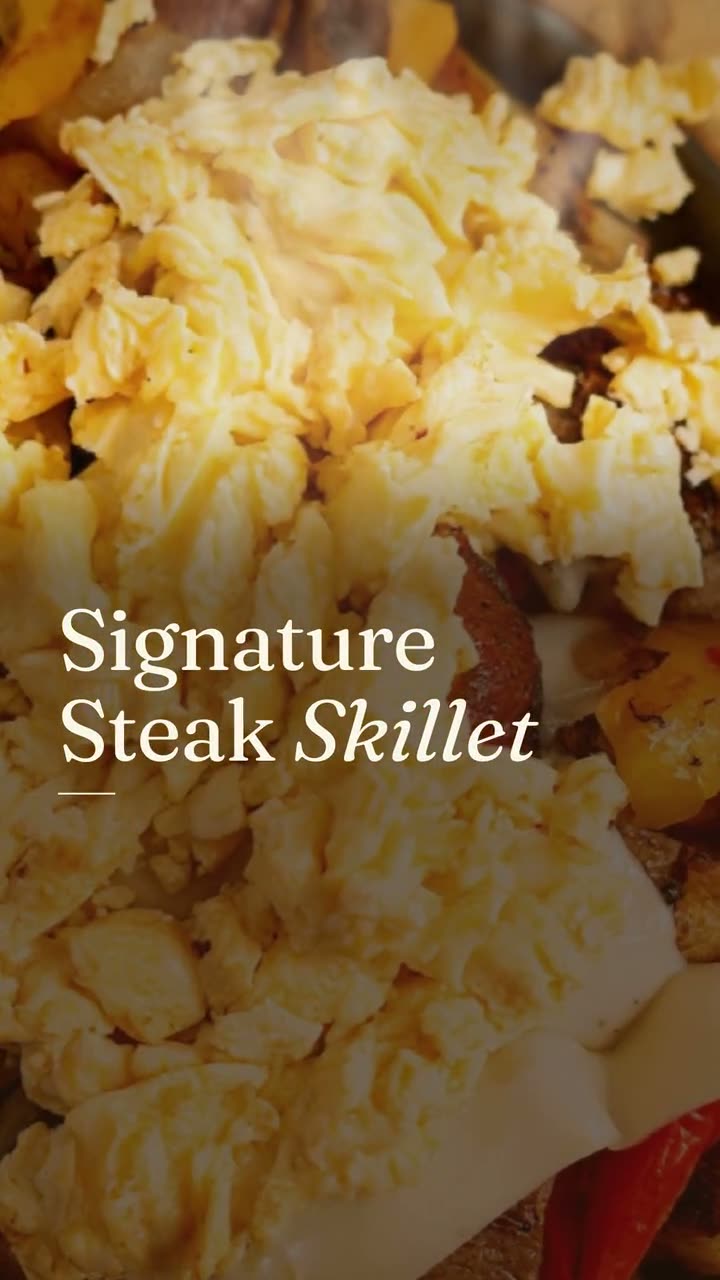
Sometimes you don't want to pick a tool. You just want to say "I need something for the new skillet this weekend" and have it done.
The Studio assistant is a chat inside Servestack Studio. Ask for a post, upload a photo, or describe what's happening this week. It reads your menu and your photos, suggests what to make, and makes the designs and videos for you.
It never spends credits on its own. Before it runs anything that uses credits, it tells you what it plans to make and asks first.
An illustration of how a request goes. The assistant always asks before it uses credits.
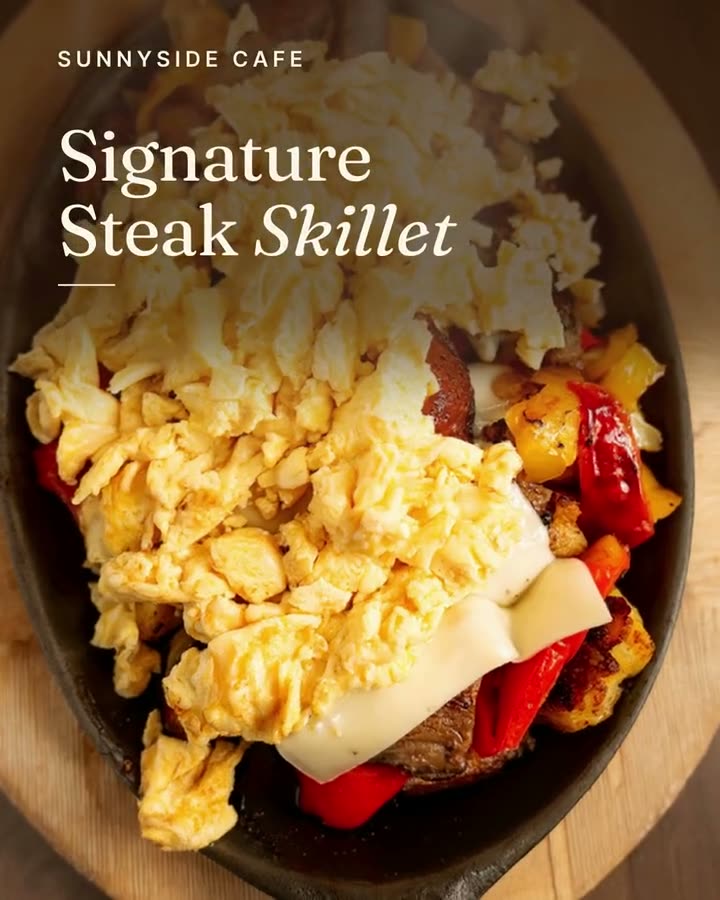
Make a post for the Signature Steak Skillet for Saturday morning.
I can make a dish story video and a matching feed post with the skillet's name and price from your menu. That's a template video (10 credits) and a template design (2 credits). Go ahead?
Yes, go ahead.
Done. Both are ready for you to check, then post now or schedule for Saturday.
New-item videos, chef's picks, daily specials and order-online posts, all made from the restaurant's own menu and photos.
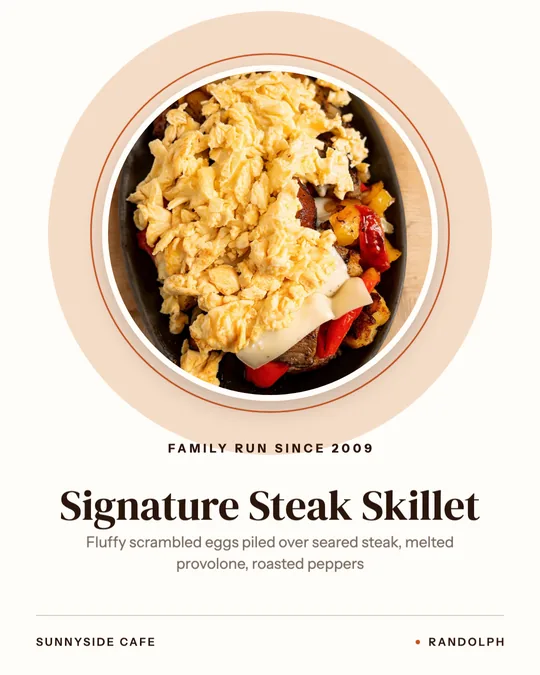
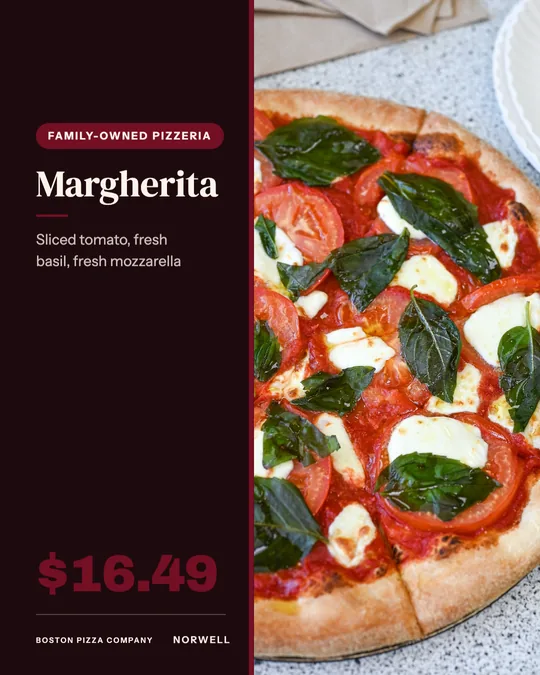
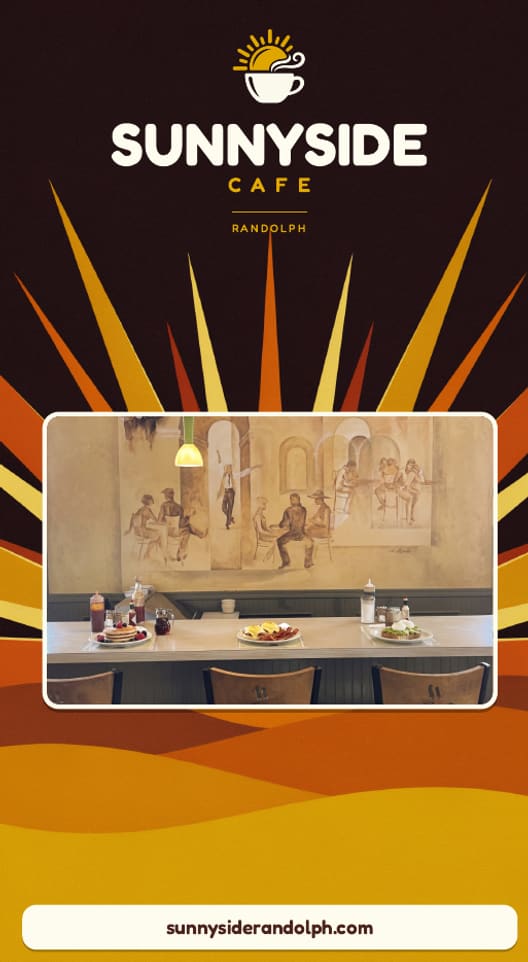
Made in Studio for Sunnyside Cafe (Randolph, MA) and Boston Pizza (Norwell, MA), shown with permission.
Type it like a message: a post for tonight's special, a Reel for the weekend, a sign for the window.
Upload a dish photo straight into the chat. The assistant reads it and matches it to the dish on your menu.
The assistant tells you what it will make and asks before using credits. Approve it and the designs and videos appear in the chat.
No forms or menus to learn. Say what you need and when, and the assistant works out which design or video fits.
Drop a dish photo into the chat. The assistant reads it, matches it to your menu, and uses it in the post.
Get the finished designs and videos in the chat, ready to tweak, post or schedule.
Every time the assistant is about to use credits, it says what it will make and waits for your yes.
Dish names, prices and descriptions come from your menu, so what it writes matches what you sell.
Posts are made from your own photos, never from generated food.
A chat message is 1 credit and reading a photo is 1 credit. What the assistant makes is priced like everything else in Studio, for example 2 credits for a template design or 10 for a template video, and it asks before spending them.
 Video workspaceThree ways in: from photos, from your clips, or restyle a clip you shot. Every video starts with your real food.
 Print menus & signageImport the menu you have, confirm it, pick a style and download a print-ready PDF. Every price is checked against your menu before you download.
 Studio pricingOne plan: $49 a month or $490 a year, with 600 credits every month. Here's exactly what things cost.Instagram post makerYour menu and your photos in, a week of on-brand Instagram posts out.Daily special makerToday's special, posted before the lunch rush, without anyone stopping to design it.
 Google Business post makerA fresh post on your Google profile every week, made from the food people will actually be served.
$49/month with 600 credits included. On the full Servestack plan? Studio is included.