From photos
One dish photo becomes a finished video. Use a template for a dish story with your menu words on screen, or AI motion for a moving shot of the plate.
Three ways in: from photos, from your clips, or restyle a clip you shot. Every video starts with your real food.
Video is what gets restaurants seen on Instagram and TikTok, and it's also the thing that never gets made. Nobody has time to shoot, cut and caption a clip between lunch and dinner.
The Video workspace in Servestack Studio gives you three starting points. From photos turns a dish photo into a video with a template or AI motion. From my clips cuts the phone videos you already shot into a Reel. Restyle a clip takes your own footage and gives it a new look, a new camera move or a swapped prop, while the food stays yours.
Everything you make lands in History, where you can Redo a take or Vary it to get a different version without starting over.
Template videos and AI motion from one dish photo, and Reels cut from a cafe's own phone clips.
Made in Studio for Sunnyside Cafe (Randolph, MA) and Boston Pizza (Norwell, MA), shown with permission.
From photos for a dish photo, From my clips for phone videos from service, or Restyle a clip to change the look of footage you already have.
Choose a video template, an AI motion, or the restyle you want: a new look, a camera move or a prop swap. AI work is priced before you confirm.
Open the result from History. Redo it, Vary it for another version, or post it to Instagram, Facebook, Google or TikTok.
One dish photo becomes a finished video. Use a template for a dish story with your menu words on screen, or AI motion for a moving shot of the plate.
Upload the clips you shot during service and Studio cuts them into a Reel with captions. A quick fix cleans up a single clip.
Give your own footage a new look, a new camera move, or swap a prop in the scene. The food in your clip stays the food you served.
Every video is saved in History. Redo a take, or Vary it to get a fresh version of the same idea.
Every video starts from your photo or your footage. AI moves the camera, changes the light or restyles the scene; it doesn't invent the dish.
Quick template videos, Reels from your clips and AI motion live side by side, so you pick the right tool for the post.
Template video is 10 credits and a Reel is 15. AI videos show their price before they run, so there are no surprises.
The best restaurant video ads are short and specific: one dish, the name and the price, and a reason to order tonight. Studio's video templates put your menu words on screen, and AI motion gives a still photo the movement that stops a scroll.
Because every video starts with your own food, you can run it as a paid ad without worrying that the plate guests receive looks different from the one they saw.
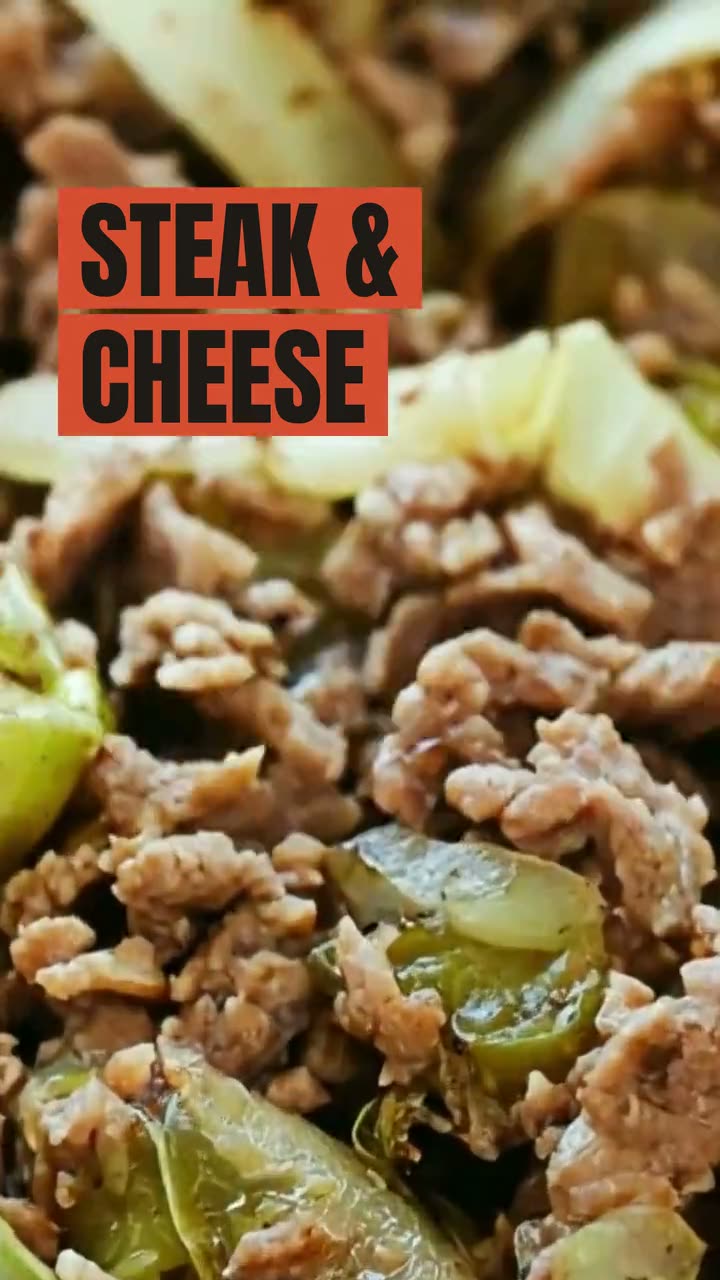 Ad StudioPick an ad style, drop in a photo of your dish, and get a finished image or video ad. Nothing is generated from a text prompt. Your food is the hero.
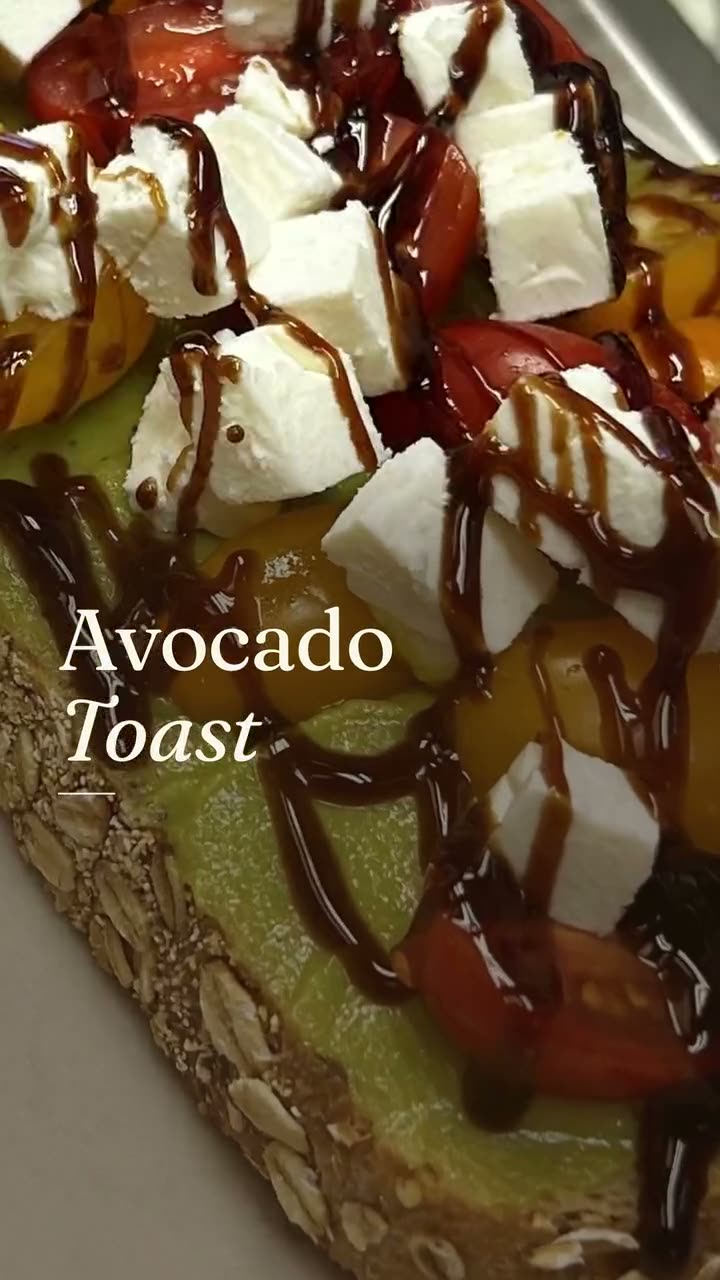 Studio assistantTell the Studio assistant what you need, add a photo, and it makes the designs and videos for you. It asks before using credits.
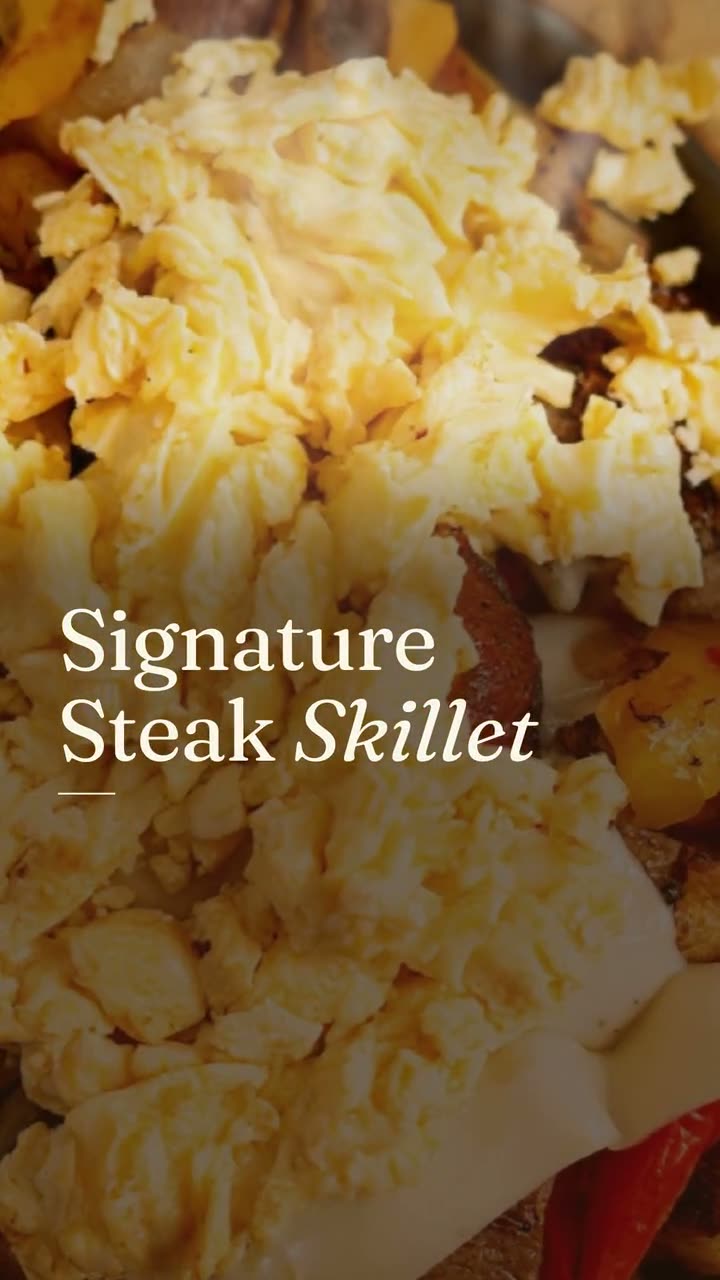 Studio pricingOne plan: $49 a month or $490 a year, with 600 credits every month. Here's exactly what things cost.Food video ad makerShort video ads made from your own dish photos and clips, ready for Reels, TikTok and paid campaigns.
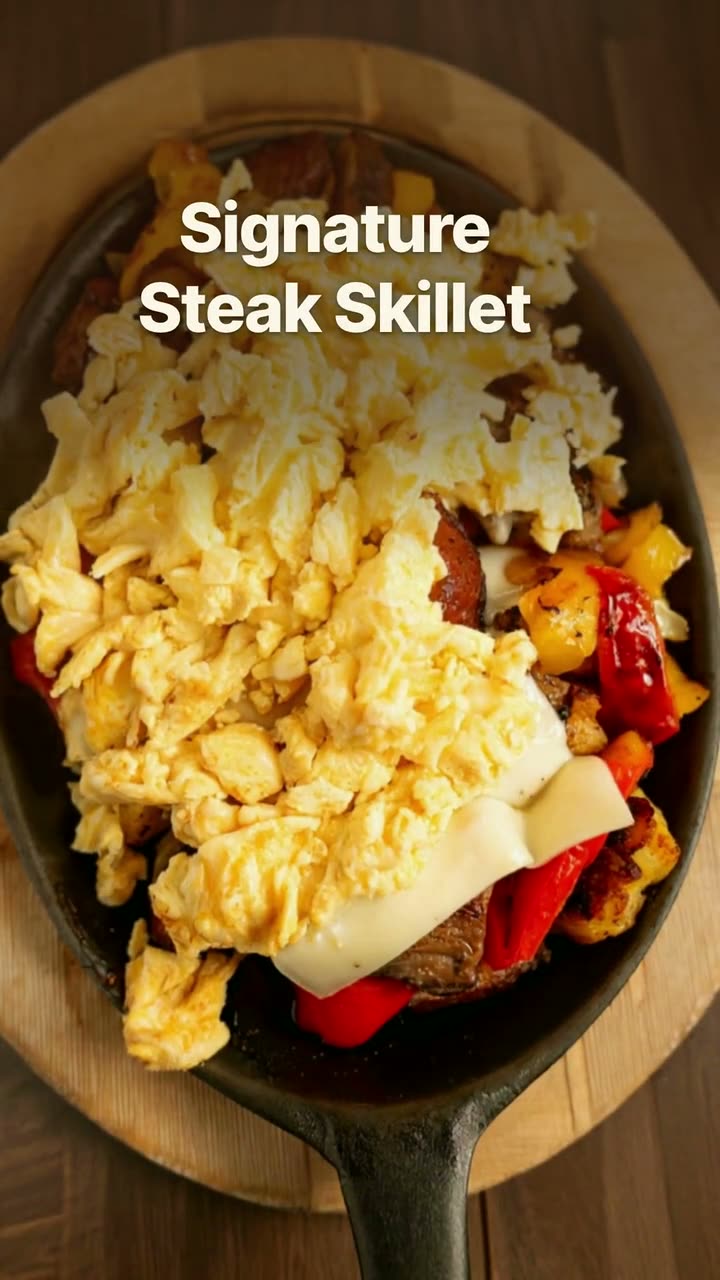 Restyle a restaurant videoYour own footage with a new look, a new camera move or a swapped prop. The food stays the food you served.
 Food photo to videoOne photo of your real dish in, a short moving shot out. The food stays exactly what you serve.Reel makerThe clips on your phone and the dishes on your menu, turned into Reels you'd actually post.
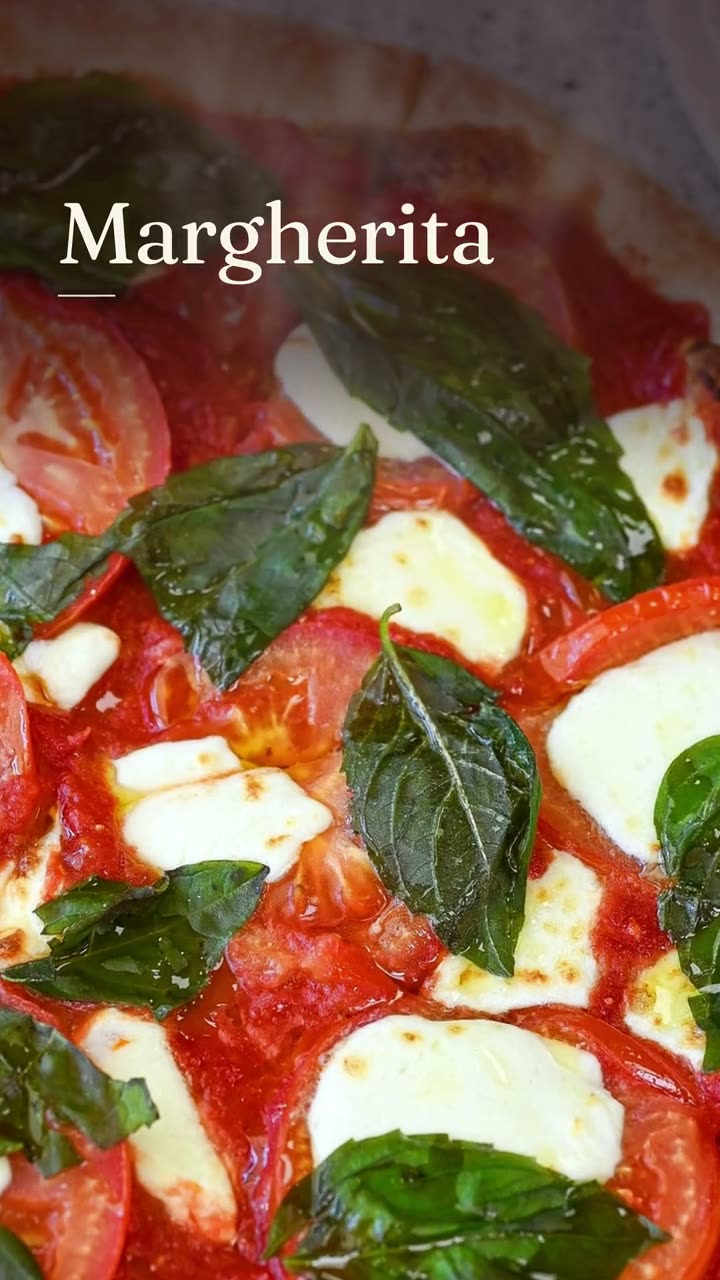 Dish story videoOne photo of one dish, turned into a short video with its menu words on screen.Falling Garnish AI videoLeaves drift down, the light shifts, and the dish in the middle stays exactly yours.
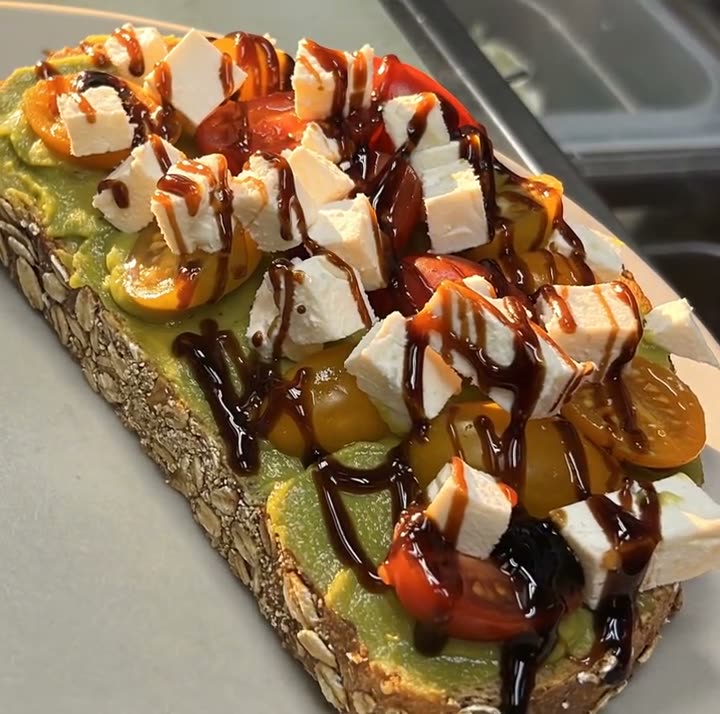 Light Reveal AI videoThe light moves across the plate the way it does in a food commercial. The plate is yours.
$49/month with 600 credits included. On the full Servestack plan? Studio is included.