Falling Garnish
Herbs or toppings drift down onto the plate as if someone just finished it at the pass. It works best on dishes with an obvious garnish, like the basil on Boston Pizza's Margherita.
One photo of your real dish in, a short moving shot out. The food stays exactly what you serve.
Search for an AI food video generator and most of what comes back will make the food for you. You describe a burger and it draws one. That's fine for a stock clip, but it's a problem for a restaurant: the burger in the video isn't the burger on your menu, and guests notice when the plate that arrives doesn't match the one they saw.
Studio works from the photo you already took. You pick one picture of a real dish and a motion recipe, and the AI moves the camera or sets the scene around it. Basil drifts down onto a pizza, the camera pushes in until the crust fills the frame, or a band of light slides across a skillet. The dish itself doesn't change.
The clips on this page were made for Boston Pizza in Norwell and Sunnyside Cafe in Randolph, from their own photos. Each one runs 5 to 10 seconds, which is about right for a Reel opener, a Story or the first shot of an ad.
Each one was made in Studio for a real Servestack restaurant, from its own photos and menu.
Shown with permission: Sunnyside Cafe (Randolph, MA) and Boston Pizza (Norwell, MA).
Choose a sharp photo from your library. It's already linked to its dish on your menu, so Studio knows what it's looking at.
Pick Falling Garnish, Close-Up Dive or Light Reveal, or a director preset like Hyper Motion or TV Spot. Each one moves the camera or the light, never the food.
Review the clip before anything goes out, then post it to Instagram, Facebook, TikTok or Google Business Profile right away or on a schedule.
Herbs or toppings drift down onto the plate as if someone just finished it at the pass. It works best on dishes with an obvious garnish, like the basil on Boston Pizza's Margherita.
The camera pushes in from the full plate to a tight shot of the texture: melted cheese, a crisp edge, a glossy sauce. Use it on dishes that look better the closer you get.
Light sweeps across the dish and brings it out of the shadows. Breakfast plates and skillets suit it, because warm light does most of the selling.
Hyper Motion and TV Spot are two director presets that set the overall style of the shot. TV Spot is the one to reach for when the clip will open an ad.
The same AI shot can be cut into a 9:16 dish story with the dish name on screen, ready for Stories and Reels.
Many AI food video tools generate the food from a text prompt. Studio starts from your photo, so the pizza in the clip is the pizza that comes out of your oven.
The AI can move the camera, drop a garnish the dish already comes with, or change the light. It never swaps the dish, piles on toppings you don't use or changes the portion.
When a clip carries words, the dish name and price come from your menu. The video and the menu always say the same thing.
AI video uses credits from the 600 included every month with the $49 plan. If you run low, buy more credits whenever you like.
A phone photo is fine. Wipe the rim of the plate, shoot near a window and fill the frame. Studio handles the motion; the photo just has to be honest and in focus.
Short AI clips work best as openers. Put one at the start of a Reel to stop the scroll, then cut to real kitchen footage. Post one as a Story the morning a new dish launches. Use one as the first shot of a short ad, where the opening second has to do the work.
They're weaker as the whole story. Someone deciding where to eat still wants the name, the price and where to order. That's why the same clip can be cut into a dish story with the words on screen, and why it pairs well with a plain price card later in the week.
Not every post needs AI. Studio's dish videos animate one photo with template motion and your menu words, take about a minute to make and use no credits. Save AI video for moments that deserve extra polish: a launch, a seasonal dish, an ad you plan to boost.
A simple rhythm is one AI clip a week, with free dish videos and Reels from your own clips around it. Your 600 monthly credits go further, and the feed doesn't look like one effect on repeat.
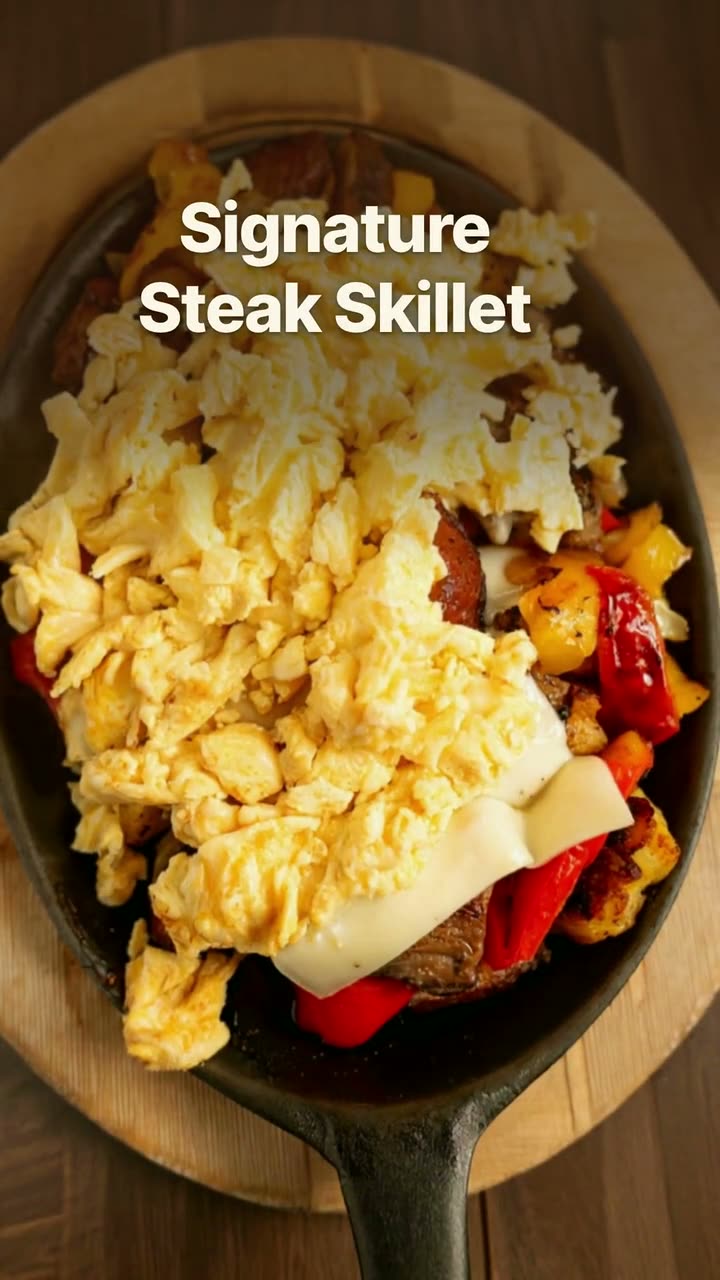 Reel makerThe clips on your phone and the dishes on your menu, turned into Reels you'd actually post.
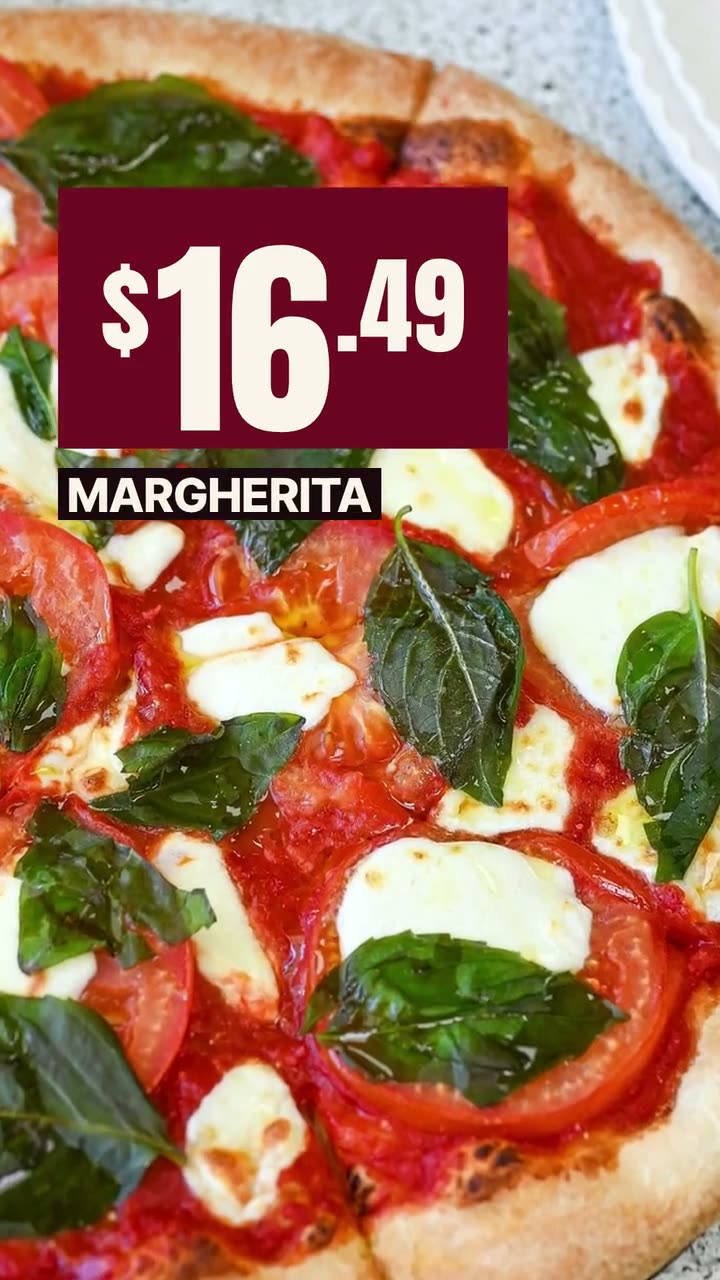 Ad makerThe creative for your next restaurant ad, made from your own food and your real offer.
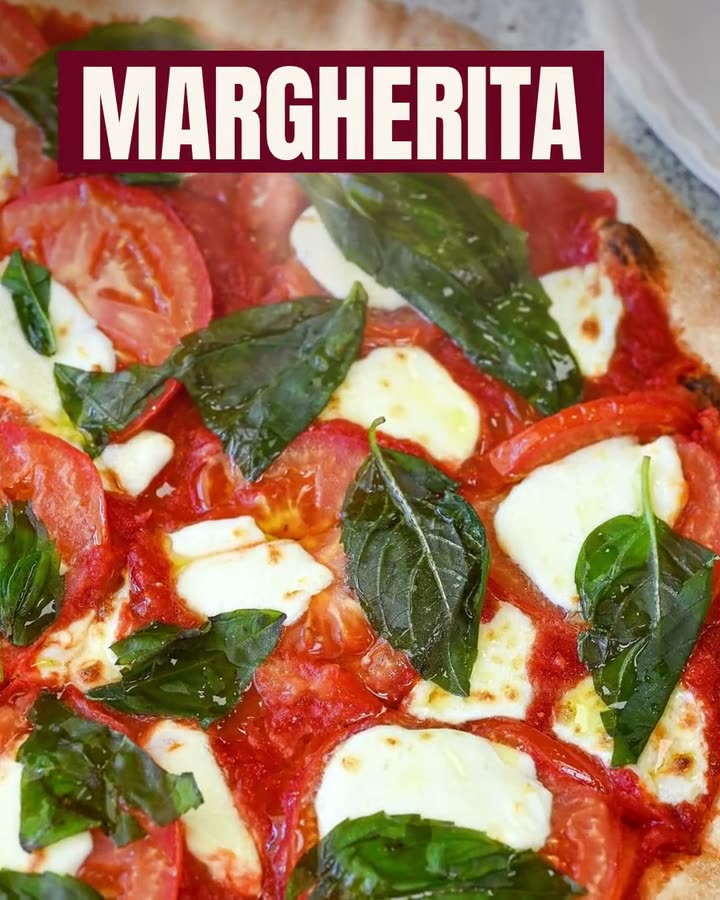 Food photo makeoverThe photos and clips you already have, reframed and relaid out. The food stays exactly as you served it.
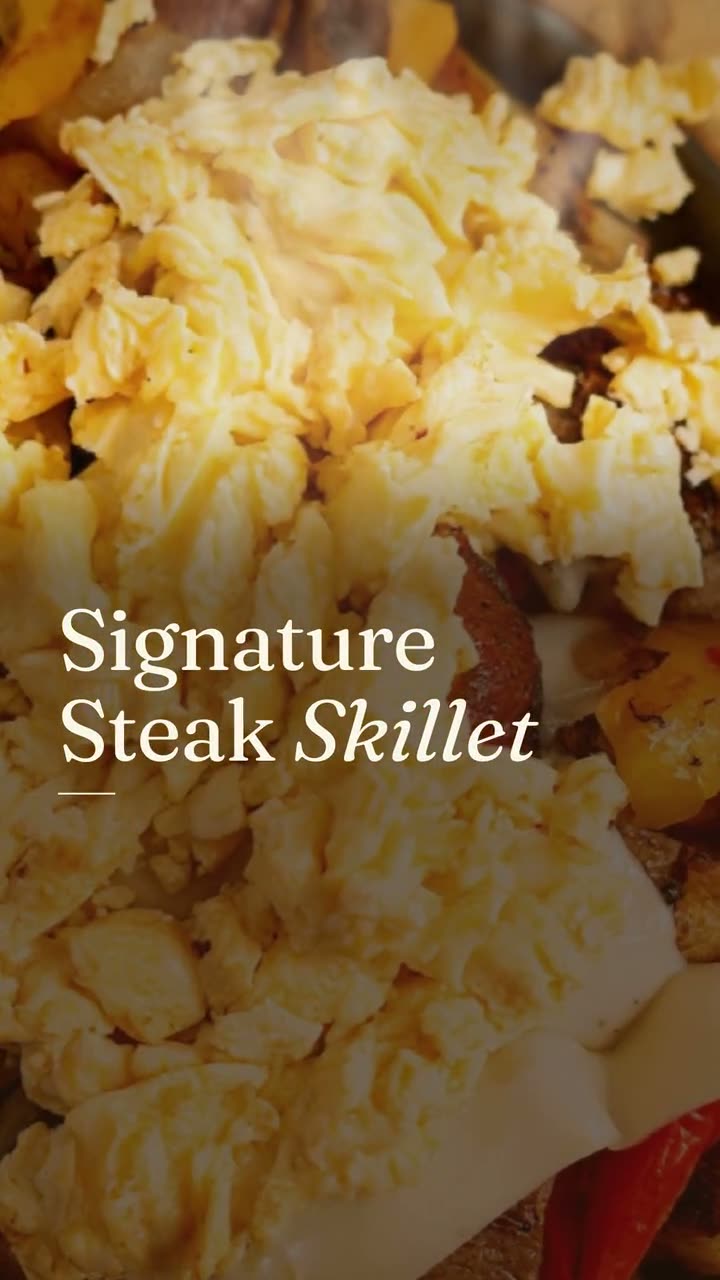 Instagram post makerYour menu and your photos in, a week of on-brand Instagram posts out.
 Falling Garnish AI videoLeaves drift down, the light shifts, and the dish in the middle stays exactly yours.
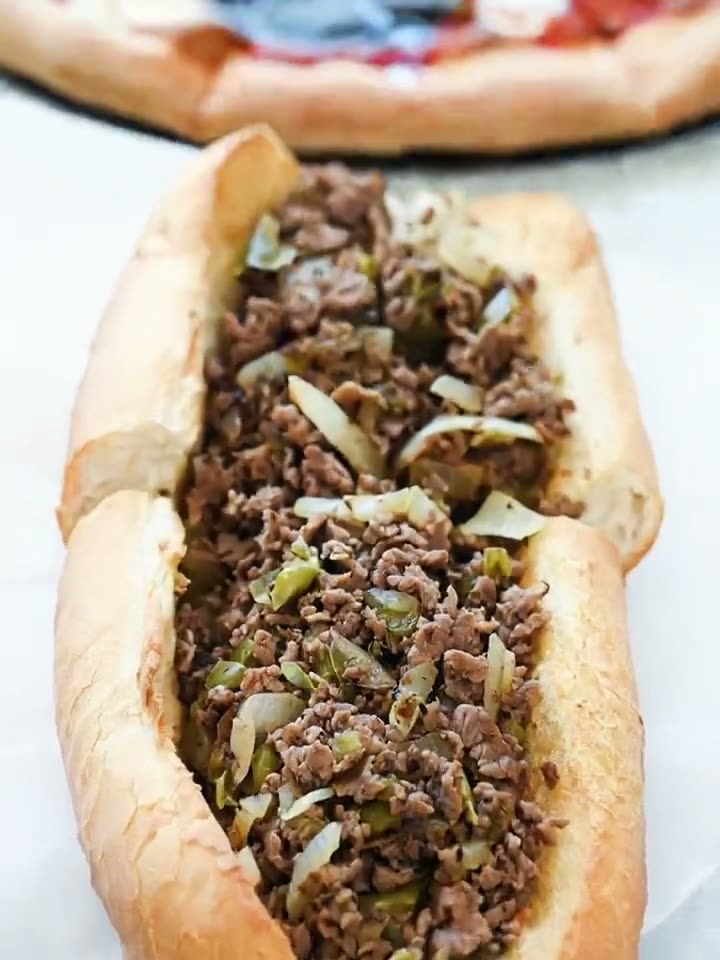 Close-Up Dive AI videoStart on the whole plate, end close enough to see every bit of the filling.
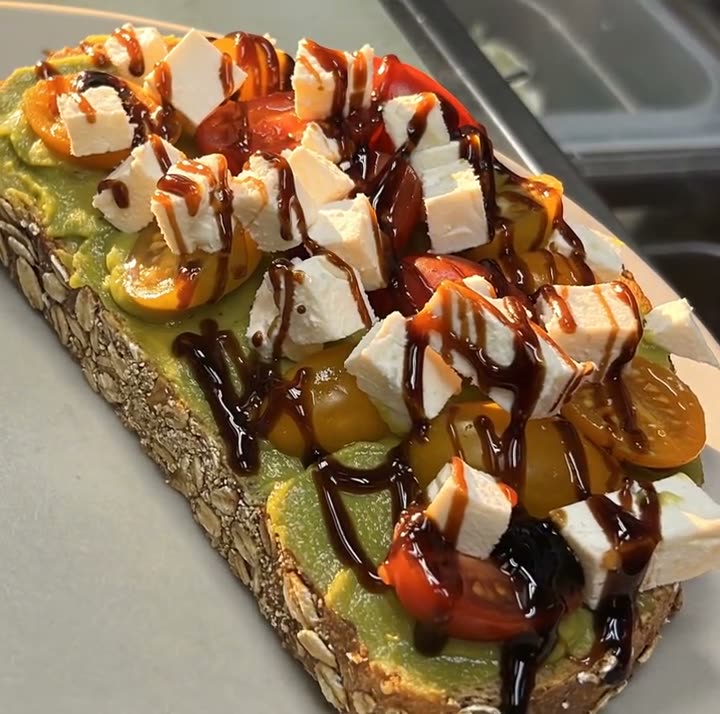 Light Reveal AI videoThe light moves across the plate the way it does in a food commercial. The plate is yours.
$49/month with 600 credits included. Already on Servestack Starter or Scale? Studio is included.