Servestack
FeaturesStudioSolutionsRestaurantsPricingIntegrationsCompareResourcesFree toolsAbout
Log inBook a demo

Servestack

Get connected with Servestack on social.
Don't miss our launches and case studies.
FeaturesStudioPricingLocationsCase studiesBlogSolutionsFree toolsDemo restaurantRefer a restaurantPartnersAboutContactPrivacyTerms
© 2026 Servestack Inc. Built in Boston, MA. All rights reserved.
Back to top
Home/Studio/Post ideas/Reel ideas
Post ideas

18 restaurant Reel ideas you can shoot on a phone

Short videos you can film in the gaps of a normal shift, no crew and no tripod required.

Make these postsSee Servestack Studio
Updated September 29, 202618 ideasBy the Servestack team
Made for Sunnyside Cafe

Most restaurant Reel advice assumes you have a free afternoon and a ring light. You don't. You have a kitchen that gets loud at 6pm and maybe 30 seconds between tickets. The good news is that those 30 seconds are exactly what people want to watch: real food, real heat, real hands.

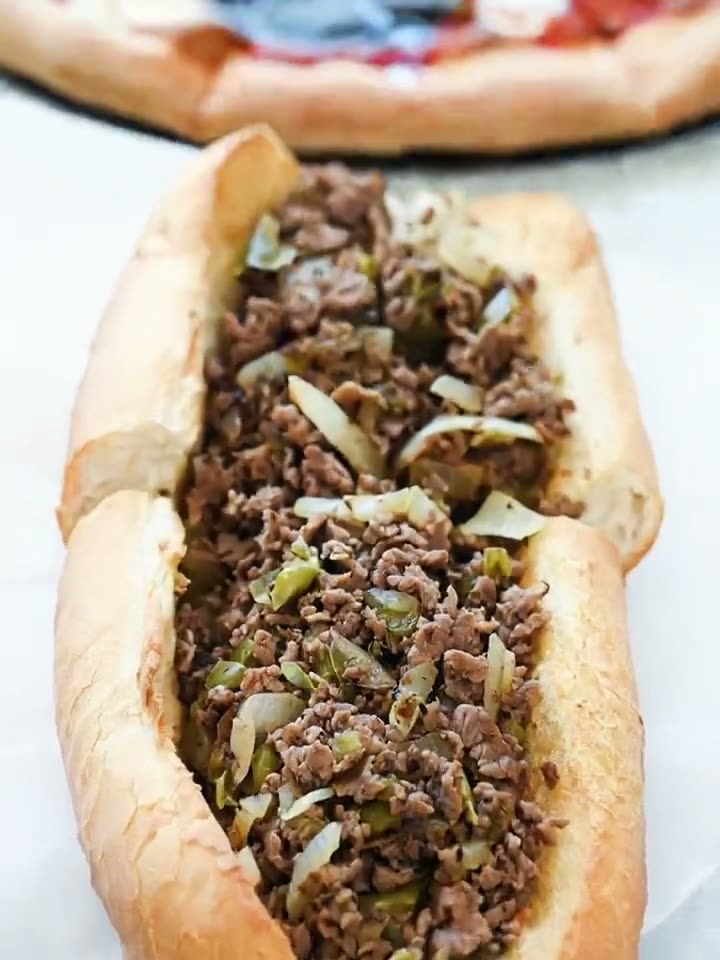
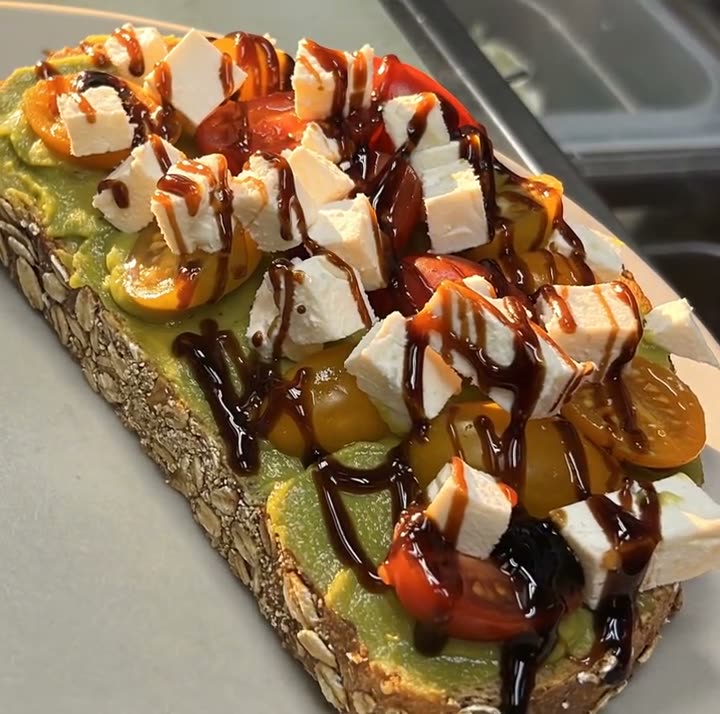
Every idea below can be shot on the phone in your apron pocket, during a normal service, in clips of five to fifteen seconds. Some don't need filming at all, because a Reel can also start from a dish photo you already have. For each one you'll find what to film, how to hold the phone, and a caption starter.

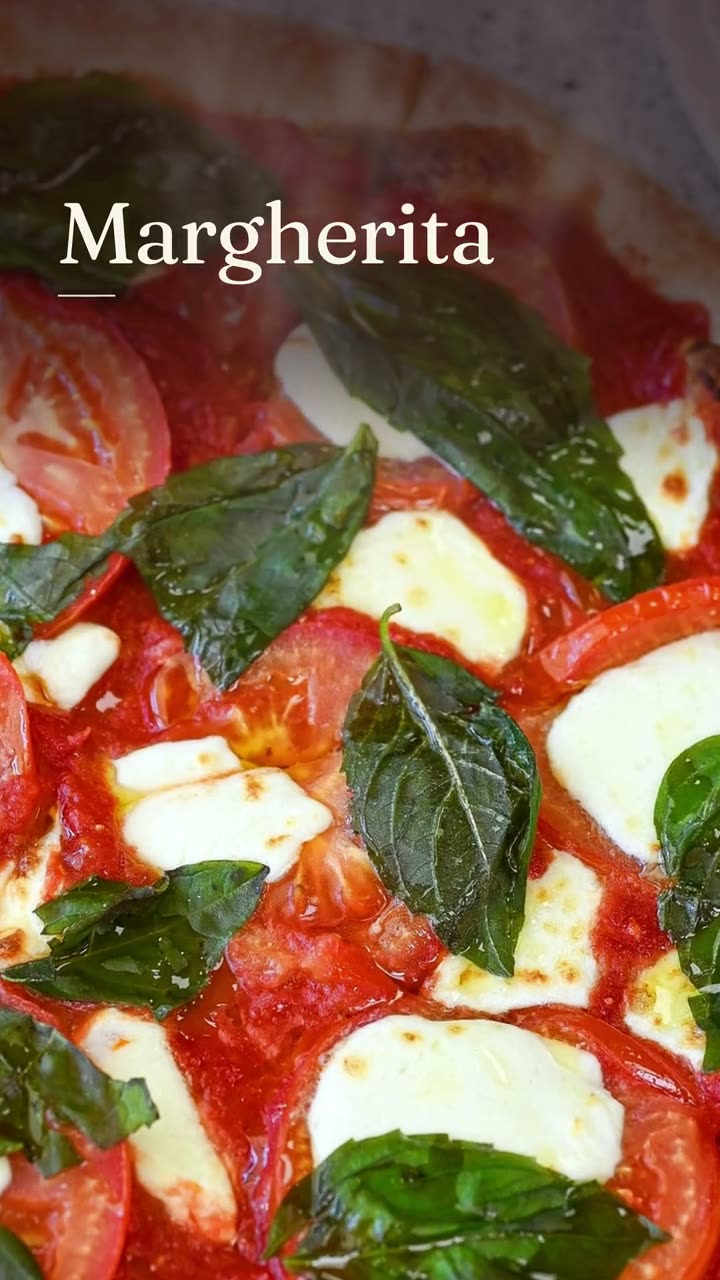
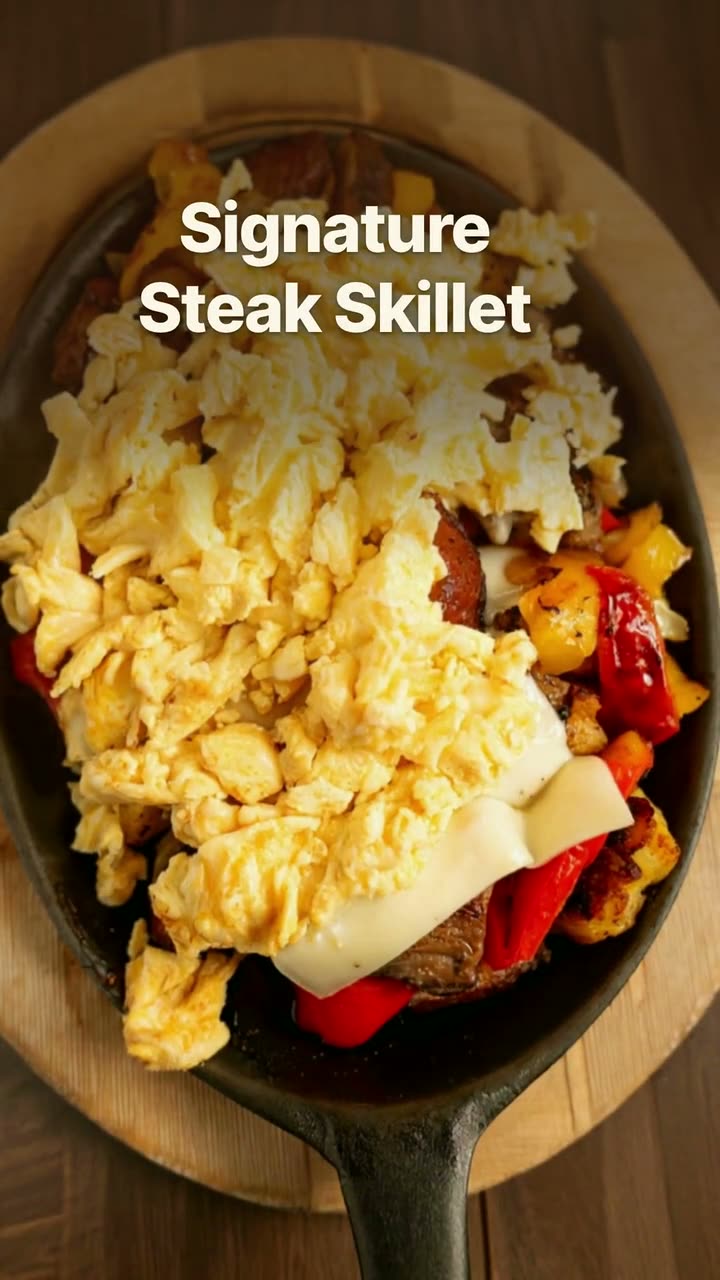
The same vertical clip works for Instagram Reels and TikTok, so one shoot covers both. The examples on this page were made in Studio for Sunnyside Cafe and Boston Pizza, from their own clips and photos.

The list

18 ideas you can post

  1. 1

    The first ticket of the night

    Film the printer pushing out the first ticket, then cut to the first pan hitting the burner. Five seconds each is plenty. Caption starter: "And we're off." Post it the next evening around the same time.

    Make it with Reel maker →
  2. 2

    The pull

    Cheese stretching off a slice, a grilled cheese pulled apart, a cinnamon roll unspooling. Hold the phone steady at plate level and pull slowly. It's the most repeatable food shot there is, so film it for every dish that has one.

    Make it with Reel maker →
  3. 3

    Plating in one overhead take

    Hold the phone flat above the plate (or tape it to a shelf) and film one dish being plated start to finish. Don't cut. The whole thing should run under 15 seconds.

    Make it with Reel maker →
  4. 4

    Plates landing on the pass

    Stand at the end of the pass and film plate after plate being set down during a rush. No talking needed; the pace tells the story. Caption starter: "Friday at 7:15."

    Make it with Reel maker →
  5. 5

    Morning prep montage

    Before service, grab three-second clips: onions being cut, dough being portioned, sauce going into squeeze bottles. String six or seven together. It shows how much happens before the doors open.

    Make it with Reel maker →
  6. 6

    Open to close in ten seconds

    One clip per moment across a whole day: unlocking the door, chairs coming down, the first plate out, the dining room full, the lights going off. Shoot it over one day, post it the next.

    Make it with Reel maker →
  7. 7

    Sound-on sizzle

    Hold the phone close to the grill, the fryer or the flat top and let the sound carry it. Keep your hand still and your staff's voices out of it. Caption starter: "Turn your sound on." This one is best posted straight from your phone with its own sound.

  8. 8

    What it costs, on screen

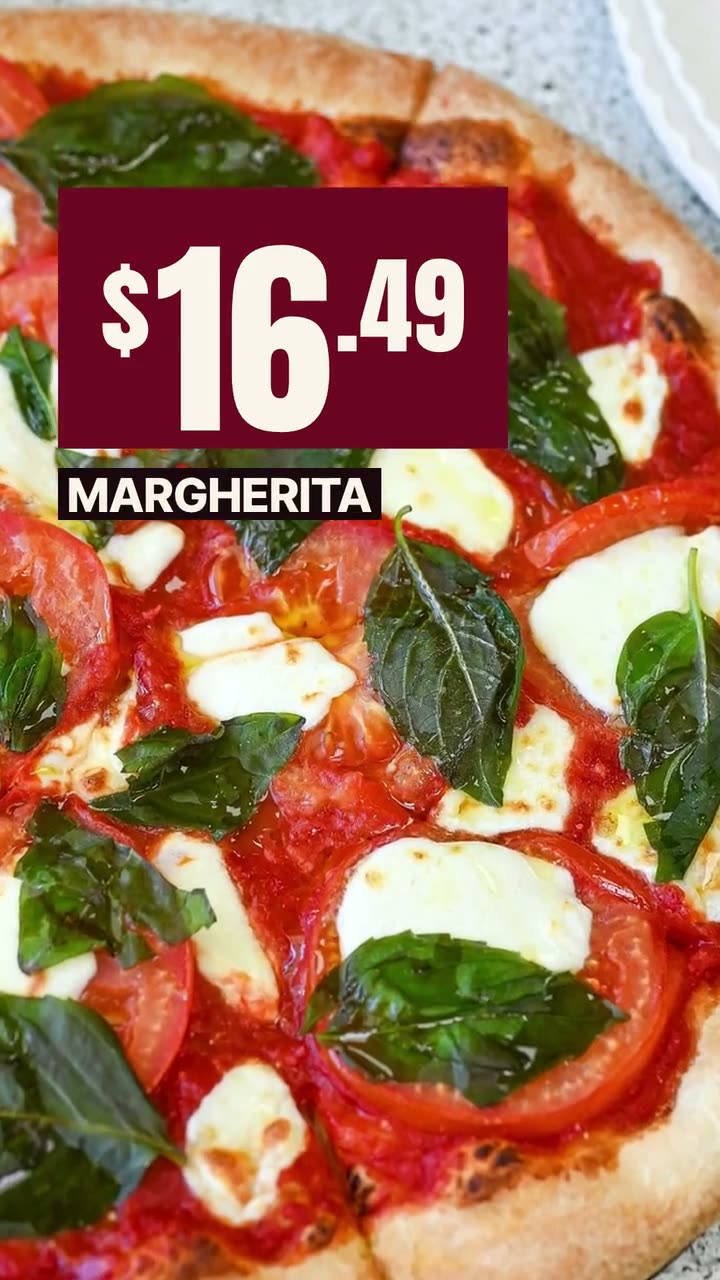
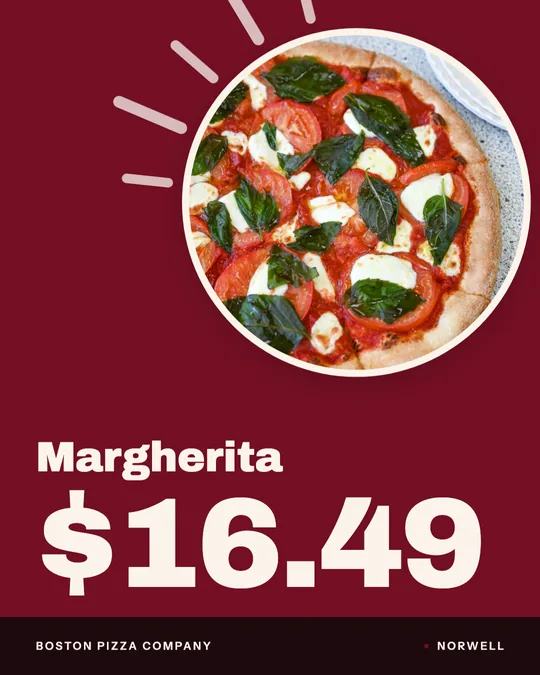
    Show one dish with its name and menu price on screen. People want to know if a place fits their budget before they go, and this answers it in a few seconds. A dish video from one photo works here if you don't have a clip.

    Make it with Dish story video →
  9. 9

    The new-item reveal

    Start on a covered plate or an empty board, then reveal the new dish. Post it on the day it's available so people can come and get it. Caption starter: "New on the menu starting today."

    Make it with New item drop video →
  10. 10

    Forgot to film? Push into a photo

    If you only have a great photo of a dish, a slow camera push toward the plate turns it into a Reel. It's AI video from your real photo, so the food stays yours. It uses credits.

    Make it with Close-Up Dive AI video →
  11. 11

    The garnish drop

    Basil onto a pie, herbs onto pasta, powdered sugar onto French toast. Film it in slow motion if your phone has it. If you missed the moment, a falling-garnish video adds it to your dish photo (uses credits).

    Make it with Falling Garnish AI video →
  12. 12

    Window light on the first plate

    For cafes and brunch spots: the first plate of the morning sitting in sunlight by the window. Hold the shot for three seconds, then move slowly toward it. A light-reveal video does a similar move from a still photo (uses credits).

    Make it with Light Reveal AI video →
  13. 13

    Staff picks, one second each

    Ask each person on shift to point at their favorite item on the menu board or hold up their favorite plate. One second per person, quick cuts. Get everyone's okay before you post.

    Make it with Reel maker →
  14. 14

    The pickup shelf

    Film bagged orders lined up on the pickup shelf with names on them, then a hand grabbing one. It reminds people that ordering ahead works. Caption starter: "Order ahead, grab it in two minutes."

    Make it with Order online video →
  15. 15

    Build it, layer by layer

    Show a dish going together one ingredient at a time: crust, sauce, cheese, toppings. If you have good photos of the finished dish, an ingredient-build video can tell the same story without filming.

    Make it with Food photo to video →
  16. 16

    Answer one question on camera

    Take the question your staff hears most ("Is the crust gluten-free?" "Do you take walk-ins?") and answer it in ten seconds, looking at the camera. Write the question as the first line of the caption so people know what it's about.

    Make it with Reel maker →
  17. 17

    Today's special in five seconds

    One clip of the special being plated, with its name and price. Post it before the lunch or dinner rush, not after. If you're too busy to film, a daily-special video from a photo does the same job.

    Make it with Daily special maker →
  18. 18

    Re-cut an old clip

    You probably have clips on your phone from last summer that never got posted. Bring one in and give it a new framing and captions. Same food, fresh post.

    Make it with Food photo makeover →
Real examples

What these look like

Made in Studio for Servestack restaurants, from their own photos and menus.

Clip reel from your phone videos · Sunnyside Cafe
Clip reel — Editorial · Sunnyside Cafe
Dish reveal — Native captions · Boston Pizza
Dish story — Native captions · Boston Pizza
Close-Up Dive, cut as a dish story · Boston PizzaAI
Falling Garnish, cut as a dish story · Boston PizzaAI
Light Reveal, cut as a dish story · Sunnyside CafeAI
Order online — Native captions · Sunnyside Cafe

Shown with permission: Sunnyside Cafe (Randolph, MA) and Boston Pizza (Norwell, MA).

Shoot list for one dinner service

Give one person on the floor or the line this list at the start of the shift. They don't have to get all of it. Five good clips is a week of Reels.

  • Before doors: prep shots, three seconds each, and the room before anyone arrives.
  • First ticket: the printer and the first pan.
  • Mid-rush: plates on the pass, the sizzle, one pull or garnish moment.
  • One plating shot from above, start to finish.
  • Close: lights off, chairs up, door locked.

Filming tips for a busy kitchen

  • Film vertical (9:16). It's the shape of Reels and TikTok.
  • Wipe the lens. Kitchen grease is the most common reason clips look foggy.
  • Hold still and let the food move. Shaky camera plus moving food is hard to watch.
  • Shoot near a window or under the pass lights, not the dim corner by the dish pit.
  • Keep guests' faces out unless they've said yes.
  • Stay out of the way. No clip is worth a burn or a dropped plate.

One clip, two platforms

Instagram Reels and TikTok take the same vertical video, so there's no reason to film twice. In Studio, upload the clips you shot, trim them into a Reel with a native or editorial look, and send it to both accounts now or on a schedule. Reels made from your own clips don't use credits.

On days you didn't film, a dish video from one photo keeps the feed moving. Studio's dish videos run 5 to 10 seconds and take about a minute to make.

FAQs

Frequently asked
questions

How long should a restaurant Reel be?
Short is safer: 5 to 15 seconds covers almost every idea here. If the video is about one dish or one moment, it rarely needs more.
Do I need to be on camera in my restaurant's Reels?
No. Most of these ideas show only food and hands. The one exception is answering a question on camera, and anyone on staff who's comfortable can do that.
Can I post the same Reel on TikTok?
Yes. Both use vertical 9:16 video, so the same clip works on each. Studio can post to Instagram and TikTok from one place.
What's the easiest Reel for a restaurant to start with?
Plates landing on the pass during a rush. It needs no setup, no talking and no editing beyond a trim.
Can I make a Reel without filming anything?
Yes. A dish video from one photo moves the camera and adds the dish name, and the AI motion recipes add effects like a close-up push or a garnish drop to your real photo. The AI recipes use credits.
When should I post Reels for my restaurant?
Post food Reels before people decide where to eat, usually late morning or mid-afternoon. Service footage can go up the next day; it doesn't need to be live.
Keep exploring

More from Servestack Studio

Related tools See all

Reel makerThe clips on your phone and the dishes on your menu, turned into Reels you'd actually post.Food photo to videoOne photo of your real dish in, a short moving shot out. The food stays exactly what you serve.Ad makerThe creative for your next restaurant ad, made from your own food and your real offer.

Templates to try See all

Falling Garnish AI videoLeaves drift down, the light shifts, and the dish in the middle stays exactly yours.Close-Up Dive AI videoStart on the whole plate, end close enough to see every bit of the filling.

By type of restaurant See all

Cafe & coffee shopA reason to stop in, posted before your regulars have finished their first cup.BurgerGet the burger on screen while it still looks the way it did at the pass.

Post ideas See all

Instagram post ideasA full month of posts you can make from the menu and photos you already have.Super Bowl post ideasPre-orders, game-day hours and a Valentine's twist, planned out for Sunday, February 14.

Make this week's posts from your own menu.

$49/month with 600 credits included. Already on Servestack Starter or Scale? Studio is included.

Start freeAlready have Servestack? Open Studio