Native
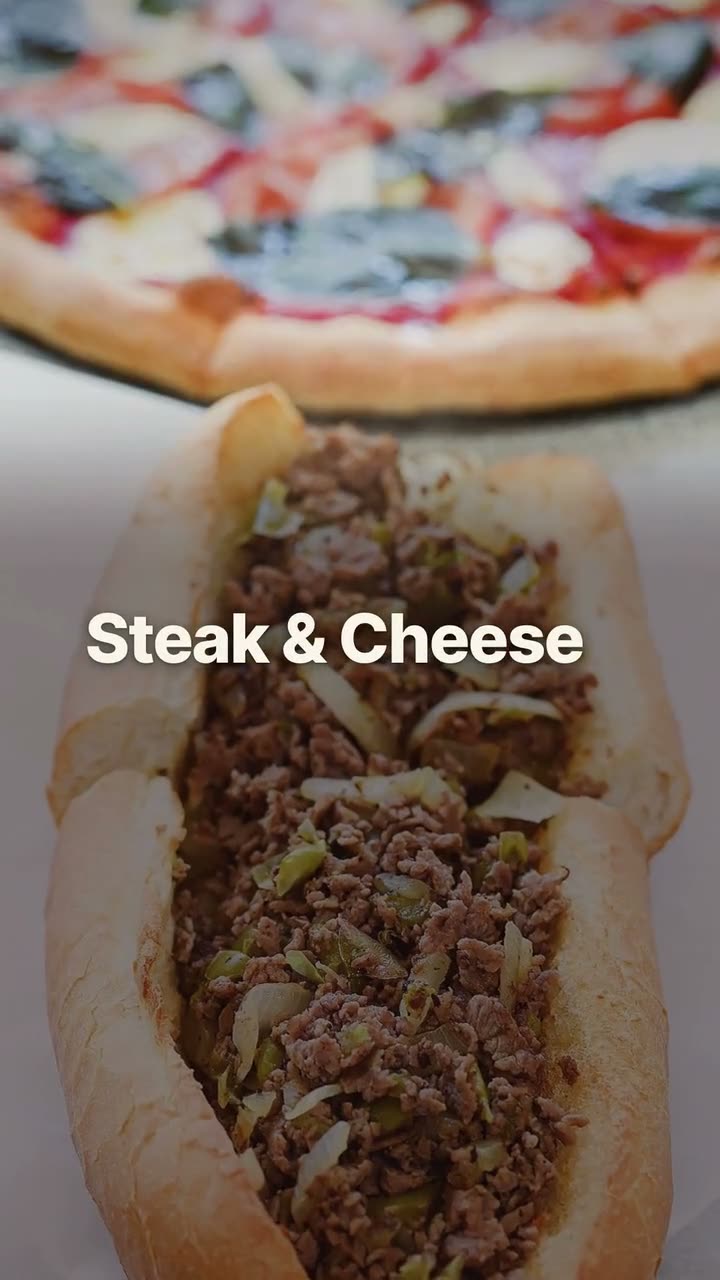
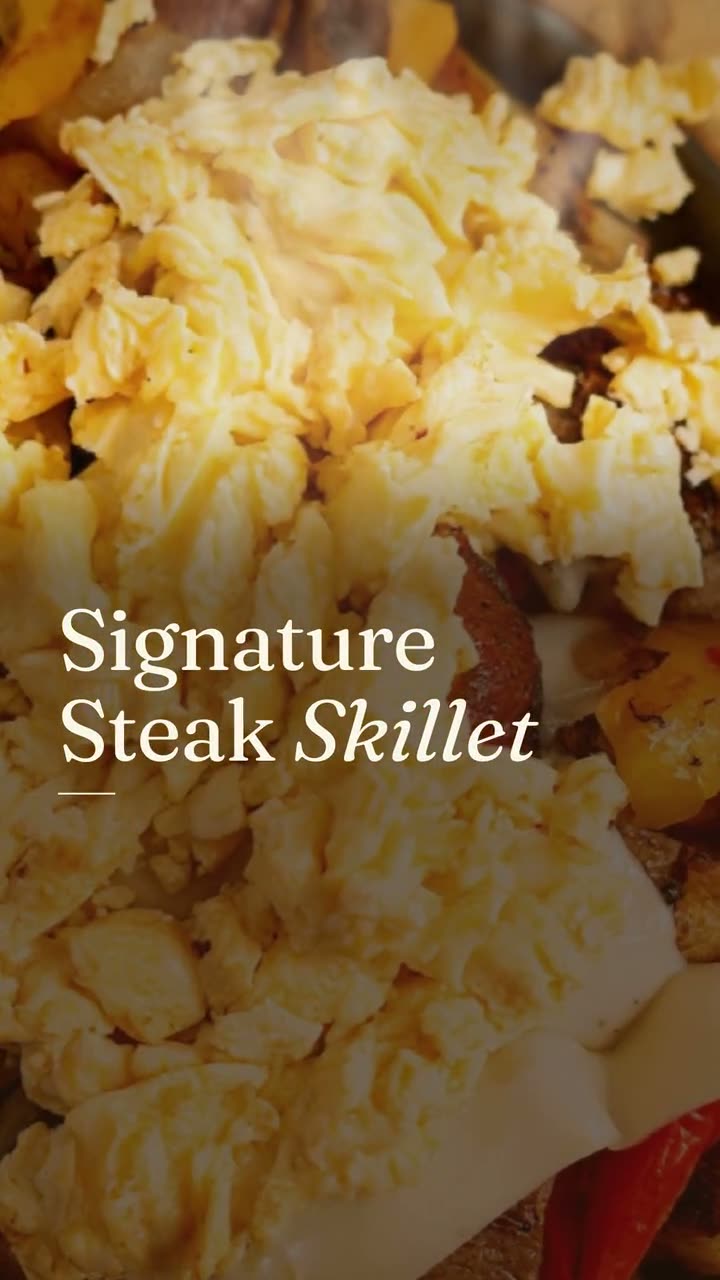
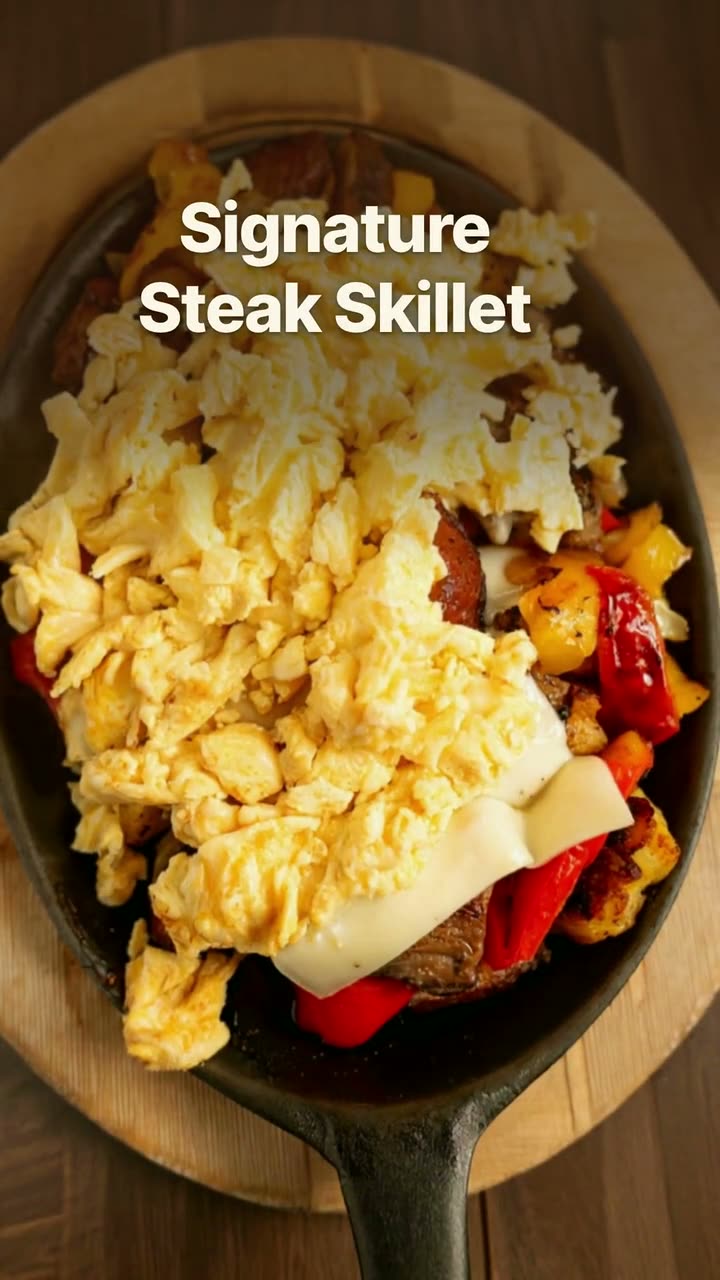
Short caption lines over your photos, like a post from someone who eats there. Sunnyside Cafe's version shows its own dining room on the way to the call to order.
Remind people they can order from you, in every size the platforms want.
Plenty of regulars don't know you take orders online. They see you on a delivery app, or they call, or they assume they have to come in. An order online post fixes that with a reminder that is easy to act on: here's the food, here's where to order it.
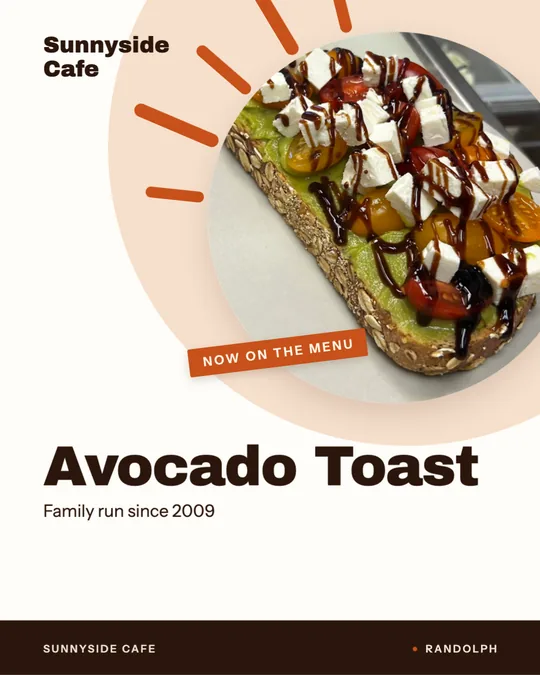
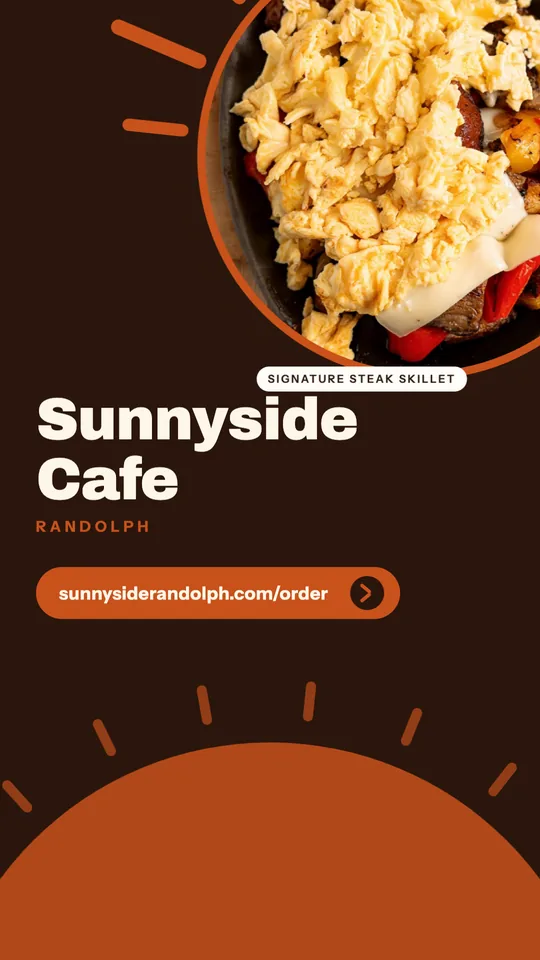
The order online template comes as a short video in native, poster and editorial looks, in 9:16 for Stories and Reels plus 4:5 and 1:1 cuts sized for Google Business Profile. There's also a still 9:16 order online card that shows your photo, your name and your ordering address. Sunnyside Cafe's card points straight to its own order page.
All of it is template work, so none of it uses credits. Make the set once and schedule it to run before the evenings you know are busy.
Short caption lines over your photos, like a post from someone who eats there. Sunnyside Cafe's version shows its own dining room on the way to the call to order.
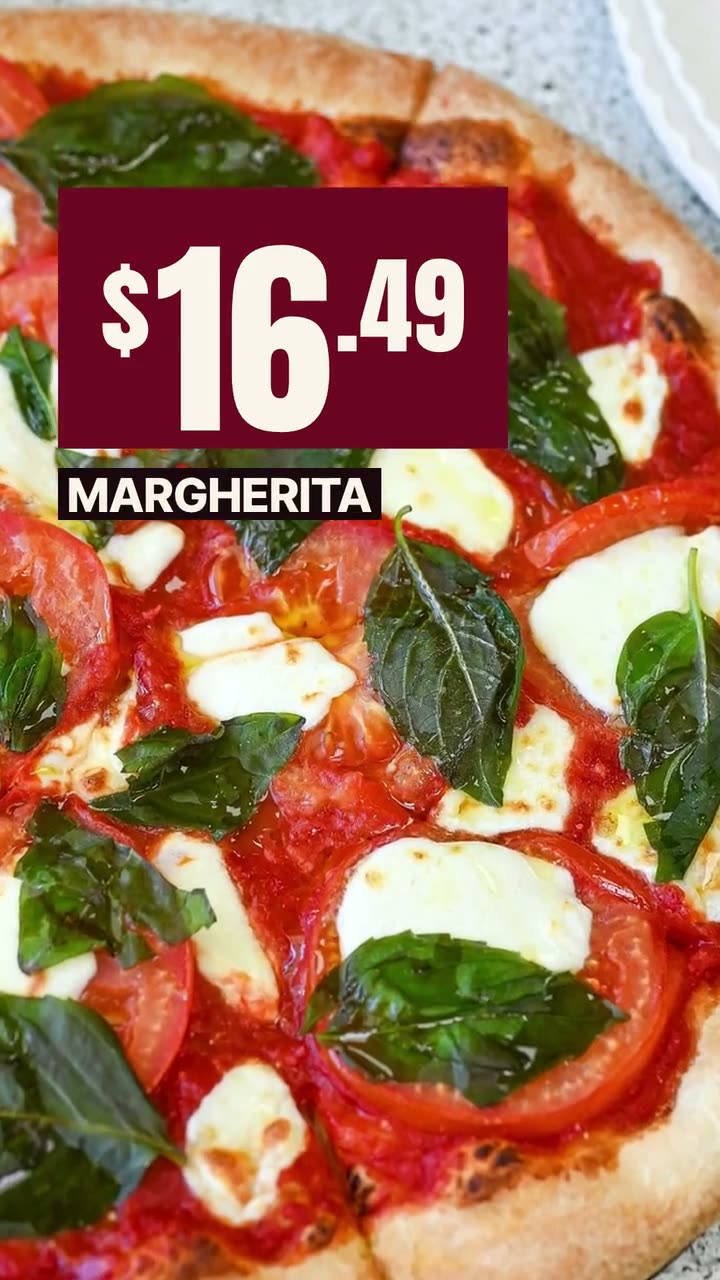
A color block and bold type over a close shot of the dish. Boston Pizza's cut leads with its Margherita, so the first thing you see is what you'd be ordering.
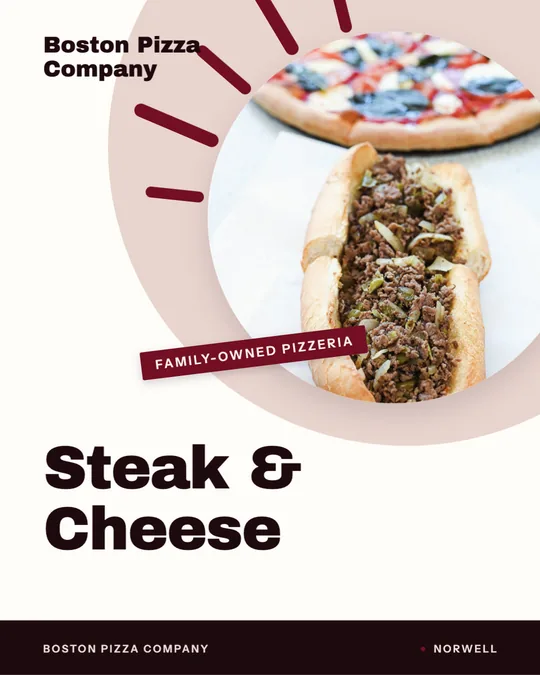
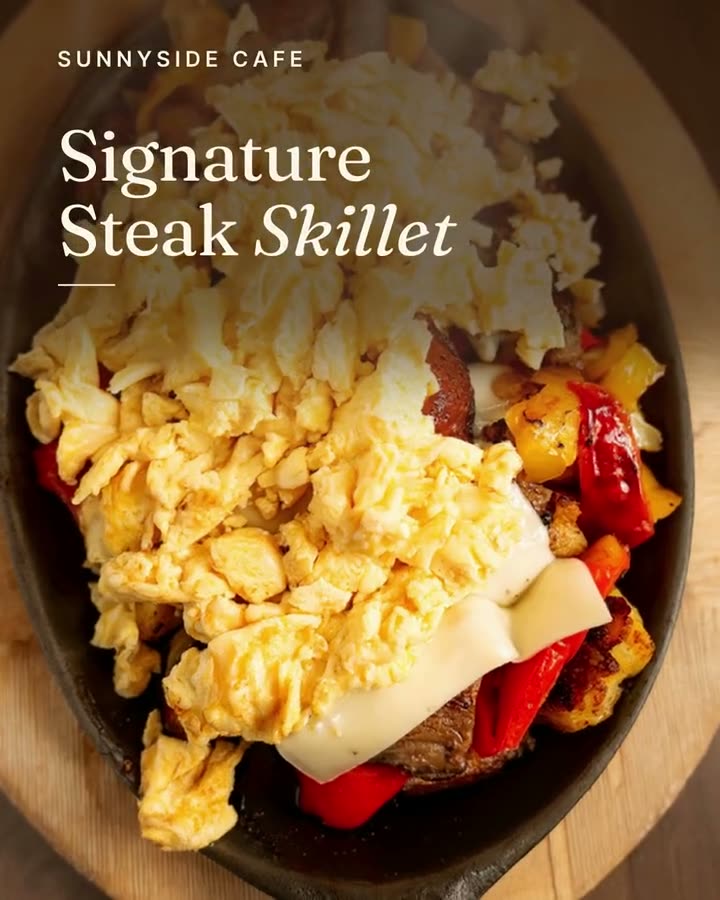
A 4:5 version with quiet serif captions, sized for a Google Business Profile post. Boston Pizza has a 1:1 native cut for the same spot.
Rendered in Studio for real Servestack restaurants, from their own photos and menus.
Shown with permission: Sunnyside Cafe (Randolph, MA) and Boston Pizza (Norwell, MA).
Choose a dish people order for takeout, or a shot of your dining room if you want the post to feel like your place. Studio fills in the words from your menu, and you can check every one before it renders.
Render the 9:16 version for Instagram and TikTok, then the 4:5 or 1:1 cut for your Google Business Profile, plus the still card for Stories if you want one.
Put the posts on the calendar for the afternoons before your busiest takeout nights, and repeat them. This is a reminder, and reminders work by showing up again.
People who find you on Google are usually close to deciding. They searched your name or "pizza near me" and they're looking at your profile right now. A recent post there that says you take orders, with a photo of the food, answers the question they came with. That's why the order online template comes with 4:5 and 1:1 cuts sized for Google Business Profile posts.
Connect your Google Business Profile in Studio and you can post these the same way you post to Instagram, or schedule them to go out on the same day.
Boston Pizza's poster version leads with the Margherita. Sunnyside Cafe's native version spends time in the dining room, with plates already on the counter. Both work, for different reasons. A food shot sells the order. A room shot reminds people of the place, which suits a cafe or diner where the regulars feel at home.
If you're choosing a dish, pick something that travels well and still looks right in a box: pizza, subs, burgers, bowls. Skip the dish that only looks good for thirty seconds after it leaves the pass.
 Google Business post makerA fresh post on your Google profile every week, made from the food people will actually be served.
 Instagram post makerYour menu and your photos in, a week of on-brand Instagram posts out.
 Reel makerThe clips on your phone and the dishes on your menu, turned into Reels you'd actually post.
$49/month with 600 credits included. Already on Servestack Starter or Scale? Studio is included.