Image ad styles
Poster-style scenes built around your dish: a masthead, an ingredient halo, your headline lettered around the plate. Ready for feed posts and paid placements.
Pick an ad style, drop in a photo of your dish, and get a finished image or video ad. Nothing is generated from a text prompt. Your food is the hero.
Most AI ad tools start with a blank text box. You type "juicy burger on a wooden table" and the model draws a burger that isn't yours. For a restaurant that's a problem: the ad sells a plate your kitchen doesn't make.
Ad Studio starts with your photo instead. You browse ready-made ad styles, each one a card that shows what it makes and how many credits it costs, and apply it to a photo of a dish you actually serve. The style sets the scene, the camera move and the lighting. The dish stays the one in your photo.
Video styles include a Cinematic tier for bigger moments like a launch, a holiday or a paid campaign. Every AI ad is priced before you confirm, so you always know the cost first.
Each one started as a single photo the restaurant already had. The camera, light and setting changed; the food did not.
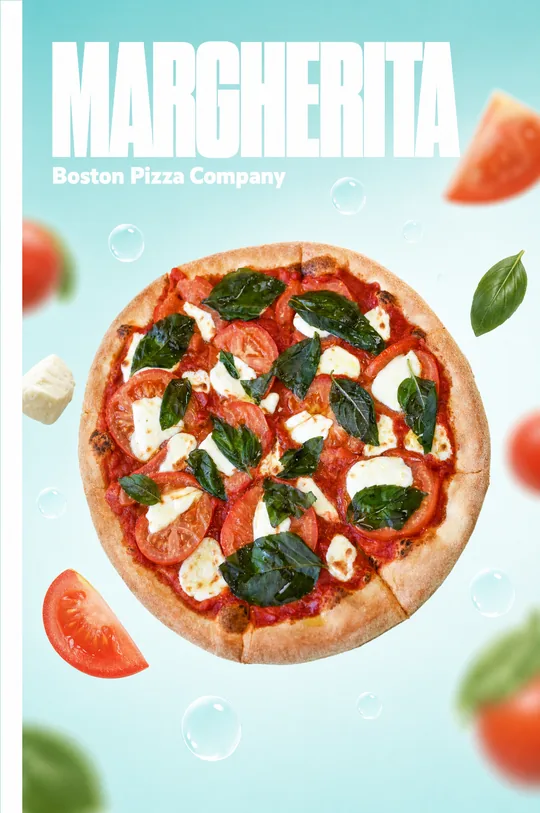
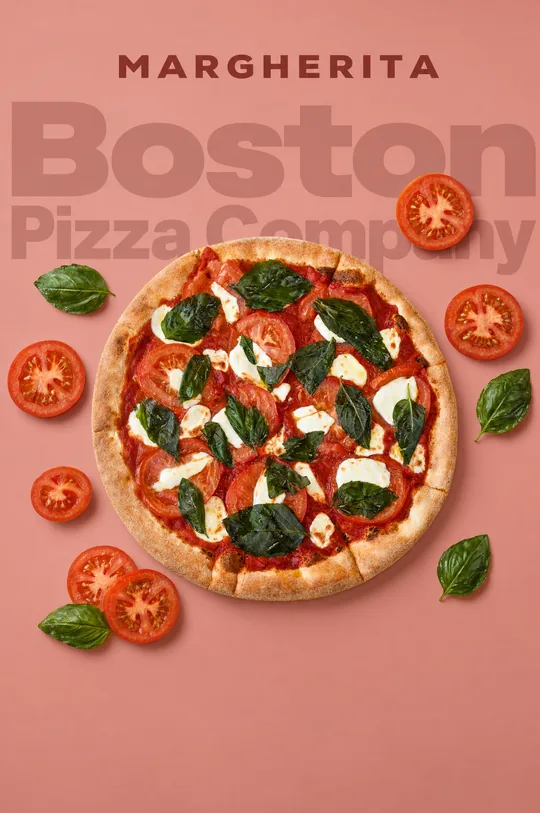
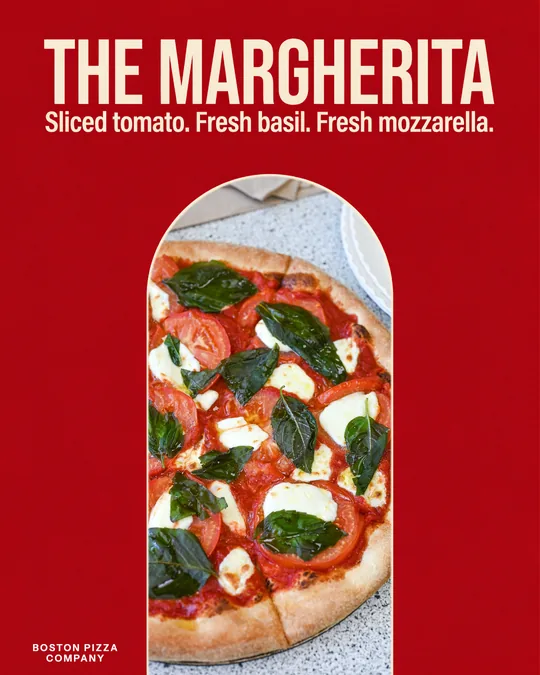
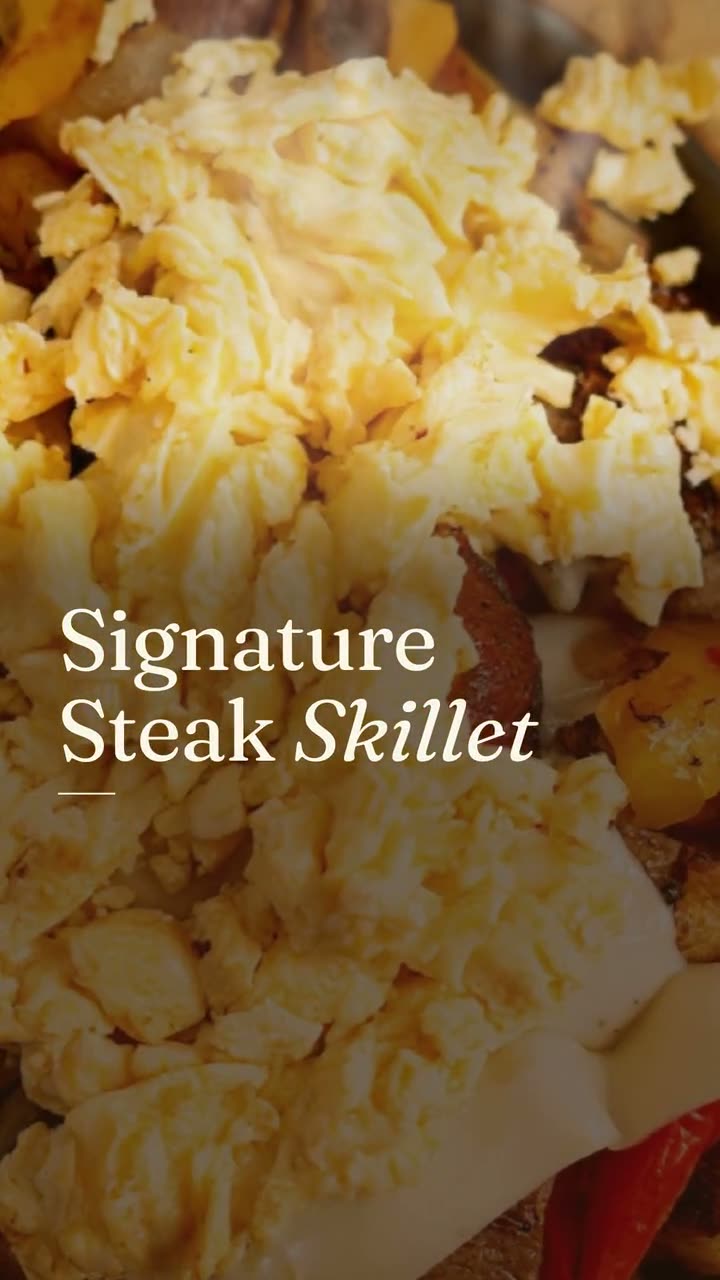
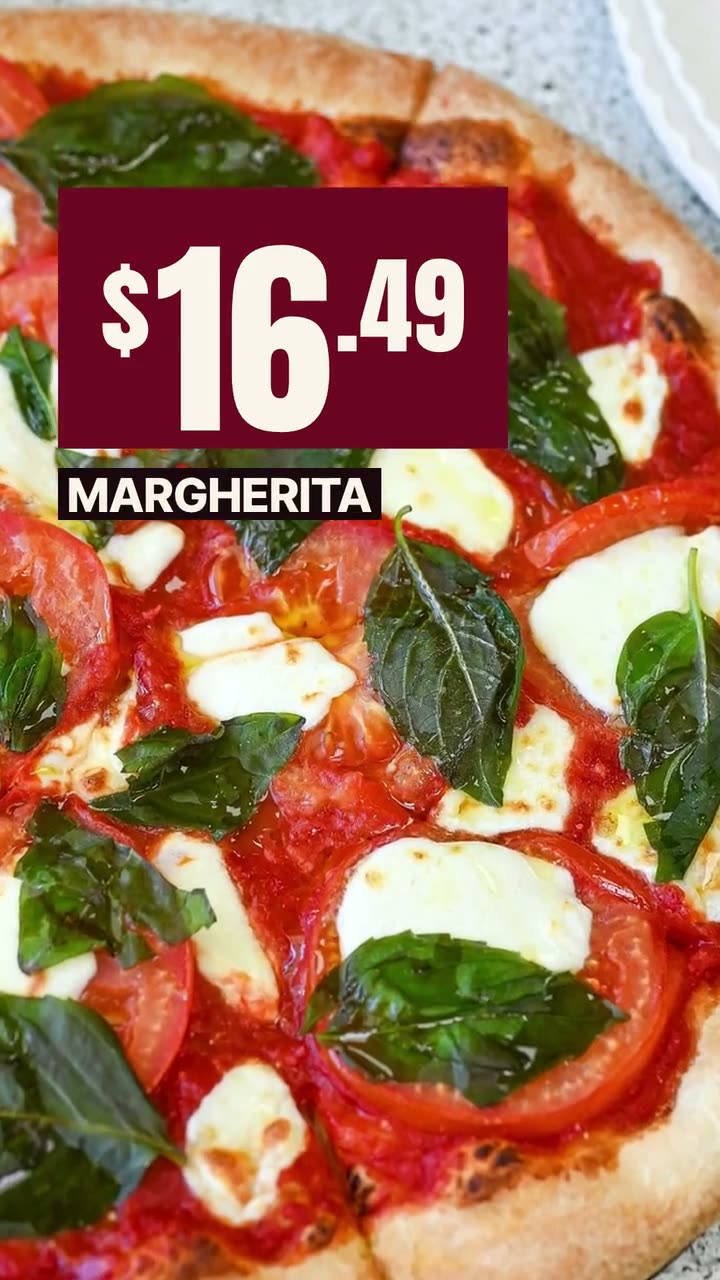
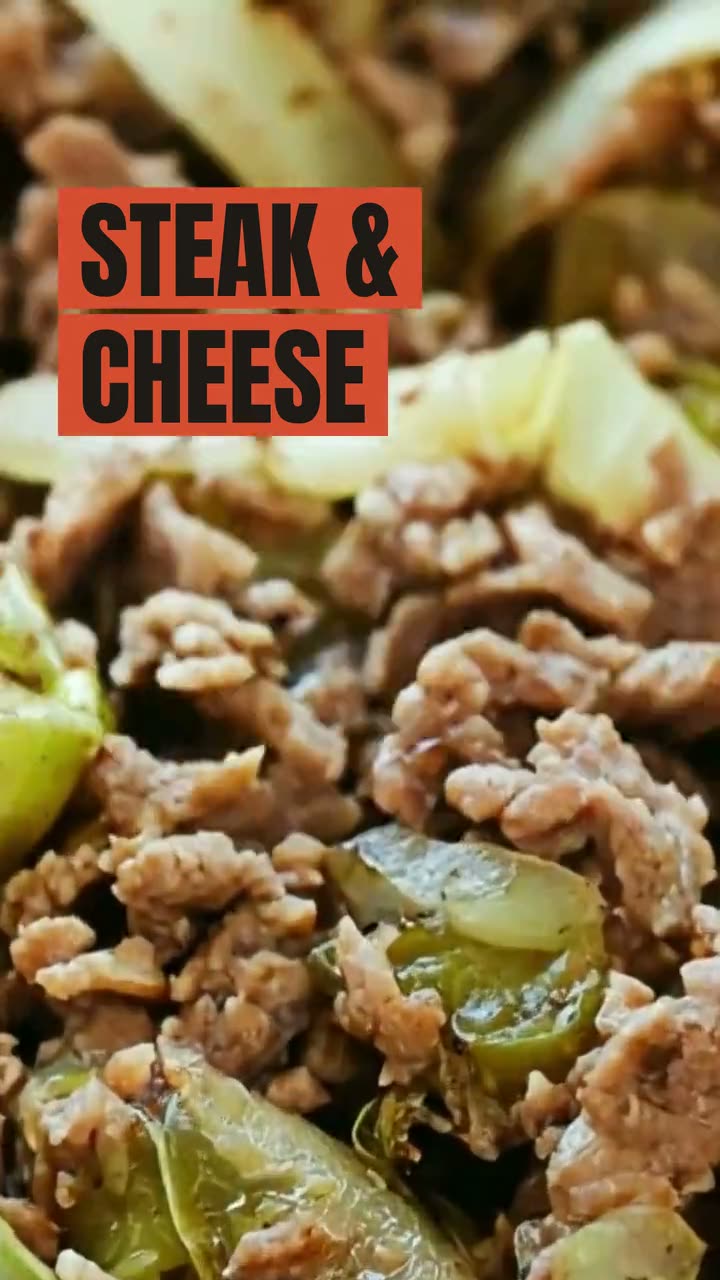
Examples made in Studio for Boston Pizza (Norwell, MA) and Sunnyside Cafe (Randolph, MA), shown with permission.
Browse the style cards. Each card shows an example of the look and the credits it uses, so you can compare before you choose.
Choose a photo from your library or upload a new one. Studio keeps the dish exactly as photographed and builds the ad around it.
Check the credit price, confirm, and get the finished ad. Download it for your ad account or post it straight to Instagram, Facebook, Google or TikTok.
Poster-style scenes built around your dish: a masthead, an ingredient halo, your headline lettered around the plate. Ready for feed posts and paid placements.
Short moving shots from one photo: garnish falling onto the plate, a slow push into the crust, a band of light sweeping across a skillet.
Richer video styles for the ads that matter most. Priced on the card, like every other style, so a bigger ad is never a surprise on the bill.
You see the credit cost before you pick a style, and again before you confirm. Nothing runs until you say so.
There's no prompt box that draws food. Every ad starts from a real photo of a real dish on your menu.
Styles change the scene, the light and the camera. They never swap the dish, add toppings or change the portion.
AI ads use credits, and the exact amount is shown up front. Your 600 monthly credits cover a lot of ads; packs top you up if you need more.
An ad is a promise. When the burger in the ad is taller and glossier than the one that arrives, the guest notices and the review says so. A generated plate also can't be matched to a menu item, so the price and the name in the ad have nothing to anchor to.
Starting from your photo keeps the ad honest and specific: this dish, this price, at this restaurant. The style does the work a photographer and an editor would do, setting the scene and moving the camera, without touching what's on the plate.
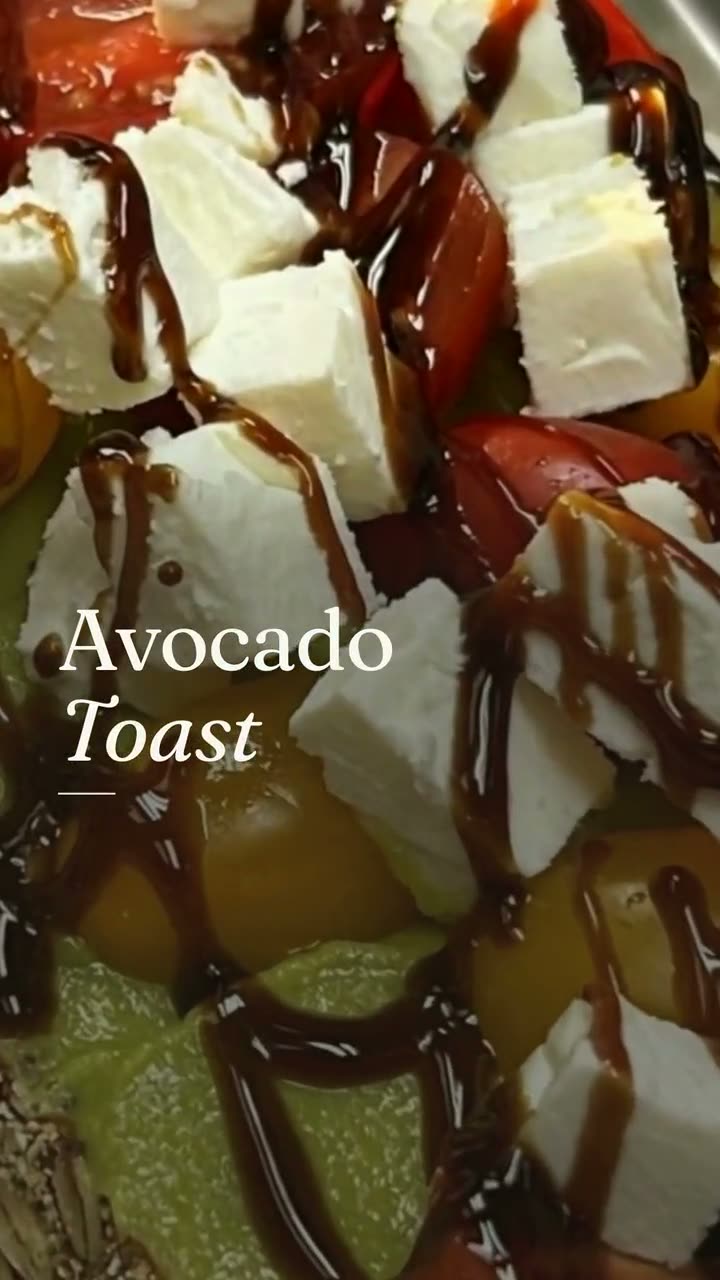 Video workspaceThree ways in: from photos, from your clips, or restyle a clip you shot. Every video starts with your real food.
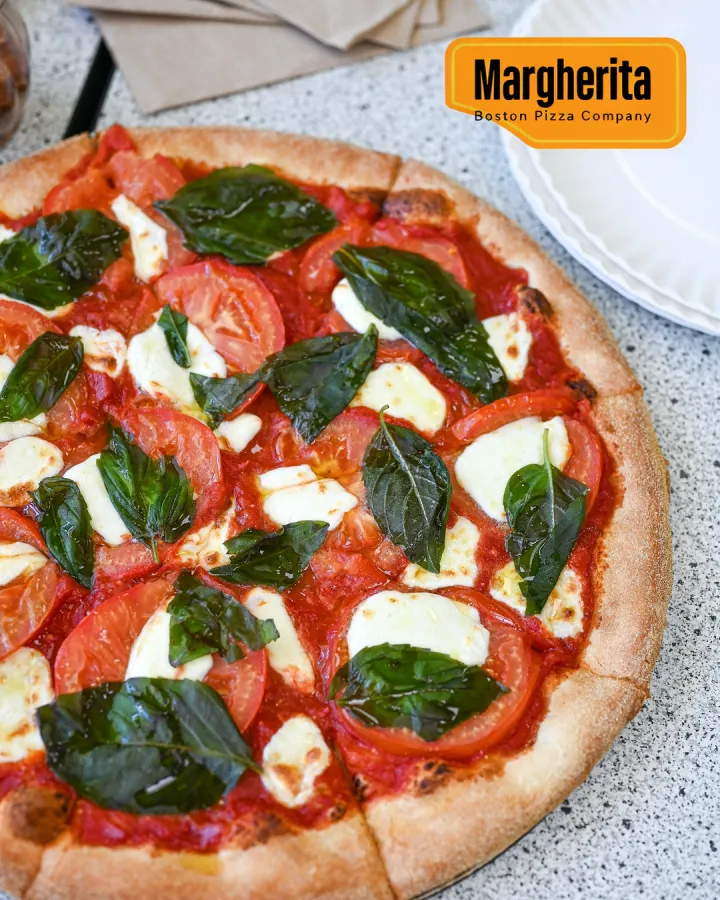 Text on food photoThe dish name, price or offer from your menu, laid out in the real empty space of your photo. The food stays exactly as photographed.
 Studio pricingOne plan: $49 a month or $490 a year, with 600 credits every month. Here's exactly what things cost.
 Ad makerThe creative for your next restaurant ad, made from your own food and your real offer.
 Food video ad makerShort video ads made from your own dish photos and clips, ready for Reels, TikTok and paid campaigns.
 Food photo to videoOne photo of your real dish in, a short moving shot out. The food stays exactly what you serve.Food poster makerOne dish, one line in your own words, set like a poster you'd hang in the window.Falling Garnish AI videoLeaves drift down, the light shifts, and the dish in the middle stays exactly yours.
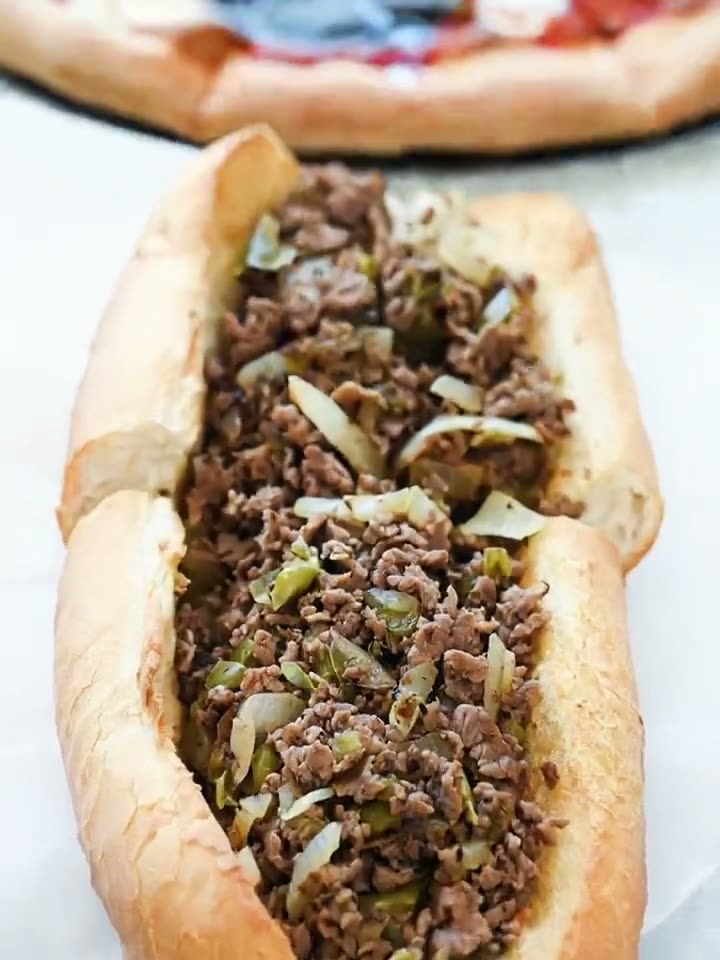 Close-Up Dive AI videoStart on the whole plate, end close enough to see every bit of the filling.
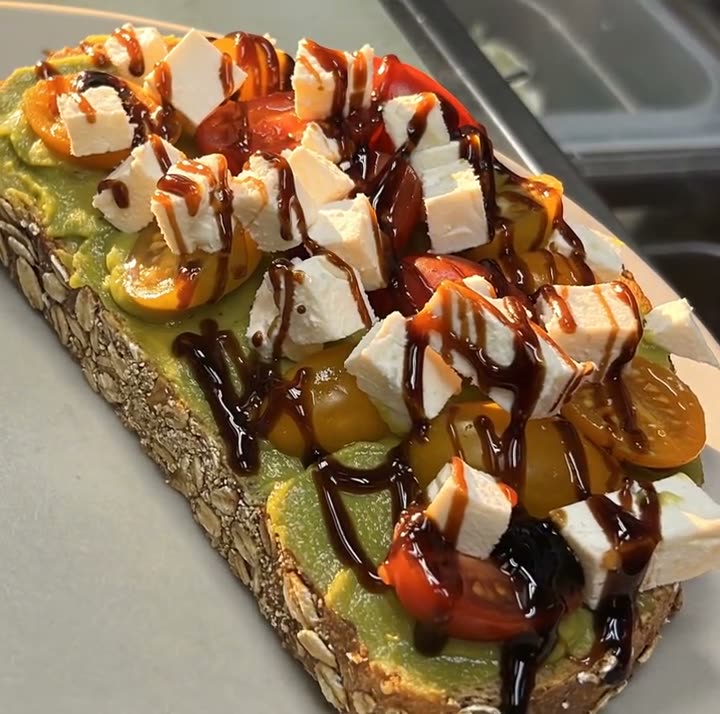 Light Reveal AI videoThe light moves across the plate the way it does in a food commercial. The plate is yours.
$49/month with 600 credits included. On the full Servestack plan? Studio is included.