Servestack
FeaturesStudioSolutionsRestaurantsPricingIntegrationsCompareResourcesFree toolsAbout
Log inBook a demo

Servestack

Get connected with Servestack on social.
Don't miss our launches and case studies.
FeaturesStudioPricingLocationsCase studiesBlogSolutionsFree toolsDemo restaurantRefer a restaurantPartnersAboutContactPrivacyTerms
© 2026 Servestack Inc. Built in Boston, MA. All rights reserved.
Back to top
Home/Studio/Templates/Close-Up Dive AI video
AI motion recipe · Uses credits

Close-Up Dive: AI macro food video

Start on the whole plate, end close enough to see every bit of the filling.

Use this templateSee Servestack Studio
$49/month600 credits includedCancel anytime
Made for Boston PizzaAI
Formats
3:4 feed clip · 9:16 story / Reel
Cost
Uses credits
Best for
Subs, sandwiches and wraps where the filling is the selling point · Melted cheese, crispy edges, a charred crust or a glossy sauce · Showing how loaded a dish is without a hand-held macro lens · A Reel that needs a clear start and a satisfying finish
Made in
Food photo to video

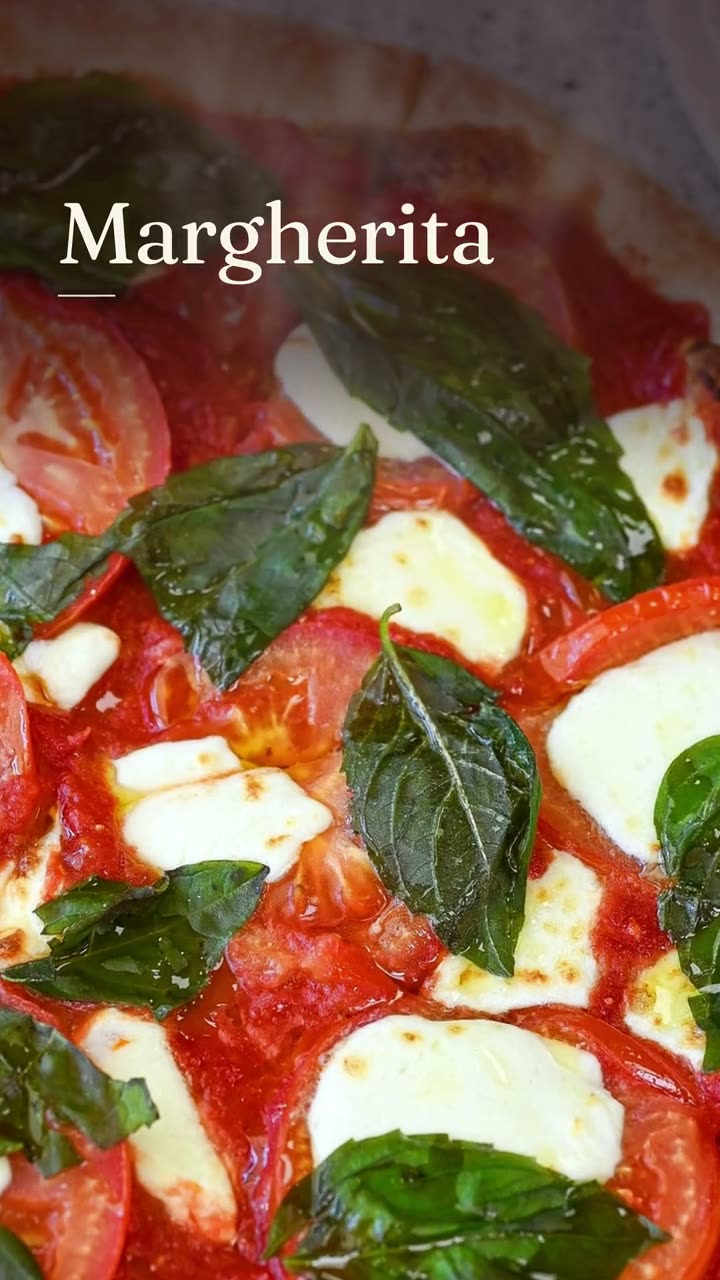
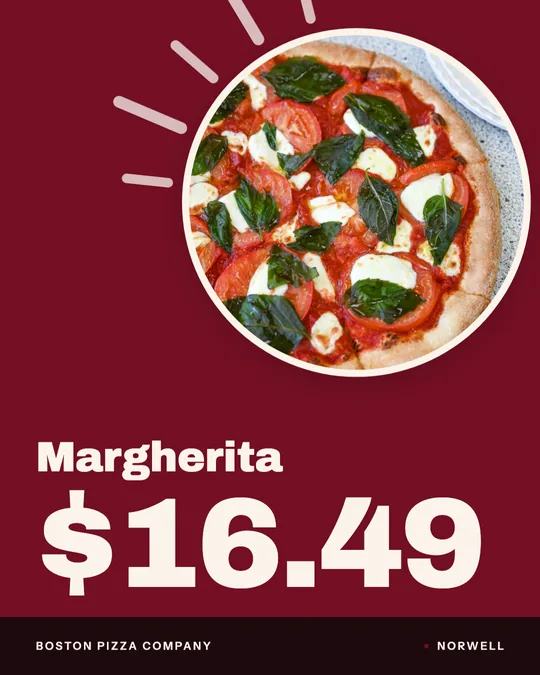
Close-Up Dive is an AI motion recipe that does one thing well. It starts on your dish as it sits on the table, then pushes the camera in until the frame is filled with texture: the shaved steak, the soft onions, the edge of the roll. Boston Pizza's example starts on a Margherita and its Steak & Cheese sub, then dives into the sub's filling.

The AI moves the camera; it doesn't cook a new dish. Everything you see at the end of the push is from Boston Pizza's own photo of its own sub. That's the rule for every AI video in Studio: the camera and light can move, but the food isn't invented or swapped, and nothing posts until you've seen it.

Because it's AI work, Close-Up Dive uses credits from the 600 included each month with the $49 plan. Boston Pizza has two versions: a five-second 3:4 clip for the feed, and a 9:16 cut as a dish story that adds the dish name in bold type and ends on the restaurant's name.

Real examples

Close-Up Dive AI video examples

Rendered in Studio for real Servestack restaurants, from their own photos and menus.

Close-Up Dive — AI video · Boston PizzaAI
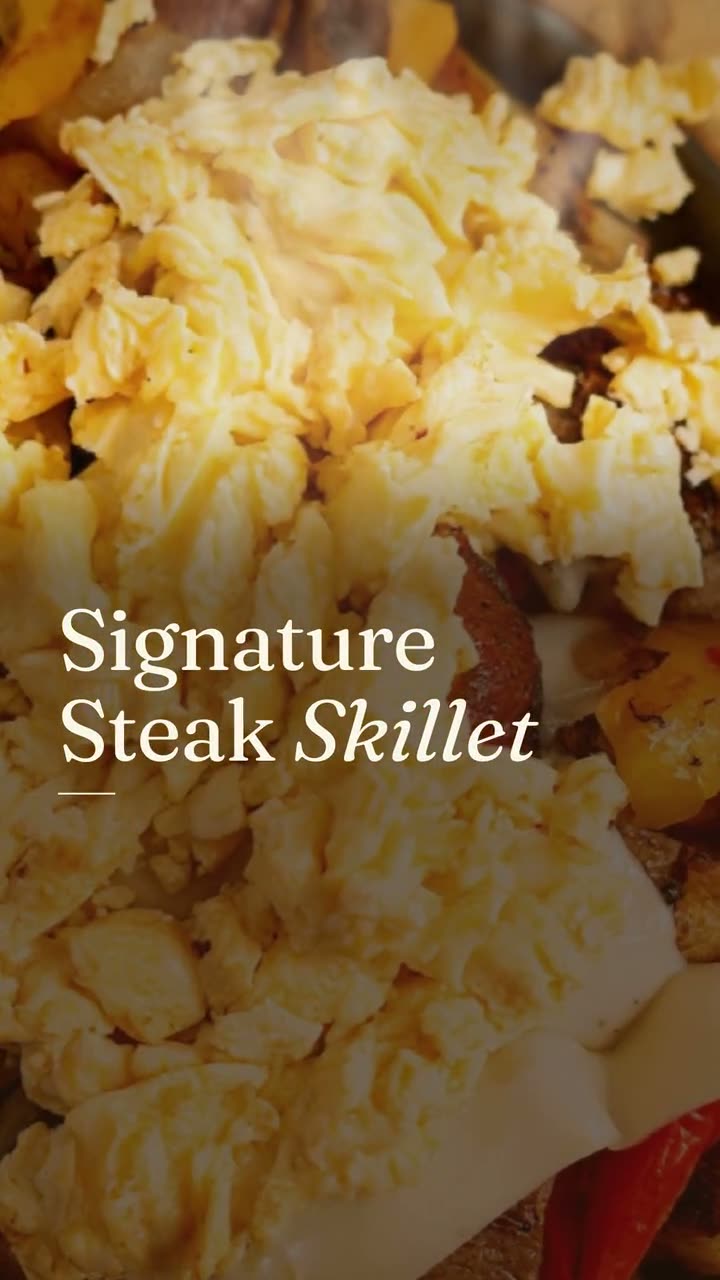
Close-Up Dive, cut as a dish story · Boston PizzaAI

Shown with permission: Sunnyside Cafe (Randolph, MA) and Boston Pizza (Norwell, MA).

How it works

How to use the Close-Up Dive AI video template

  1. Step 01

    Pick a sharp, detailed photo

    Choose a photo where the dish's texture is in focus and well lit. The camera ends up close, so detail in the photo is what the viewer sees last.

  2. Step 02

    Run Close-Up Dive

    Choose AI video and the Close-Up Dive recipe. It uses credits, and you'll watch the result before deciding to use it.

  3. Step 03

    Post the clip or the story cut

    Use the short clip in the feed or the 9:16 dish story cut for Stories and Reels, and post it or schedule it for the day you want.

Which dishes suit a close-up dive

The push only pays off if there's something worth seeing up close. Dishes with layered, uneven texture work best: a steak and cheese sub, a pulled pork sandwich, a burger cut in half, a slice with bubbled cheese and charred spots, a bowl of noodles with sesame and scallions. The closer the camera gets, the more those details carry the video.

Smooth, flat dishes are a harder fit. A bowl of soup or a plain cheesecake looks much the same at the end of the push as it did at the start. For those, Light Reveal usually tells a better story, because the light does the work instead of the camera.

Photo tips for macro-style video

  • Focus matters more here than anywhere else. Tap to focus on the filling or the cheese, not the plate edge, before you shoot.
  • Shoot in bright, soft light. Shadows that look fine in a still can swallow the detail once the camera is close.
  • Use the phone's main lens at full resolution rather than digital zoom, so there's real detail to push into.
  • Show the cut side of sandwiches and burgers. The inside is what people want to see.
  • A second dish in the back of the frame is fine, like the pizza behind Boston Pizza's sub, as long as the hero dish is in front and sharp.

Feed clip vs story cut

The feed clip is the push itself, about five seconds from wide to close, in a 3:4 frame. It's a good fit for Instagram and Facebook feed posts, where the motion catches the eye and your caption can name the dish.

The 9:16 story cut is longer and edited as a dish story. Boston Pizza's version puts "Steak & Cheese" on screen in bold type during the close-up and finishes on the restaurant name. Use it for Stories, Reels and TikTok, where the viewer is full screen and needs to know what they're looking at without reading a caption.

FAQs

Frequently asked
questions

What does Close-Up Dive do to my photo?
It moves the camera from the whole dish into a tight close-up of its texture. The food stays exactly as it is in your photo.
Does Close-Up Dive use credits?
Yes. It's AI video, so it uses credits from the 600 included each month with the $49 plan. You can buy more whenever you need them.
Do I need a macro lens for this?
No. A sharp phone photo in good light is enough. The recipe creates the push-in; your photo supplies the detail.
Which foods look best in a close-up dive?
Dishes with texture: loaded sandwiches, melted cheese, crispy or charred edges, noodles, grilled meat. Smooth dishes suit Light Reveal better.
Can the close-up show detail that isn't in my photo?
No. The AI moves the camera, but it won't invent food. A soft or blurry photo will look soft at the end of the push, so start with a sharp one.
How is the story cut different from the feed clip?
The feed clip is about five seconds in 3:4. The 9:16 story cut is longer, adds the dish name on screen and ends on your restaurant's name.
Keep exploring

More from Servestack Studio

Related tools See all

Food photo to videoOne photo of your real dish in, a short moving shot out. The food stays exactly what you serve.Reel makerThe clips on your phone and the dishes on your menu, turned into Reels you'd actually post.Instagram post makerYour menu and your photos in, a week of on-brand Instagram posts out.

Templates to try See all

Falling Garnish AI videoLeaves drift down, the light shifts, and the dish in the middle stays exactly yours.Light Reveal AI videoThe light moves across the plate the way it does in a food commercial. The plate is yours.Dish story videoOne photo of one dish, turned into a short video with its menu words on screen.

By type of restaurant See all

PizzaYour pies, your prices, and a post for every night people decide what's for dinner.BurgerGet the burger on screen while it still looks the way it did at the pass.

Post ideas See all

Reel ideasShort videos you can film in the gaps of a normal shift, no crew and no tripod required.

Use the Close-Up Dive AI video template with your own dish.

$49/month with 600 credits included. Already on Servestack Starter or Scale? Studio is included.

Start freeAlready have Servestack? Open Studio