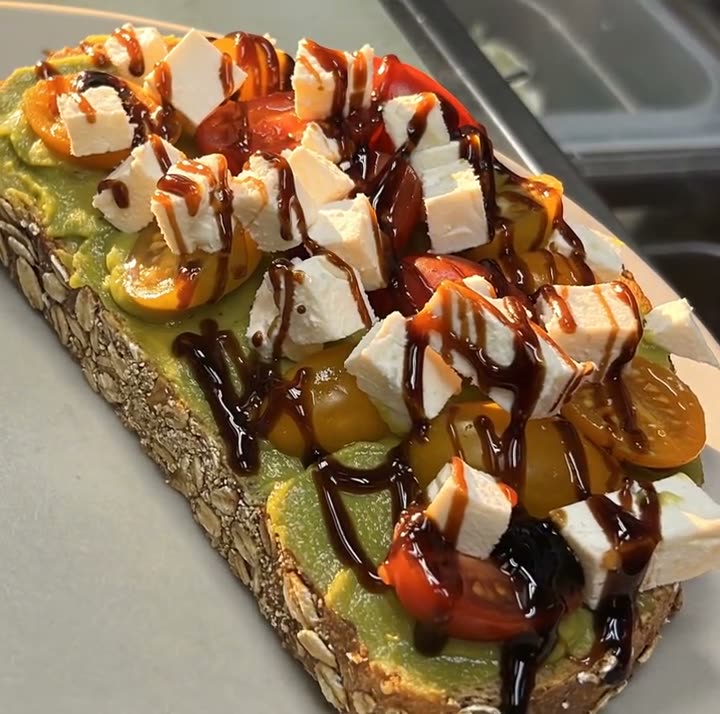
Feed posts (4:5)
Chef's pick, dish spotlight, price card and deal card layouts, built around one real dish and its menu price. 4:5 takes up the most room in the feed.
Your menu and your photos in, a week of on-brand Instagram posts out.
Most restaurant Instagram accounts go quiet for the same reason: the posts take longer to make than the food. You open a template app, hunt for a layout that fits a pizza instead of a latte, retype the dish name and price, crop the photo three times and still aren't sure the price matches the menu.
Studio starts from the other end. You add your menu once and upload the photos you already have. After that, each post starts with your real dish, its real name and its real price already filled in. Pick a layout (a chef's pick, a daily special, a price card, a dish video) and it comes out sized for the feed, Stories or Reels.
Everything on this page was made in Studio for two Servestack restaurants, Sunnyside Cafe in Randolph and Boston Pizza in Norwell, from their own photos and menus.
Each one was made in Studio for a real Servestack restaurant, from its own photos and menu.
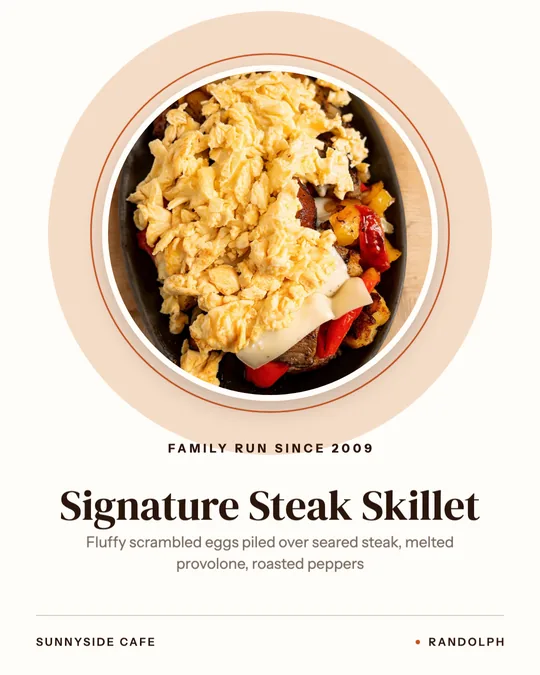
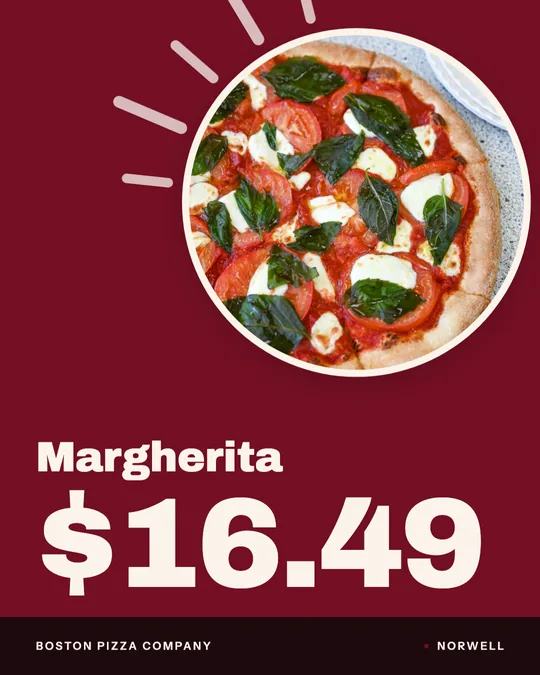
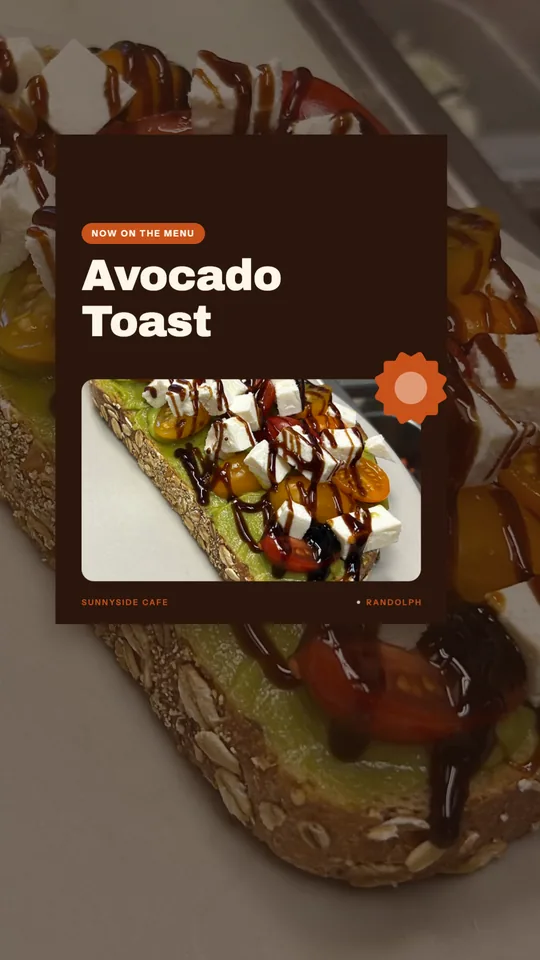
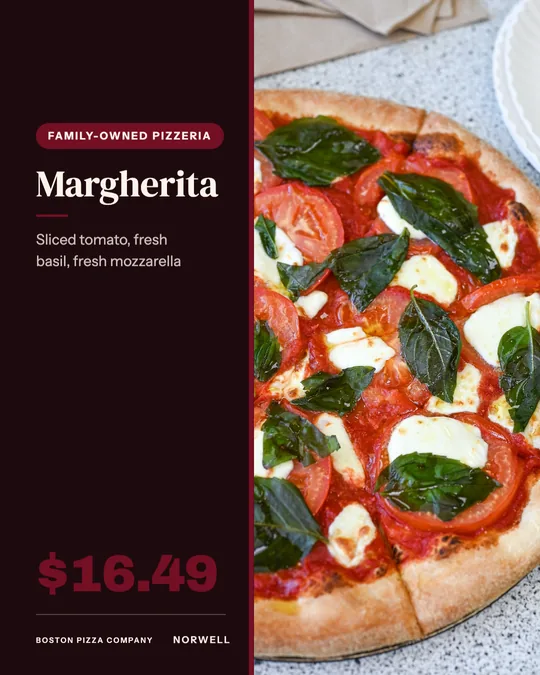
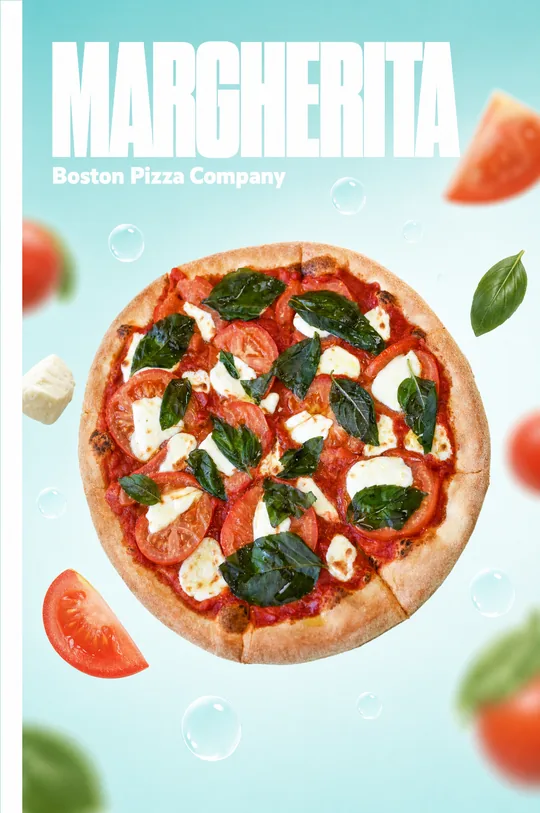
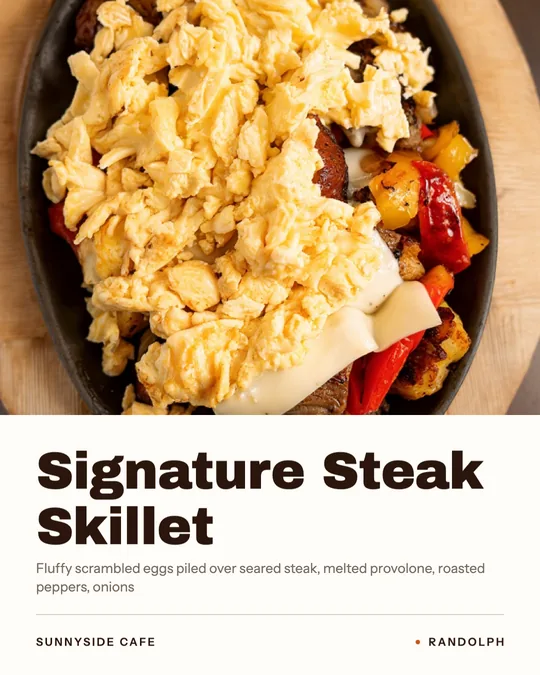
Shown with permission: Sunnyside Cafe (Randolph, MA) and Boston Pizza (Norwell, MA).
Import your menu once and upload the dish photos and phone clips you already have. Studio links each photo to the dish it shows.
Choose a layout: chef's pick, daily special, price card, new on the menu, or a dish video. Your dish name, description and price are filled in from the menu.
Check the words, then post to Instagram now or put it on the calendar. The same design can go to Facebook, Google and TikTok in the right size.
Chef's pick, dish spotlight, price card and deal card layouts, built around one real dish and its menu price. 4:5 takes up the most room in the feed.
Full-height versions for Stories: "new on the menu", "order online" and daily-special cards that say what, how much and where to order.
Dish videos from one photo, or a Reel trimmed from the phone clips you shot during service, with dish names on screen.
Masthead Float and Ingredient Halo AI designs set your real dish photo in a poster-style scene. These use credits.
Layouts have spots for a dish name, a price and a short menu description, because those are what a restaurant post needs. You won't be deleting "SALE 50% OFF" from a clothing template.
Names, prices and descriptions come straight from your menu, so the post and the menu always agree. Change a price once and the next post picks it up.
Every post uses your own photo of your own dish. AI can move the camera or light the scene, but it never invents or swaps what's on the plate.
Template designs and dish videos use no credits. AI video and AI designs use credits from the 600 included each month.
The posts that bring people in are usually the plainest: one dish, filling the frame, with its name and price where you can read them. People scroll Instagram to decide where to eat, so a post that answers "what is it, how much, where" in two seconds beats a clever one that answers nothing.
That's why Studio's layouts keep the dish big and the words short. A chef's pick card is one photo and one line. A price card is the dish, the name and the number. A daily special says what's on today and until when.
You can make the whole week in one sitting and schedule it, so nobody has to remember to post at 11:30 on a Tuesday.
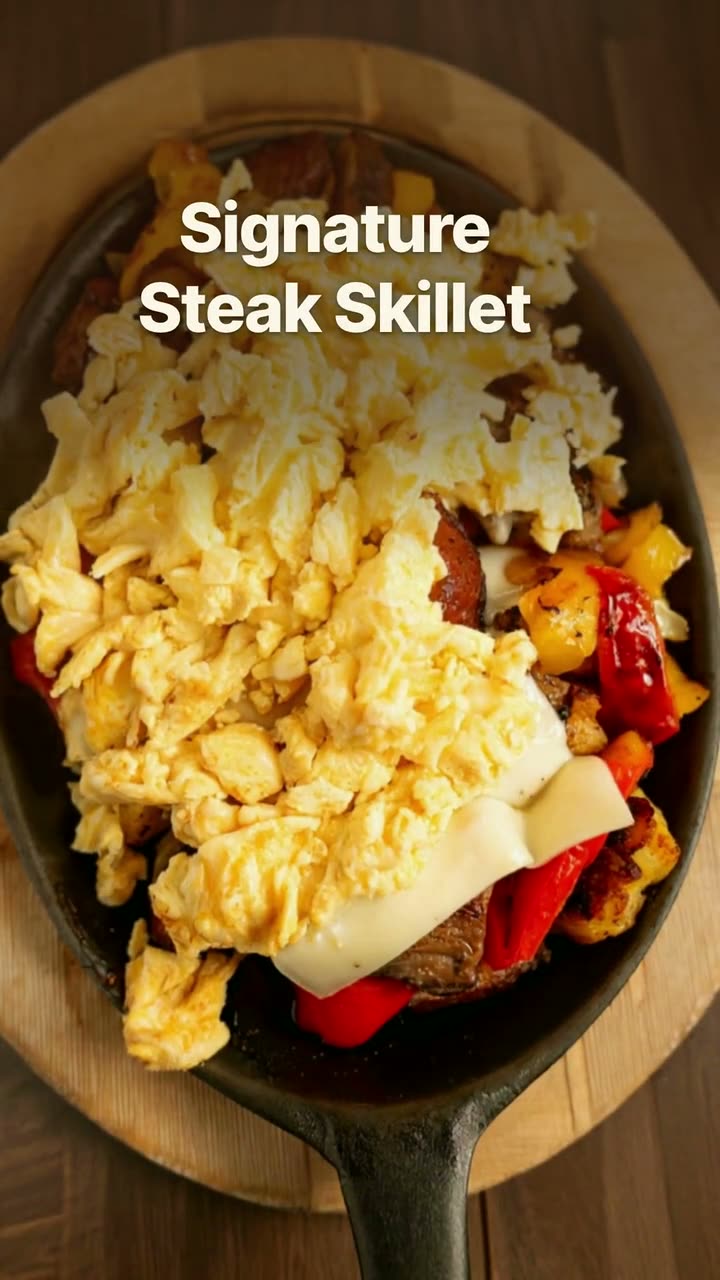 Reel makerThe clips on your phone and the dishes on your menu, turned into Reels you'd actually post.Daily special makerToday's special, posted before the lunch rush, without anyone stopping to design it.
 Food photo to videoOne photo of your real dish in, a short moving shot out. The food stays exactly what you serve.
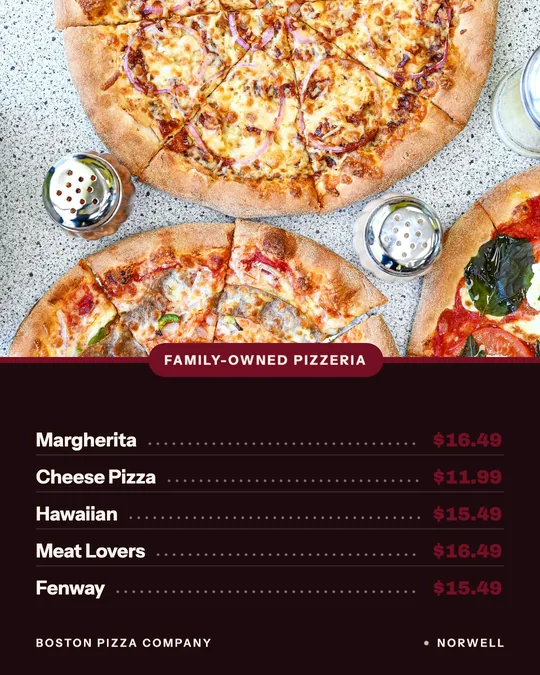 Menu poster makerYour menu prices on a board, a card or a window sign, without retyping a single one.Dish spotlight designGive one dish the whole post, with the menu description that makes people order it.
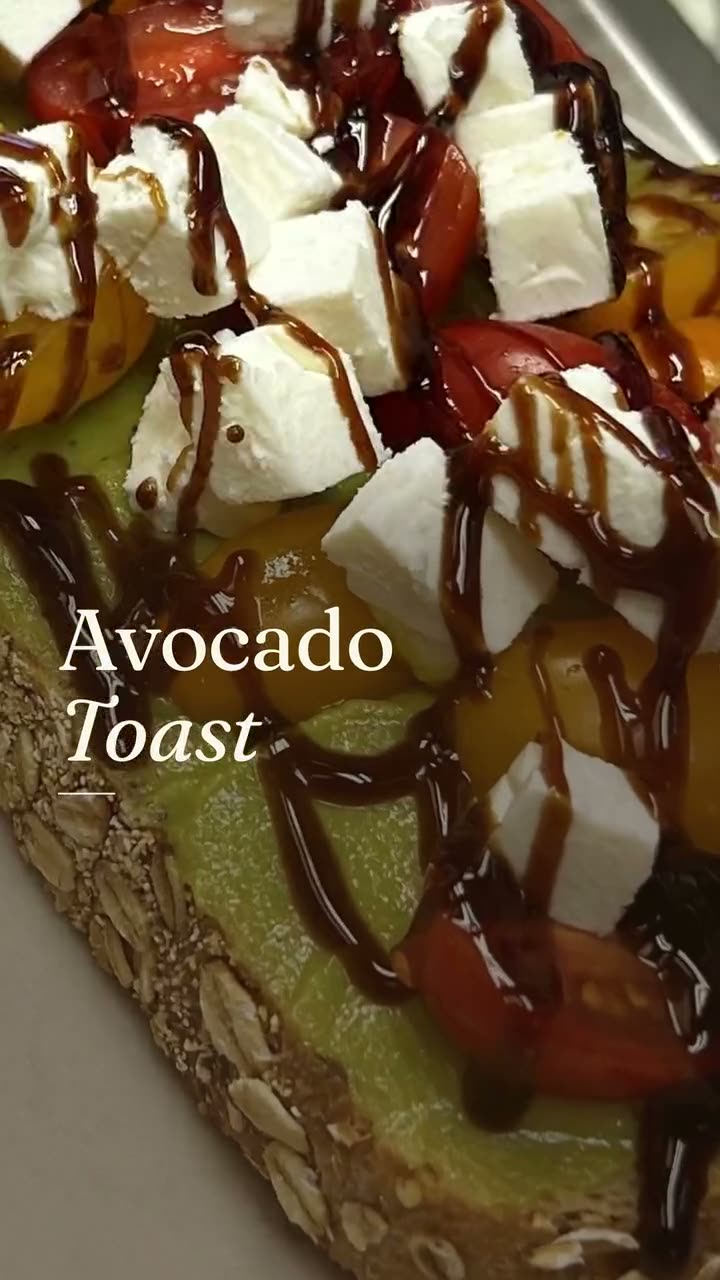 New item drop videoLaunch a new dish with a reveal video and a matching story card, both from your real menu.
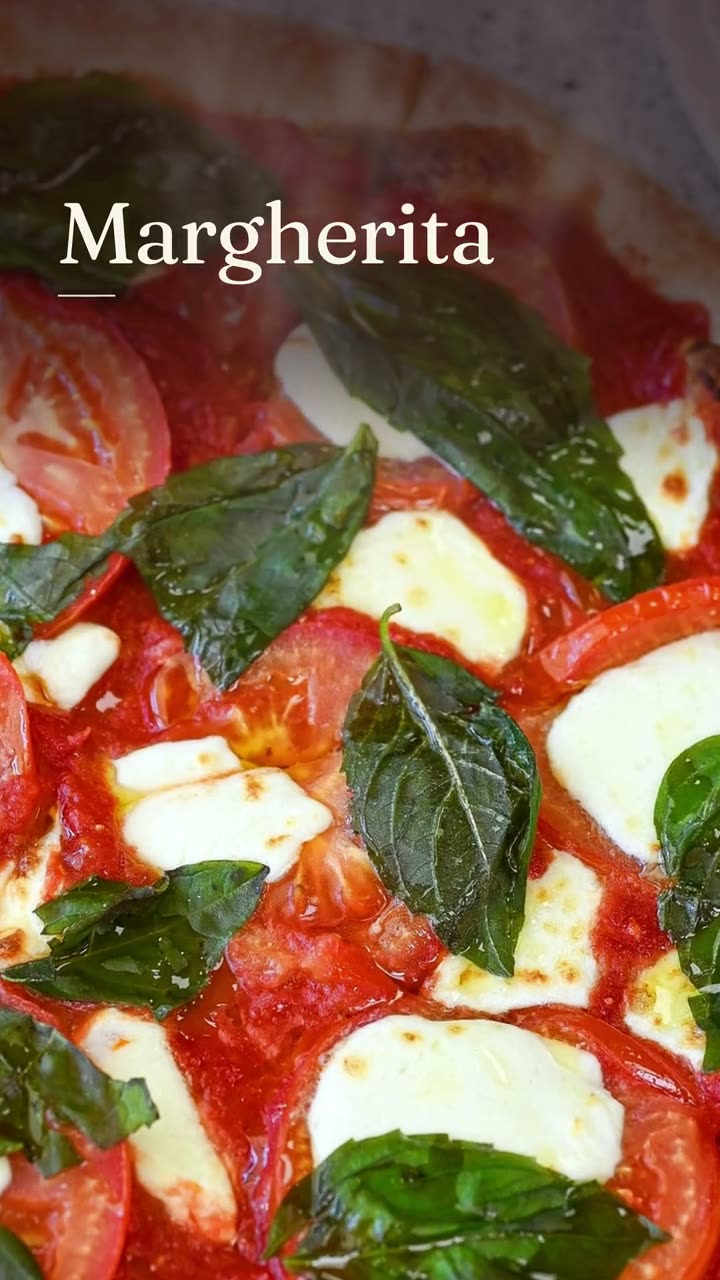 Dish story videoOne photo of one dish, turned into a short video with its menu words on screen.
$49/month with 600 credits included. Already on Servestack Starter or Scale? Studio is included.