Editorial
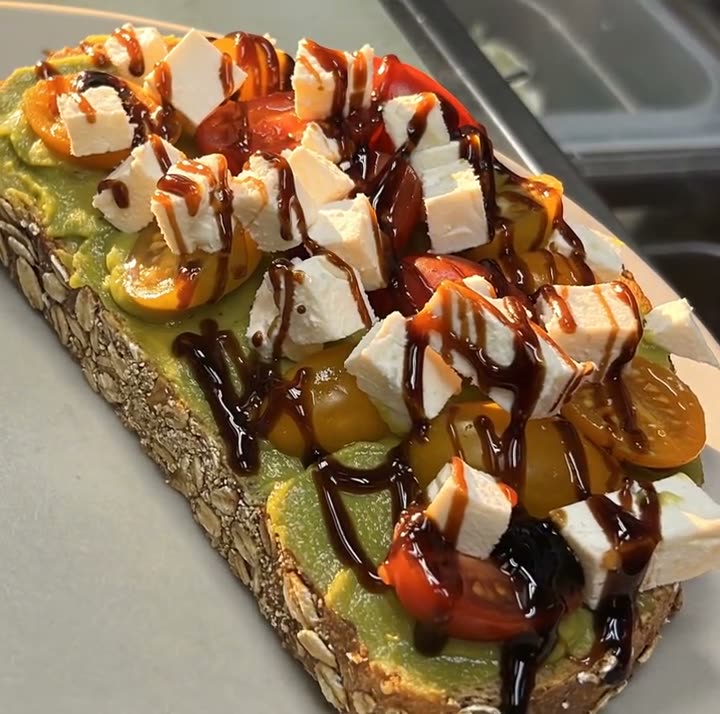
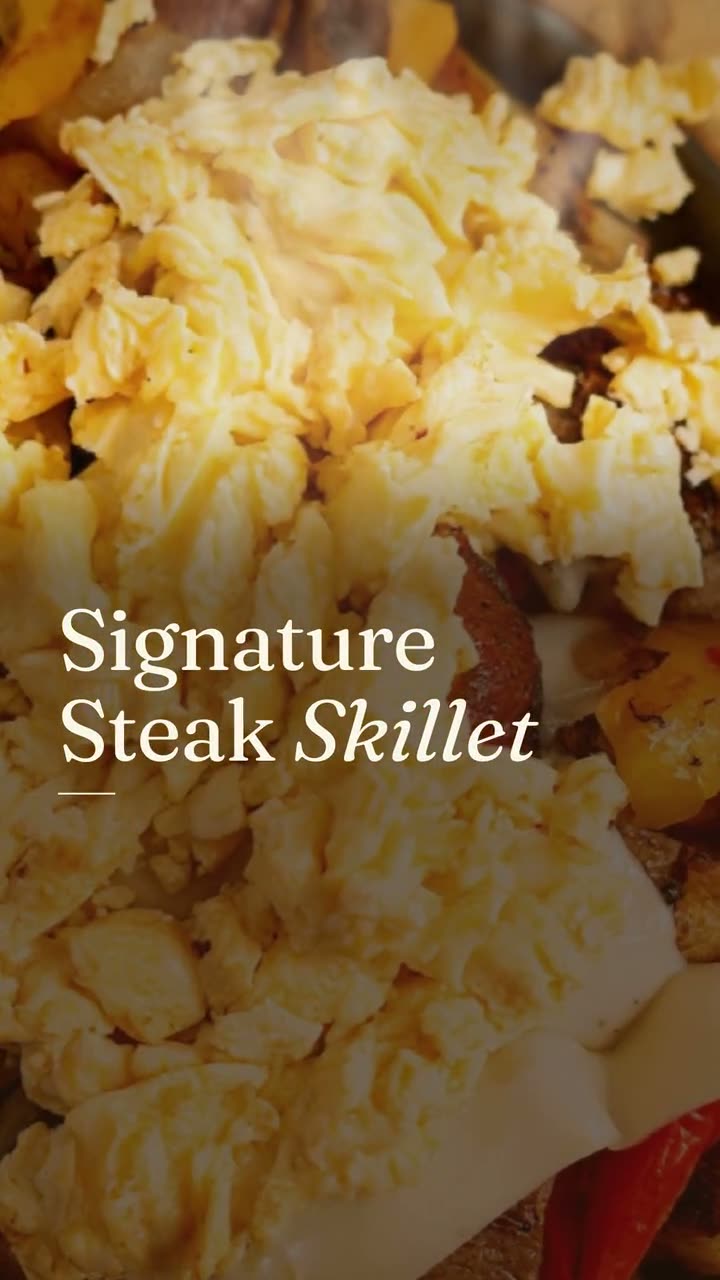
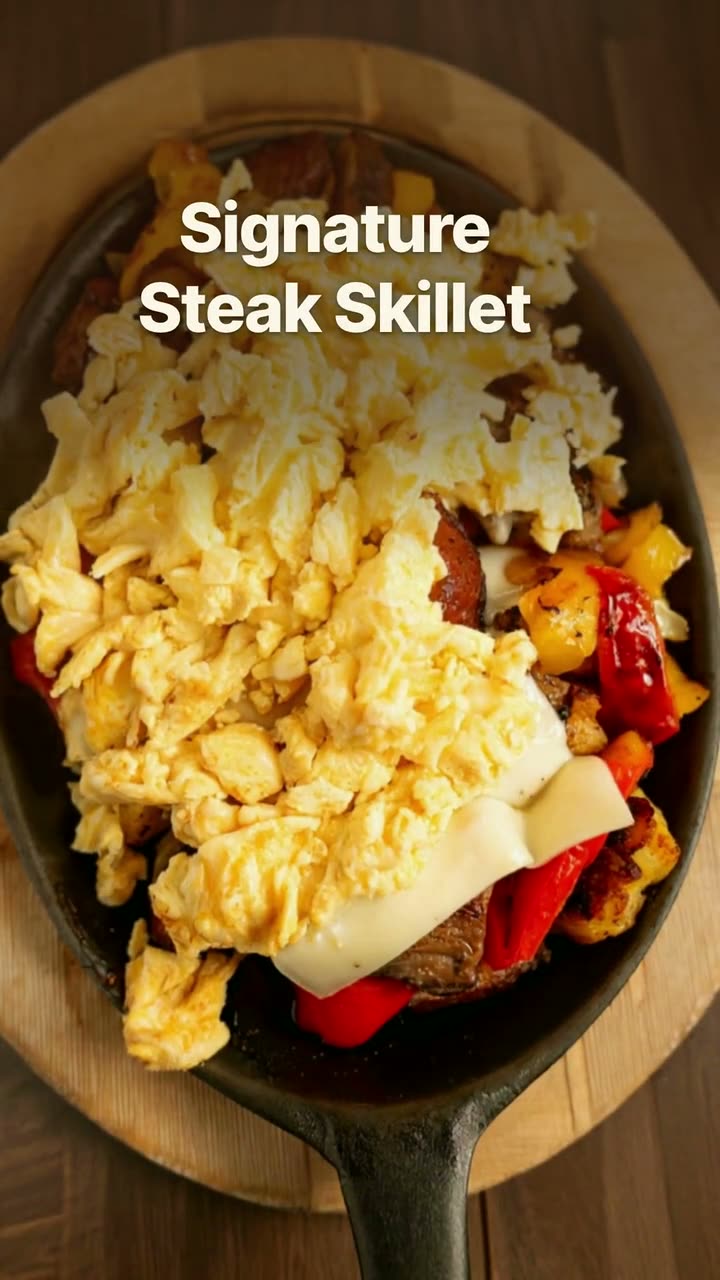
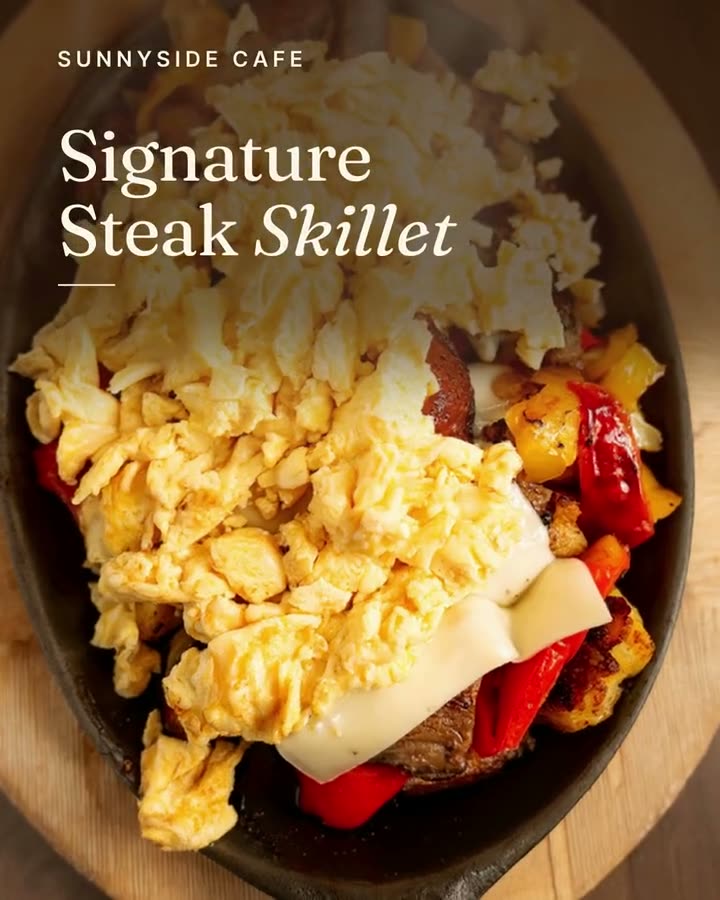
The dish name arrives in a clean serif over the photo, then the photo takes over. It feels like an announcement from a restaurant that takes its menu seriously.
Launch a new dish with a reveal video and a matching story card, both from your real menu.
A new dish is the easiest post you'll ever get to make, because people actually want to know. The trouble is that most announcements are a phone photo with "NEW!!" typed over it, posted once and forgotten. The new item drop template gives the launch a proper reveal: a short video that shows the dish, names it and gets out of the way.
It's built from the new dish's menu entry. Add the item to your menu in Studio, link a photo, and the name and description flow into the video. That also means your post, your menu and your online ordering all say the same thing on day one, which matters when someone walks in asking for the dish they saw on Instagram.
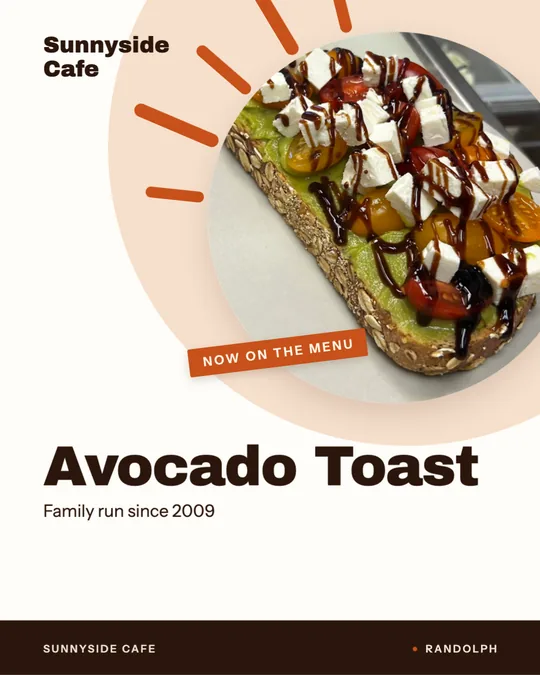
Pair the video with the New on the Menu design, a static 9:16 story card with a small "now on the menu" tag. The examples below were made for Sunnyside Cafe and Boston Pizza. Neither uses credits.
The dish name arrives in a clean serif over the photo, then the photo takes over. It feels like an announcement from a restaurant that takes its menu seriously.
Plain caption over a full-screen shot, the way a customer would film their first bite. Boston Pizza used it to reveal its Steak & Cheese sub.
Bold block letters with the name set in a color band, cut as a 1:1 square. It works in the feed and on Facebook, where square posts sit comfortably.
Rendered in Studio for real Servestack restaurants, from their own photos and menus.
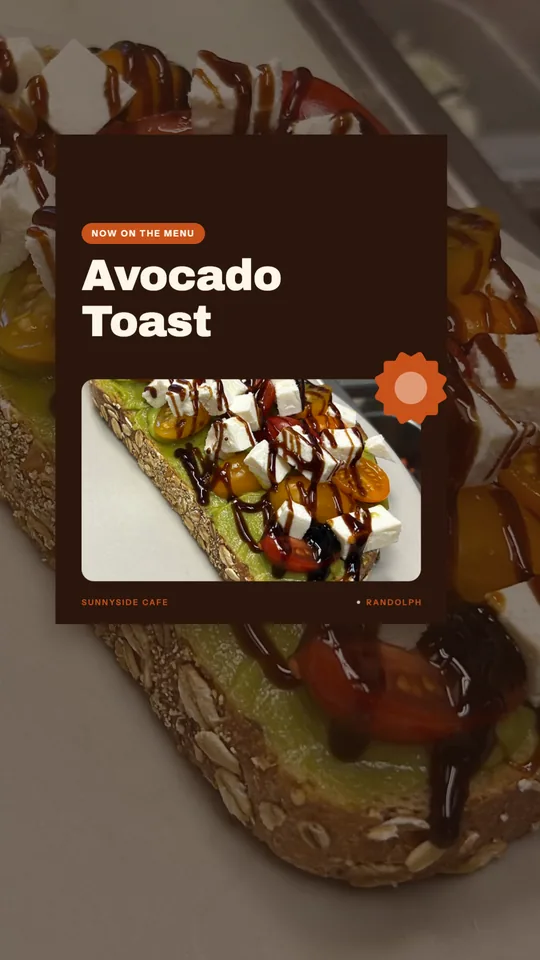
Shown with permission: Sunnyside Cafe (Randolph, MA) and Boston Pizza (Norwell, MA).
Enter the name, price and a short description, and link the best photo you have of it. This is what the template reads from, so get the wording right here first.
Pick the new item drop video in editorial, native or poster, then make the New on the Menu card for the same dish so the launch has a video and a still.
Post the video on launch morning, the story card that afternoon, and schedule a second run a few days later for people who missed it.
A single post reaches the people who happened to open the app that hour. A new dish deserves more than that. A simple plan: the reveal video on launch morning, the New on the Menu story card before the lunch or dinner rush, and the video again on the weekend, maybe in a different look. Studio lets you make all three in one sitting and schedule them, so the launch doesn't depend on someone remembering.
If you have a Google Business Profile, post it there too. People searching for your restaurant see your latest updates, and a new dish is a better reason to click than your opening hours.
Choose the angle that shows what makes the dish different. For a sub, that's the filling, shot from the side so you can see how full it is. For a bowl or a breakfast plate, shoot from above so every component is visible. For a pizza, the whole pie from above, sliced once so you can see the cheese pull.
Shoot it on the plate or board you'll actually serve it on. Guests notice when the photo and the real thing don't match, and a new item is exactly when they're paying attention.
 Instagram post makerYour menu and your photos in, a week of on-brand Instagram posts out.
 Reel makerThe clips on your phone and the dishes on your menu, turned into Reels you'd actually post.
 Google Business post makerA fresh post on your Google profile every week, made from the food people will actually be served.
 Window sign designOne design for the glass out front and the feed, so walkers and scrollers see the same dish.
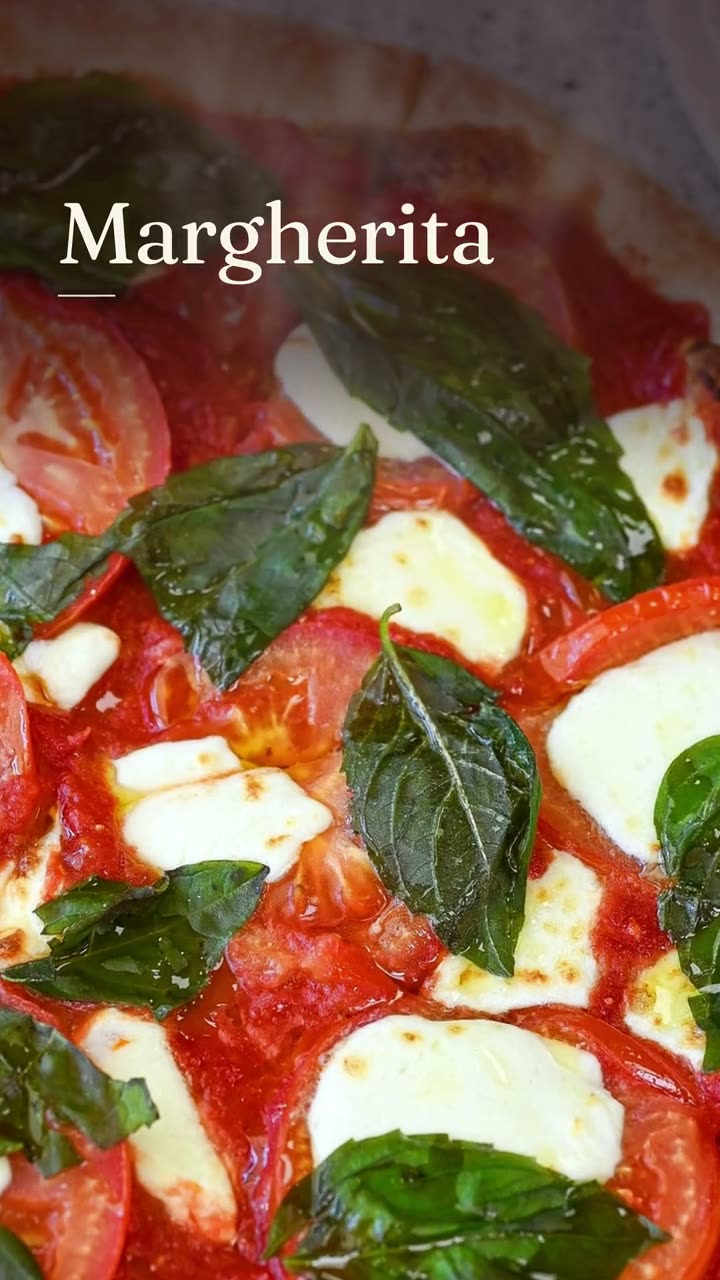 Dish story videoOne photo of one dish, turned into a short video with its menu words on screen.
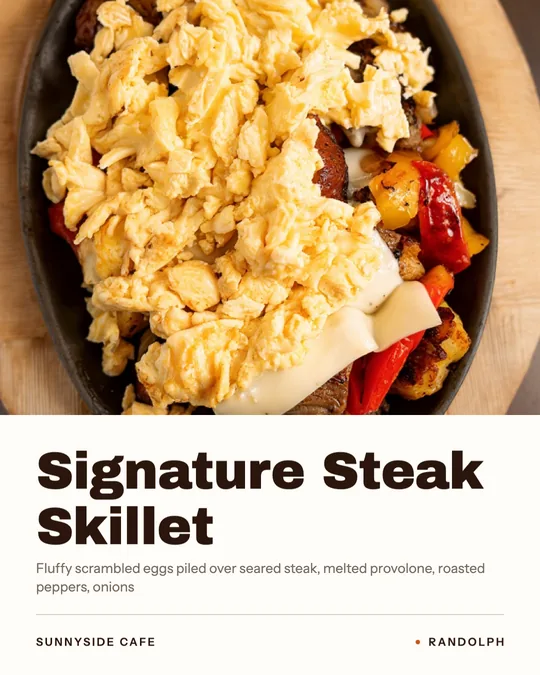 Dish spotlight designGive one dish the whole post, with the menu description that makes people order it.
$49/month with 600 credits included. Already on Servestack Starter or Scale? Studio is included.