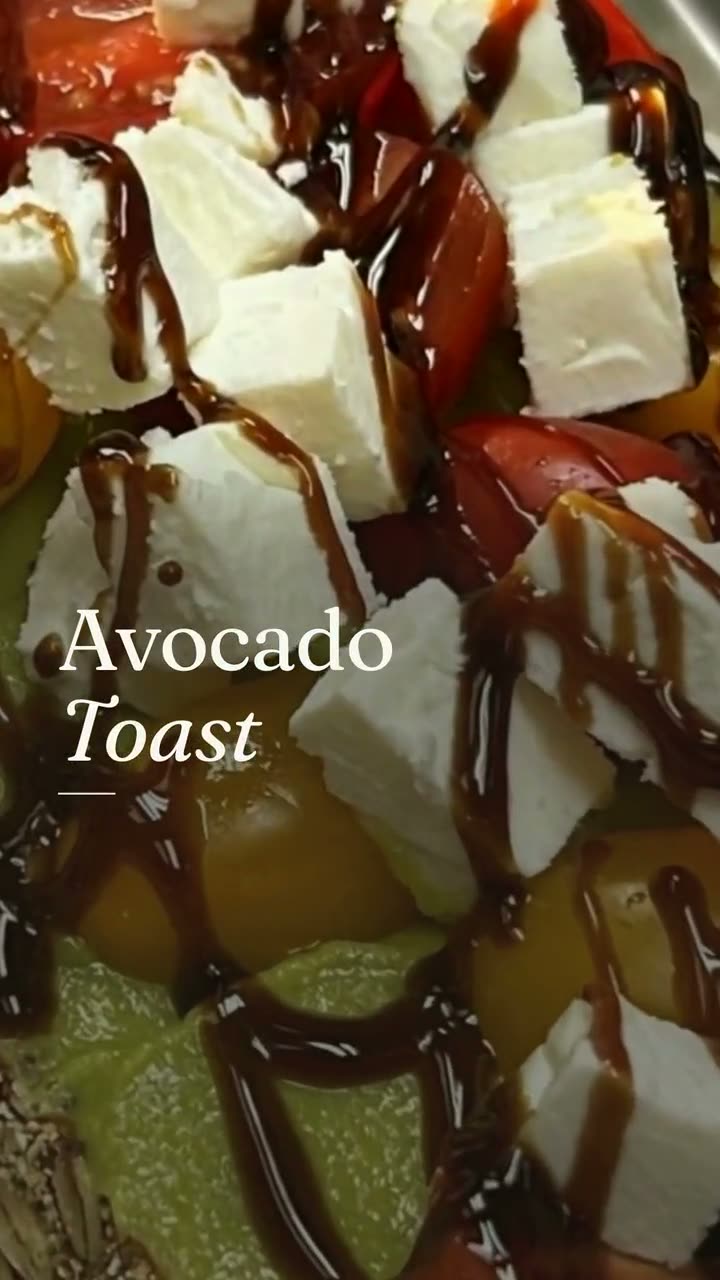
New look
Change the grade and mood of a clip so it matches your feed.
Your own footage with a new look, a new camera move or a swapped prop. The food stays the food you served.
Most restaurants have plenty of video: a pan of eggs, a pizza coming out of the oven, the dining room on a Saturday. Most of it is fine but flat, and it never gets posted.
Restyle a clip, in the Video workspace of Servestack Studio, takes footage you shot and gives it a new look, a new camera move, or swaps a prop in the scene. The food in your clip stays as you served it.
Every result lands in History, where you can Redo it or Vary it for another version.
Restyle works on clips like these: real footage from service, shot on a phone.
Shown with permission: Sunnyside Cafe (Randolph, MA).
Add a video you shot at the restaurant, or pick one you've already uploaded.
A new look, a new camera move, or a prop swap. See the credit price before you confirm.
Open the result in History. Redo it, Vary it, or post it to Instagram, Facebook, Google or TikTok.
Change the grade and mood of a clip so it matches your feed.
Give a static shot a push, a pan or an orbit.
Swap a prop in the scene around the dish, without touching the food.
Restyle starts from a clip you shot. It never replaces the dish.
Not quite right? Redo the same restyle or Vary it from History.
You see the credit cost before anything runs.
Restyles are AI work and are priced before you confirm. A clip quick fix is 5 credits. 600 credits are included every month with the $49 plan.
 Reel makerThe clips on your phone and the dishes on your menu, turned into Reels you'd actually post.
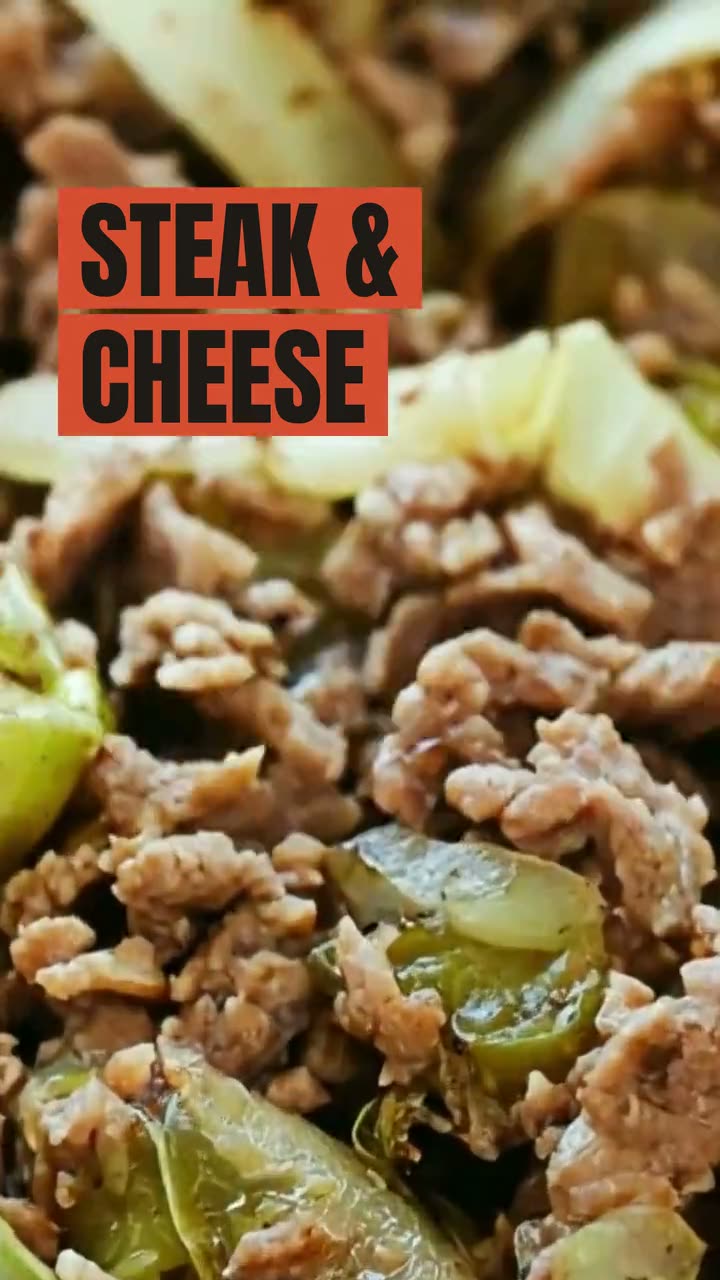 Food video ad makerShort video ads made from your own dish photos and clips, ready for Reels, TikTok and paid campaigns.
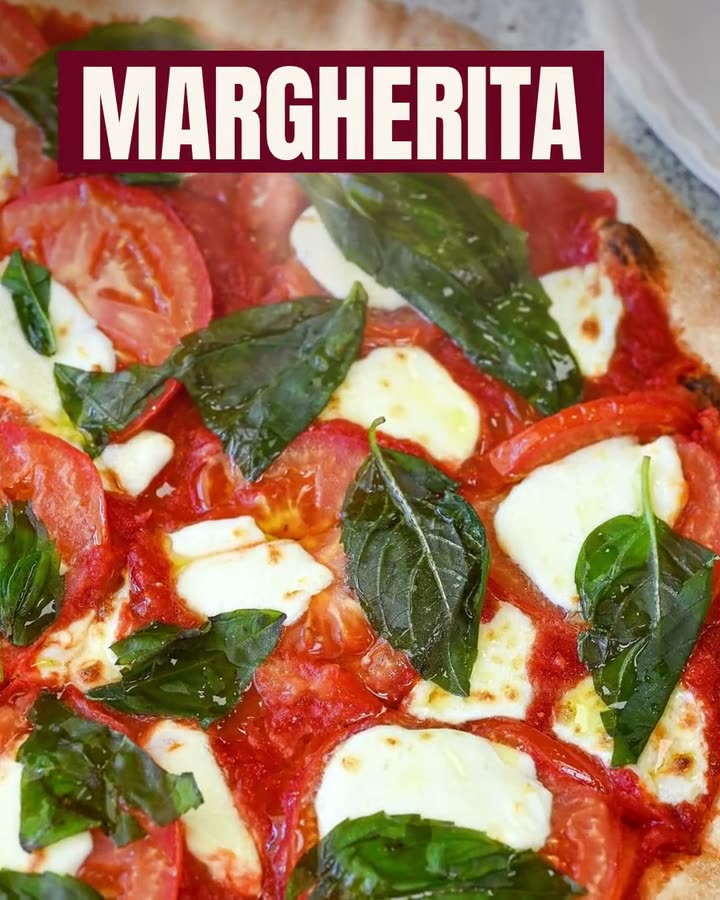 Food photo makeoverThe photos and clips you already have, reframed and relaid out. The food stays exactly as you served it.
 Food photo to videoOne photo of your real dish in, a short moving shot out. The food stays exactly what you serve.
$49/month with 600 credits included. Already on Servestack Starter or Scale? Studio is included.