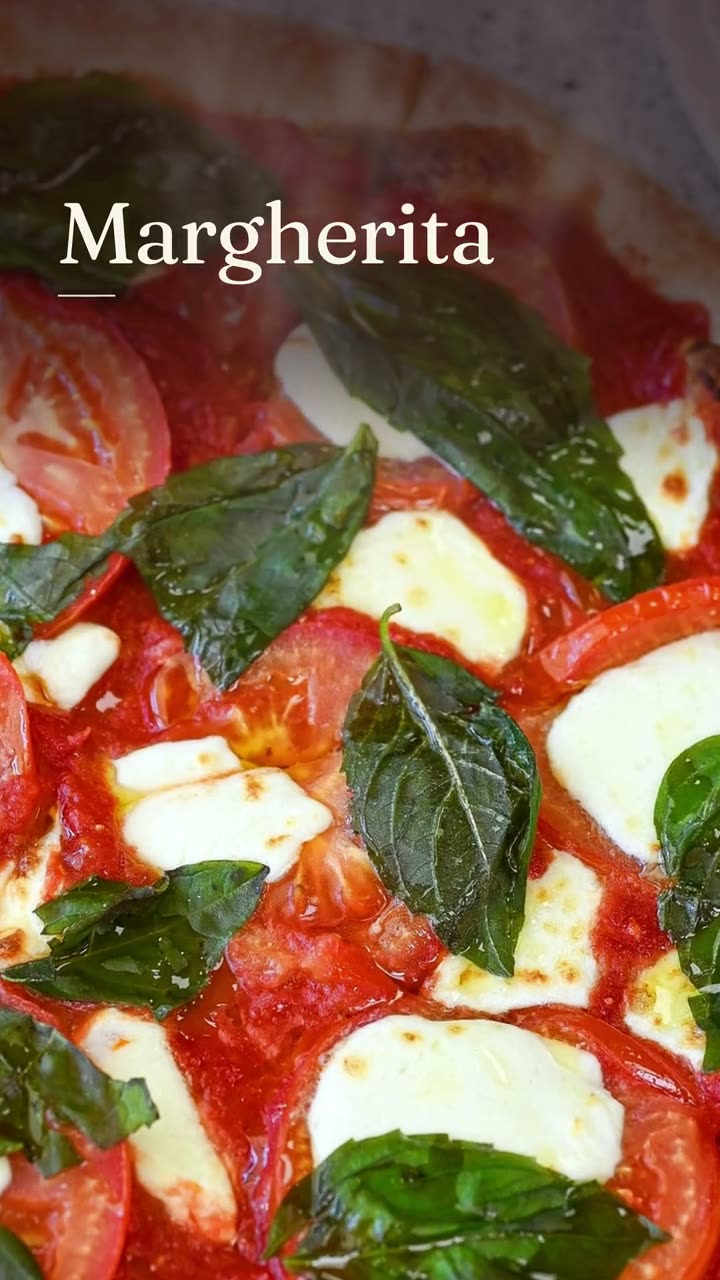
Menu photos for ordering
One clear photo per dish on your ordering site. Dishes with photos get noticed first on a phone menu.
Shoot your real dishes on a phone with a few simple rules, then let Studio turn them into menu photos, posts, ads and video. No fake food.
Restaurant food photography doesn't have to mean a photographer, a stylist and a day with the kitchen closed. The photos that sell food online today are clear, close and real, and a recent phone takes them well if you know a few rules.
This page covers how to take menu photos on a phone during a normal service, when it's worth booking a restaurant photographer, and what to do with the photos once you have them. Servestack Studio uses those photos for everything it makes: menu photos for your ordering site, Instagram posts, ads, and video. It never generates food, so the dish a guest sees is the dish they get.
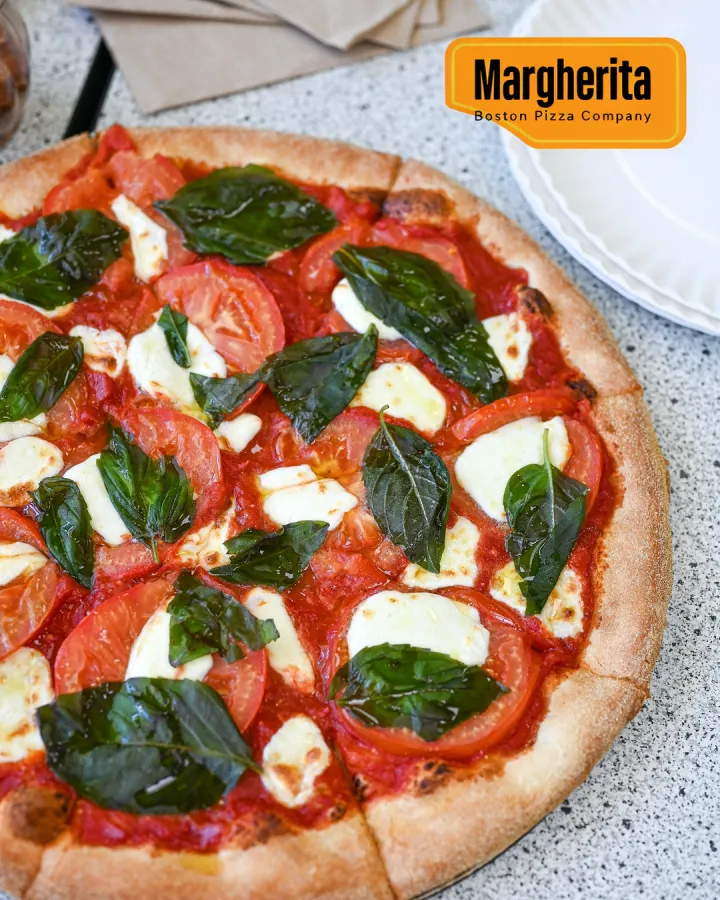
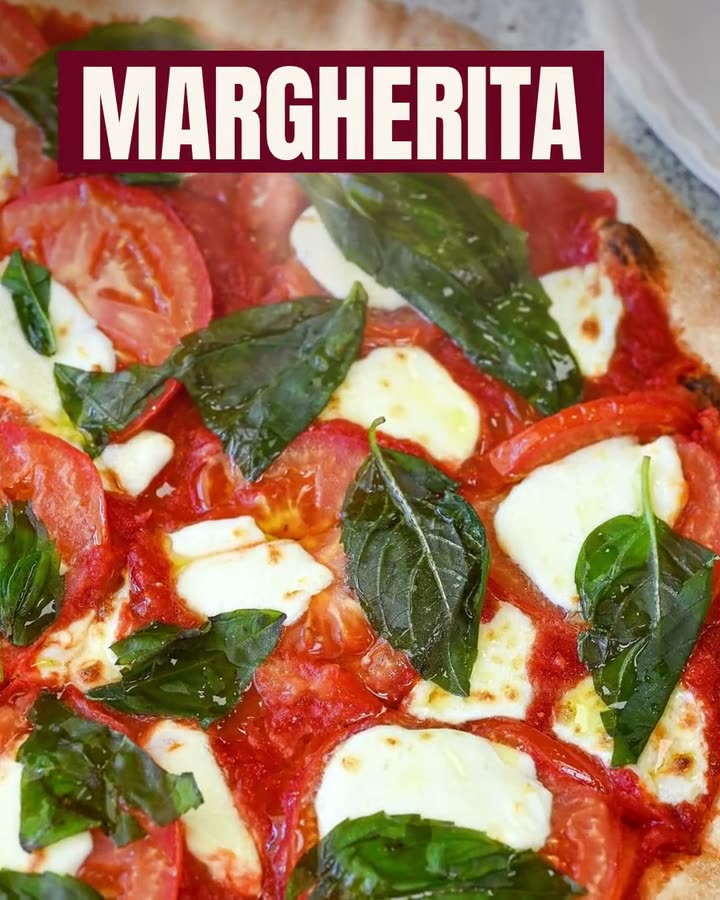
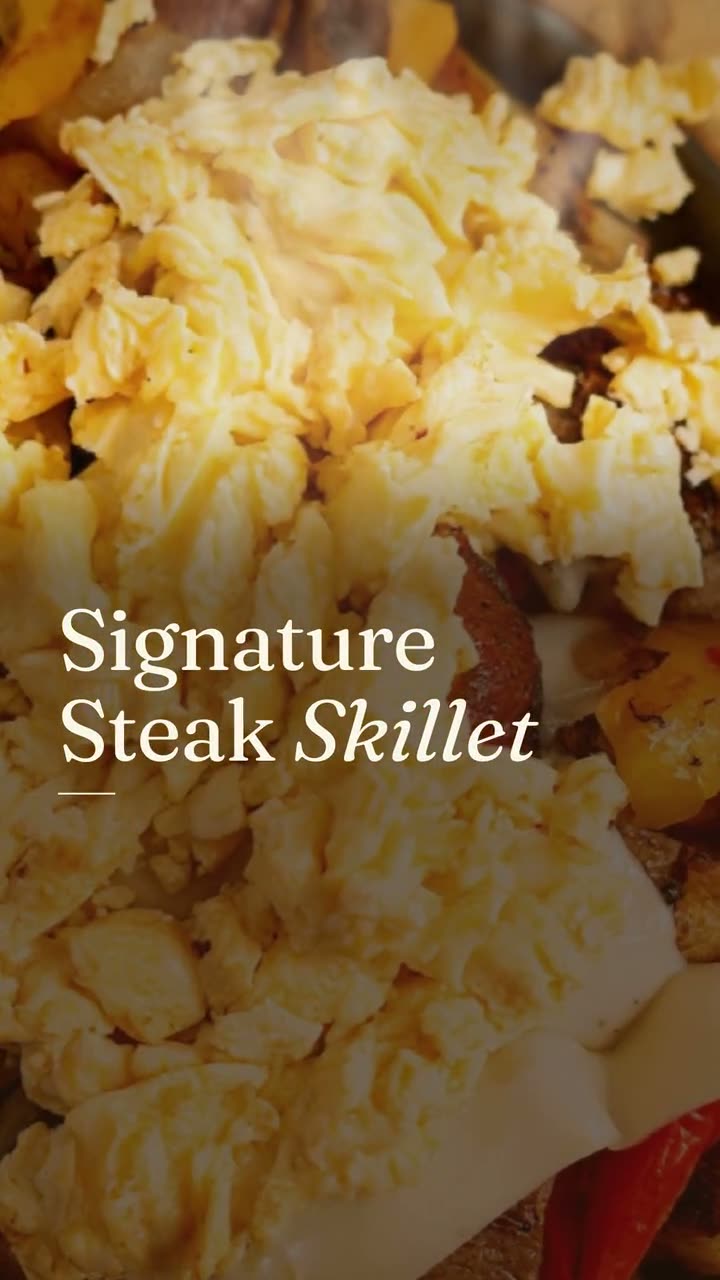
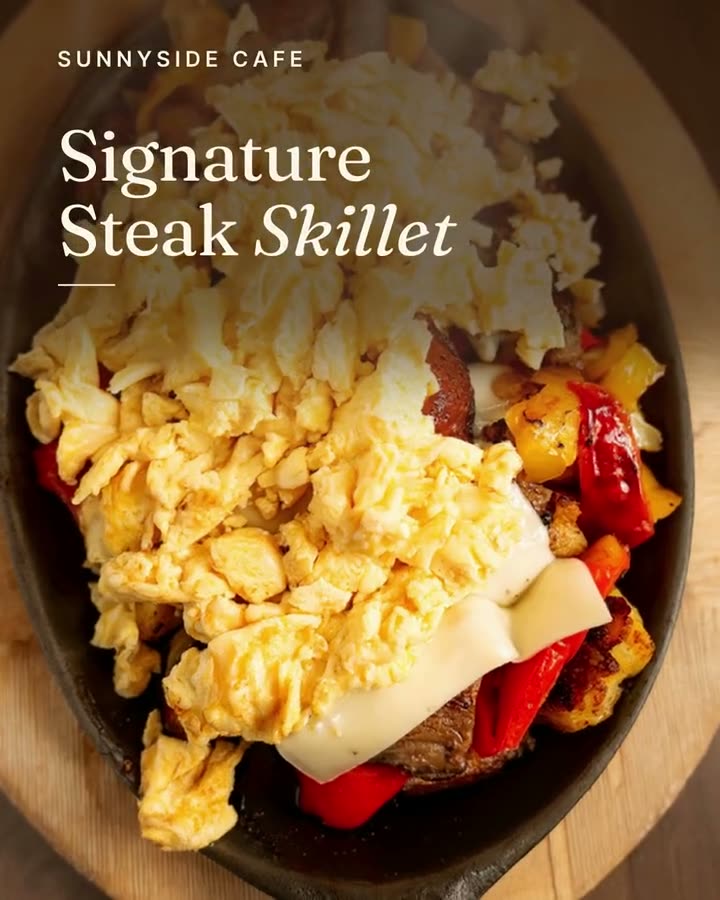
The restaurant's own photo on the left, the finished post on the right. The food wasn't changed; only the words and layout were added.
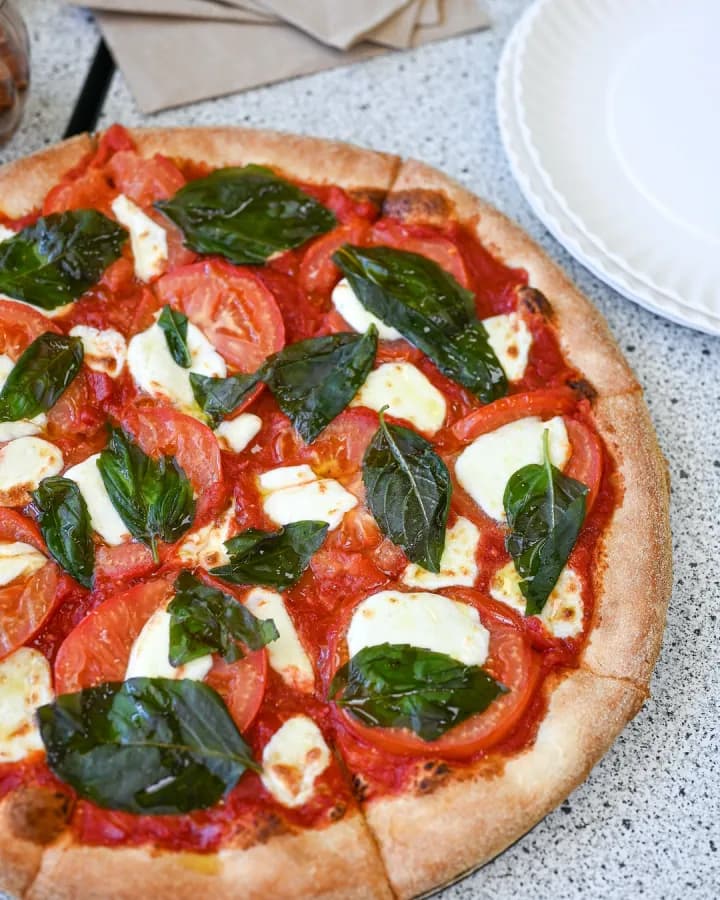
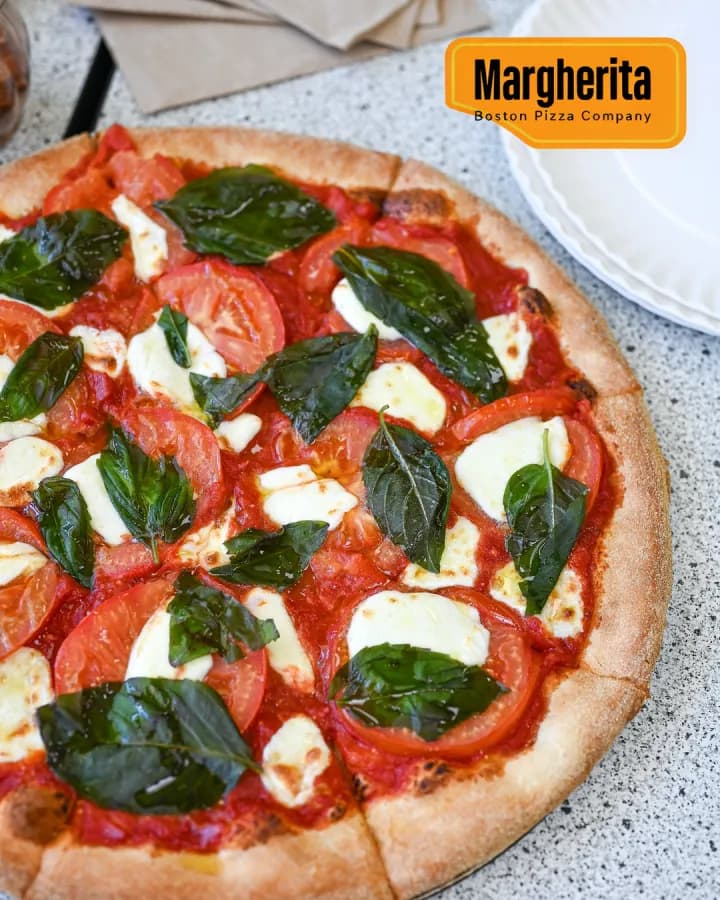
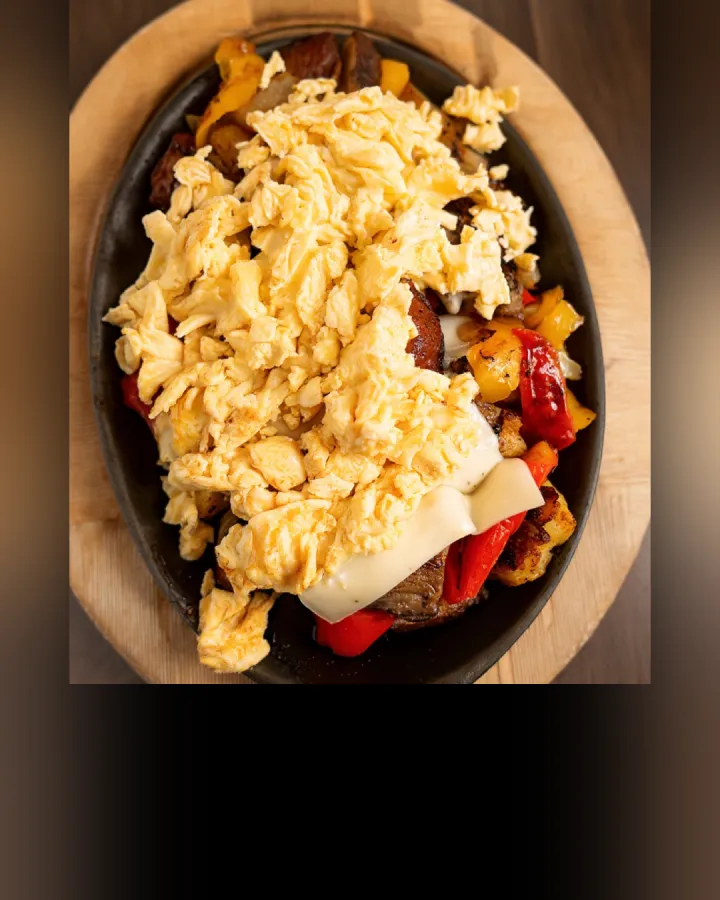
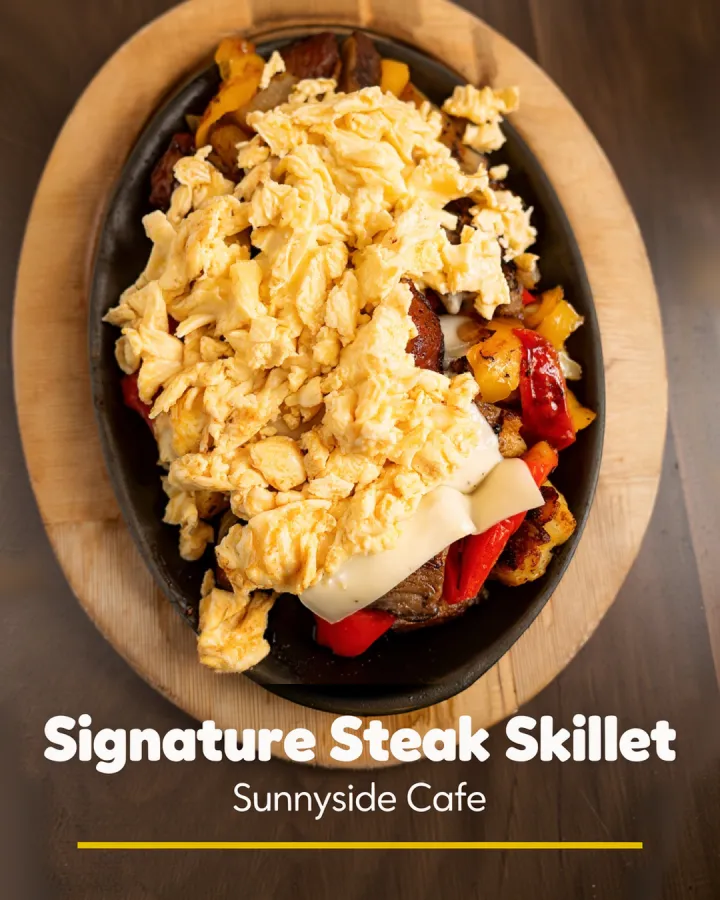
Examples made in Studio for Boston Pizza (Norwell, MA) and Sunnyside Cafe (Randolph, MA), shown with permission.
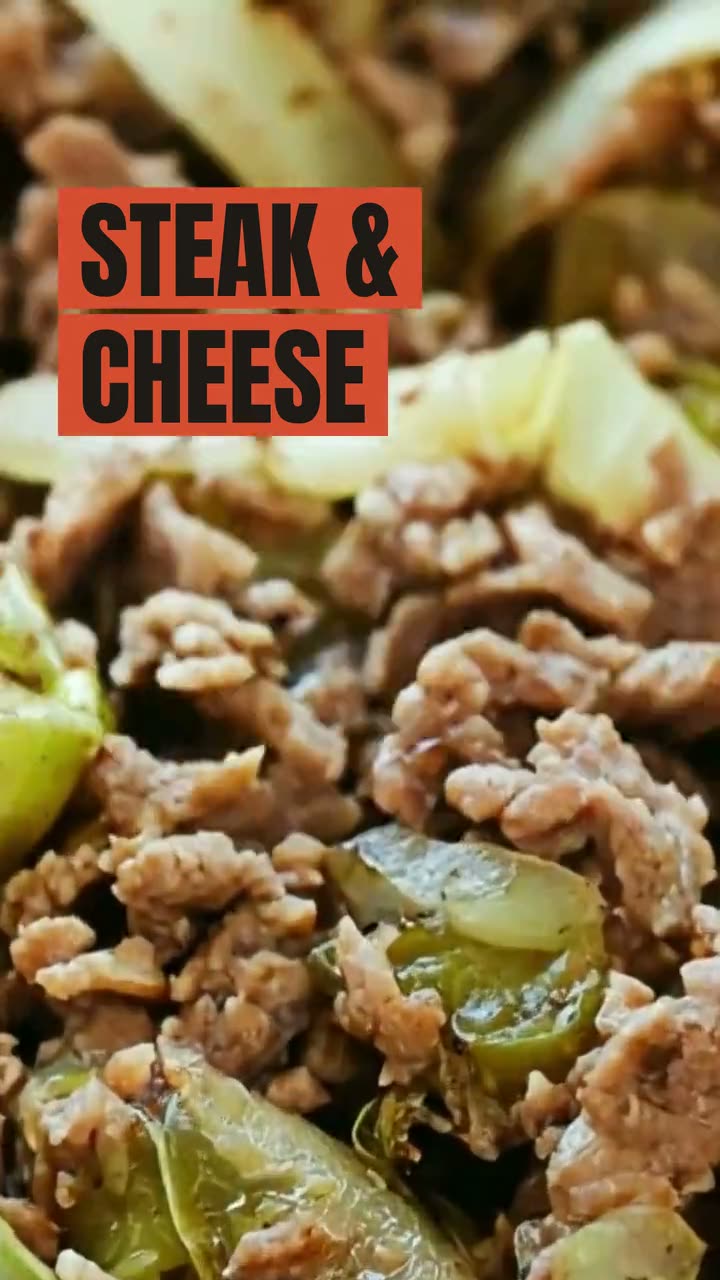
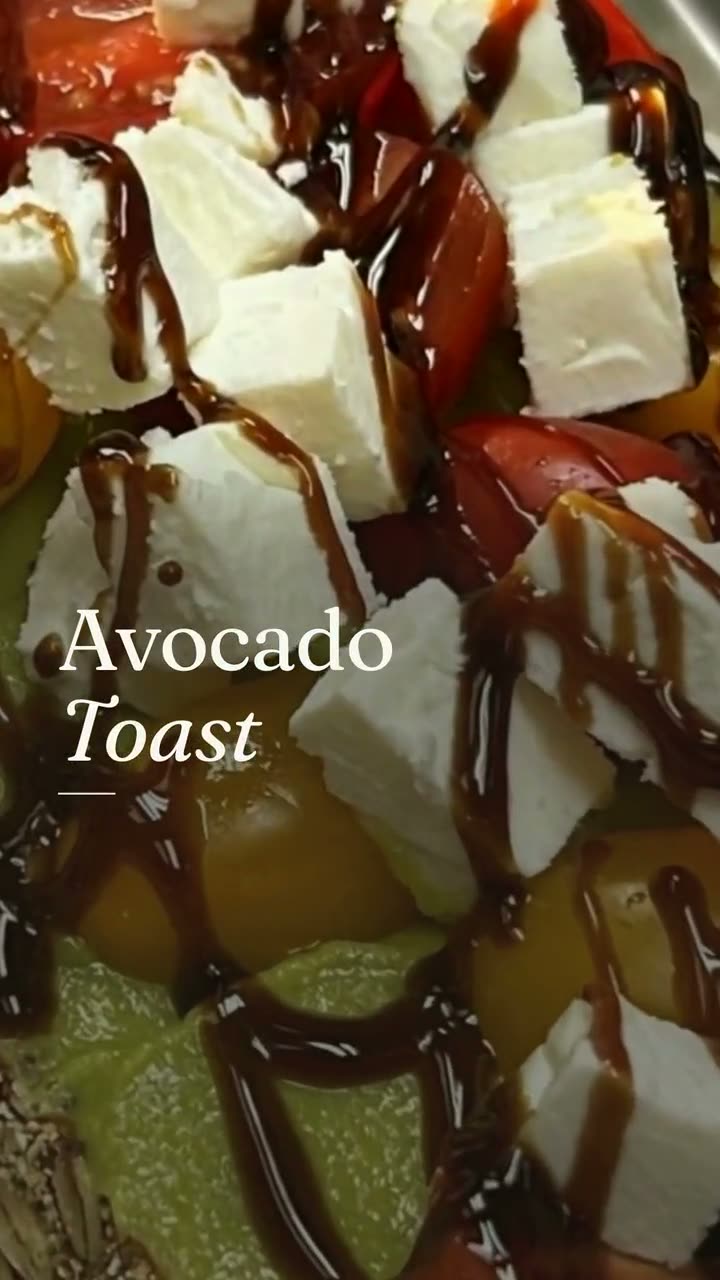
Each of these started as an everyday photo of a real dish, then became a post, a poster or a menu board in Studio.
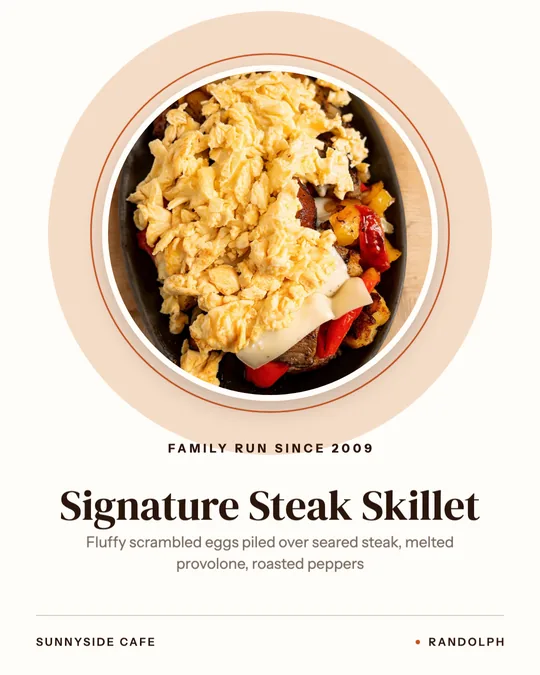
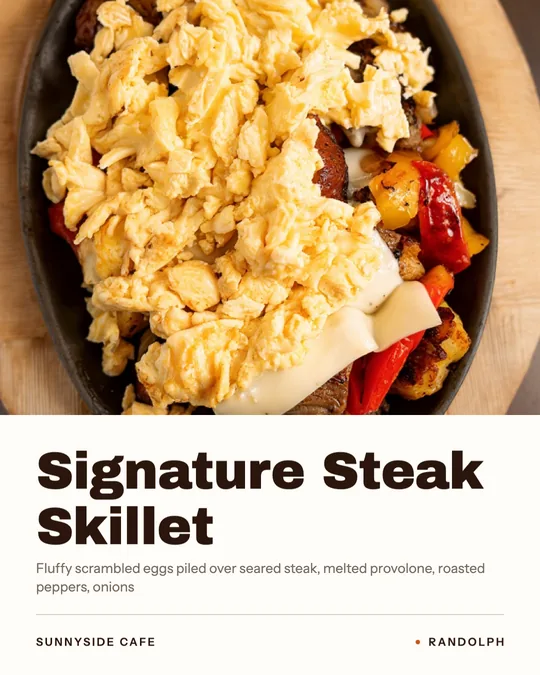
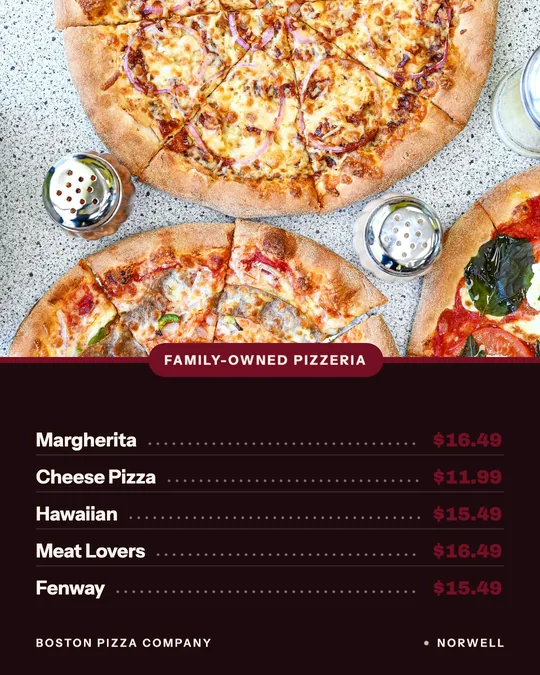
Made in Studio for Boston Pizza (Norwell, MA) and Sunnyside Cafe (Randolph, MA), shown with permission.
Plate the dish the way it goes to the table, wipe the rim, and take it to a table by the window before it cools or wilts.
Overhead for pizza, bowls and flat plates; a 45-degree angle for burgers, sandwiches and drinks. Fill the frame with the food and take five or six shots.
Add the best shots to Studio. It uses them for menu photos, posts, ads and videos, and keeps the food exactly as you shot it.
One clear photo per dish on your ordering site. Dishes with photos get noticed first on a phone menu.
The same photo becomes a feed post, a story or a carousel with the dish name and price.
Ad Studio applies ad styles to your dish photo for image and video ads.
One photo becomes a short video with a camera move and light, for Reels and TikTok.
Use your photos on menu boards, window signs and dish posters.
Fresh, real food photos on your profile help guests choose you in local search.
Studio never generates dishes. Every image and video starts from a photo of food you serve.
Studio is built around everyday phone photos and clips, so you don't need a photoshoot to get started.
A single good dish photo turns into a post, an ad, a video and a printed sign.
A professional restaurant photographer is worth it for a new opening, a full menu relaunch, a website hero image or a press kit, when you want lighting, styling and dozens of finished shots in one session. Ask for a shot list based on your menu, usage rights for web, social and print, and edited files delivered at full size.
For everything after that, like a new special, a seasonal dish or this week's posts, phone photos taken during service keep your menu photos current without booking a shoot every time.
On an online ordering menu, a photo is often the deciding factor for a guest scrolling on a phone, so every dish you want to sell should have one. On a printed table menu, photos work best used sparingly: a few hero dishes, rather than a picture next to every item.
 Text on food photoThe dish name, price or offer from your menu, laid out in the real empty space of your photo. The food stays exactly as photographed.
 Ad StudioPick an ad style, drop in a photo of your dish, and get a finished image or video ad. Nothing is generated from a text prompt. Your food is the hero.
 Video workspaceThree ways in: from photos, from your clips, or restyle a clip you shot. Every video starts with your real food.
 Food photo makeoverThe photos and clips you already have, reframed and relaid out. The food stays exactly as you served it.
 Food photo to videoOne photo of your real dish in, a short moving shot out. The food stays exactly what you serve.
 Instagram post makerYour menu and your photos in, a week of on-brand Instagram posts out.
 Google Business post makerA fresh post on your Google profile every week, made from the food people will actually be served.
$49/month with 600 credits included. On the full Servestack plan? Studio is included.