Servestack
FeaturesStudioSolutionsRestaurantsPricingIntegrationsCompareResourcesFree toolsAbout
Log inBook a demo

Servestack

Get connected with Servestack on social.
Don't miss our launches and case studies.
FeaturesStudioPricingLocationsCase studiesBlogSolutionsFree toolsDemo restaurantRefer a restaurantPartnersAboutContactPrivacyTerms
© 2026 Servestack Inc. Built in Boston, MA. All rights reserved.
Back to top
Home/Studio/Post ideas/Christmas post ideas
Seasonal: Christmas and New Year's Eve (December 2026)

17 Christmas restaurant post ideas for December 2026

A December plan that covers gift cards, parties, closures and New Year's Eve without a scramble.

Make these postsSee Servestack Studio
Updated September 29, 202617 ideasBy the Servestack team
Made for Boston PizzaAI

December is the busiest posting month of the year for most restaurants, and also the one where posts go wrong most often. Hours change three times in two weeks, the office party inquiries pile up, and somebody always shows up on Christmas Day because an old post said you were open.

In 2026 the calendar is fairly kind. Christmas Eve is a Thursday, Christmas Day a Friday, and New Year's Eve falls on the following Thursday, so each holiday sits next to a weekend. That gives you clear windows: gift cards and party bookings in the first half of the month, hours and last-minute gifts the week of the 21st, and a slower week between the holidays that needs a reason to come in.

Here are 17 post ideas for the season, in the order you'll need them, plus a week-by-week timeline. Each one points to the Studio tool or template that makes it from your own menu and photos, so the dishes and prices in your holiday posts match what guests will actually find.

The list

17 ideas you can post

  1. 1

    Gift cards are here

    Kick off the season in the last days of November or the first week of December. Show a dish people love, say gift cards are available and where to buy them. Caption starter: "The gift that's always the right size."

    Make it with Instagram post maker →
  2. 2

    Book your office party

    Post in the first week of December with what you offer: a private room, a set menu, a group price, how many you can seat. Say how far ahead people need to book. Run it as an ad if parties matter to your month.

    Make it with Ad maker →
  3. 3

    Catering trays for the office

    Not every office wants to go out. Post a clean menu of your trays with prices and how many each feeds, plus the notice you need. Save it to a Story highlight for the rest of the month.

    Make it with Menu poster maker →
  4. 4

    The holiday special

    If you run a seasonal dish, give it its own post with the dish filling the frame and the dates it's available. Post it the day it starts, not before. Caption starter: "Here for December only."

    Make it with Dish spotlight design →
  5. 5

    A seasonal drink in window light

    For cafes: the holiday latte or hot chocolate on the counter in morning light. Keep the post simple and say when it's available. A light-reveal video can bring a still photo to life (uses credits).

    Make it with Light Reveal AI video →
  6. 6

    Cookie and dessert tray pre-orders

    If you sell holiday cookies, dessert boxes or pies, announce pre-orders around December 7 with a deadline and a pickup date. Post the new item on the day orders open.

    Make it with New item drop video →
  7. 7

    All your December hours, on one sign

    By December 14, post one clear sign with every hours change through January 1: Christmas Eve, Christmas Day, the week between and New Year's. Print the same design for the door.

    Make it with Window sign design →
  8. 8

    Christmas Eve and Day on Google

    Set special hours for Thursday, December 24 and Friday, December 25 in your Google Business Profile, then add a post there with the same times. Searchers check Google first on holidays.

    Make it with Google Business post maker →
  9. 9

    A Merry Christmas poster

    Write one warm line in your own words, like "Merry Christmas from all of us at the counter," and have it lettered around a photo of a dish you're known for. It works as a feed post and as a printed sign (uses credits).

    Make it with Food poster maker →
  10. 10

    The team, in holiday mode

    A few seconds of your staff in the middle of a December rush, or together before a shift. Post it with a thank-you. Ask everyone first, and let people sit it out if they want.

    Make it with Reel maker →
  11. 11

    Order ahead in the busy week

    The week before Christmas, people are short on time. Post a plain order-online reminder in the late afternoon on the nights you want more pickup orders. Caption starter: "Wrapping all night? We'll handle dinner."

    Make it with Order online video →
  12. 12

    Last-minute gift cards

    From December 21 to 24, post that gift cards are still available, and whether you sell them in store, online or both. Put the last day and time you'll sell them in the design.

    Make it with Offer flash video →
  13. 13

    Closed for Christmas, back Saturday

    On Christmas Eve, post a short note with when you close that day and when you reopen. In 2026, if you close on Friday the 25th, Saturday the 26th is your reopening day. Pin it to the top of your profile until then.

    Make it with Instagram post maker →
  14. 14

    A reason to come in between the holidays

    The days from December 27 to 30 are slow for a lot of restaurants and full of people off work with visiting family. Post a daily special each morning to give them a reason to get out of the house.

    Make it with Daily special maker →
  15. 15

    New Year's Eve dinner

    Thursday, December 31 needs its own post by mid-December: a set menu, reservation times or a to-go dinner for people staying in. Post a reminder on the 29th. A falling-garnish video of your dish makes a festive feed post (uses credits).

    Make it with Falling Garnish AI video →
  16. 16

    New Year's Day hours and brunch

    Friday, January 1 is a brunch day for anyone who's open. Post your hours and a dish video of your brunch plate on December 31 so people see it that night or the next morning.

    Make it with Food photo to video →
  17. 17

    Give last year's holiday photo a new look

    Have a good photo from last December? Bring it in and give it a new layout, framing and captions. It's a quick way to fill the feed during the week you're too busy to shoot.

    Make it with Food photo makeover →
Real examples

What these look like

Made in Studio for Servestack restaurants, from their own photos and menus.

Falling Garnish — AI video · Boston PizzaAI
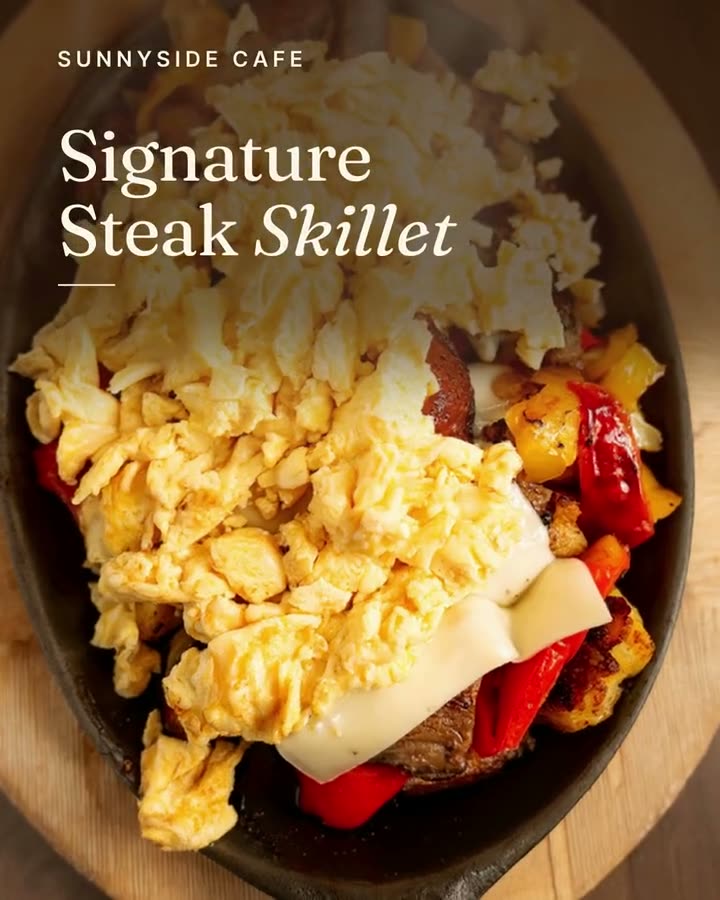
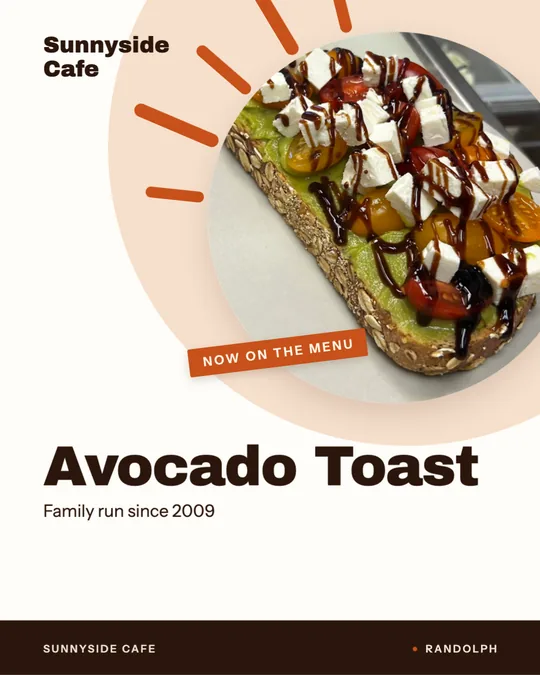
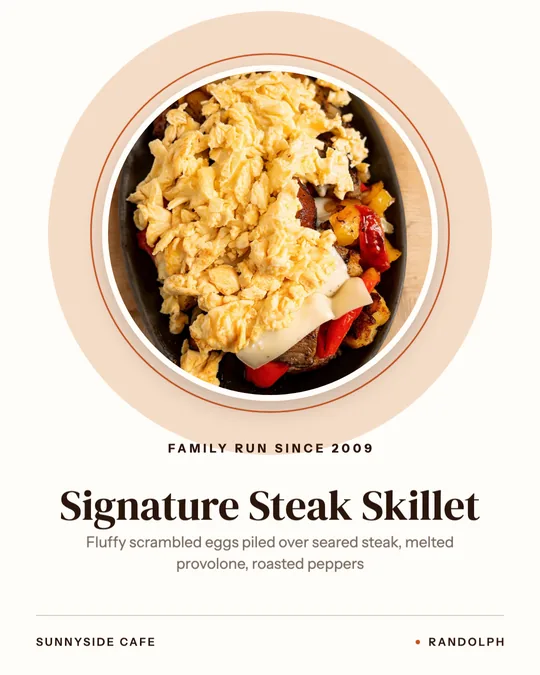
Window sign, made for Sunnyside Cafe
Window sign · Sunnyside Cafe
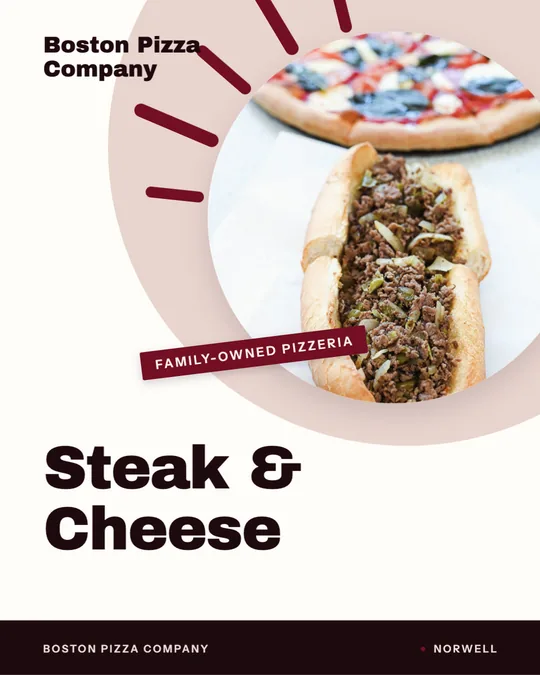
Window sign, made for Boston Pizza
Window sign · Boston Pizza
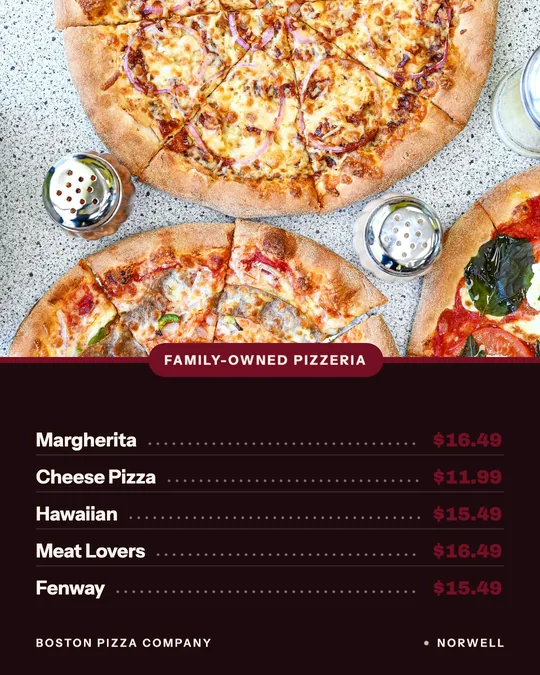
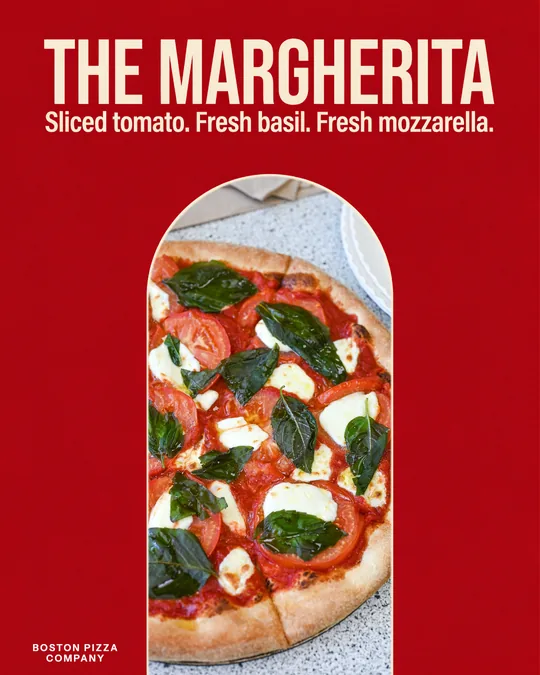
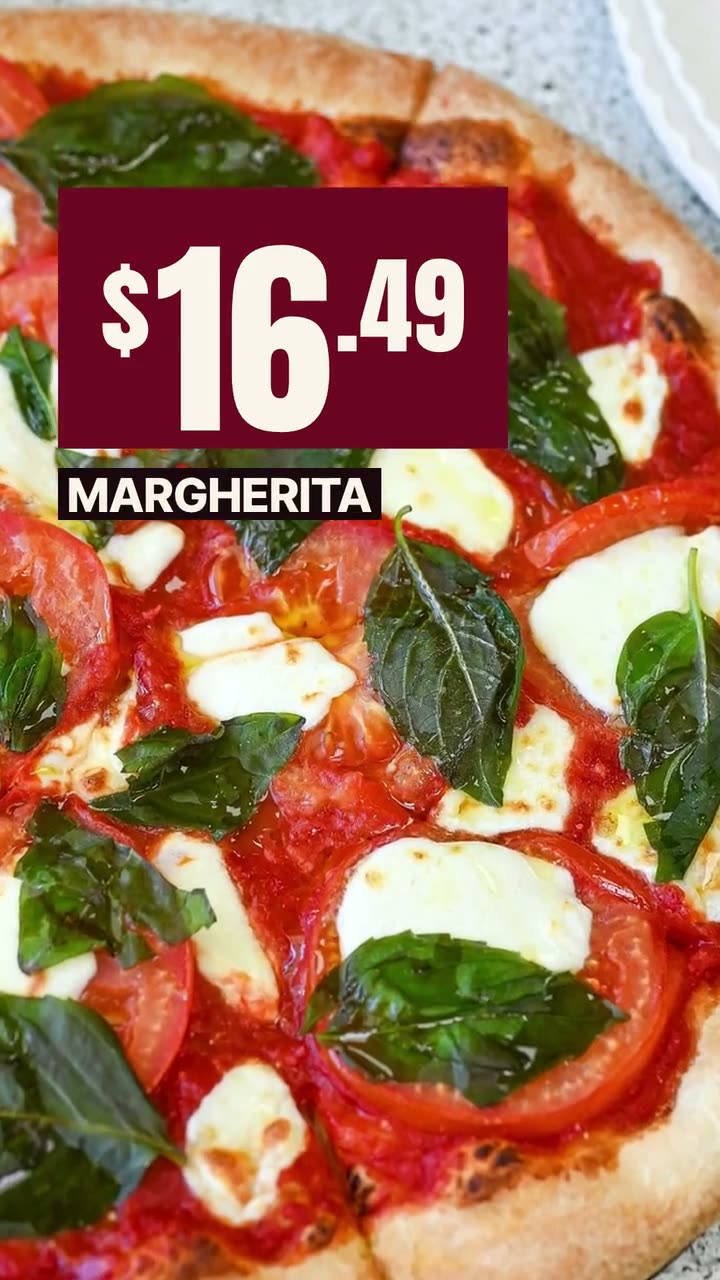
Menu board, made for Boston Pizza
Menu board · Boston Pizza
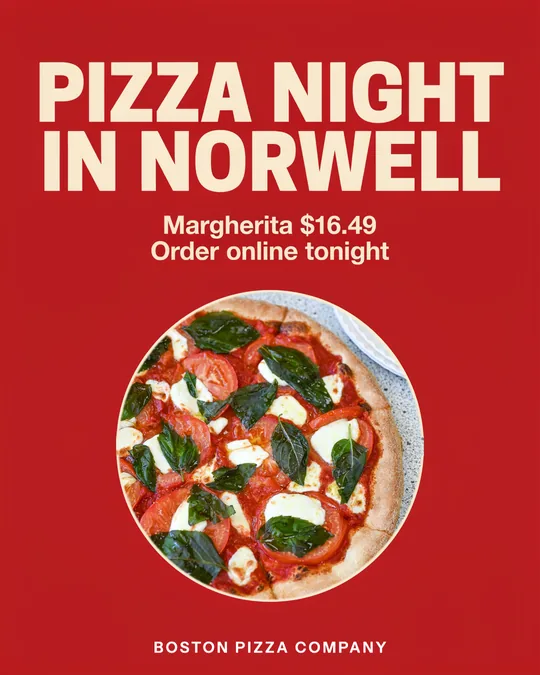
Your words, lettered — Circle, made for Boston Pizza
Your words, lettered — Circle · Boston PizzaAI
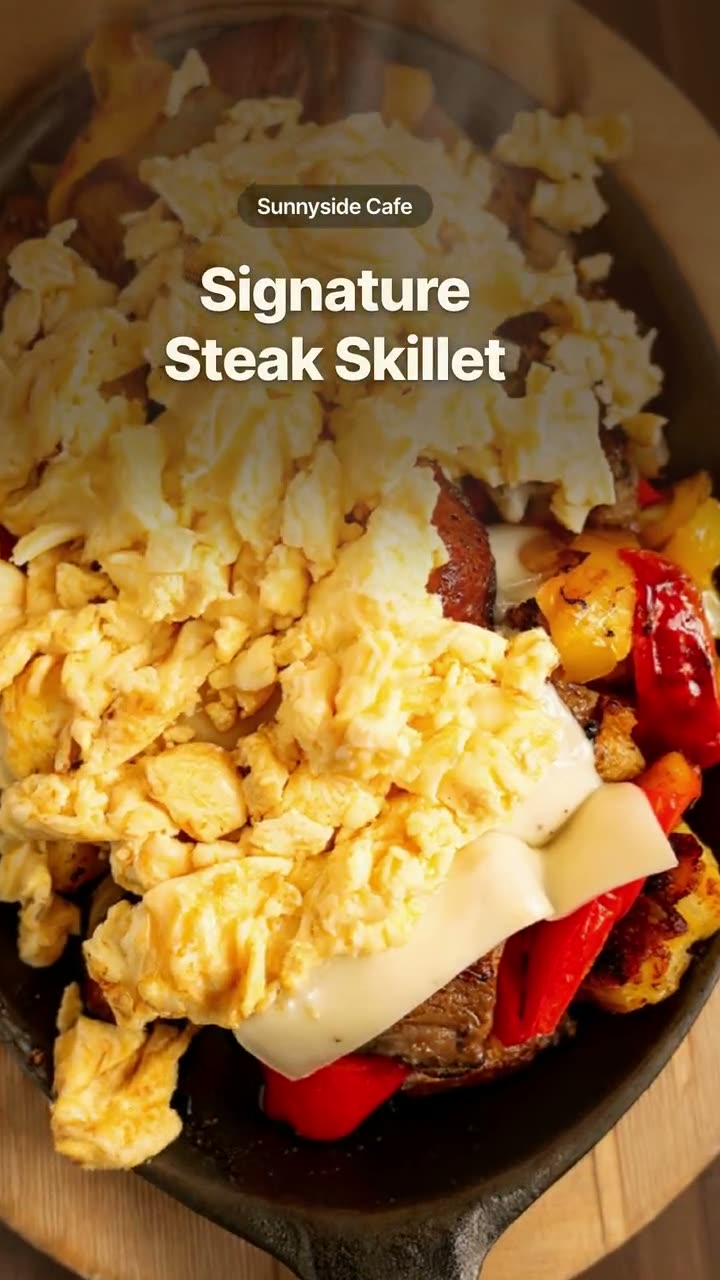
Light Reveal, cut as a dish story · Sunnyside CafeAI
Order online — Native captions · Sunnyside Cafe
Chef's pick, made for Sunnyside Cafe
Chef's pick · Sunnyside Cafe

Shown with permission: Sunnyside Cafe (Randolph, MA) and Boston Pizza (Norwell, MA).

December 2026 posting timeline

  • Nov 27 to Dec 6: gift cards launch; office party and catering posts.
  • Dec 7 to 13: holiday special, seasonal drink, dessert tray pre-orders.
  • Dec 14 to 20: the full hours sign, Google hours, New Year's Eve announcement, order-ahead reminders.
  • Dec 21 to 24: last-minute gift cards, pickup reminders, Christmas Eve closing time and reopening day.
  • Fri, Dec 25: a Merry Christmas post, then nothing else. Let the account rest.
  • Sat, Dec 26 to Wed, Dec 30: reopening post, then a daily special each morning, plus a New Year's Eve reminder on the 29th.
  • Thu, Dec 31: New Year's Eve dinner and January 1 hours. Fri, Jan 1: brunch post.

Holiday hours posts people can read in two seconds

  • Put the day of the week next to every date: "Thu, Dec 24: 7am to 2pm."
  • List only the days that change. Everything else is "regular hours."
  • Say "closed" in plain type, not in a festive script that's hard to read.
  • Use the same design in the feed, your Story, Google and the front door.
  • Post it early, then again the day before each change.

Keep December's posts consistent

The hardest part of December isn't the design. It's keeping the hours, prices and dates identical everywhere. Studio pulls dish names and prices from your menu, and the same post can be sized for Instagram, Facebook, Google Business Profile and TikTok, so one change doesn't leave an old version floating around. Make the month's posts in early December and schedule them. You can still edit any of them before they go out.
FAQs

Frequently asked
questions

What days are Christmas and New Year's Eve in 2026?
Christmas Eve is Thursday, December 24, Christmas Day is Friday, December 25, and New Year's Eve is Thursday, December 31. New Year's Day is Friday, January 1, 2027.
When should a restaurant start posting gift cards?
Right after Thanksgiving, then again in the last few days before Christmas. Those are the two moments when people are actively buying gifts.
How early should I post holiday hours?
At least a week before the first change, so by mid-December. Post again the day before each holiday and update your Google Business Profile hours at the same time.
What should a restaurant post on Christmas Day?
One short holiday message, with your reopening day if you're closed. Keep it warm and simple and skip the sales pitch.
How do I promote office party bookings?
Post what you offer, group size limits, pricing and how far ahead to book in the first week of December. A paid ad aimed at your area can help if parties are a big part of your month.
Can I use the same Christmas poster in my window?
Yes. Anything you make in Studio can be downloaded for print, so the window sign and the Instagram post can match.
Keep exploring

More from Servestack Studio

Related tools See all

Food poster makerOne dish, one line in your own words, set like a poster you'd hang in the window.Ad makerThe creative for your next restaurant ad, made from your own food and your real offer.Google Business post makerA fresh post on your Google profile every week, made from the food people will actually be served.

Templates to try See all

Window sign designOne design for the glass out front and the feed, so walkers and scrollers see the same dish.Order online videoRemind people they can order from you, in every size the platforms want.

By type of restaurant See all

Cafe & coffee shopA reason to stop in, posted before your regulars have finished their first cup.BakeryTell the neighborhood what came out of the oven this morning, before it's gone.

Post ideas See all

Thanksgiving post ideasWhat to post from early November through Small Business Saturday, with the dates already worked out.Instagram post ideasA full month of posts you can make from the menu and photos you already have.

Make this week's posts from your own menu.

$49/month with 600 credits included. Already on Servestack Starter or Scale? Studio is included.

Start freeAlready have Servestack? Open Studio