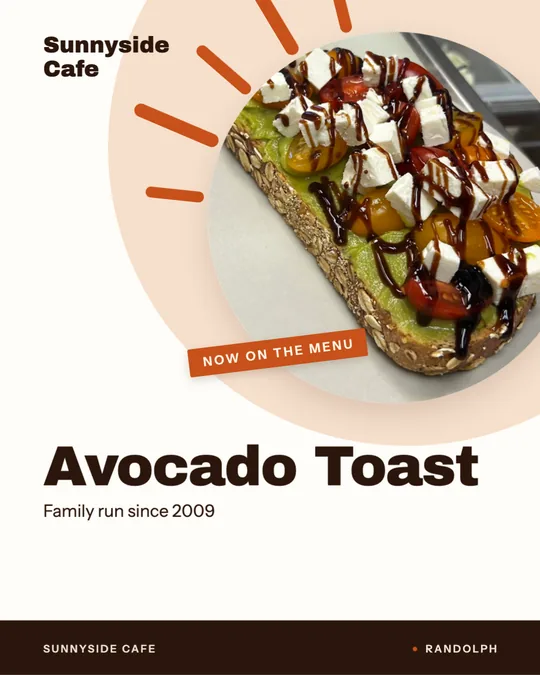
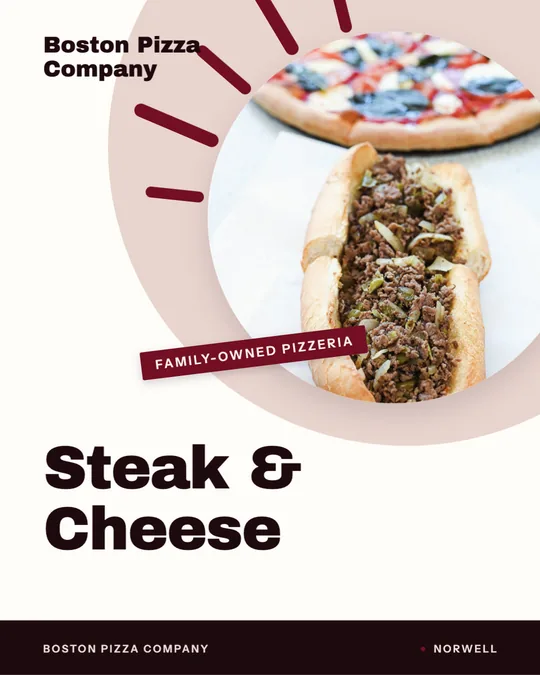
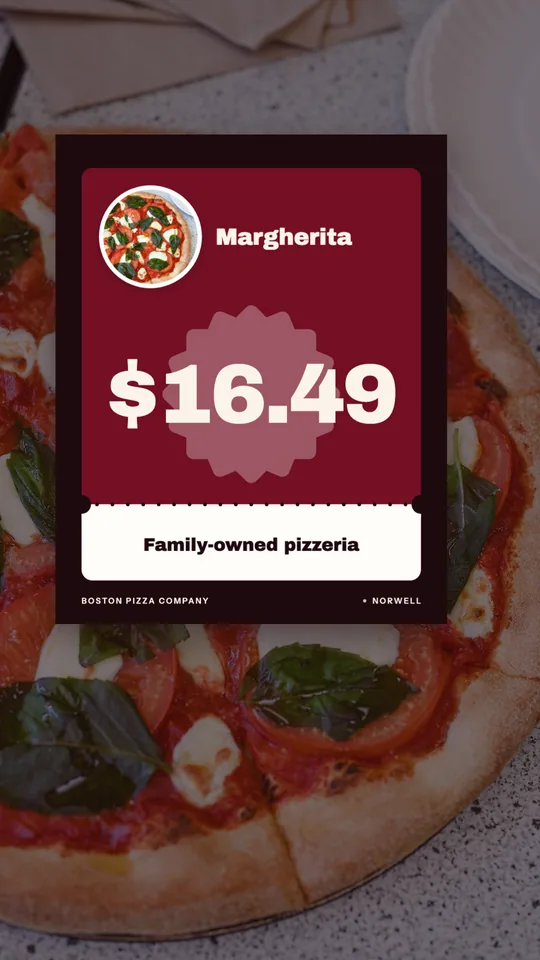
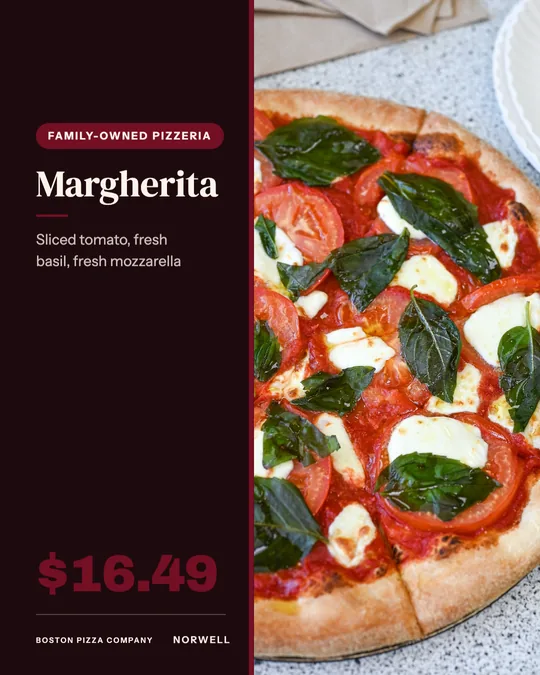
The mistake is to make one flyer and hope it covers everything. A new restaurant is better served by two short pieces: a teaser before you open and a celebration once the doors are unlocked.
Two flyers, two jobs
The first flyer is a teaser. It goes out one to three weeks before opening and says what is coming, the cuisine, the street and the date. It builds a little curiosity and gets people to follow you. The second flyer goes out in the opening week and is all about the invitation: doors open, here is the offer, come in.
Headline ideas for the opening
Lead with the news, then the reason to come.
- Now open on Main Street.
- Coming soon, and we saved you a seat.
- Opening day is Saturday. Come hungry.
- Meet your new neighborhood kitchen.
- Be one of our first guests.
Opening offers that make sense
An opening offer should be easy to honor and easy to understand. Options include a free starter with any main during opening week, a small tasting plate for every table, a short opening menu with a few signature dishes, or a punch card that starts on day one. Only promise what you can deliver at full volume, because opening week is the hardest week for a kitchen.
What the flyer must say
- The opening date and first service time.
- Your full address and the nearest cross street.
- Cuisine in a few words, so people know what you are.
- A line about who you are, such as a family recipe or a chef from the area.
- Your social handle or QR code for updates.
Sizes and formats
Use 5.5 by 8.5 inches for door-to-door hand-outs and 8.5 by 11 inches for the window and for partners. A large poster in your window announcing the date is often the best free advertising you have. For social, make a story-sized 1080 by 1920 pixel version for countdown posts and a 1080 by 1350 pixel feed post for the date announcement.
Where to take them
Go on foot. Visit the businesses within a few blocks, introduce yourself and leave a stack. Offices, gyms, salons, schools and apartment lobbies are strong targets. Invite neighbors, local landlords and nearby owners to a soft opening, because they will tell others. Post in neighborhood groups, and give early guests a reason to bring a friend.
Opening-week checklist
- Date and time confirmed and spelled correctly.
- Permits and hours settled before you print.
- Offer limits and end date stated.
- QR code tested on two phones.
- Teaser out three weeks early, invitation out one week early.
Mistakes new restaurants make
The most common errors are printing before the opening date is certain, promising an offer the kitchen cannot sustain, and leaving off the address. Another is waiting until the last week to start. Giving the neighborhood a few weeks of reminders builds a crowd that arrives on day one.
Keep the momentum after week one
When opening week ends, swap the invitation for a reason to return. A loyalty card, a weekly special or a simple thank-you to early guests keeps the first crowd coming back. Ask happy guests to tag you or leave a review while the experience is fresh.
Using Studio
Studio can make both flyers from one brand profile and turn each into a post or story. Start with your name, logo and brand color, write the opening details yourself, and review the draft before printing.