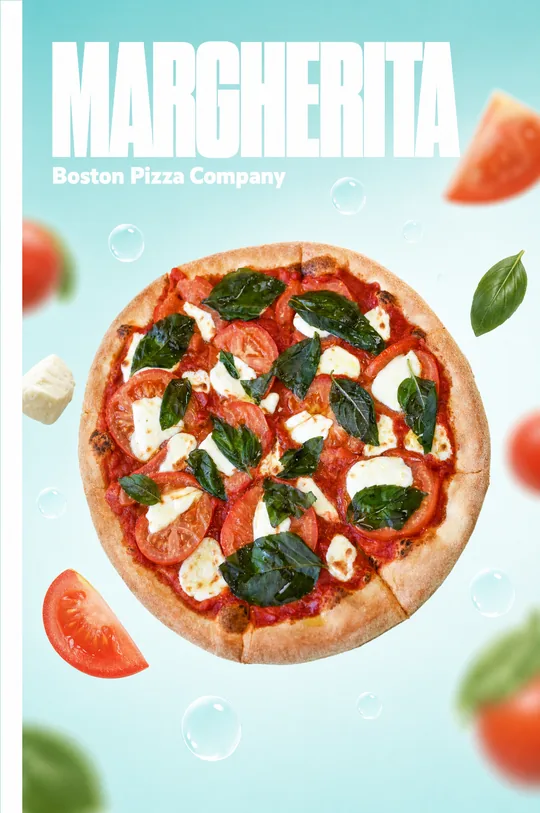
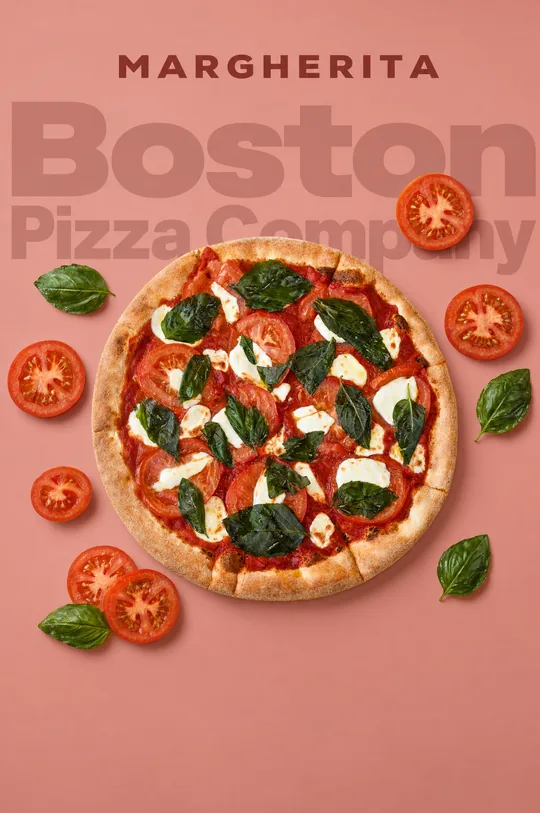
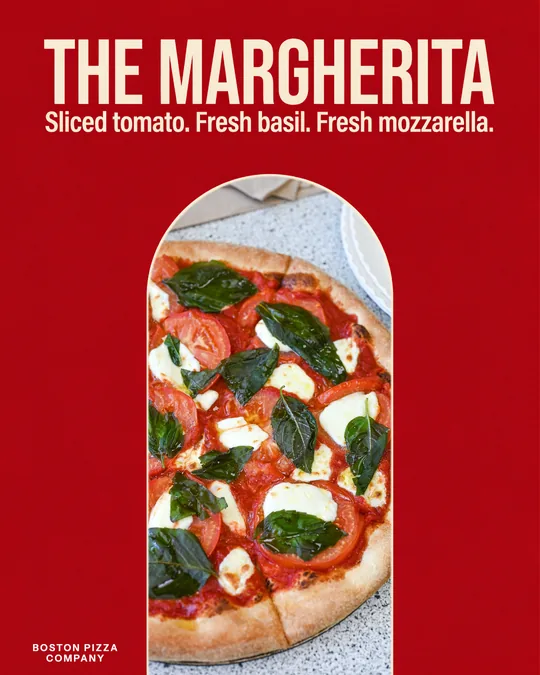
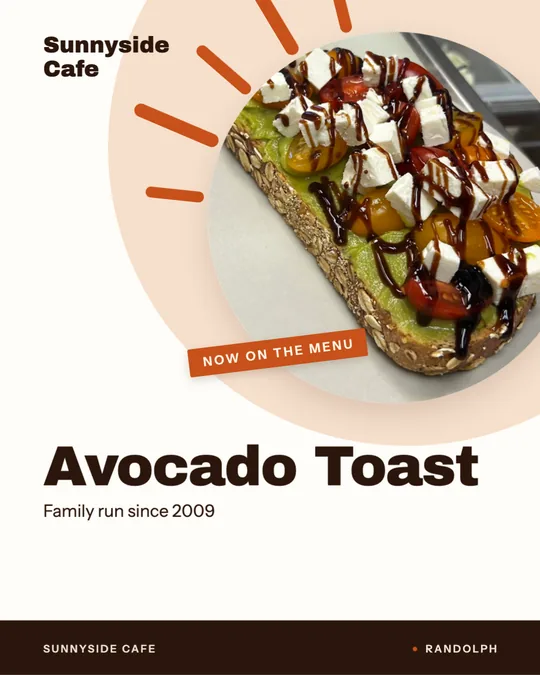
An AI poster generator can get you a strong layout in seconds, but the useful part is knowing what to ask for. This page covers poster sizes, the few rules that make a poster readable at a glance, how free options and tools like Canva compare, and how to make a restaurant poster in Servestack Studio.
Where restaurant posters earn their keep
A poster works best when it announces one thing to people who are already close to you. That includes the window facing the sidewalk, the wall by the register, the board in a laundromat or campus building, and the bulletin board at a gym or office. It is a weak fit for complicated messages. If the idea needs a paragraph to explain, make it a flyer or a post instead.
Good poster jobs for a restaurant include a seasonal dish, a weekly night, a limited-time offer, a hiring call, a catering reminder and a holiday hours notice. Each one can be understood in about three seconds.
Poster sizes to know
Most restaurants print posters at a local shop or on a wide-format printer, so ask what they stock before you design. These sizes are common and easy to find frames for.
- 11 by 17 inches (tabloid): fits a window corner, a counter or a bulletin board, and prints on many office printers.
- 18 by 24 inches: a standard poster size for a window or an entry wall.
- 24 by 36 inches: for larger windows and wall displays, best with very short text.
- Digital version: 1080 by 1920 pixels for a story, or 1080 by 1350 pixels for a feed post.
Five rules for a poster people actually read
These rules matter more than any template choice.
- Use a headline of seven words or fewer, set large enough to read from ten feet away.
- Show one image, ideally one real dish, and let it take up at least a third of the space.
- Keep contrast high: dark text on a light area, or light text on a solid dark area, never over detail.
- Put the call to action last and make it concrete, such as the date, a phone number or a QR code.
- Leave empty space. A calm poster looks confident, and a crowded one looks like a sale rack.
Free tools, Canva and when a specialist helps
Free AI poster generators are fine for a quick experiment. Look at what the free level allows, whether exports are watermarked, and whether the file is large enough to print at poster size. A poster that looks sharp on a phone can turn soft at 18 by 24 inches.
Canva is a popular general design tool with an AI poster feature, and it suits people who design many different things. A restaurant poster tool like Studio saves effort when you want your logo, brand color and dishes applied without rebuilding them each time.
Mistakes that make posters invisible
Watch for these before you send a file to print.
- Fitting a full menu or a long paragraph onto one poster.
- Choosing a decorative script for the headline, which is hard to read at distance.
- Letting the AI add stray text, logos or a made-up address that you did not request.
- Using a low-resolution image that looks fine on screen but pixelates in print.
- Forgetting the date, so a poster for last month stays in the window.
Make a restaurant poster in Studio, step by step
Studio can make posters where you supply the exact words, and it applies your brand automatically.
- Set up your brand profile with your name, logo and brand color, or import from your website.
- Tell Studio what the poster announces, in one sentence.
- Write the headline and the date or action line yourself, so the poster says exactly what you intend.
- Add a dish photo, have Studio lift one with Make it look better, or ask for AI art in a style such as gouache.
- Choose a print format or a story format, then review the draft and ask the chat assistant for changes.
- Read every word, then export it for your print shop or your social accounts.
Poster copy that works, with examples
The words on a poster do most of the selling, so write them before you open any tool. Say the thing, then say when. A seasonal dish poster might read Butternut squash ravioli, back for fall, with a line beneath it reading Tonight through October. A hiring poster might read Line cook wanted, then Ask for Maria or scan to apply. A hours notice might read Open until midnight on Fridays. Short, concrete and specific beats clever every time.
Read the poster aloud from the other side of the room. If you cannot get the point across in one breath, cut words until you can.
Prepare the file for print
Ask your print shop for their preferred format, which is usually a PDF. Check the resolution at the final size, add bleed if the background runs to the edge, and keep important text well inside the trim. Print a single copy first and tape it up where it will hang, then step back to check that it reads from the distance people will see it.
A note on credits
Studio runs on credits and has its own signup at studio.servestack.ai. If your poster points people to order, your Servestack storefront handles that without commission.