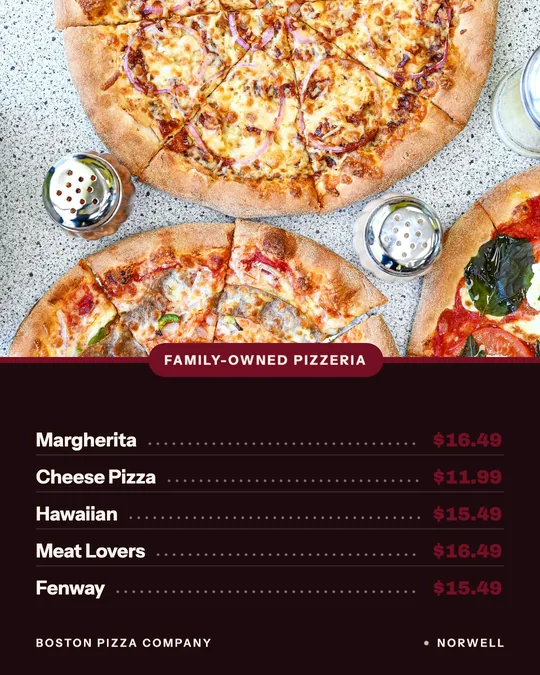
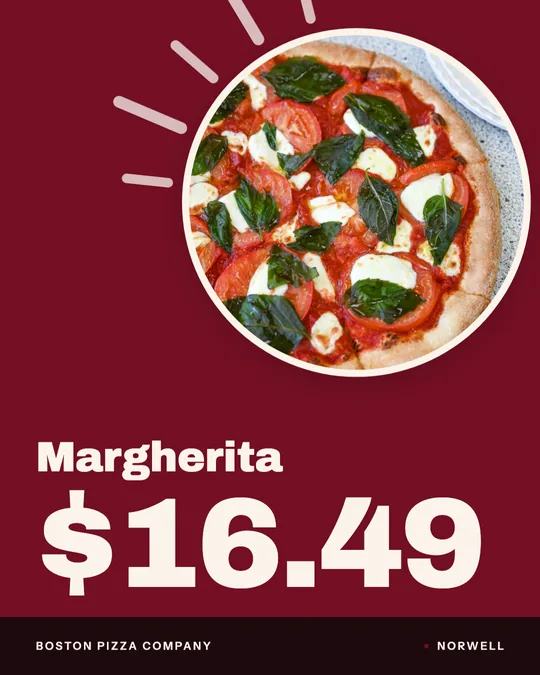
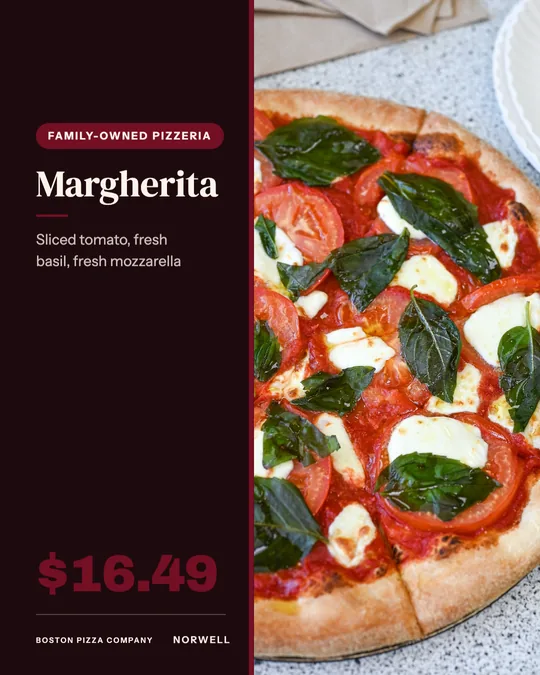
This guide covers common screen sizes and resolutions, layout, readable type at distance, how many items fit, dayparts, motion, photos, price display and accessibility, then how to make the board images in Studio and show them on standard screens.
Start with the screen you already have
Most commercial and consumer displays are 16:9. At full HD that is 1920 by 1080 pixels in landscape, and 1080 by 1920 when the same screen is rotated to portrait. Higher resolution displays exist, but a full HD image looks sharp on most of them.
Measure the screen, note how far the farthest guest stands, and choose landscape or portrait before you design anything. A slim portrait screen beside the register suits a short menu. A wide landscape screen above the counter suits a longer one with photos.
Landscape or portrait
Landscape works above a counter, where people read left to right across a wide area. Portrait works in a narrow window, beside a door or next to the register, where it reads like a printed menu card. In portrait, stack sections in one tall column. In landscape, use two or three columns.
Design each orientation as its own file. A landscape layout rotated on its side wastes space and shrinks the type.
Keep items per screen low
A menu board is read in seconds by someone in line. The more you cram in, the longer each guest spends decoding it and the longer the line gets. A practical target for a counter board is roughly 8 to 12 items per screen, with larger groups split across rotating screens or several displays.
Adjust that number to your screen size and viewing distance. With thirty items, do not shrink the type to fit them all. Rotate three screens of ten, or feature your top sellers and leave the rest to a printed menu or your online ordering page.
Legibility at distance
Type size is the first thing to test. A common rule of thumb is about one inch of letter height for every ten feet of viewing distance for a quick read, so a guest standing twenty feet away needs letters near two inches tall on the physical screen. Check this on the screen itself, not on your laptop.
Contrast matters as much as size. Use dark text on light or light text on dark, avoid thin script fonts, and put a solid or darkened panel behind any text over an image. Window glare changes how a board looks at noon, so check it at the brightest time of day.
Layout and hierarchy
Guests scan, they do not read. Give the eye a path: a clear header, group names, item names, then prices. Align prices in a single column or place them right after the name, so they are easy to compare. Leave generous space between groups.
Put the items you most want to sell where eyes land first, usually the top left of a landscape board. Keep descriptions to a few words, and keep allergen or dietary markers consistent.
Dayparts: change the board as the day changes
A digital screen can show different menus at different times. Breakfast, lunch, dinner, late night and happy hour each need their own board. Build them as separate images and swap them at the times your kitchen switches over.
Get the switch right. A board that shows breakfast at noon frustrates guests, and one that advertises a happy hour price after it ends causes disputes. Schedule the swap, test it, and have staff check it every opening shift.
Motion, photos and pricing
Motion draws the eye, but too much makes the menu hard to read. Use a slow rotation between screens, a gentle fade, or a short loop of a signature dish. Keep prices and item names still, and never flash.
Use real photos of your food on a few items, shot well and matched to the plate you serve. For prices, be clear and consistent. Pick one format, such as 12 or 12.00, and use it on every screen. If tax or fees are added later, say so in small text. Update the board the moment a price changes.
Accessibility
Design for people who cannot read a screen easily. Use high contrast, large type, and simple fonts. Do not rely on color alone to carry meaning, such as red for spicy, because some guests will not see the difference. Add a word or icon next to it.
Mount screens where seated guests can read them, keep a large print menu available, and train staff to read the board aloud when asked. Avoid text that disappears before it can be read.
Designing board images in Servestack Studio
Servestack Studio makes menus, posters and flyers from your restaurant name, logo, brand color and menu. It can import your menu from your website or read a printed menu from a photo, so your dish names and prices start from what you already publish. Describe the board you want, such as a lunch board with a combo highlighted, and Studio designs it in your brand.
Studio does not provide screens, hardware or signage software. It produces the design, which you export as an image sized for your display. Review every item and price before it goes on screen, since you are the one who confirms accuracy.
Getting the images onto a screen
Any ordinary display with a computer, streaming stick or built in media player can show a menu board. The simplest setup is an image or slideshow played from a USB stick or a media player app set to loop, and many commercial displays and TVs can already do this.
For rotating dayparts, put each board in its own image file, name them clearly, such as lunch-landscape, and schedule them in whatever player or app you use. Test at the real viewing distance, at the brightest hour, before opening day. Keep a backup copy of every file in case a screen has to be reset.
| Screen setup | Pixel size | Best for | Layout tip |
|---|---|---|---|
| Landscape full HD | 1920 x 1080 | Wide screen above the counter | Two or three columns; photo on one side |
| Portrait full HD | 1080 x 1920 | Narrow window or beside the register | One tall column; prices aligned |
| Landscape 4K | 3840 x 2160 | Large screens and close viewing | Design at 1920 x 1080 and scale up, or export larger |
| Square or custom | Match the screen | Odd shaped displays | Design at the exact pixel size |