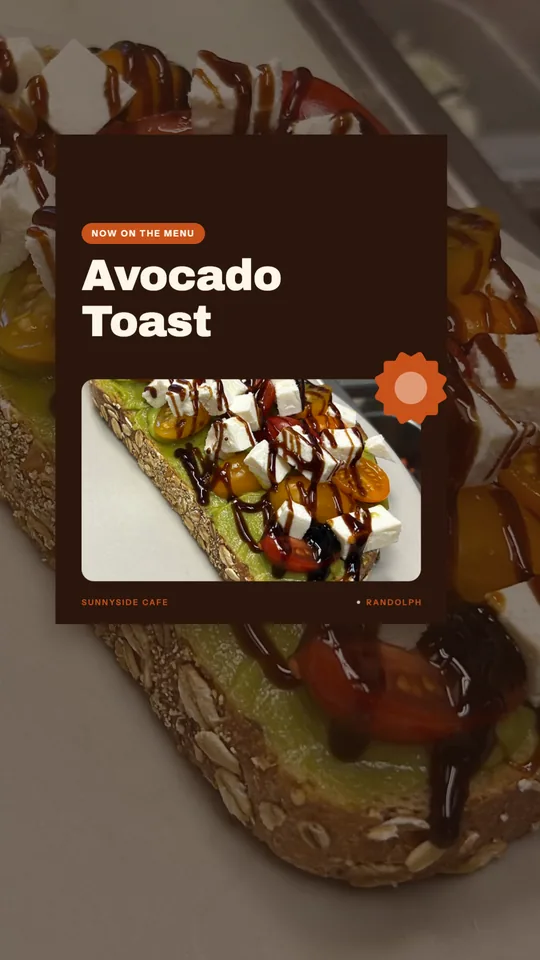
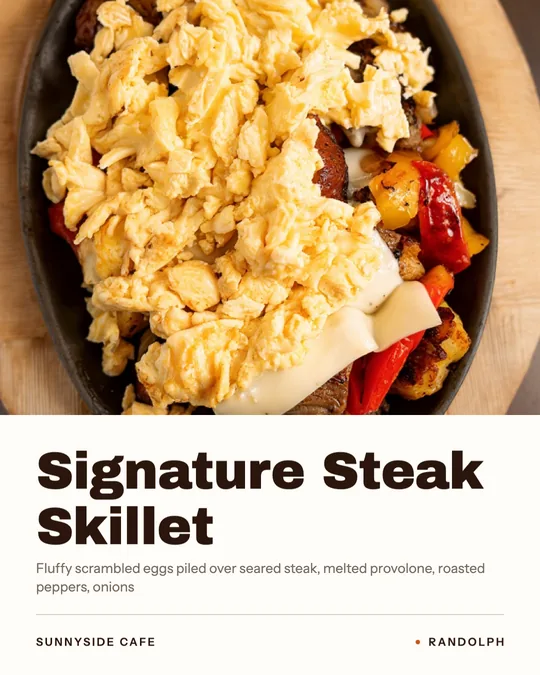
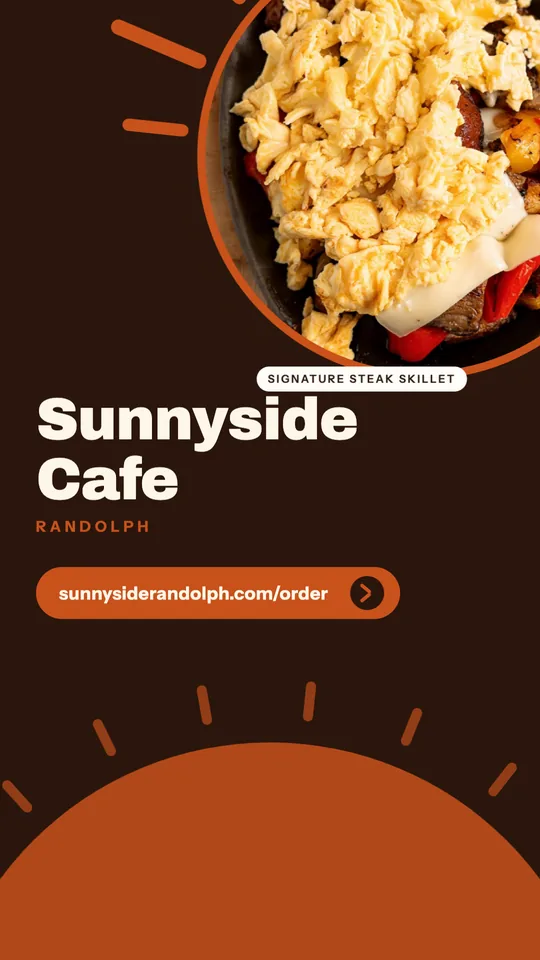
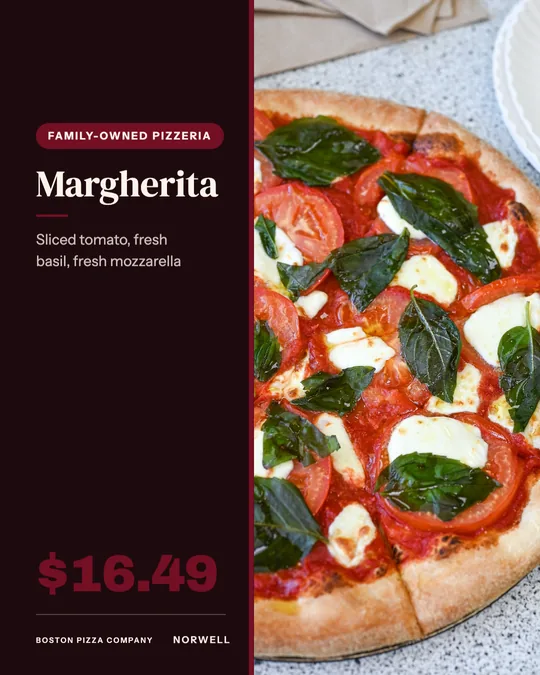
This guide starts with the profile setup that most restaurants get wrong, then covers the link to direct ordering, reels, stories, highlights and creator collaborations, with a list of restaurant Instagram ideas you can use this month.
Set up the profile so a stranger can order
Someone who finds you on Instagram gives you a few seconds. Make those seconds count. Switch to a professional account and choose the right category, such as restaurant or pizza place, so contact buttons appear. In the name field, use your restaurant name plus what you are and where, for example your name, wood-fired pizza, and your neighborhood, because that field is searchable.
Write a bio that answers four questions in a few lines: what you serve, where you are, when you open, and how to order. Use your logo as the profile picture, since it is shown in a small circle and must stay readable. Add the address, phone and hours, and turn on any call, directions or order buttons available to you.
Point the link to direct ordering
Your bio link is the most valuable real estate on the profile, and most restaurants waste it on a homepage or a delivery marketplace page. Send it to your own ordering page, so a guest who gets hungry can place an order in a couple of taps and you keep the customer data. If you need more than one link, use a simple link page with ordering first, then reservations, catering and the menu.
Add a unique tag to that link so your reports show how many orders started on Instagram. Mention the link in captions and stories. Link stickers in stories can point to the same ordering page. Our restaurant social media guide covers the wider posting plan.
Reels that sell food
Reels reach people who do not follow you yet, so they are your best tool for discovery. Keep them short and visual. Open with the most appetizing moment in the first second, such as the cheese pull, the knife through a crust or the pour, rather than a title card. Film vertically, in natural light, and add on-screen text, because many people watch without sound.
Reliable formats include a dish being made from start to finish, a day in the kitchen, a new special reveal, a staff pick, and a quick tour of the room before service. Post a few a week if you can, and do not worry if some do poorly. If you need help producing them, Servestack Studio can build reels from your brand, menu and clips. Use music that is cleared for business accounts, since popular tracks may be limited on professional profiles.
Stories for day-to-day updates
Stories disappear after a day, which makes them a good place for the unpolished, timely things: today's special, a sold-out item, a short wait on the patio, a thank-you to a table that asked to be tagged. Use polls and question stickers to ask what guests want next. Add the link sticker to your ordering page when you promote a limited item, and reshare guest photos that tag you, with their permission.
Highlights as a permanent menu
Highlights keep selected stories on your profile. Use them as a mini website: Menu, Hours and Location, How to Order, Catering, Specials and Reviews. Make simple cover images in your brand colors with a clear label. A new visitor can learn the essentials without scrolling the grid.
Restaurant Instagram ideas to rotate
When you are stuck, pick from this list and match it to the day.
- A dish at its best, shot from above or at table level in daylight.
- Meet the team: a cook, a server or the owner in one sentence and one photo.
- A recipe moment: what goes in the house sauce, without giving away the secret.
- A before-and-after of a plate being built.
- Behind the scenes of prep, deliveries from a local supplier or the first batch of the day.
- Menu change announcements and last call on seasonal items.
- Guest photos with permission, credited by name.
- A community moment: a local team in your dining room, a charity night or a neighbor's shop.
Collaborations and creators, done openly
Local food creators can introduce you to new guests, and collaboration posts let you share a post across two accounts. Choose creators whose audience lives near you, check their past posts for honest work, and agree in writing on what they will post, when, and what they receive.
Disclosure is not optional. If you pay a creator or give them free food or other benefits in exchange for a post, they must make the connection clear, using Instagram's paid partnership label and a plain statement in the caption, in line with Federal Trade Commission guidance. You should ask for this in your agreement. Do not ask creators to say things they did not experience, and do not use fake accounts or AI-generated people posing as real guests.
Respond and measure
Reply to comments and direct messages quickly, since a question about hours or allergens is often a guest deciding whether to visit. Once a month, look at which posts earned saves, shares, profile visits and link taps, and which led to orders. Do more of what earned them.