Updated October 2, 2026 · 14 min
Restaurant social media marketing works when it does one thing: makes someone nearby hungry enough to order today. That means real food, posted consistently, with an easy way to order. It doesn't take a content team. This playbook covers which platforms matter for restaurants, a weekly plan you can keep up during service, how to shoot food on a phone, captions that convert, when to pay for ads, and how to tell whether any of it works.
Which platforms matter for restaurants
Start with Instagram and Google Business Profile. Add TikTok when you can post short videos every week, and use Facebook for events and community news.
| Platform | Best for | What to post | How often |
|---|---|---|---|
| Regulars and nearby discovery | Dish photos, Reels, Stories with specials | 3–5 posts a week, Stories daily | |
| TikTok | Reach beyond your followers | Kitchen moments, dish close-ups, behind the scenes | 2–4 videos a week |
| Local community, events, older guests | Specials, events, hours changes | 2–3 posts a week | |
| Google Business Profile | People searching right now | Photos, specials, updates with an order link | 1–2 posts a week |
A weekly posting plan you can keep
Consistency beats volume. A plan you can keep during a busy week does more than a burst of posts followed by silence:
| Day | Post | Format |
|---|---|---|
| Monday | This week's special | Photo post + Story |
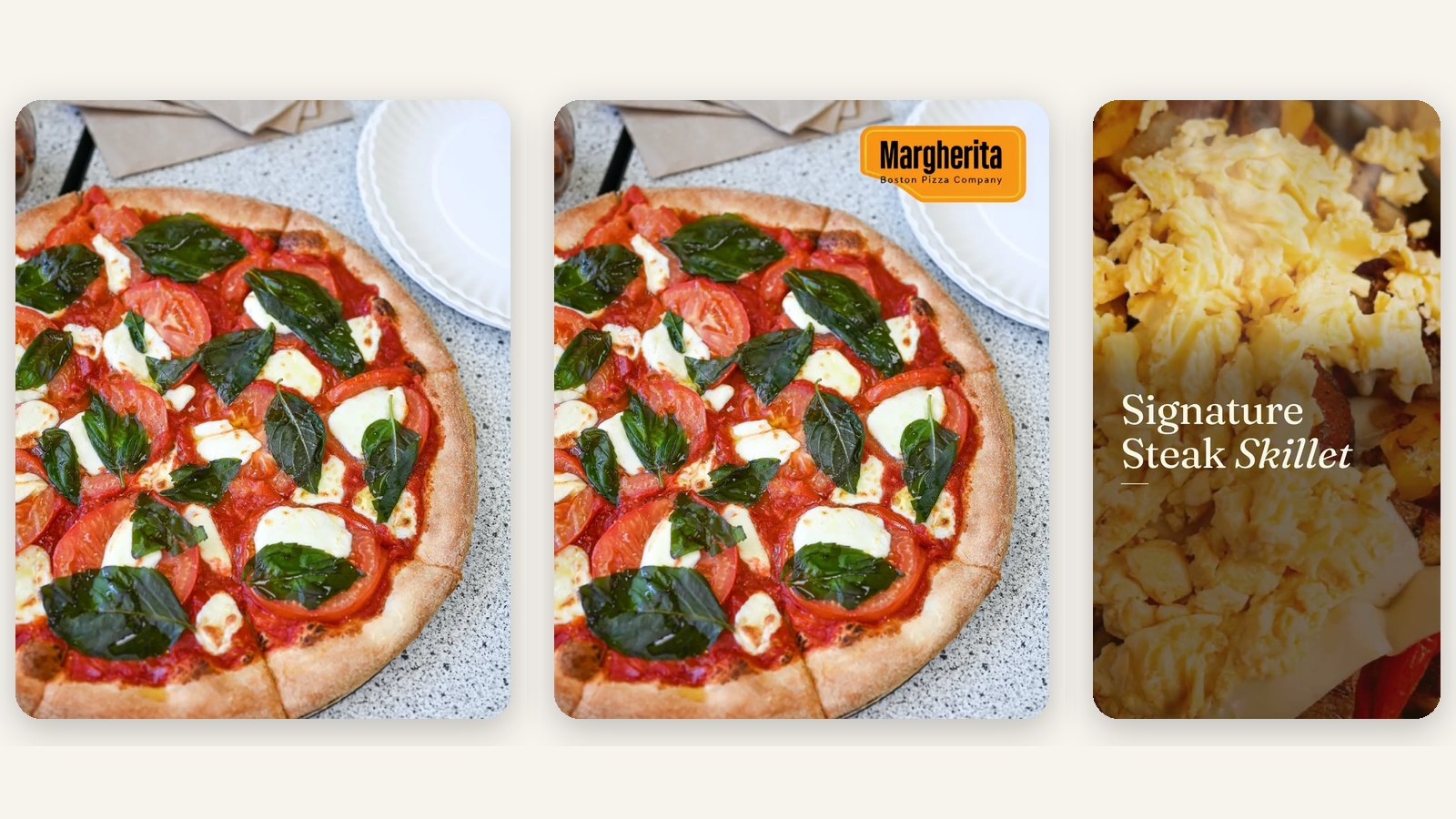
| Wednesday | A dish in action (the pour, the cut, the cheese pull) | Reel or TikTok |
| Thursday | Weekend reminder: hours, reservations or catering | Story + Google post |
| Friday | Your best-seller, with an order link | Photo post + Story |
| Sunday | Behind the scenes: prep, the team, a regular | Reel or carousel |
How to shoot food content on a phone
- Shoot by a window with the overhead lights off; side light makes food look like food.
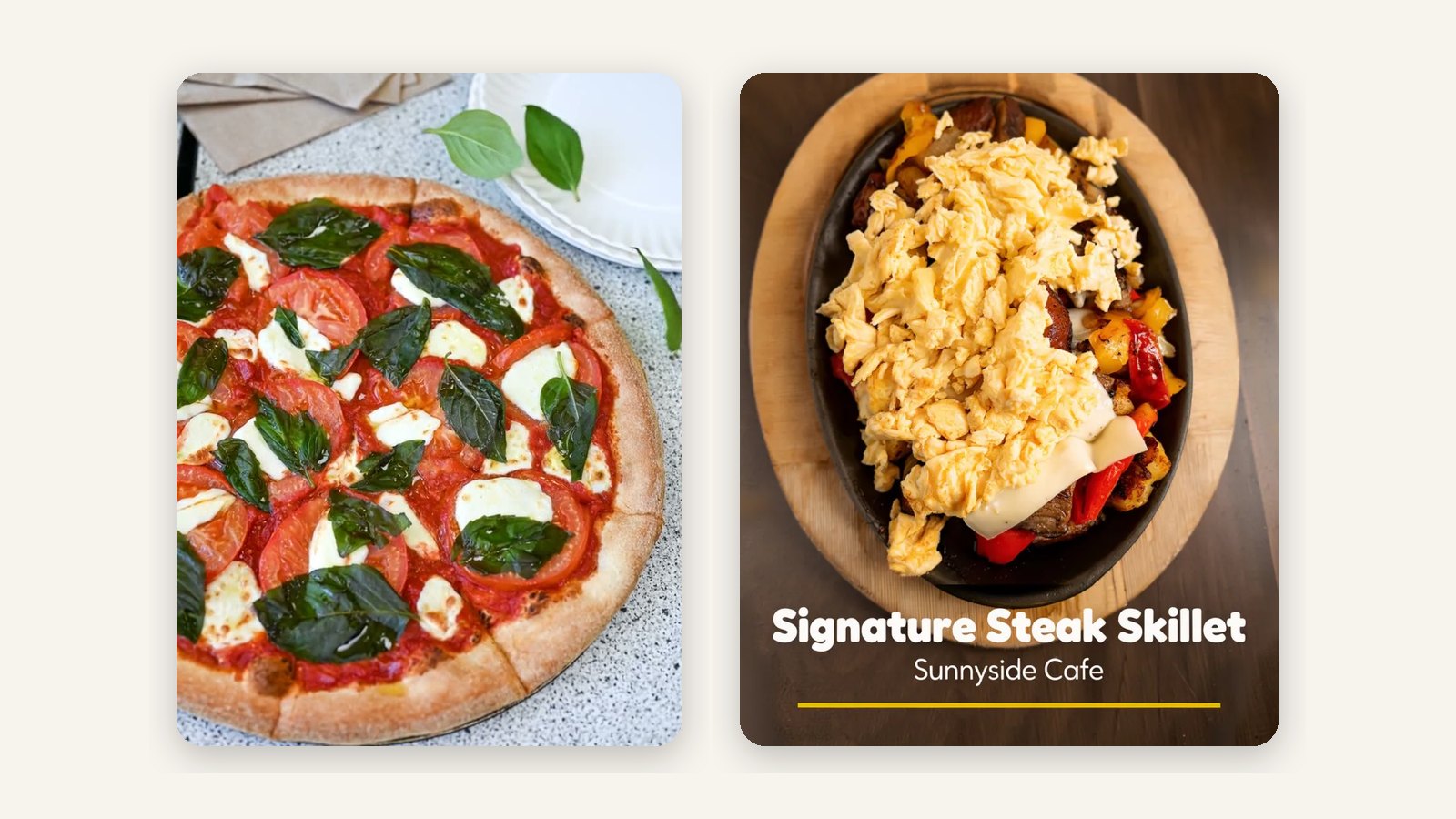
- Fill the frame with the dish. Overhead for pizza and bowls, about 45 degrees for burgers and drinks.
- Shoot within a minute of plating, while there's steam and the cheese is still soft.
- For video, hold one simple move for three to five seconds: a slow push in, a pour, a cut.
- Shoot vertical (9:16) for Reels, TikTok and Stories; you can crop to square later.
- Keep a folder of your 20 best shots so there's always something ready on a busy day.
Captions that make people order
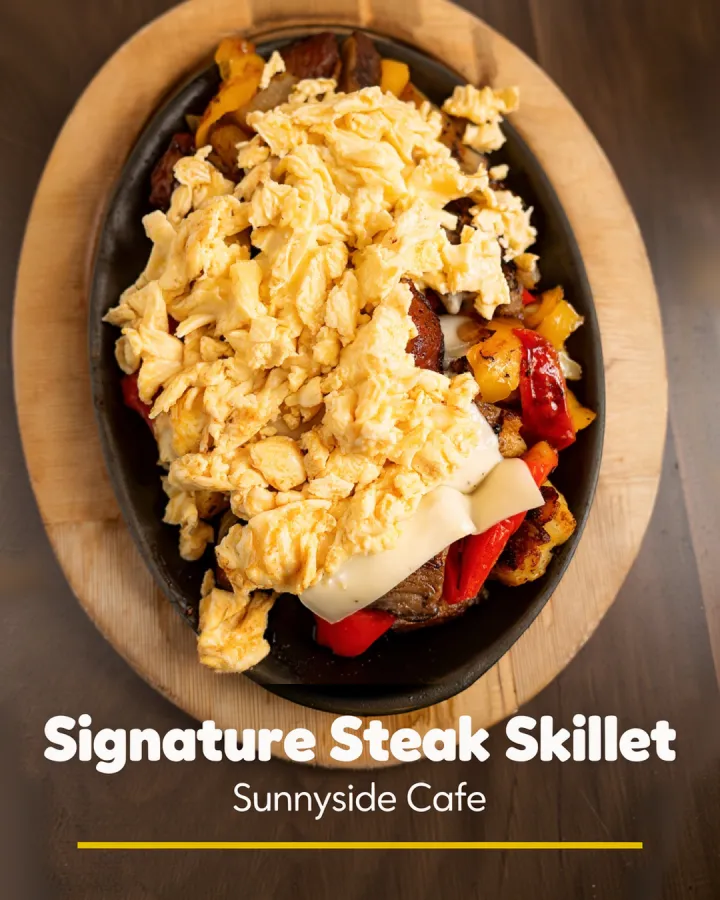
- Lead with the dish and one detail: "Brisket, smoked 14 hours."
- Give a reason to act now: tonight only, back this weekend, until we sell out.
- Tell people how to order: the link in bio, the order button on your Google profile, or the phone number.
- Keep it short. The photo does the selling; the caption closes it.
- Use a few local hashtags (your neighborhood, your city) rather than a wall of generic ones.
Social media advertising for restaurants
Organic posts reach people who already follow you. Paid social reaches the people nearby who don't. The ads that work for restaurants are short vertical videos of real dishes, shown to people within a few miles, with a clear offer or reason to come in and a link to order.
Start with two ad sets: one for new people in your delivery radius, and one retargeting people who visited your site or engaged with your posts. Refresh the video every couple of weeks, and judge ads by orders and new guests, not likes.
Social media management for restaurants: three options
Whichever you choose, keep two things in your own hands: the photos of your real food and the final say on what goes out.
| Option | Your time | Best for |
|---|---|---|
| Do it yourself | A few hours a week | Owners who enjoy it and have a steady phone habit |
| Hire an agency or freelancer | An hour a week for approvals | Multi-location groups with a marketing budget |
| Use Servestack Studio | Minutes a week to approve | Owners who want posts made from their own photos and menu, $49/month with 600 credits |
How to set up restaurant social media in a week
- Fix your profilesSame name, logo, hours and order link on Instagram, Facebook, TikTok and Google Business Profile.
- Shoot a photo bankDuring one service, shoot your ten best-selling dishes by the window. Add a few short videos.
- Write a weekly planPick the days and formats from the plan above and put them in your calendar.
- Schedule the first two weeksWrite captions with an order link and schedule them, so a busy week doesn't break the streak.
- Add the order link everywhereLink in bio, Google Business Profile order button, and every Story with a special.
- Review after a monthCheck which posts brought clicks and orders, and do more of those.
How to measure restaurant social media
- Orders from your link in bio and Google profile (use a separate link for each).
- New followers from within your delivery area, not total followers.
- Saves and shares: people saving a dish for later is a strong signal.
- Profile actions on Google: calls, directions and order clicks.
- For ads: cost per order and cost per new guest.