Updated October 2, 2026 · 13 min
Good restaurant menu design does two jobs at once: it helps a hungry guest decide quickly, and it steers that decision toward the dishes you most want to sell. Neither needs a designer. It needs the right layout for the size of your menu, clear sections, short descriptions and prices that don't shout. This guide covers the menu design rules that matter, layouts by menu size and restaurant type, and a real example.
How guests actually read a menu
Guests don't read a menu top to bottom. They scan: section headings first, then the first few dishes in each section, then anything that stands out because of space, a box or a photo. Most decide in a couple of minutes, and the longer and denser the menu, the more they fall back on something familiar.
You'll often hear about the "golden triangle", the idea that eyes go to the middle, then the top right, then the top left. Eye-tracking studies don't agree on a single path, so don't design around it. What holds up is simpler: people notice the start of each section, items set apart with space, and anything that breaks the pattern of the page.
Design for the scan: clear section headings, your best dishes first and last in each section, and space around what you want people to notice.
Choose the menu layout by menu size
The size of the menu decides the format before any design choice does. Use this as a starting point:
| Dishes | Format | Size | Works for |
|---|---|---|---|
| Up to 15 | Single panel or table tent | 4 x 6 in to 8.5 x 11 in | Food trucks, specials, drinks |
| 15–30 | One-page menu | 8.5 x 11 in | Cafés, bistros, counter service |
| 30–50 | Two-page menu or trifold | 8.5 x 11 in x 2, or 14 x 8.5 in | Full-service restaurants, takeout menus |
| 50+ | Split menus | Separate lunch, dinner and drinks | Large menus; consider cutting first |
| Counter / wall | Menu board or poster | 18 x 24 in | Pizzerias, cafés, quick service |
15 menu design rules that work
- Keep it short. A focused menu is easier to choose from and easier for the kitchen to execute.
- Group dishes the way guests order: starters and shares, mains, sides, desserts, drinks.
- Put your highest-margin dishes first and last in each section, where attention lands.
- Give each section five to seven dishes; split a longer section in two.
- Write one line of description per dish: the main ingredient and one detail of how it's made.
- Name dishes plainly. Guests should know what they're ordering without asking.
- Drop the dollar signs and the cents: write 16, not $16.00.
- Don't line prices up in a right-hand column with dot leaders; it invites price shopping.
- Use space, not boxes, to highlight a dish. One highlighted dish per section at most.
- Use two typefaces at most: one for headings, one for everything else.
- Make the type big enough to read in a dim room: around 11 pt for descriptions on a printed menu.
- Mark dietary information with a short, consistent key (V, VG, GF) instead of icons everywhere.
- Show photos sparingly on a printed menu: a few hero dishes, not a picture next to every item.
- Keep the same names, descriptions and prices on your printed menu and your online menu.
- Reprint when prices change. A crossed-out price costs more trust than a reprint costs money.
Menu pricing and description design
How you show a price changes how guests read it. Research from Cornell's School of Hotel Administration found that guests spent more when menu prices had no dollar sign, so write prices as plain numbers placed right after the description rather than in a column.
Descriptions sell when they're specific. "Roast chicken, herb jus, crushed potatoes" tells a guest what's on the plate; "Our delicious famous chicken" tells them nothing. Lead with the ingredient guests are choosing, add one detail of technique or origin, and stop.
| Instead of | Write |
|---|---|
| $18.00 | 18 |
| Delicious homemade lasagna | Lasagna, beef and pork ragù, béchamel |
| Famous wings ............ $14.95 | Wings, buffalo or honey-garlic 14 |
| Chef's amazing burger | Smash burger, two patties, American cheese, pickles |
Menu design ideas by restaurant type
| Restaurant | Layout | What to feature |
|---|---|---|
| Pizzeria | One page or menu board; pizzas first | Sizes in a small grid, specialty pies, half-and-half |
| Café | One page; drinks first | Coffee and tea, then breakfast and pastries |
| Full-service | Two pages or a trifold | Starters, mains, a short dessert list |
| Bar | One page, drinks only | Signature cocktails first, then wine and beer |
| Food truck | Single board | Four to eight dishes, add-ons, today's location |
| Brunch | One page | Sweet, savory and drinks, with the hours on top |
How to design a restaurant menu in six steps
- List every dish and priceStart from your POS or current menu. Cut dishes that don't sell or slow the kitchen down.
- Group dishes into sectionsSort them the way guests order, and keep each section to five to seven dishes.
- Order dishes inside each sectionPut your best-margin, best-loved dishes first and last; the rest go in between.
- Write short descriptionsOne line per dish: the main ingredient and one detail. Write prices as plain numbers.
- Pick the format and layoutChoose one page, two pages, a trifold or a board from the size of the menu.
- Proof, print and publish onlineCheck every price against your POS, print it, and put the same menu on your ordering site.
A real example: Sunnyside Cafe's trifold menu
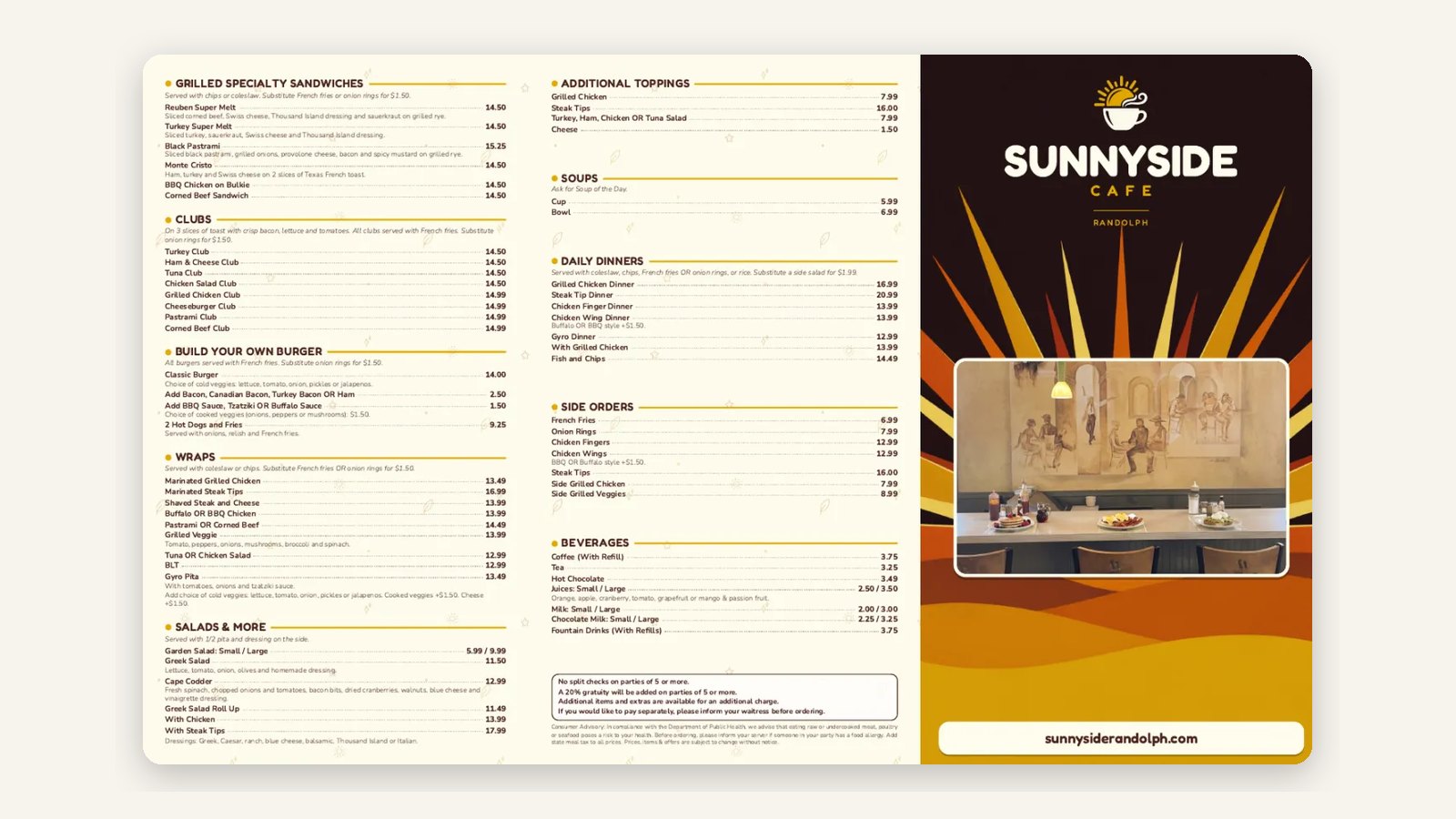
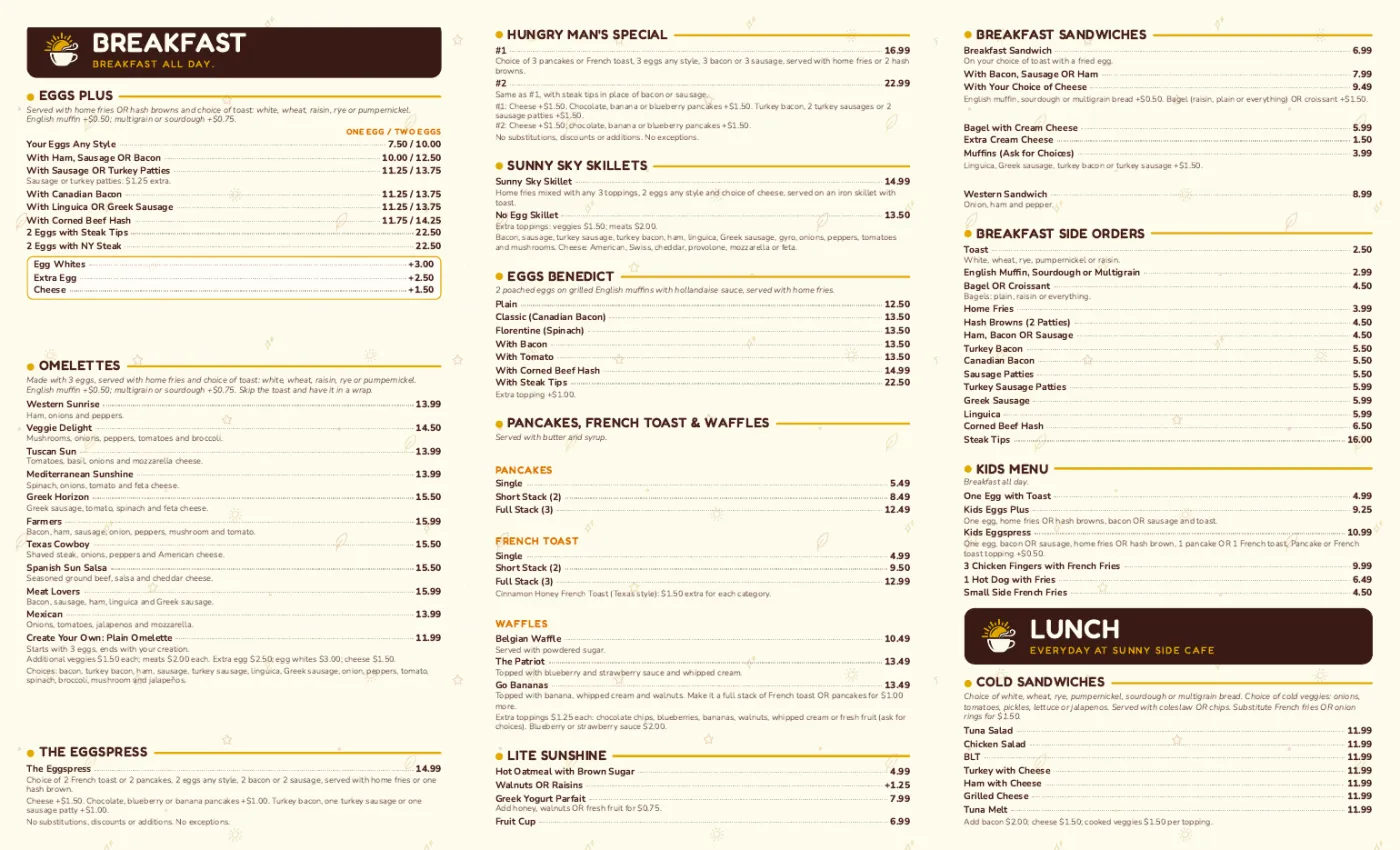
Sunnyside Cafe in Randolph, MA, uses a 14 x 8.5 in trifold for takeout. The inside spread carries breakfast and lunch, each section with its own heading and short descriptions; the outside carries the cover, hours and contact details. It was laid out in Servestack Studio from the cafe's existing menu, with every price checked before printing.
Printed menu design vs. online menu design
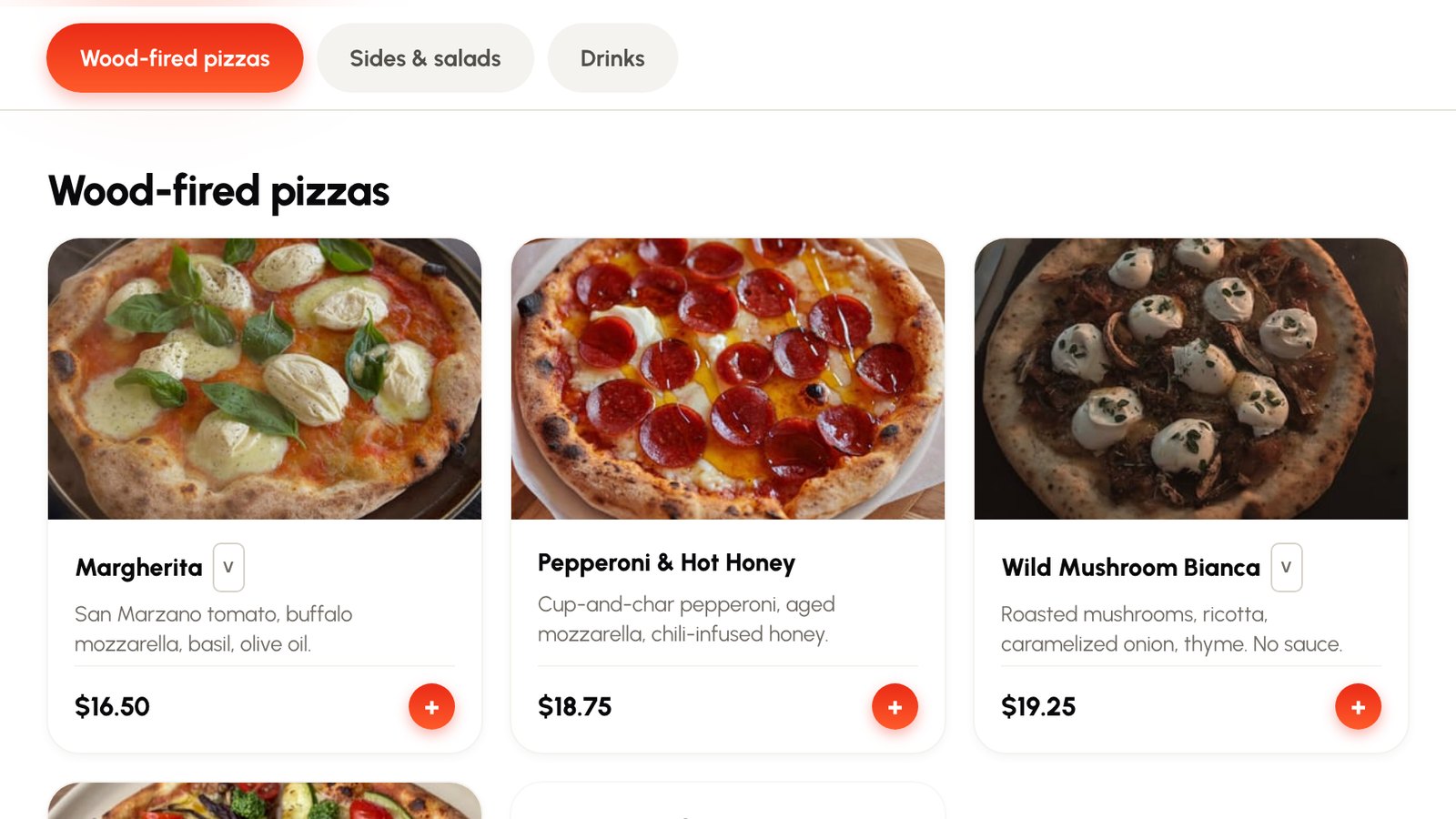
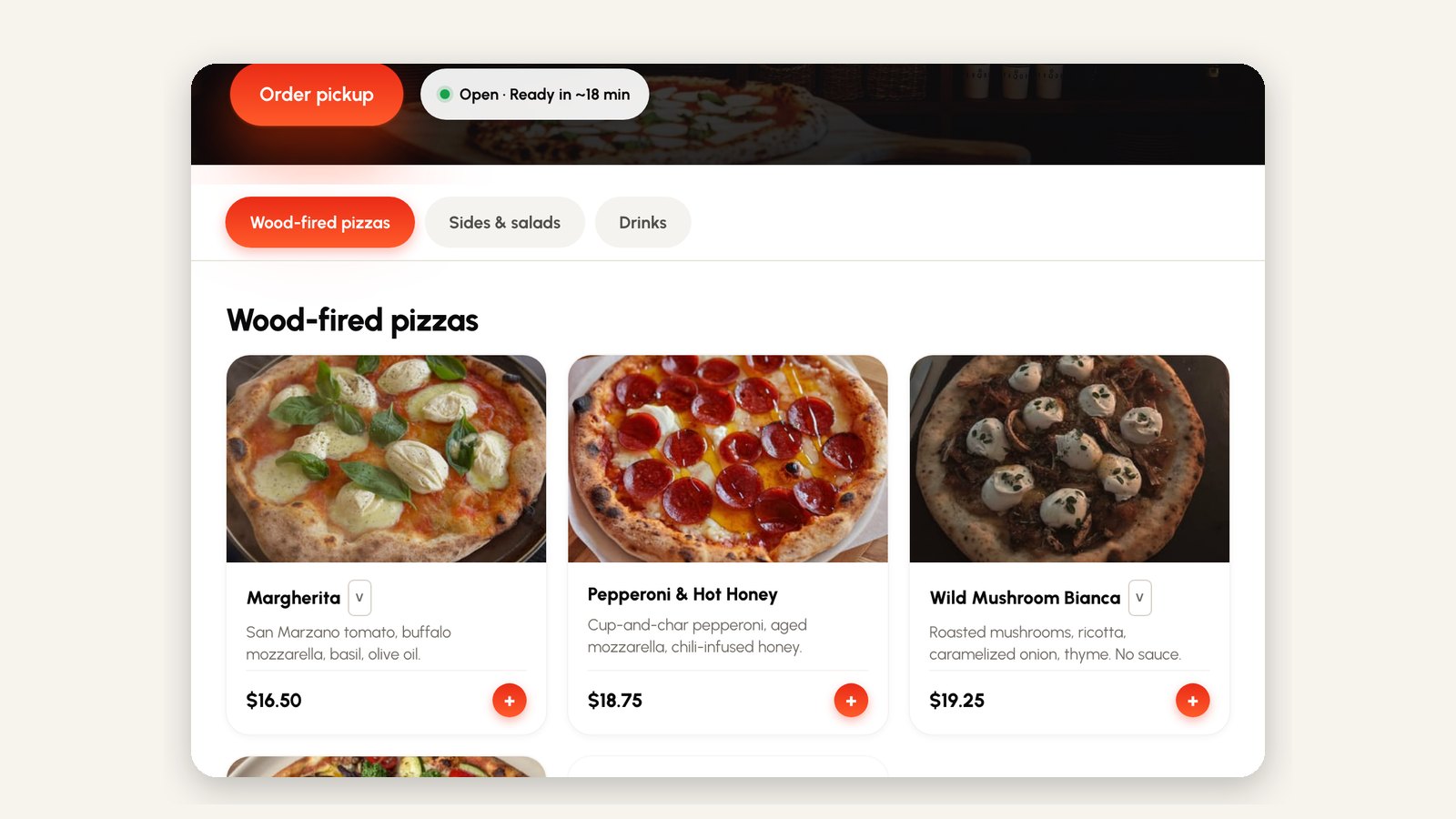
Your printed menu and your online menu should say the same thing, but they're designed differently. On paper, space and order do the selling. Online, guests scroll on a phone, so every dish you want to sell should have a photo, and the menu should take the order instead of only describing it.
Keep one source of truth: change a price once and have it flow to the printed menu, the online ordering menu and your social posts. That's the easiest way to stop menus drifting out of date.