Updated October 2, 2026 · 11 min
Good restaurant website design isn't about animation or a full-screen video. People visit a restaurant website to answer four questions: are you open, what's on the menu, where are you, and can I order or book now. A site that answers those in seconds on a phone, and lets people order on the spot, beats a beautiful one that doesn't. Here are the 12 things every restaurant site needs.
The 12 things every restaurant website needs
- Hours and address in the first screen, matching your Google Business Profile.
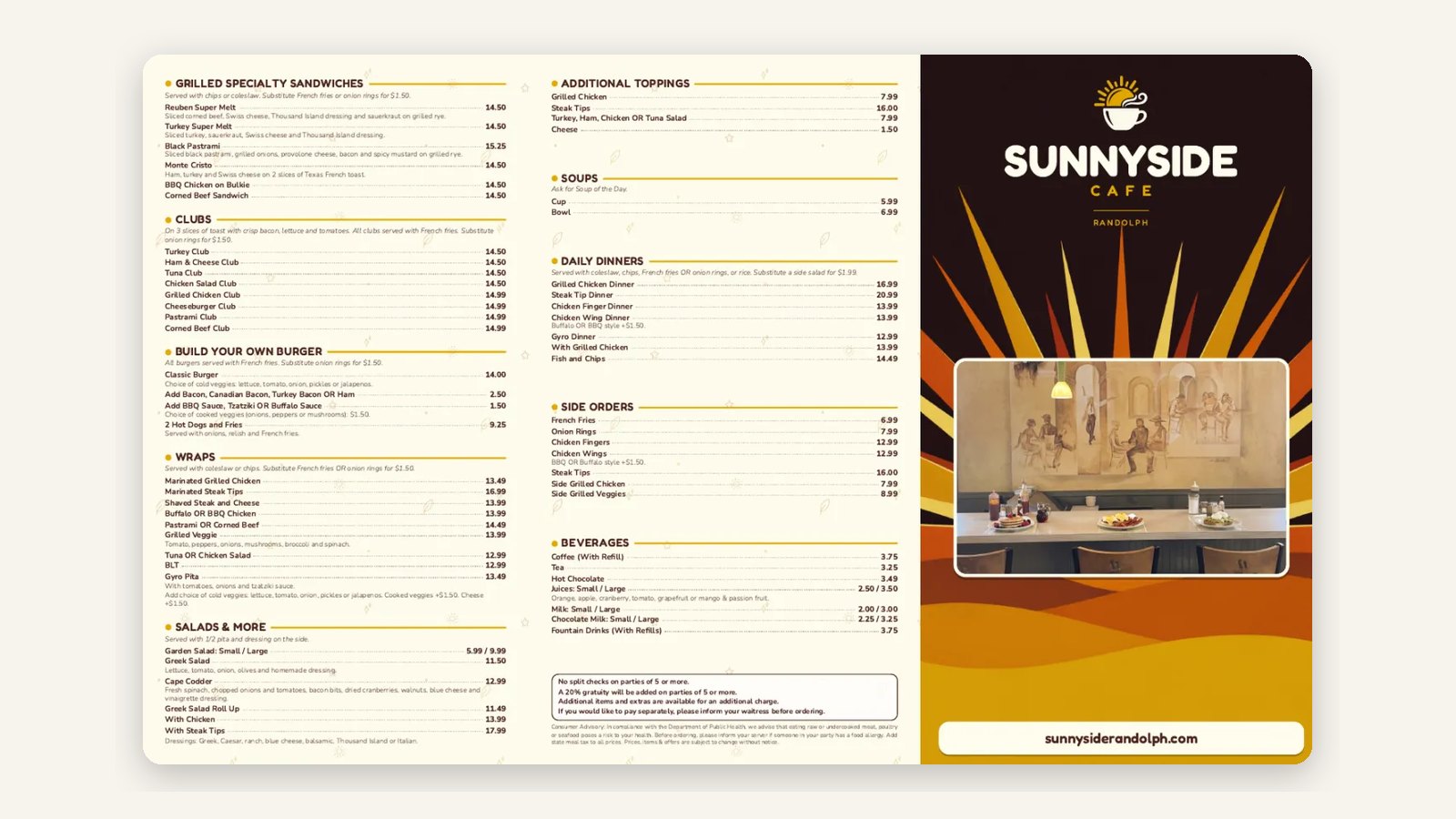
- A menu on real web pages, not a PDF, so it works on a phone and Google can read it.
- Online ordering on your own domain, built into the menu.
- A phone number guests can tap to call.
- Real photos of your dishes and your room.
- A clear button for the main action: order, book or call.
- A map and directions, with parking or transit notes.
- Fast loading on a phone, even on a weak signal.
- Restaurant schema (name, address, hours, menu) so search engines understand the page.
- A short story: who you are and what you're known for.
- Pages for catering, private events or gift cards if you offer them.
- Accessible design: readable text, enough contrast, alt text on photos.
Page-by-page restaurant website design
| Page | Must have |
|---|---|
| Home | Hours, address, order or book button, three hero dishes |
| Menu | Every dish as text with prices, photos for best-sellers, order buttons |
| Order | Pickup and delivery, modifiers, saved details, Apple Pay and Google Pay |
| About | Your story, the team, what makes the food yours |
| Catering / events | Packages, minimums, lead times, an order or inquiry form |
| Contact / location | Map, phone, hours, parking |
Why the menu should be a web page, not a PDF
PDF menus are hard to read on a phone, slow to load, and often out of date because updating them means redesigning the file. A menu written as web pages loads fast, resizes for any screen, can be read by search engines dish by dish, and can take an order directly. If you have a printed menu, keep it, and make the website menu the same content in a form built for phones.
Restaurant website with online ordering vs. an order button
Many restaurant websites have an "Order online" button that sends guests to a marketplace or a third-party page. Every click that leaves your site is a chance for the guest to see a competitor, and every marketplace order carries a commission. When ordering is built into the site, the menu page is the checkout, the order lands in your POS, and the guest's details stay with you.
Mobile and speed checklist
- Tap targets big enough for a thumb, with the main button reachable without scrolling.
- Images compressed and sized for phones.
- No pop-ups covering the menu or hours.
- Text readable without zooming: about 16 px for body copy.
- Test the whole order flow on your own phone over cellular data.
Local SEO for restaurant websites
- Use the same name, address and phone on your site, Google Business Profile, Yelp and Apple Maps.
- Add Restaurant schema with hours, address, cuisine and a menu link.
- Write a page title with your cuisine and neighborhood: "Wood-fired pizza in Quincy, MA".
- Link your Google Business Profile's order and menu buttons to your own site.
- Ask happy guests for Google reviews and reply to every one.
Restaurant website design example
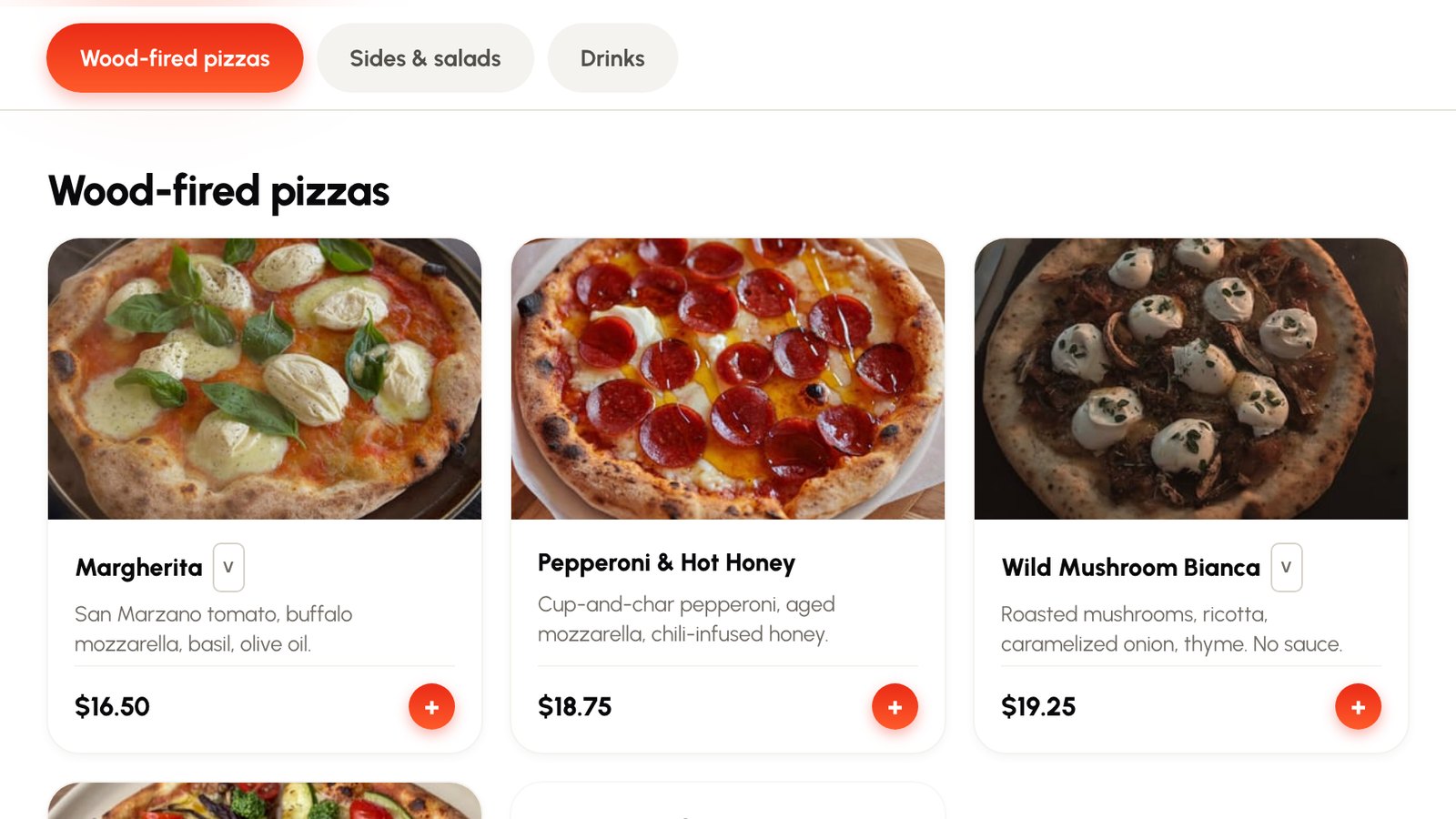
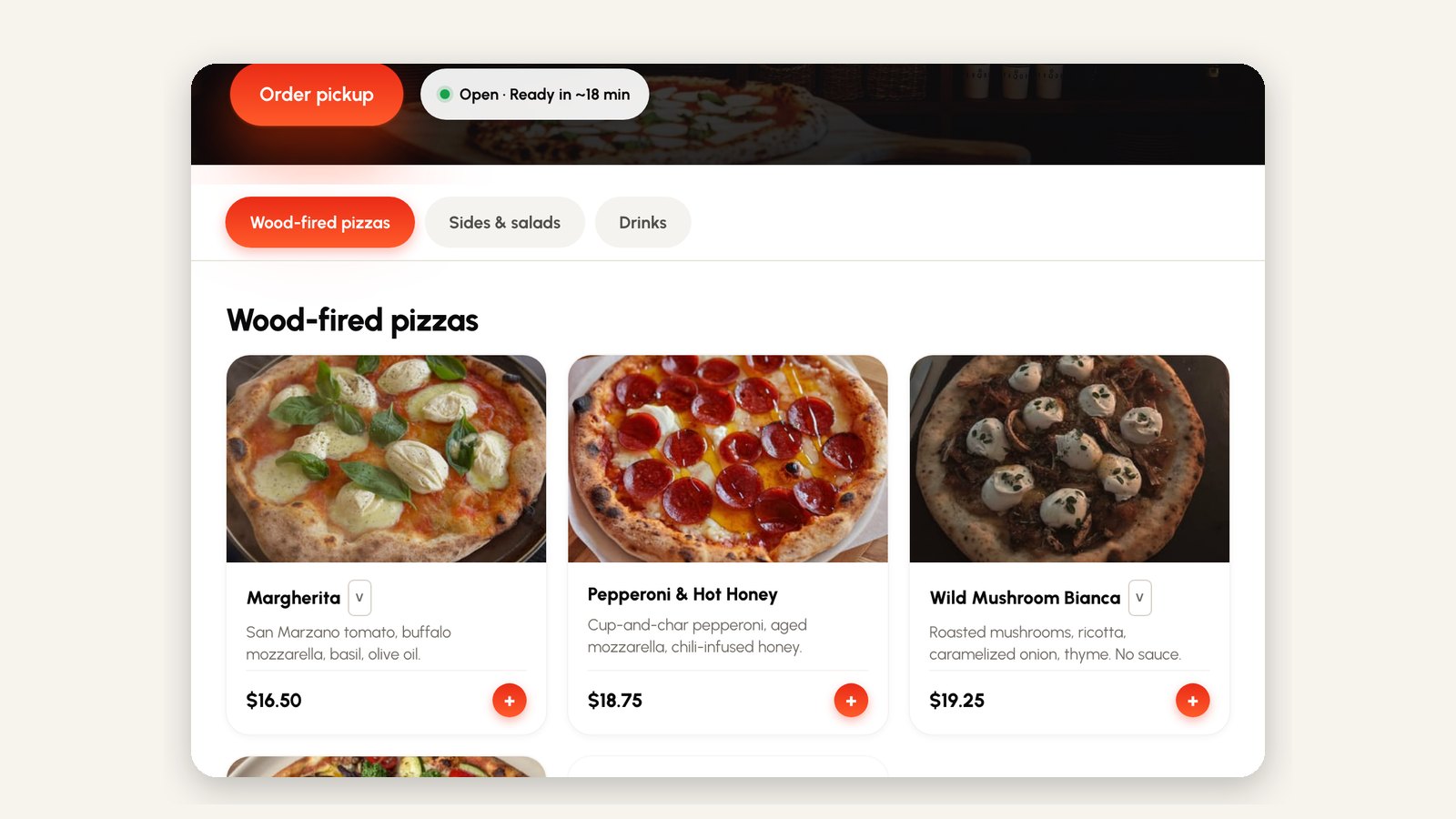
The image at the top of this guide is the Servestack demo storefront for Flour & Flame, a fictional pizzeria. The order button and the open status sit in the first screen, the menu is real web pages grouped by section, and every dish has a photo, a short description, a price and an add button. You can try it at servestack.ai/demo-restaurant.
How to redesign a restaurant website
- Check what guests do nowLook at which pages get visits and where people drop off, and ask regulars what they look for.
- Collect the factsCurrent menu and prices, hours, photos, logo and colors, and every page you want to keep.
- Plan the pagesUse the page-by-page list above; cut anything that doesn't help people order, book or visit.
- Build ordering inPut online ordering on your own domain, synced to your POS.
- Keep your rankingsRedirect old page addresses to the new ones so you don't lose search traffic.
- Test on a phone and launchOrder something end to end on cellular data, fix what's slow, then switch over.